Appearance
Updating Core Plugin
The Asli Core Plugin is an essential component of the theme, extending its functionality with custom Elementor widgets, extensions and performance optimizations. Keeping it updated is important for several reasons:
✅ Bug Fixes & Security Patches
Updates often contain fixes for reported issues and security vulnerabilities.
✅ New Features & Enhancements
The core plugin is regularly improved to introduce new options and functionality.
✅ Theme Compatibility
Ensures seamless integration with the latest version of the Asli theme.
✅ Performance Optimizations
Updates may enhance performance, reduce resource usage, and improve page load times.
✅ WordPress & Elementor Compatibility
Helps maintain compatibility with the latest WordPress and Elementor versions.
💡 Best Practice
Always update the Asli Core Plugin whenever you update the theme to prevent compatibility issues.
Update from WordPress Admin Panel
From time to time (or immediately after a theme update), you will receive a notification to update the Asli Core Plugin. The reminder may appear in different places:
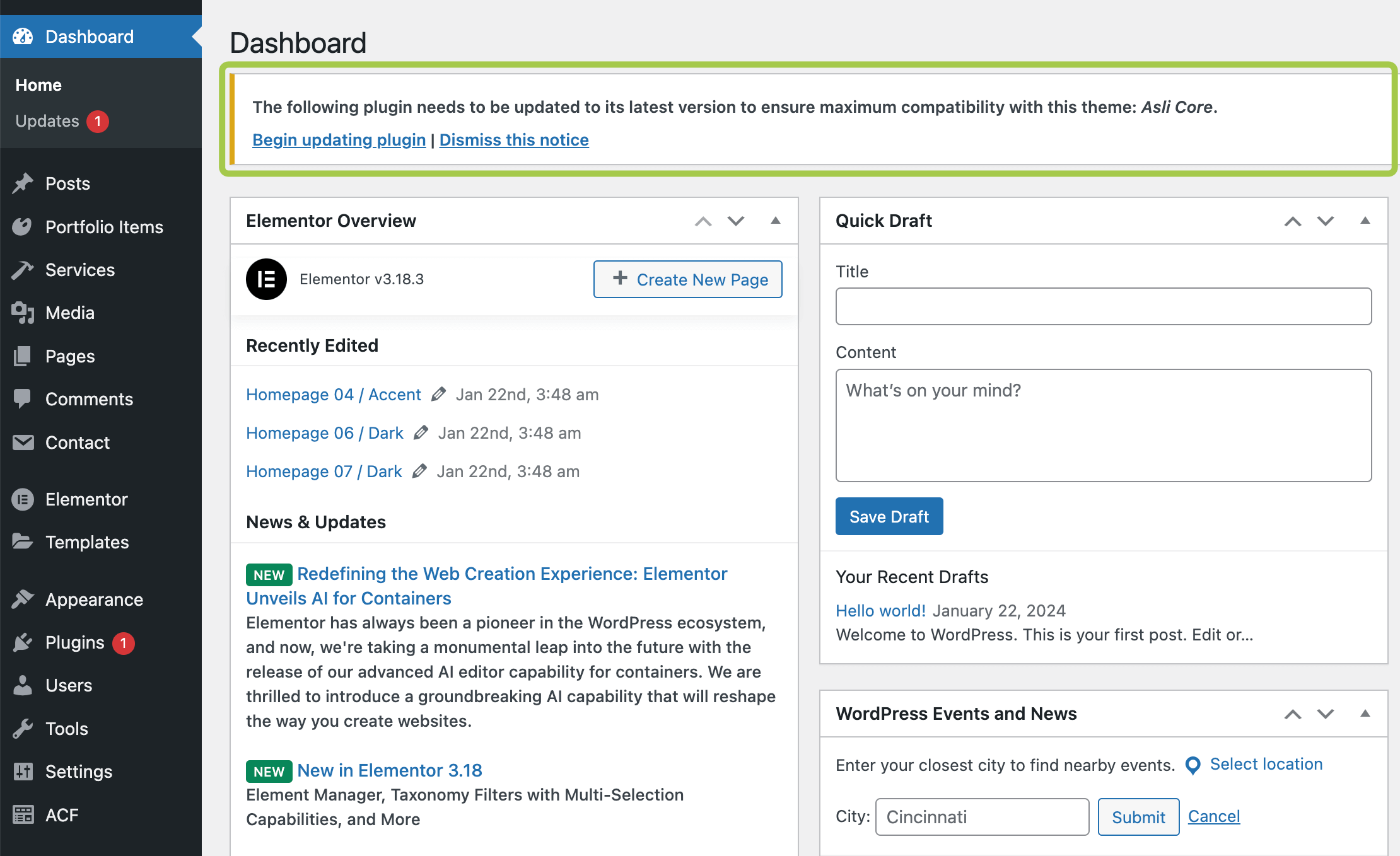
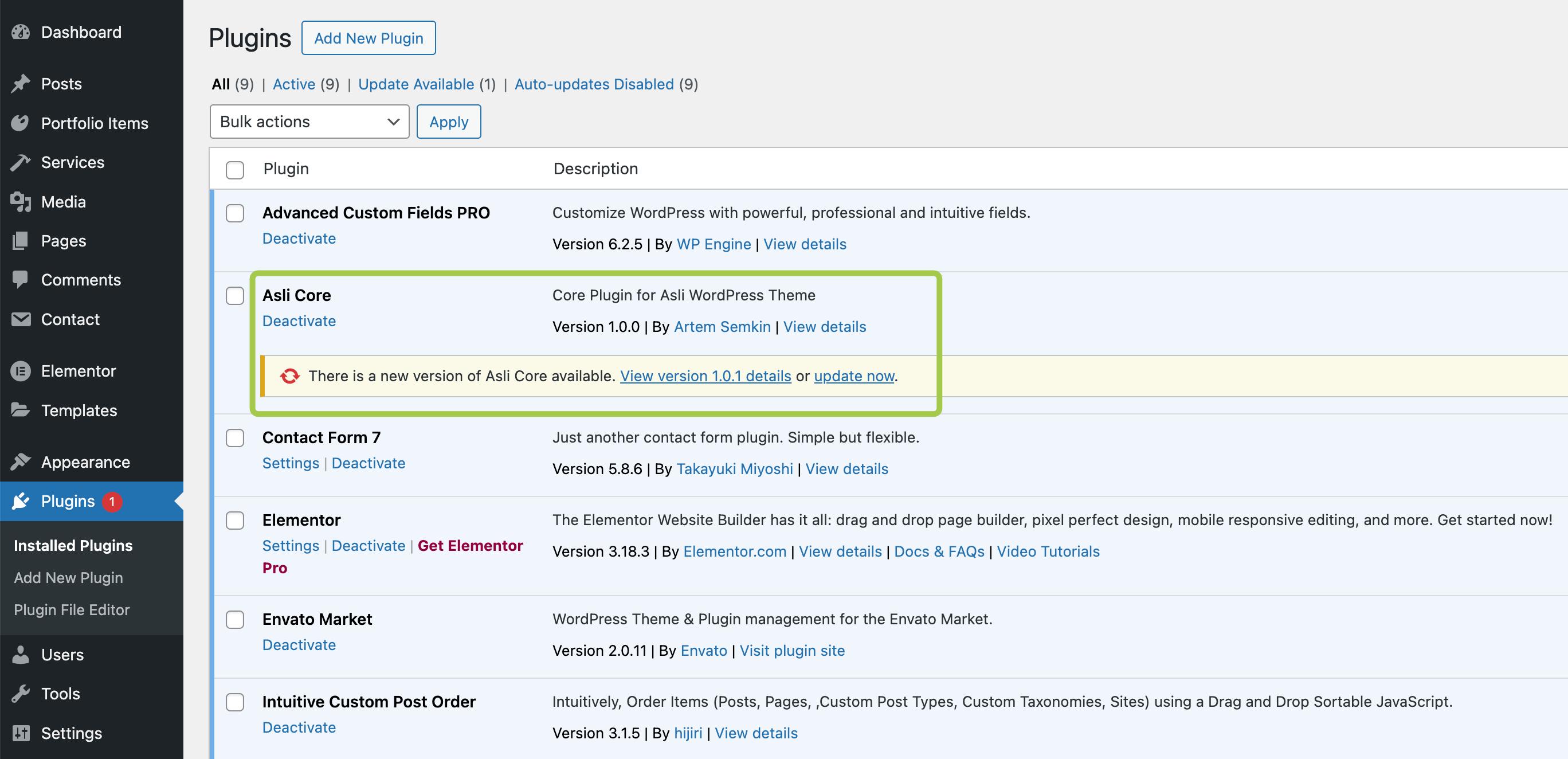
Plugins -> Installed Plugins section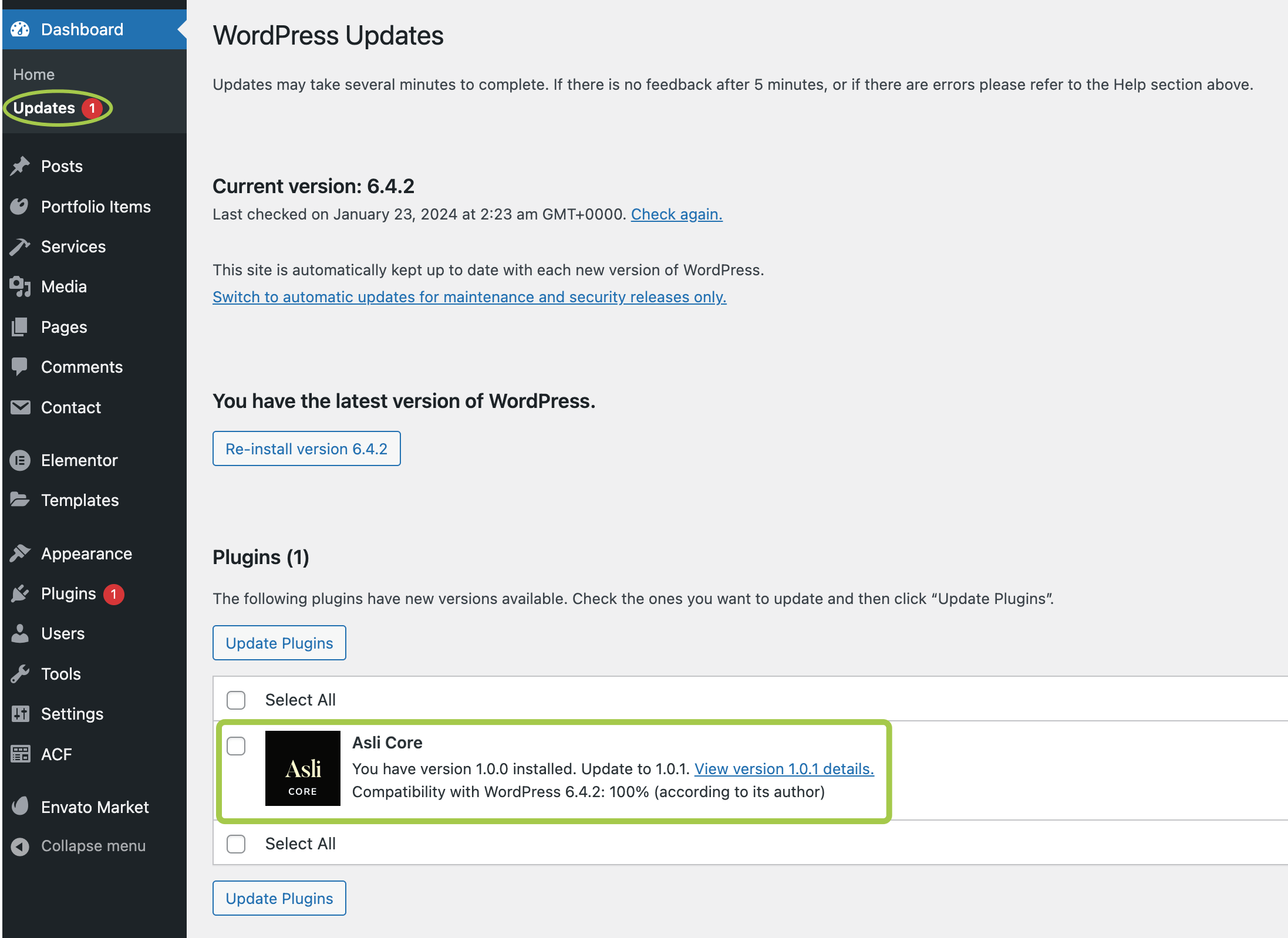
Dashboard -> Updates sectionSince the core plugin is an essential part of the theme, it is crucial to keep it updated. Simply click Update now in the notification and wait for the update to complete.
Offline Update
If the core plugin update fails for any reason, you can update it manually using the following steps:
▶️ Step 1.
Download the theme files from your ThemeForest account. Choose the All Files & Documentation option.

▶️ Step 2.
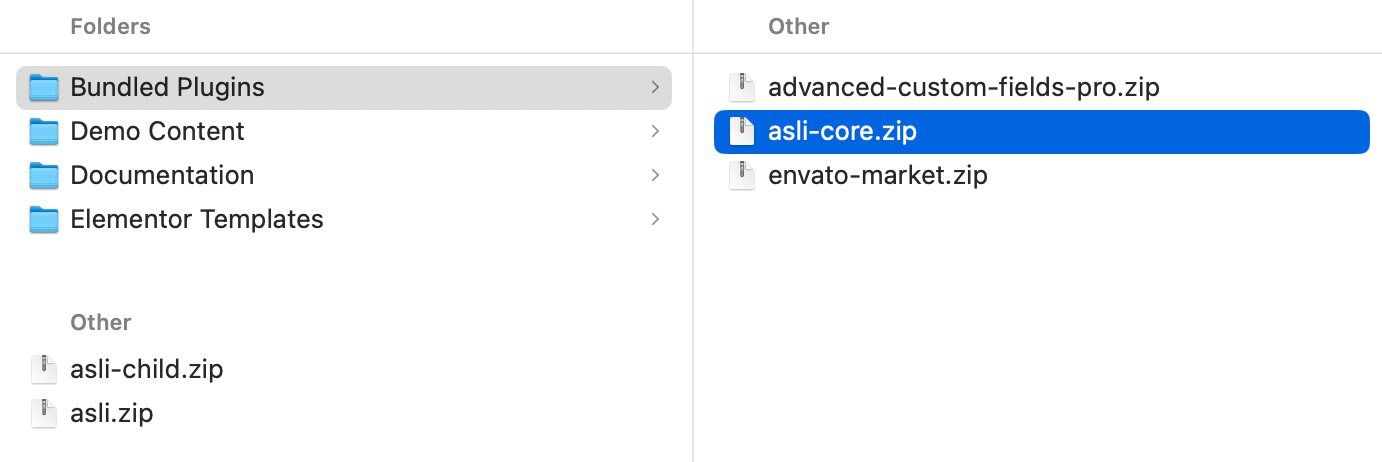
Unzip the downloaded archive. Inside the 📁 Bundled Plugins folder, locate the 📄 asli-core.zip file.
▶️ Step 3.
Upload the updated plugin archive to the Plugins section in your WordPress admin panel. Agree to replace the existing plugin version when prompted.
Enabling Automatic Updates
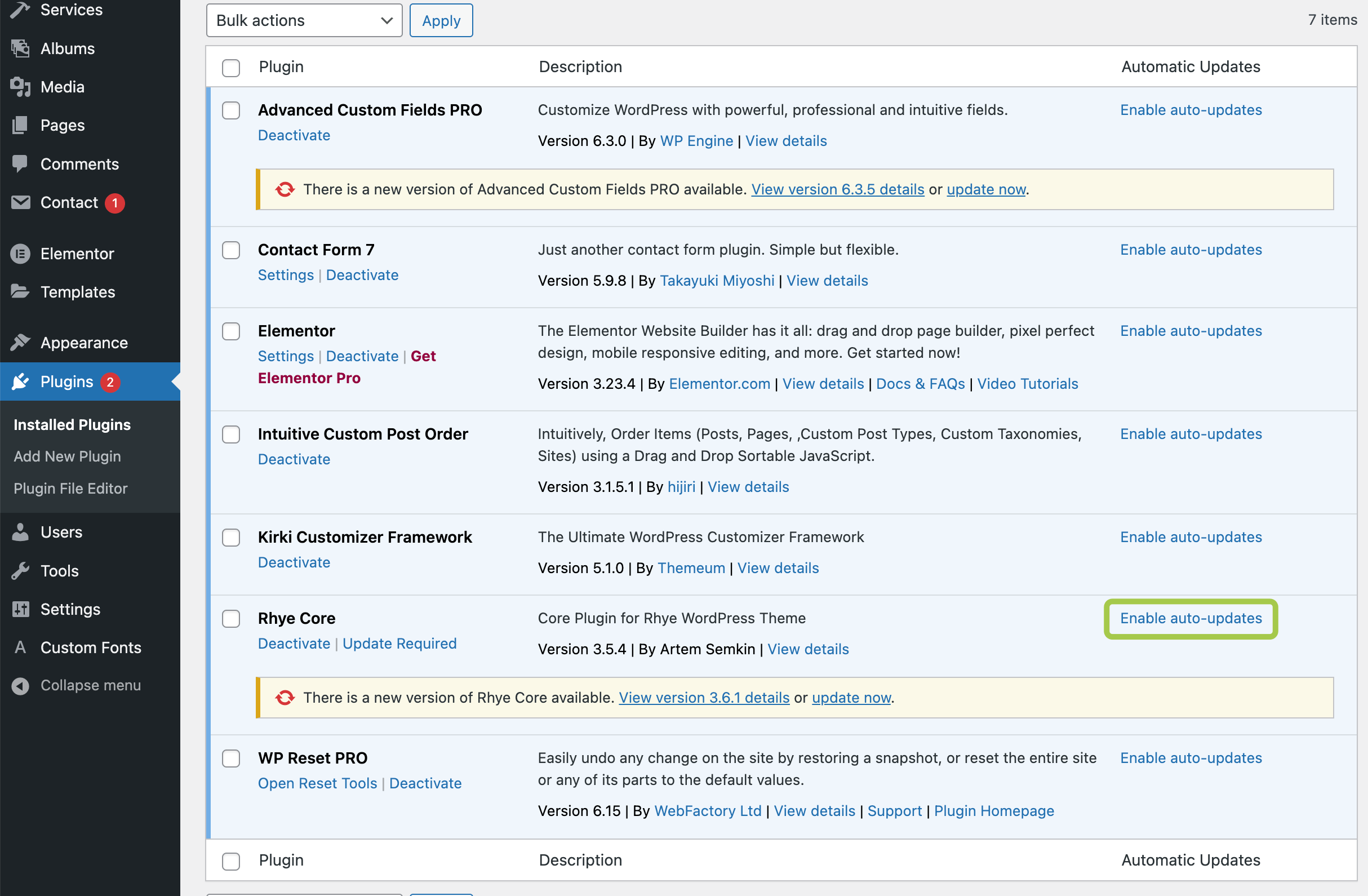
To ensure compatibility with the latest WordPress version and the theme, it is recommended to enable automatic updates for the core plugin: