Appearance
Theme Installation
There are two ways to install WordPress themes: using the WordPress admin panel or via FTP upload. The first method is the simplest for most users. Let’s go through it.
Installing via WordPress Panel
Follow these steps to install the theme through the WordPress admin panel:
▶️ Step 1.
Navigate to Appearance → Themes and click Add New Theme.

▶️ Step 2.
Click Upload Theme.

▶️ Step 3.
Select your downloaded theme file 📄 asli.zip and click Install Now.

Installing via FTP Upload
To install the theme via FTP, follow these steps:
▶️ Step 1.
Extract the 📄 asli.zip file that you downloaded. You should get a folder named 📁 asli with various files and subfolders.

▶️ Step 2.
Use an FTP client (such as Cyberduck) to log in to your server.
▶️ Step 3.
Navigate to the 📁wp-content/themes/ directory in your WordPress installation.

▶️ Step 4.
Upload the extracted theme folder into 📁wp-content/themes/.

Theme Activation
Once the installation is complete, activate the theme by going to Appearance → Themes.
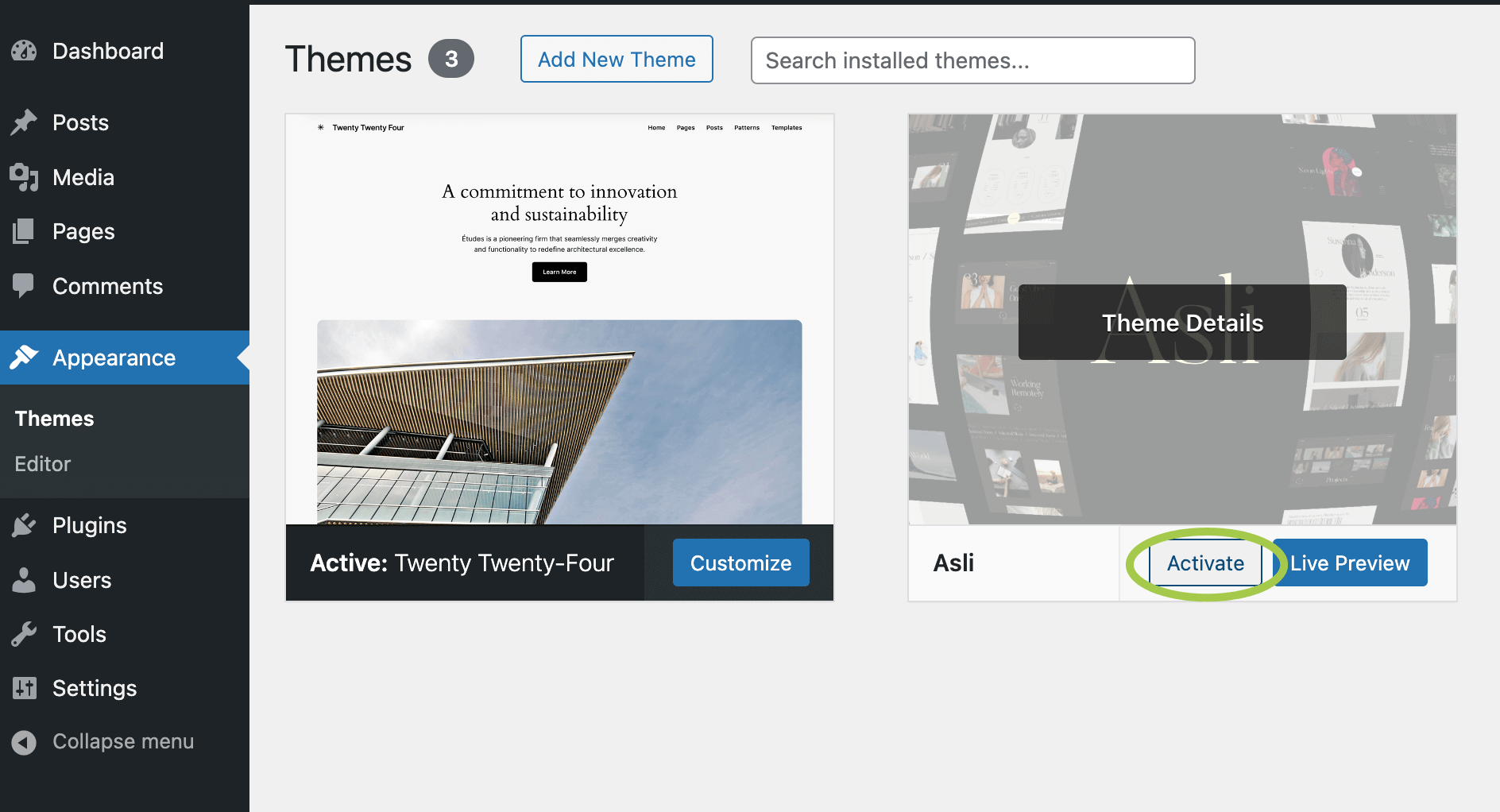
Activate button