Appearance
Customizing Theme Colors
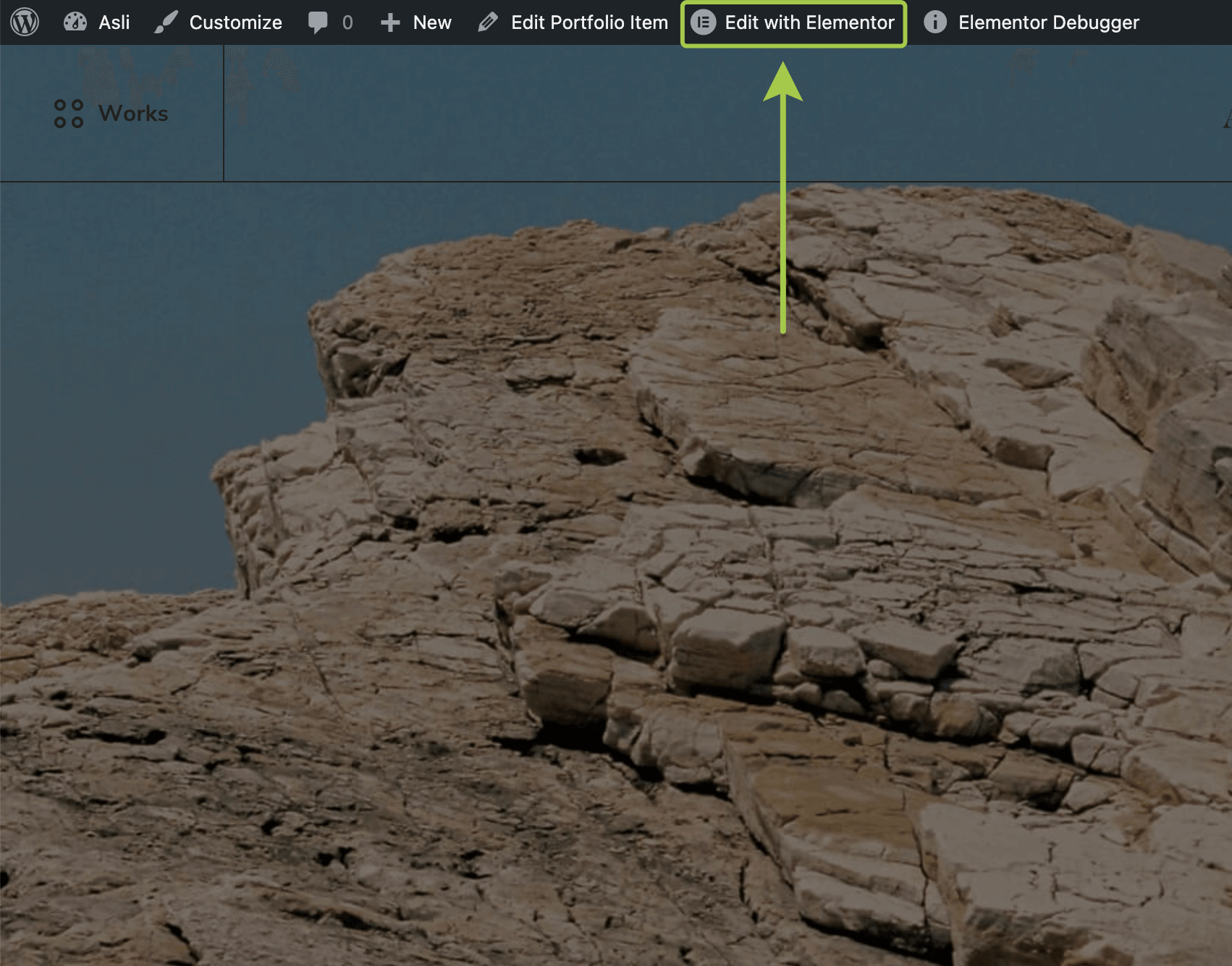
▶️ Step 1.
Open any site page or post and enter the Elementor editor by clicking Edit with Elementor in the admin bar.
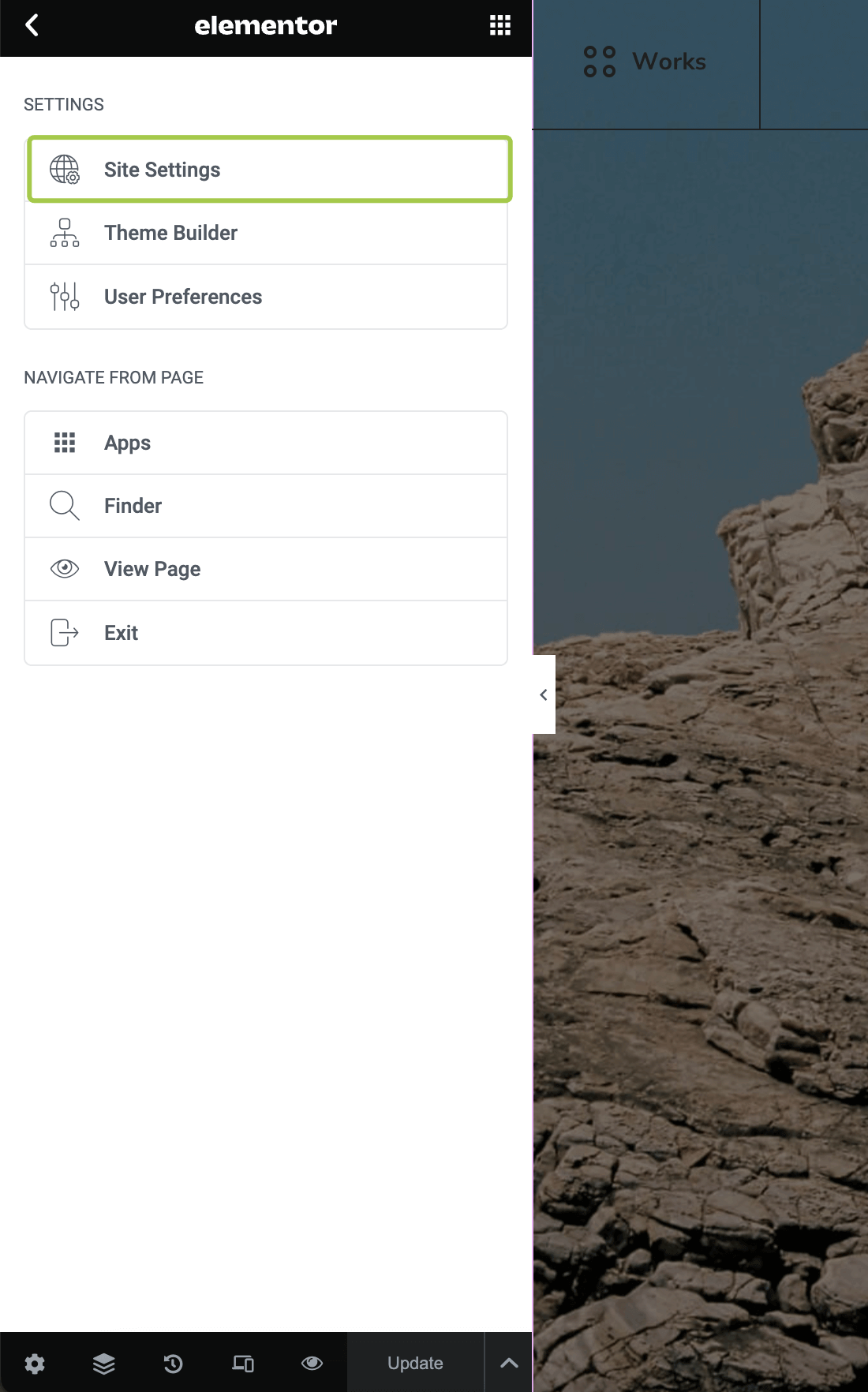
▶️ Step 2.
Click the Burger icon in the top left corner.

▶️ Step 3.
Go to the Site Settings panel.
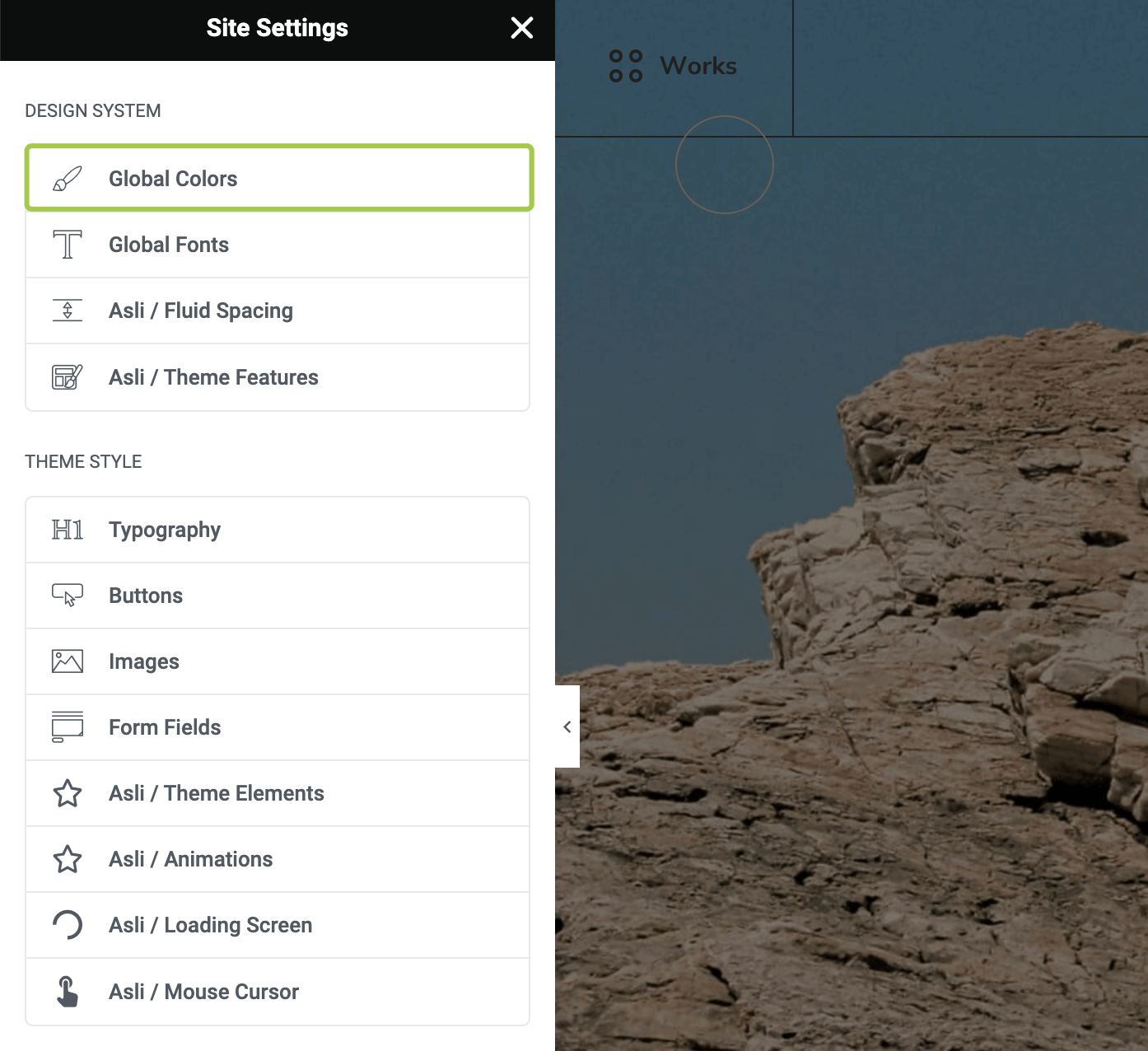
▶️ Step 4.
Navigate to the Global Colors panel.
▶️ Step 5.
You can customize the existing color presets or add your own custom colors.

Using Color Presets in Widgets
All theme widgets provided by the Asli Core Plugin have a unified color customization section.
When editing a widget in Elementor, click Style and locate the Typography & Colors section.
