Appearance
Accessing Theme Builder
The theme’s global parts—such as the header, footer, and post templates—are all editable using Elementor's Theme Builder. You can access Theme Builder in multiple ways:
Via Elementor Editor
▶️ Step 1.
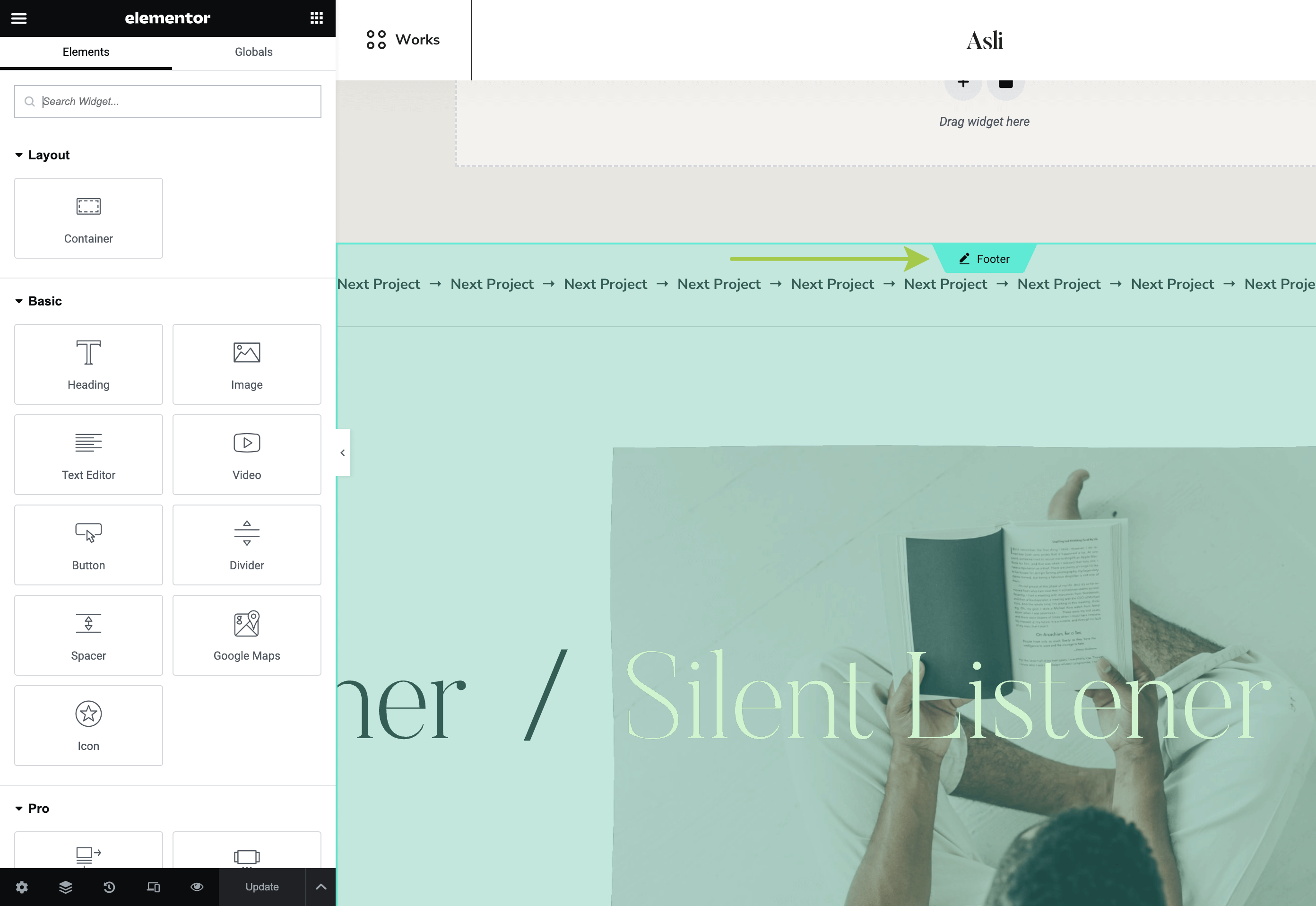
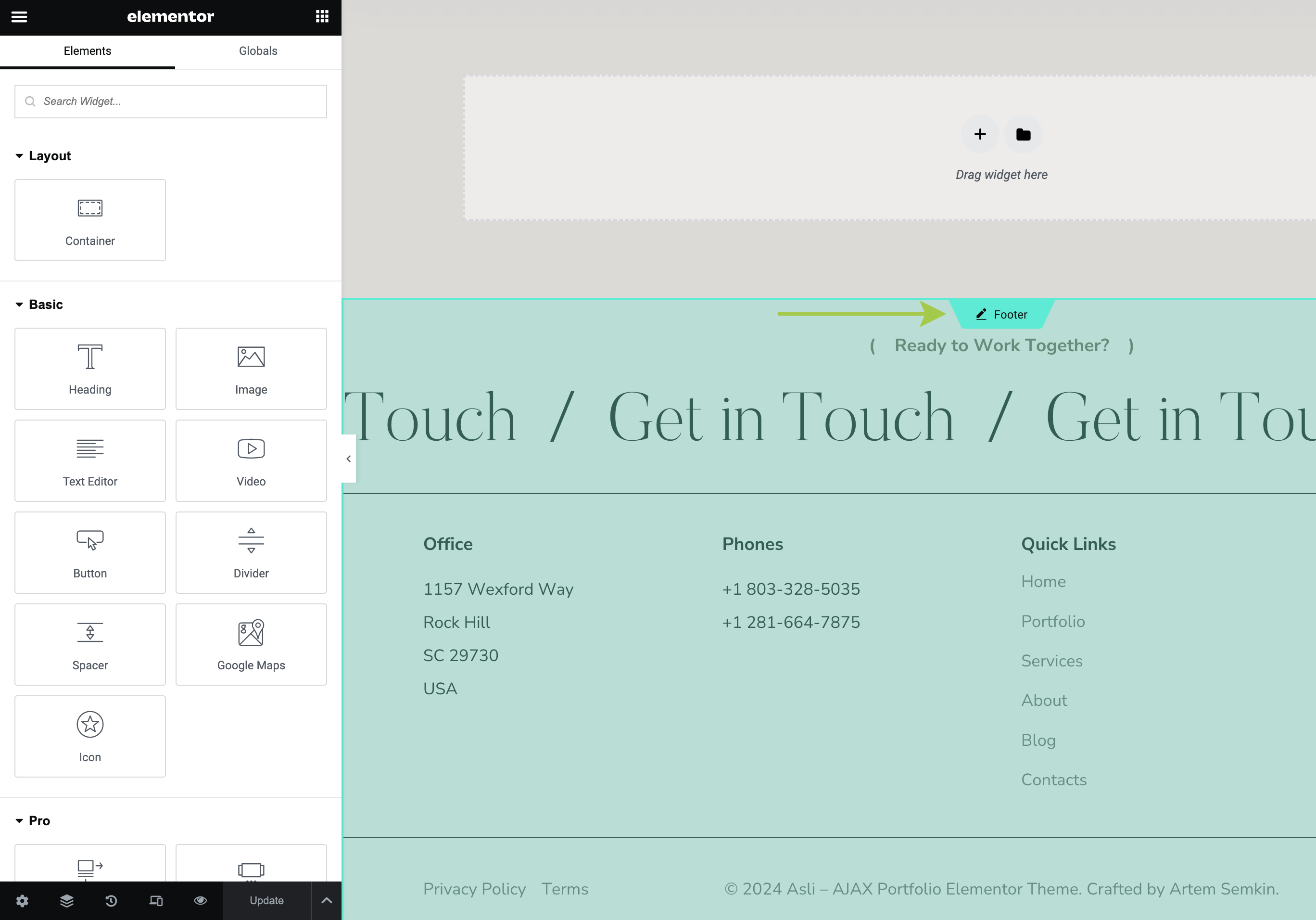
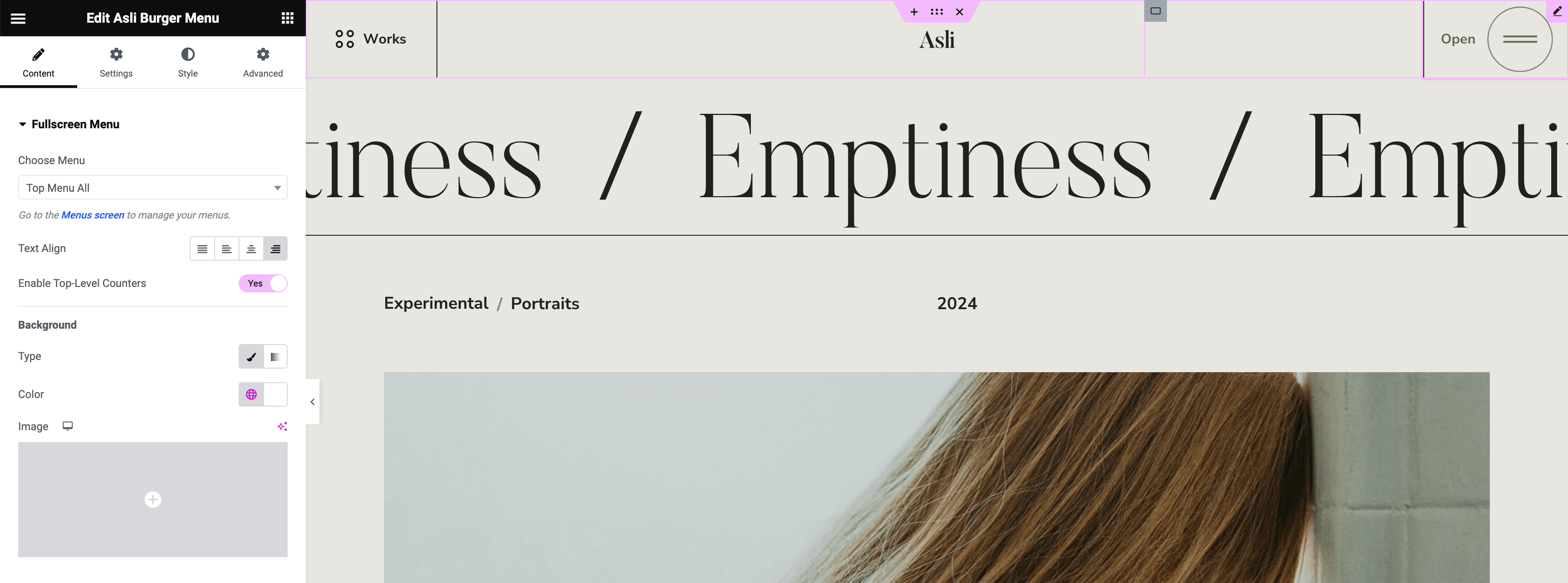
While in the Elementor editor, hover over the theme part you’d like to customize and click the Edit icon.
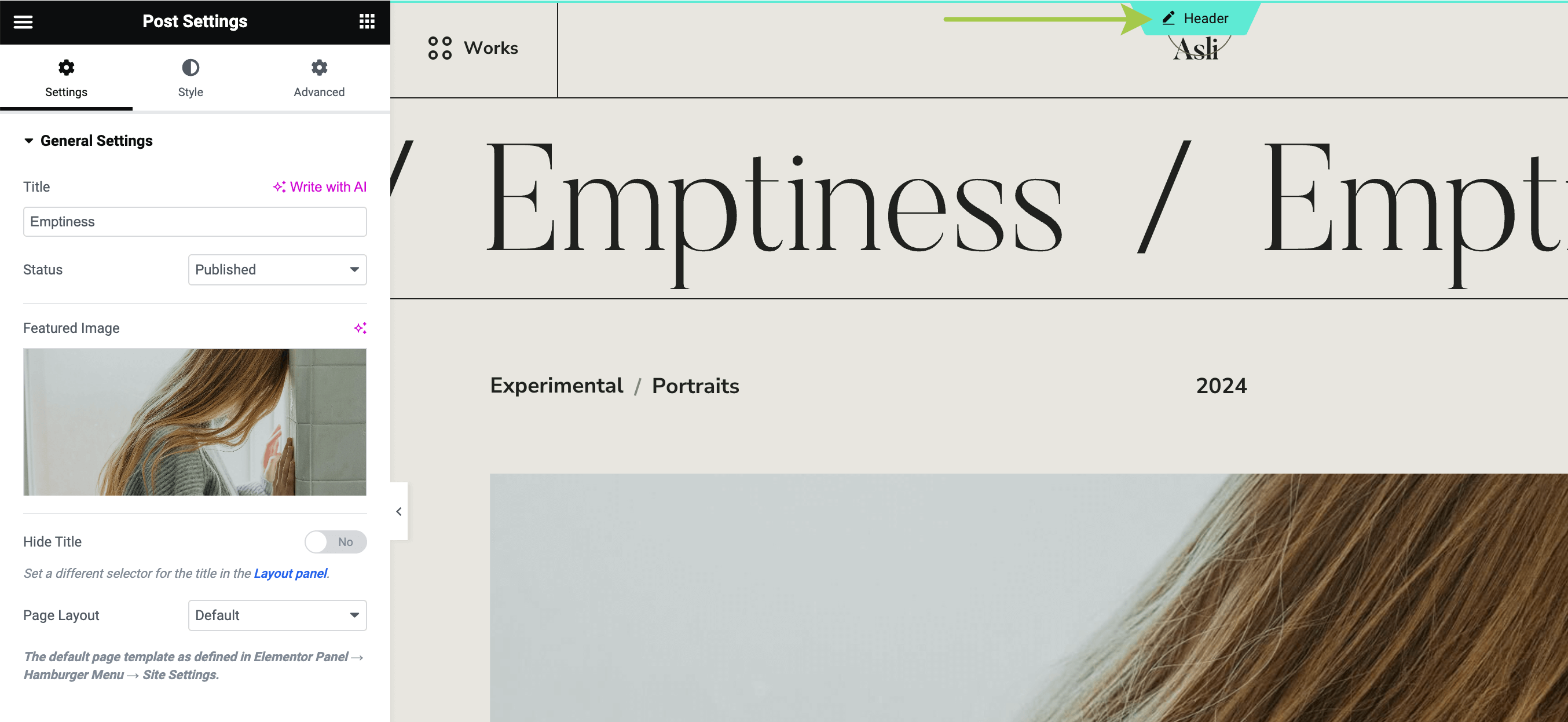
▶️ Step 2.
You will enter the editing context for the selected theme part. Make your customizations, then click Update to save your changes.
Via Admin Bar
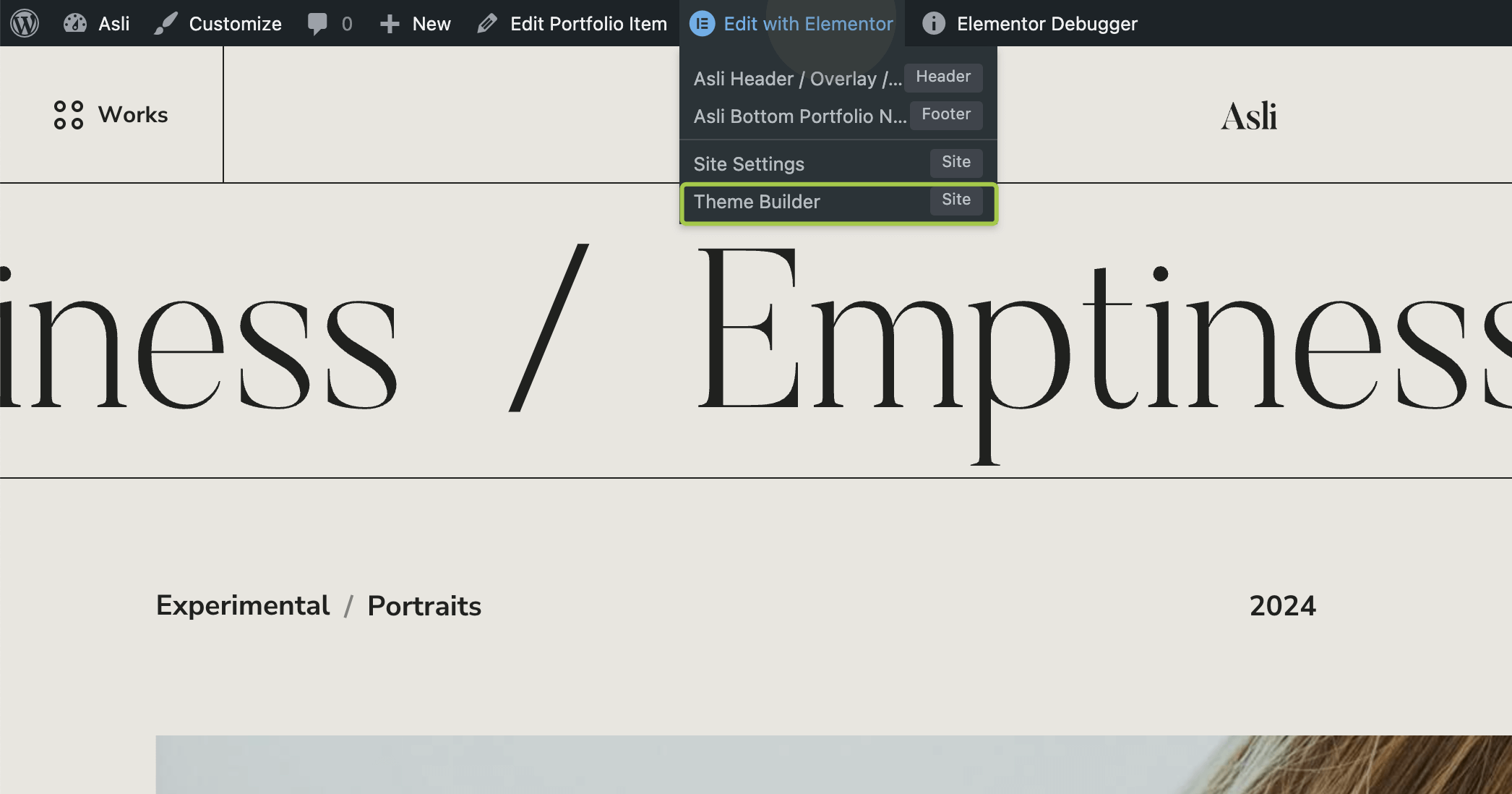
Hover over the Edit with Elementor button in the admin bar and click Theme Builder. You can also click on a specific theme part (header, footer, single post, etc.) to edit it.
Via Backend Panel
▶️ Step 1.
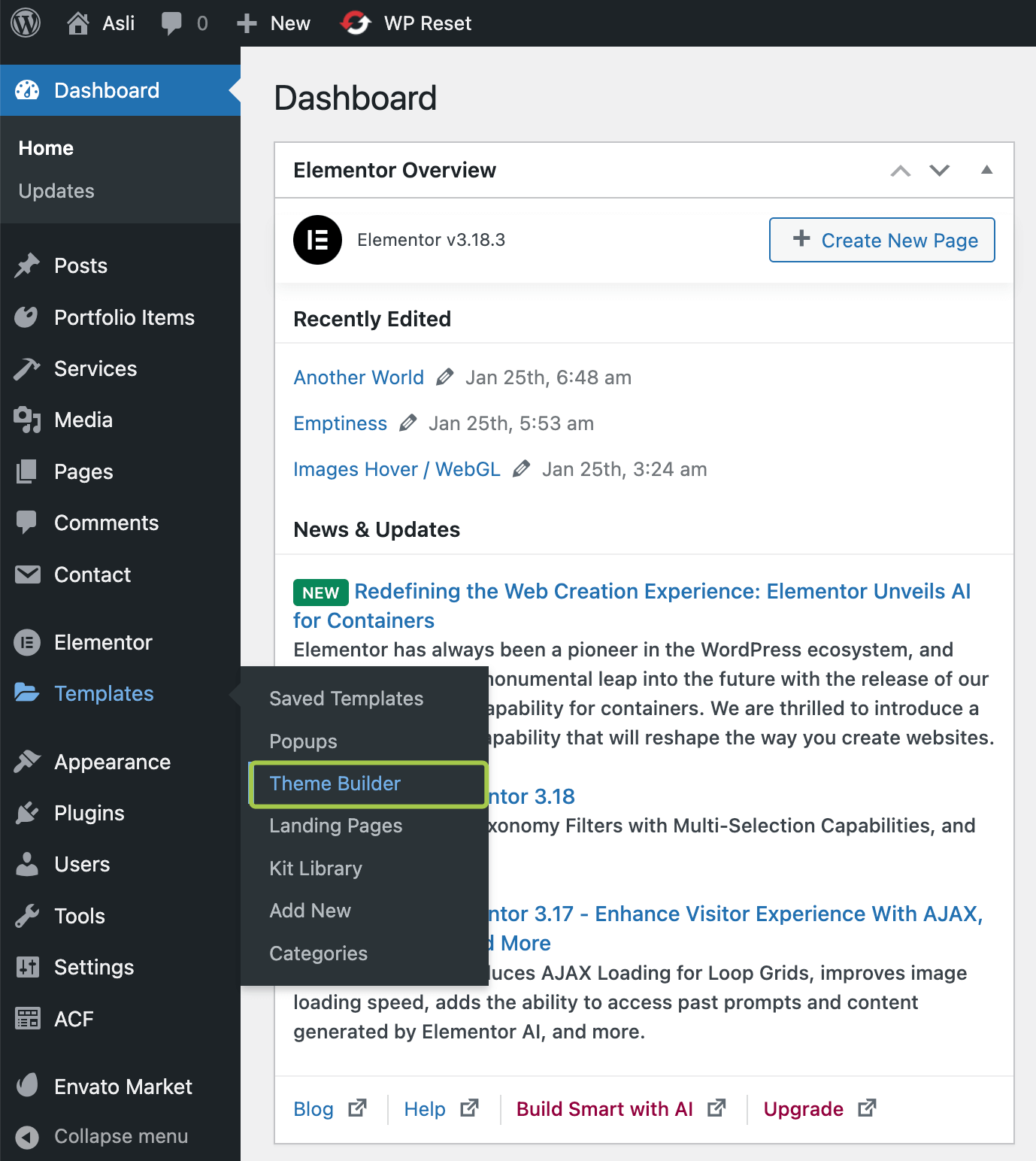
In the admin panel, hover over the Templates menu and click Theme Builder.
▶️ Step 2.
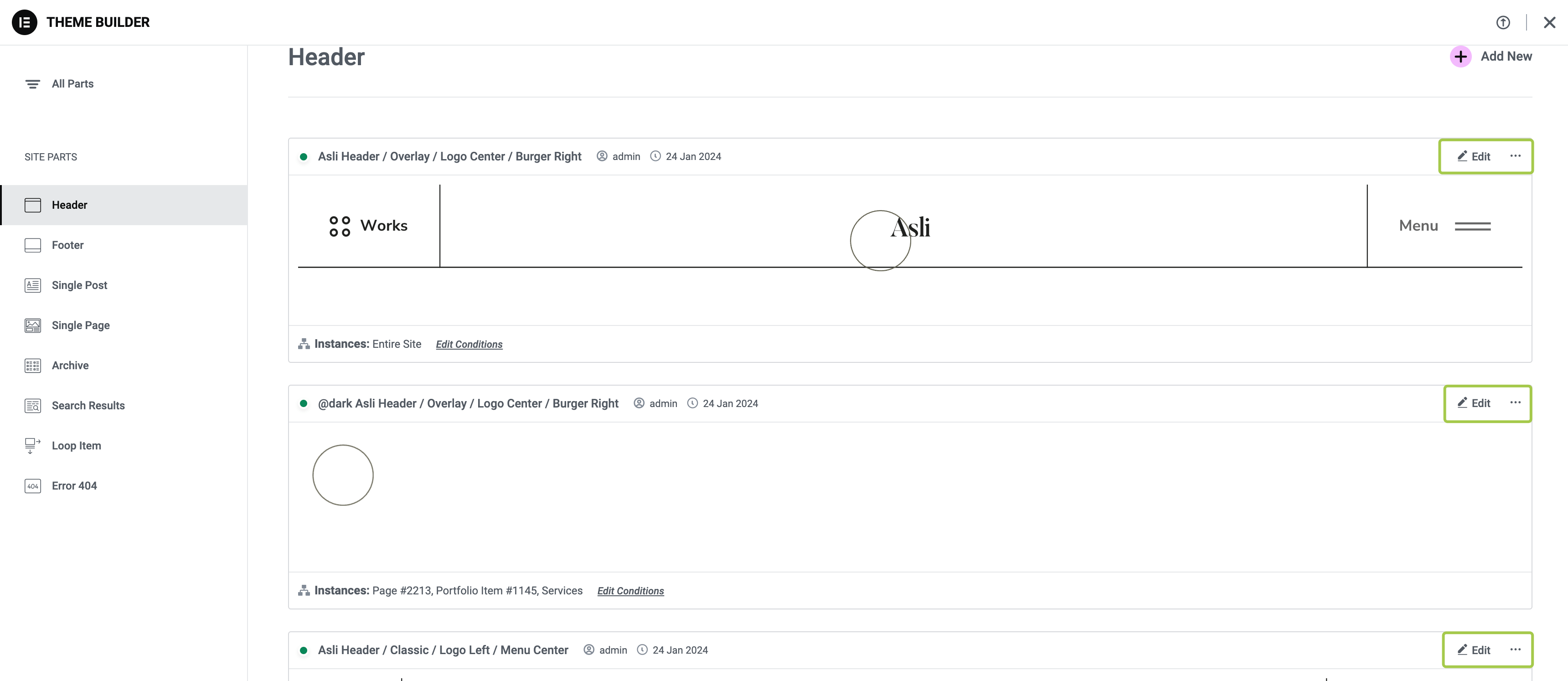
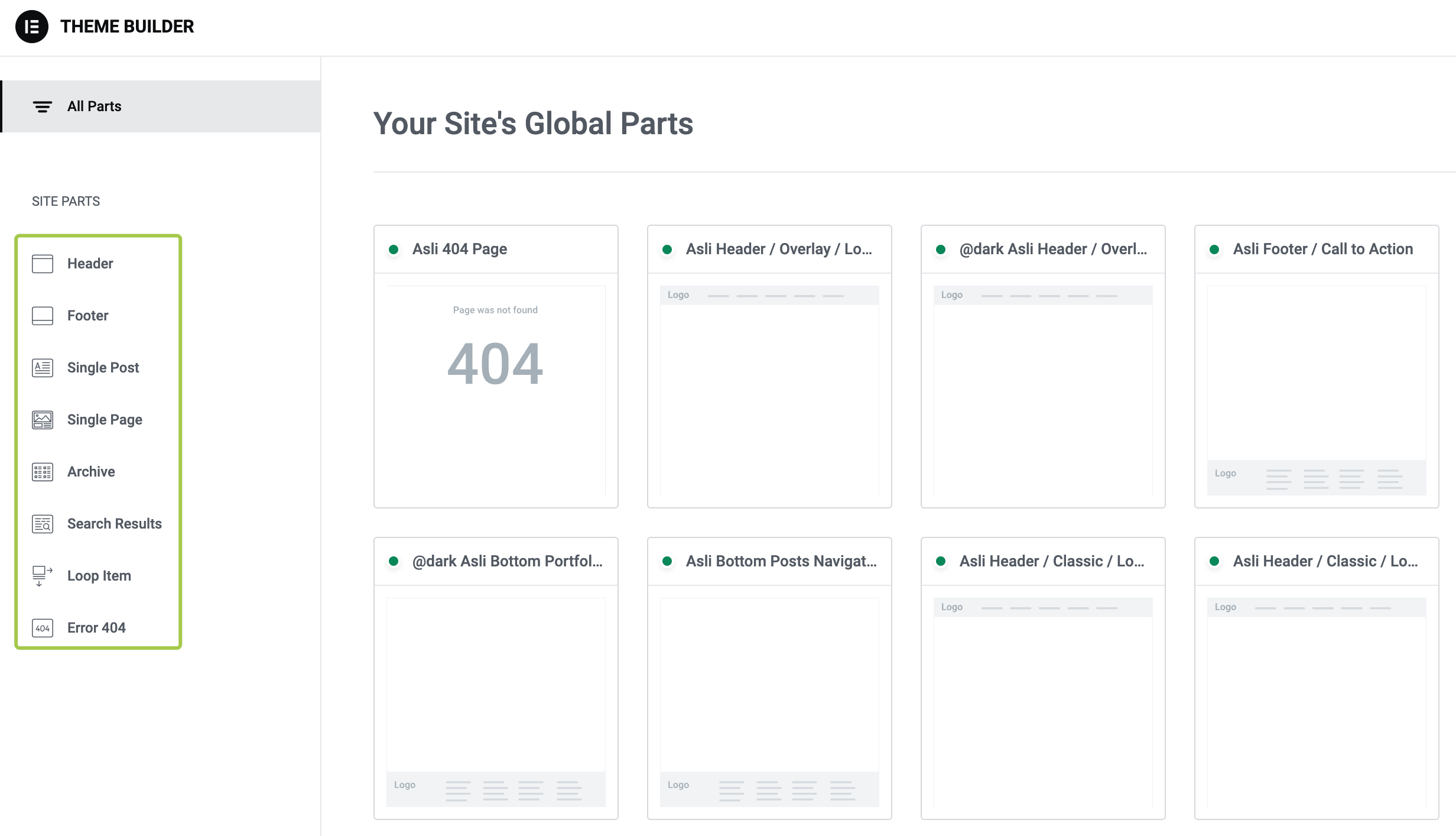
In the left sidebar, select the theme part you’d like to customize.
▶️ Step 3.
There may be multiple templates related to a particular theme part. Choose the one you’d like to customize and click the Edit link.