Appearance
Using Fluid Spacing Presets
▶️ Step 1.
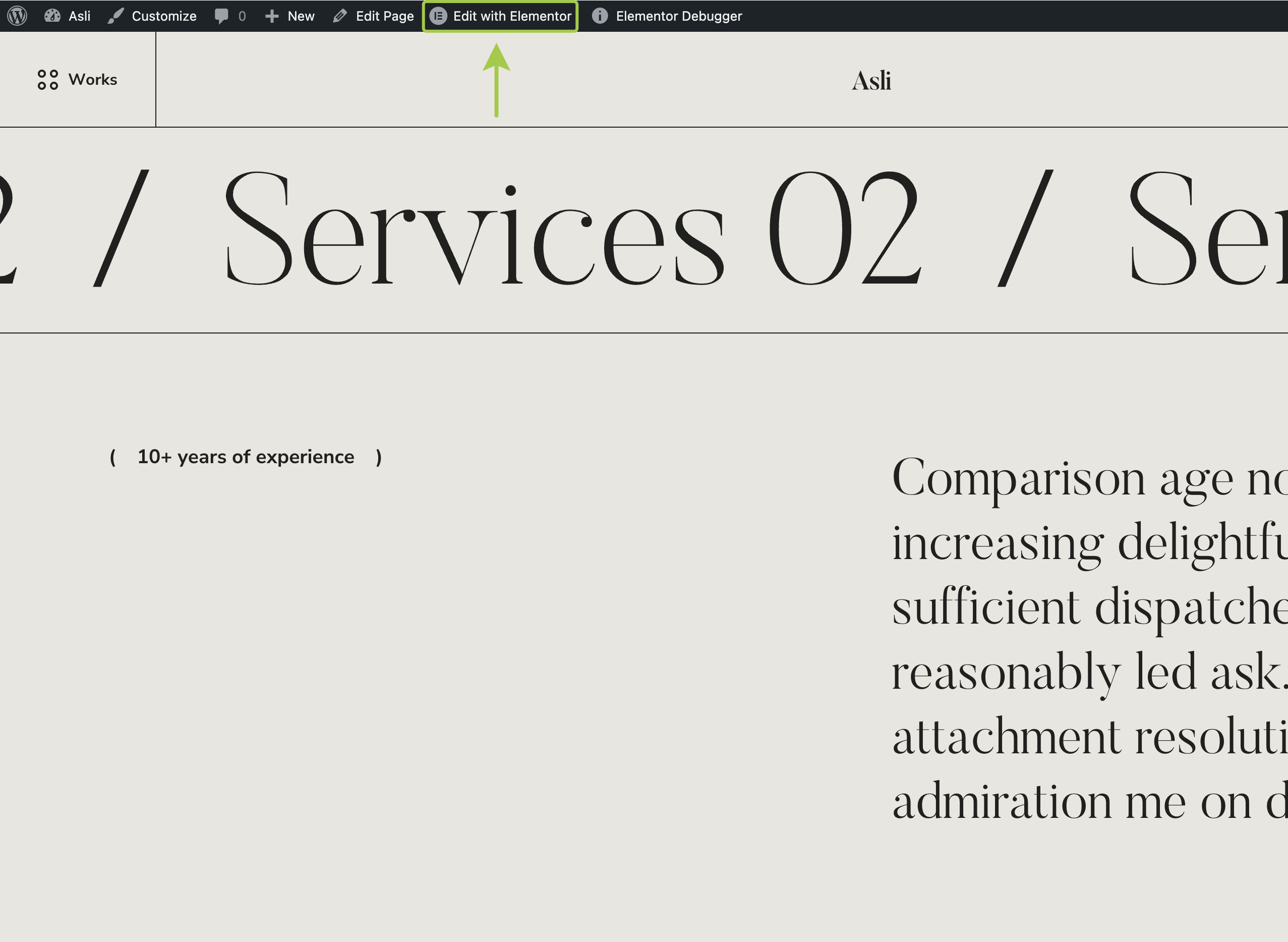
Open the page you want to customize and enter the Elementor editor by clicking Edit with Elementor in the admin bar.
▶️ Step 2.
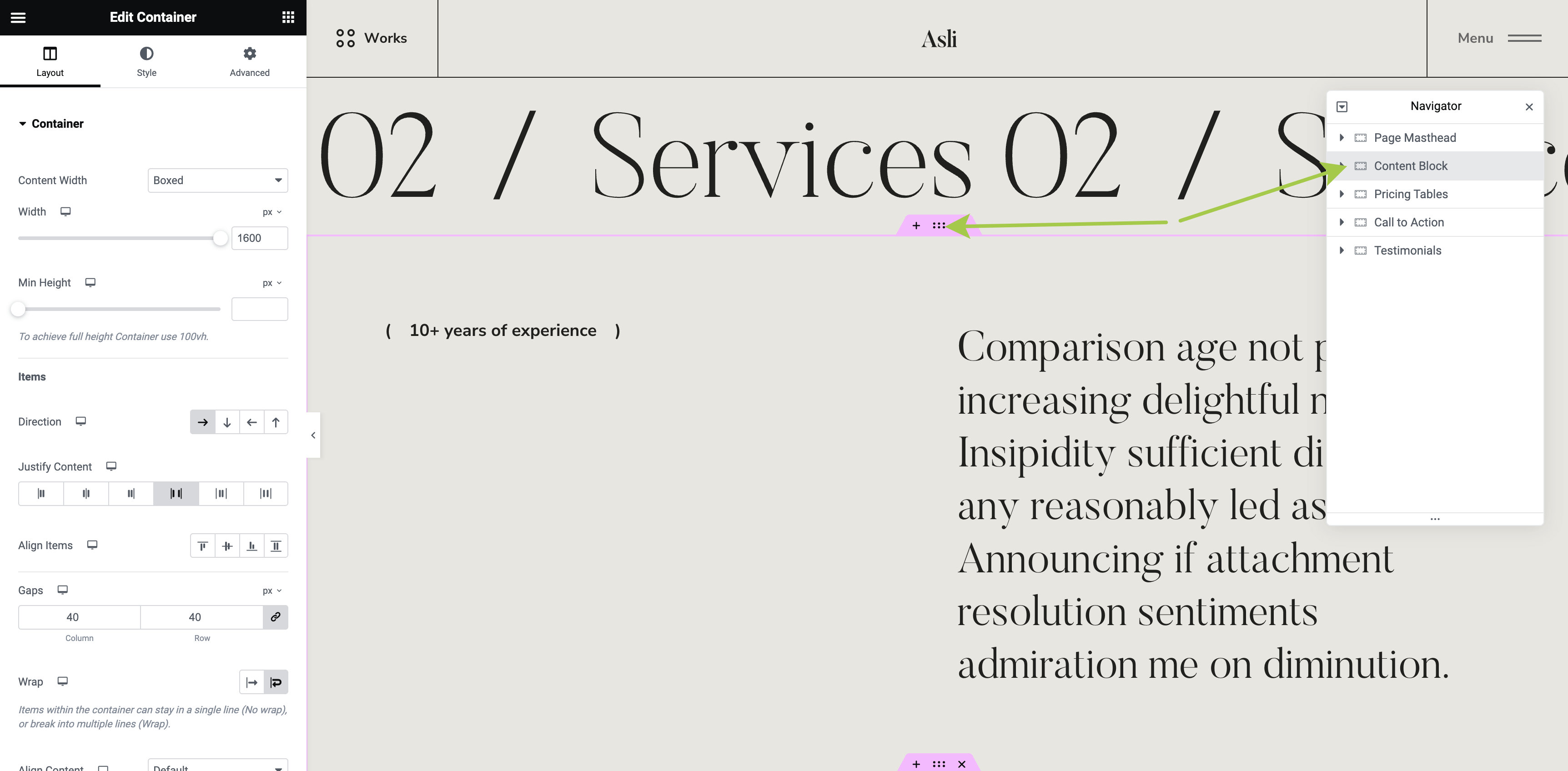
Select an existing container or create a new one.
▶️ Step 3.
In the left sidebar, go to the Advanced tab and expand the Layout section.
Here, under <ThemeName />: Fluid Paddings and <ThemeName />: Fluid Margins, you can set fluid paddings or margins for the container.
The preset sizes available are:
XLargeLargeMediumSmallXSmallXXSmall

▶️ Step 4.
For demonstration, let's change the vertical paddings to the +Large preset.

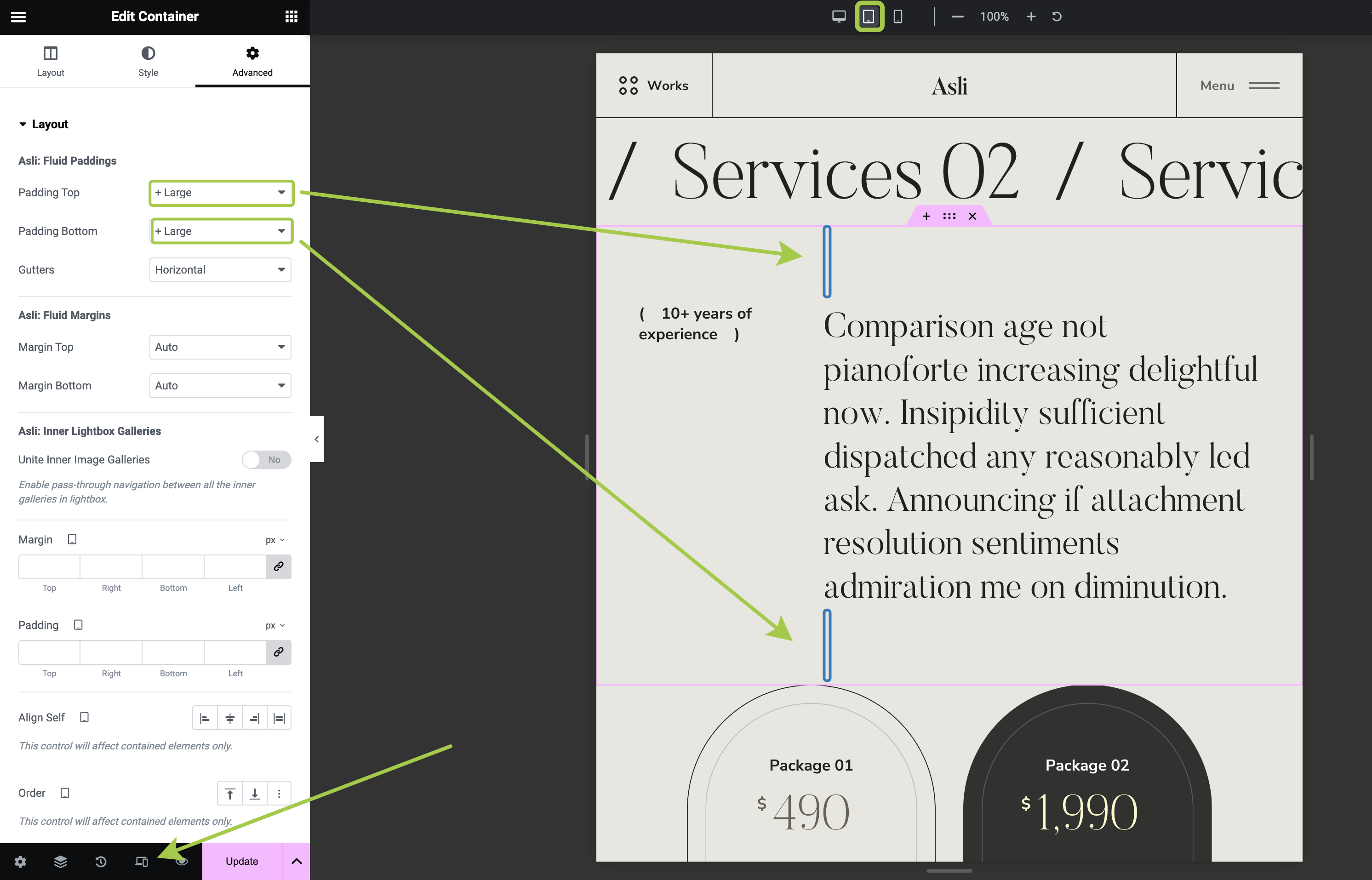
Tablet view to see the padding distance shrink automatically, without needing manual responsive adjustments.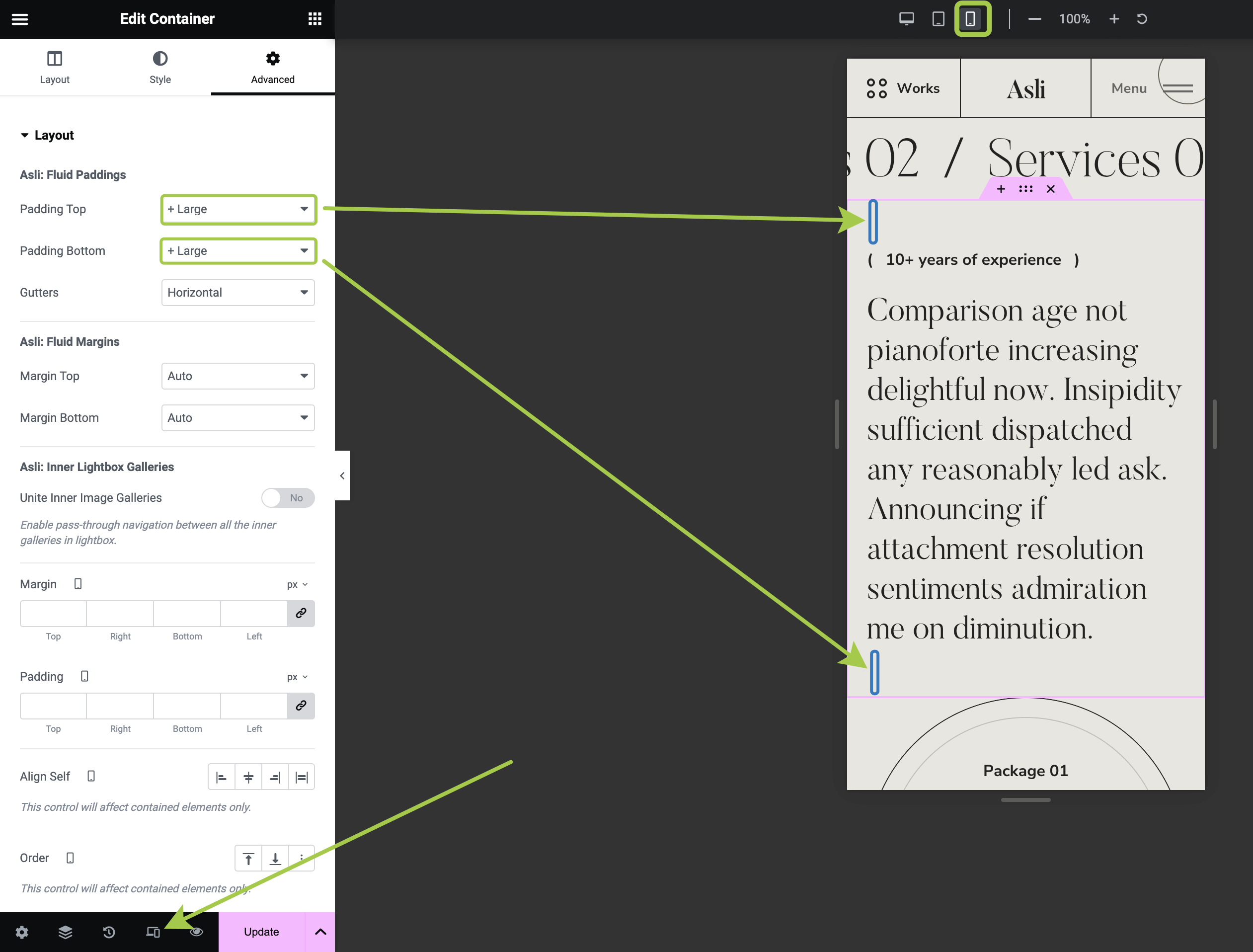
Where to Adjust Fluid Spacing Presets?
For additional customization, refer to this article: Fluid Spacing