Appearance
Header
How to access this panel?
Edit the Header theme part with Elementor using Theme Builder, then return to this guide.
Adjusting Header Options
Open Navigator and select the top-level container named Page Header.
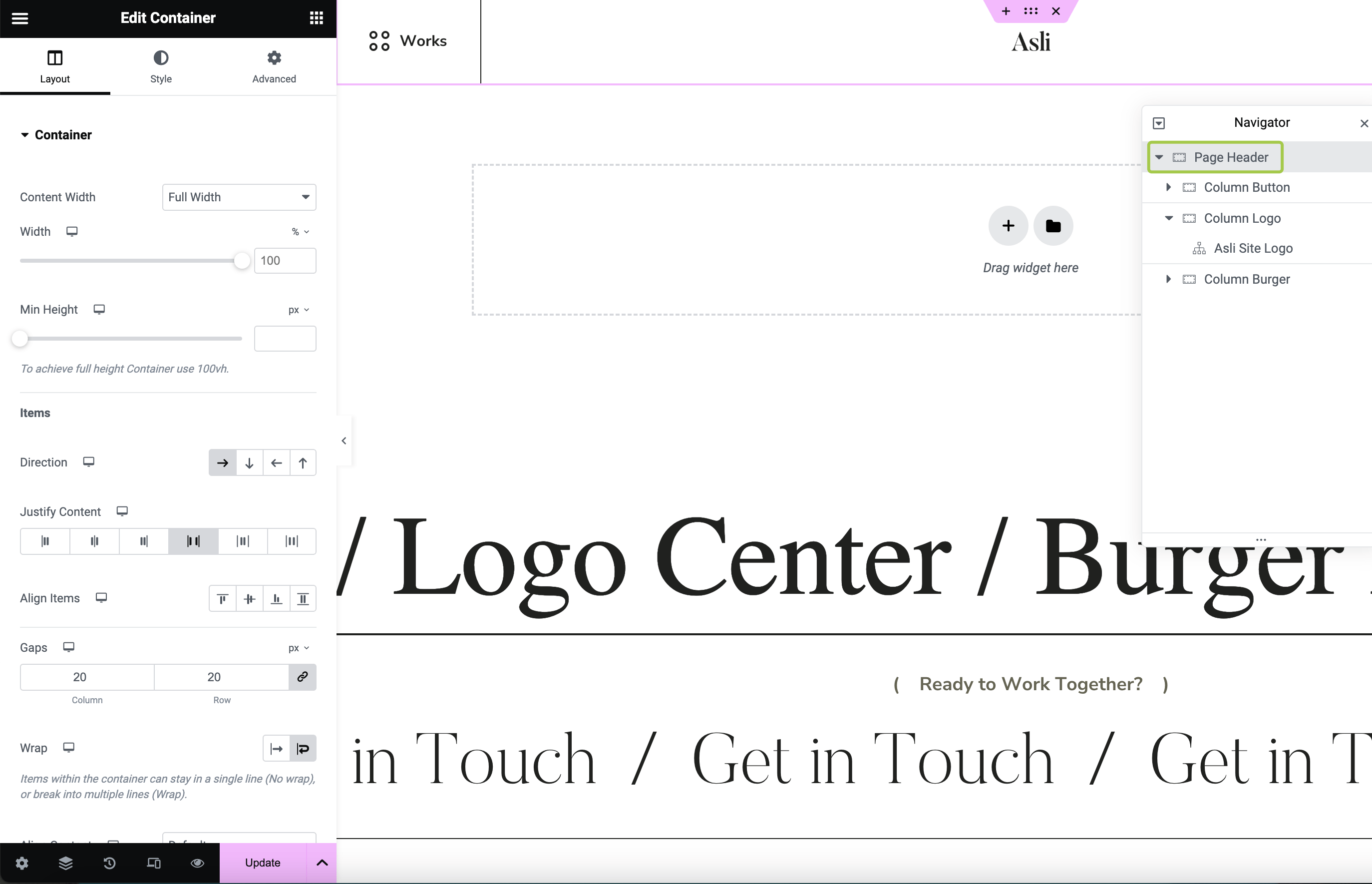
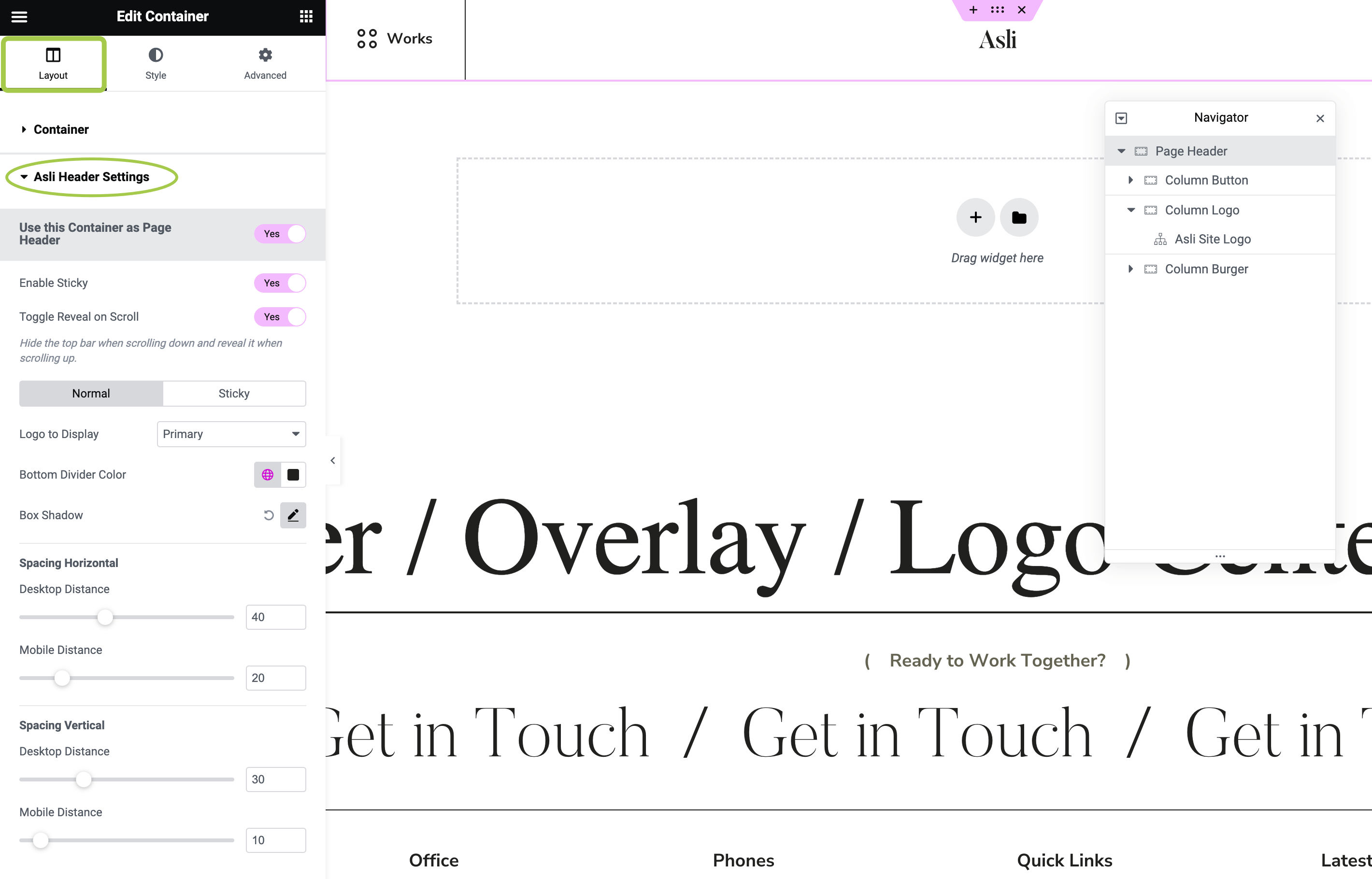
In the left sidebar, activate the Layout tab and expand the Asli Header Settings section. Here, you will find options to customize the header.
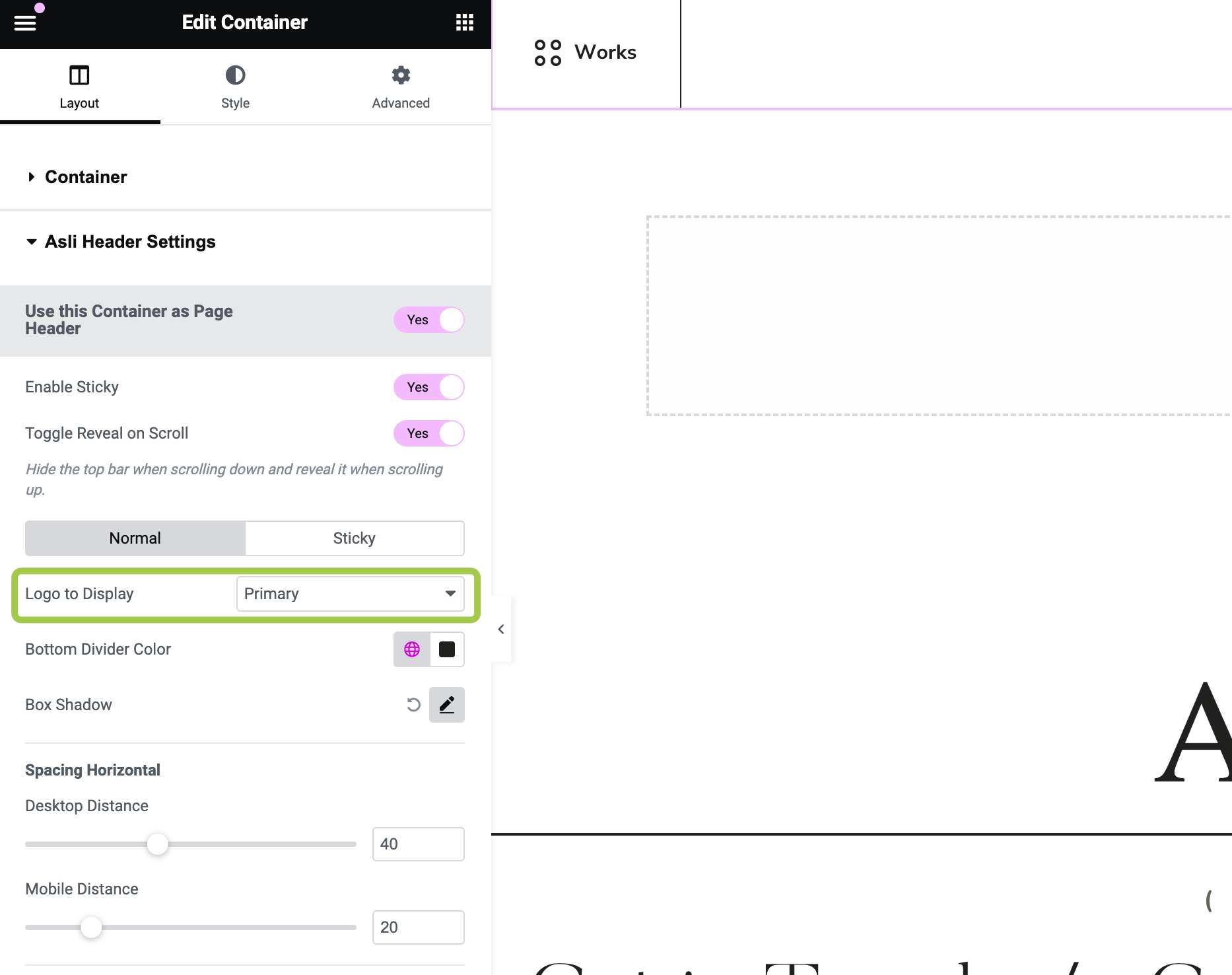
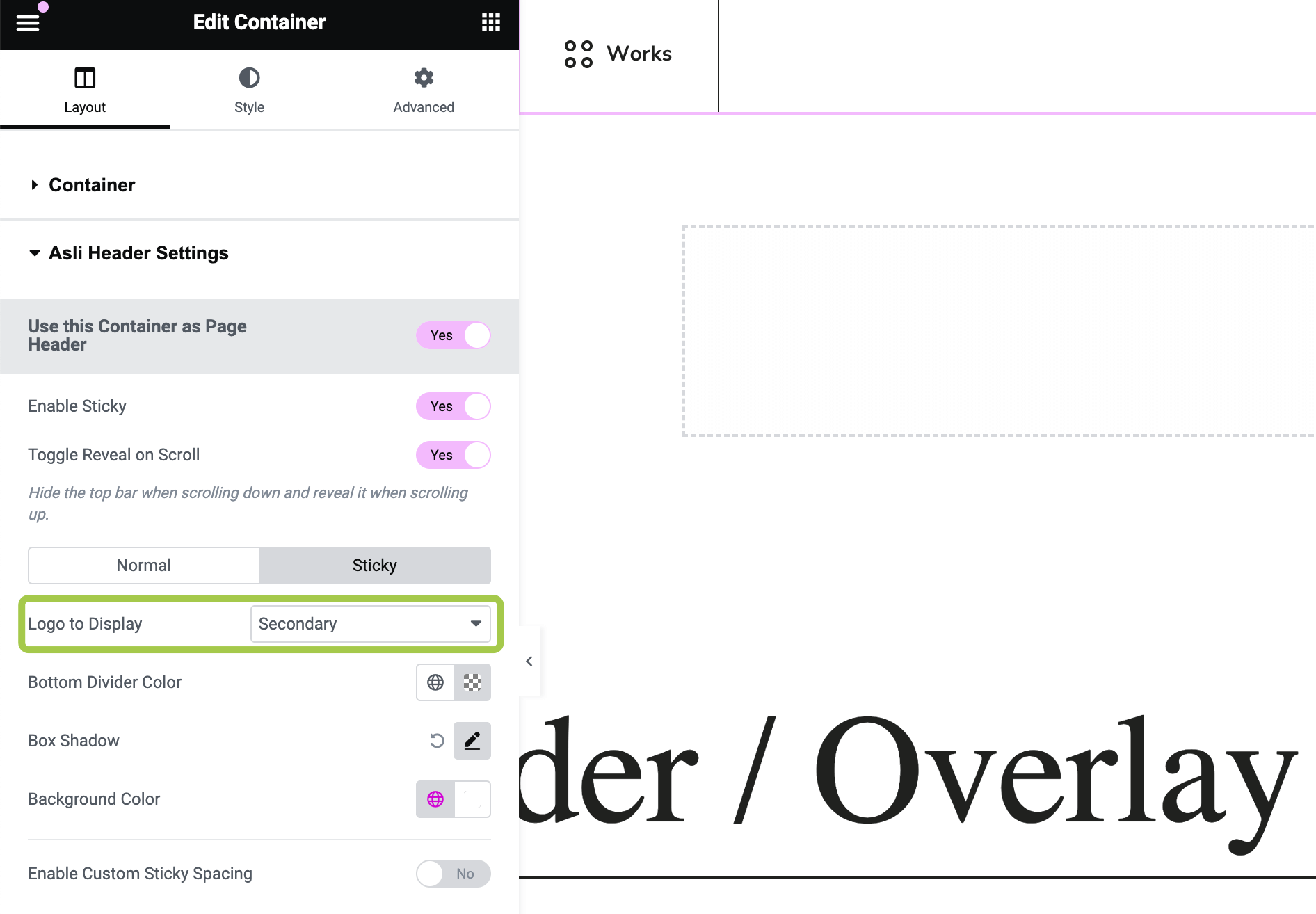
Selecting Logo Version (Primary or Secondary) to Appear
In the header options, you can define which logo version should appear in both "Normal" (non-sticky) and "Sticky" states.
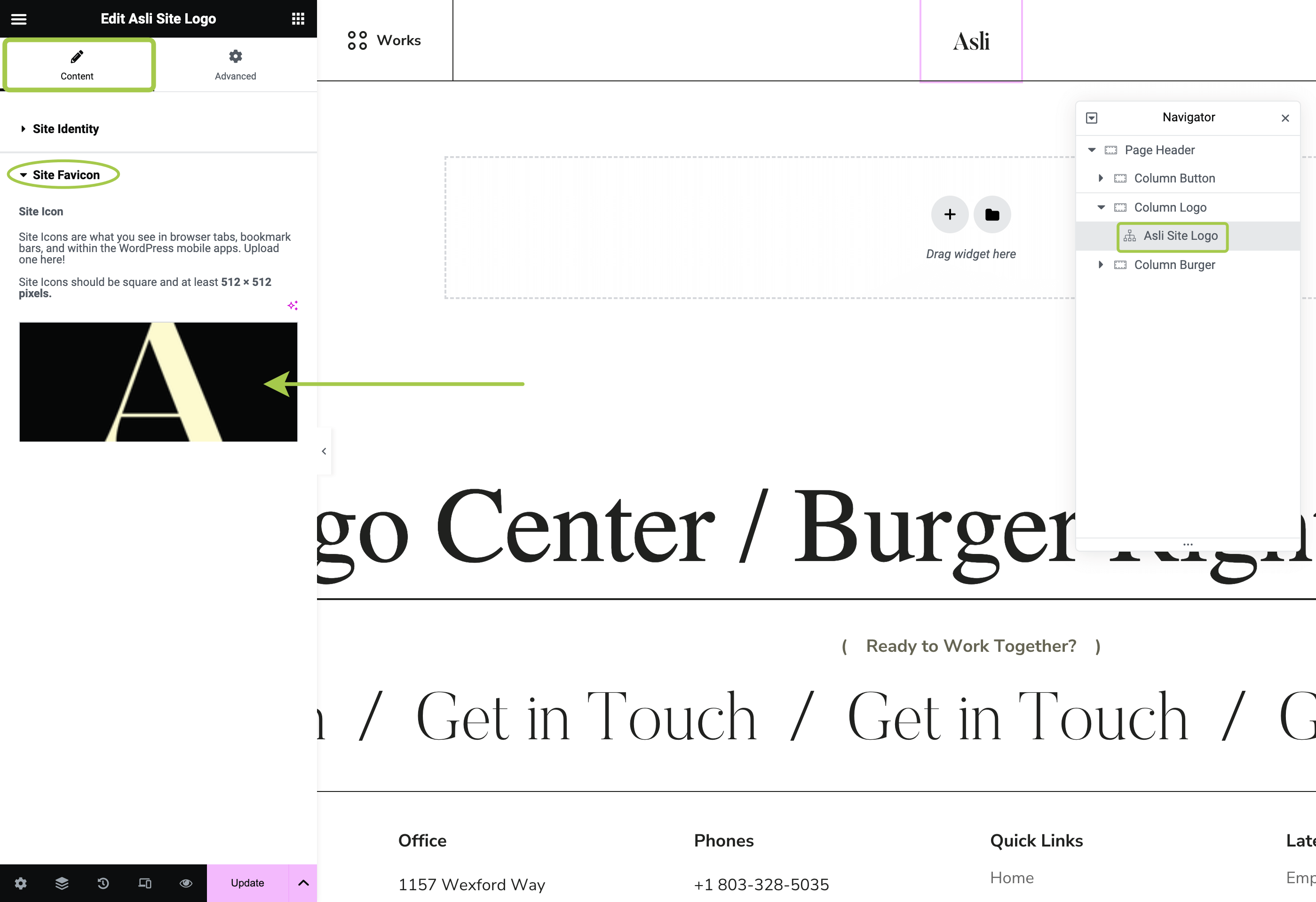
Changing Logotypes and Favicon
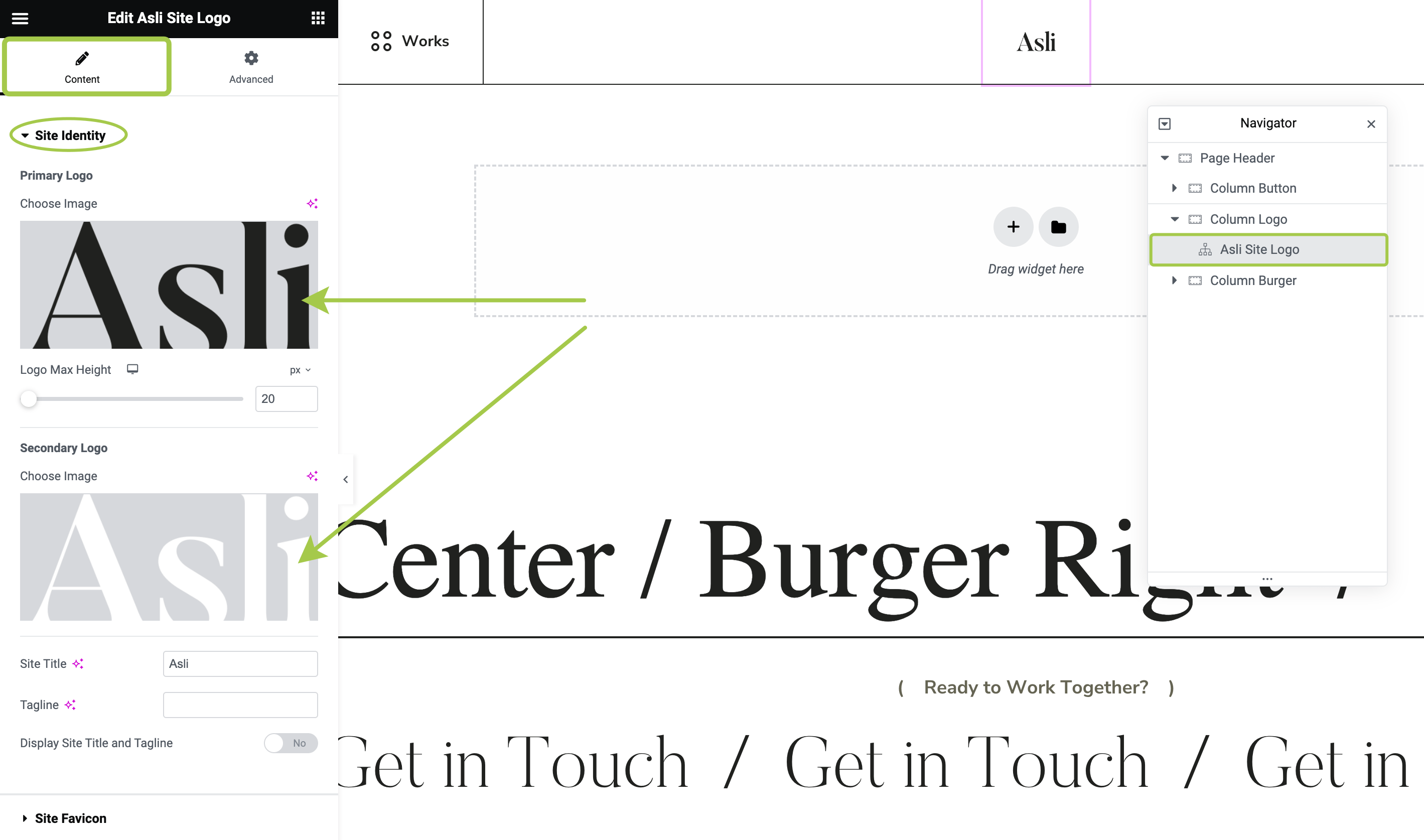
Open Navigator and select the Asli Site Logo widget. Here, you can upload site logotypes and adjust additional appearance settings.
If you need to change the logo size, use the Logo Max Height responsive control. Adjusting the logo height will automatically adjust its width based on the aspect ratio of the source image.
Customizing Menu
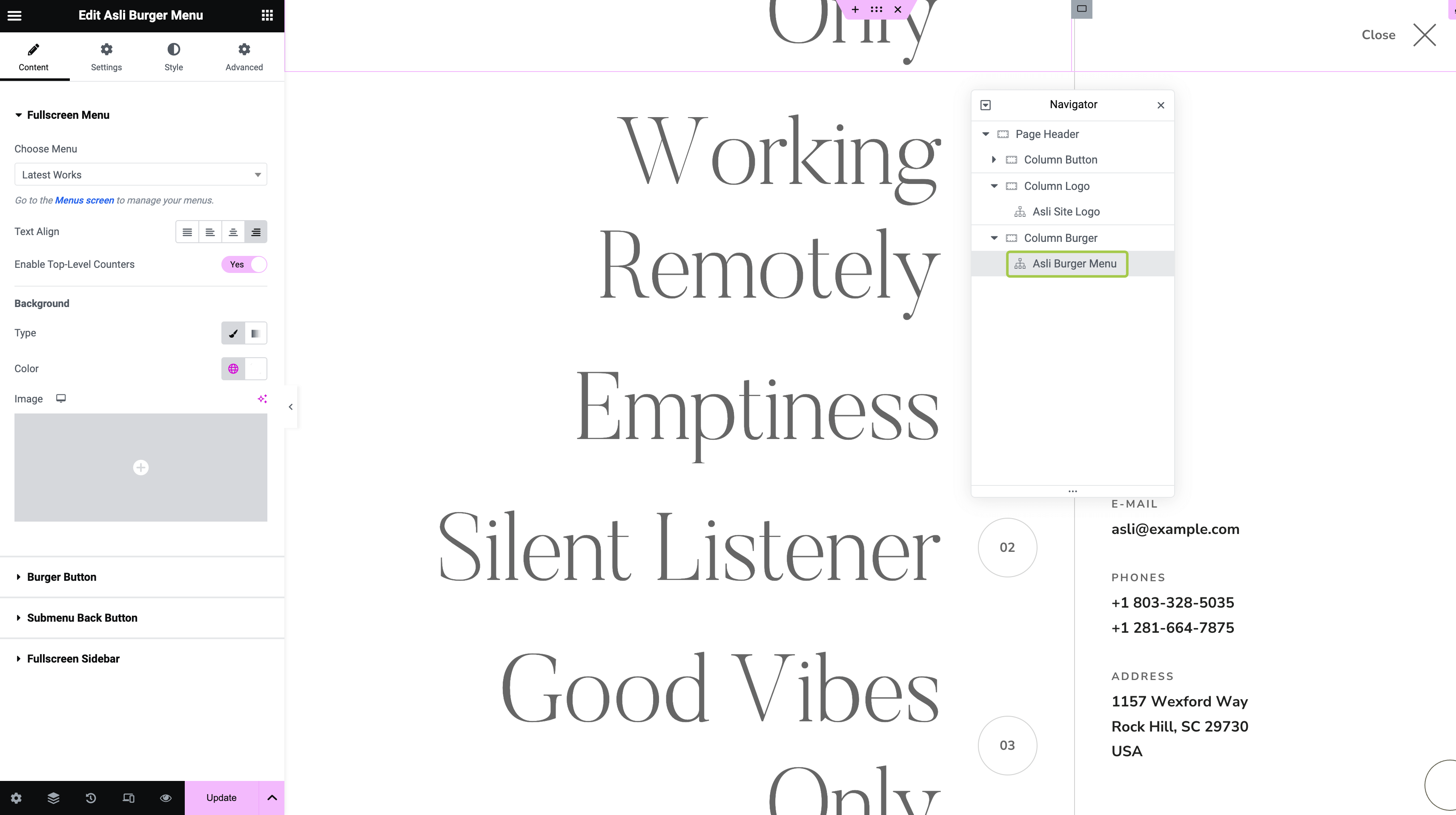
Open Navigator and select the Asli Burger Menu widget. Here, you can customize the appearance of your site menu.
Customizing Sidebar Information in Fullscreen Overlay
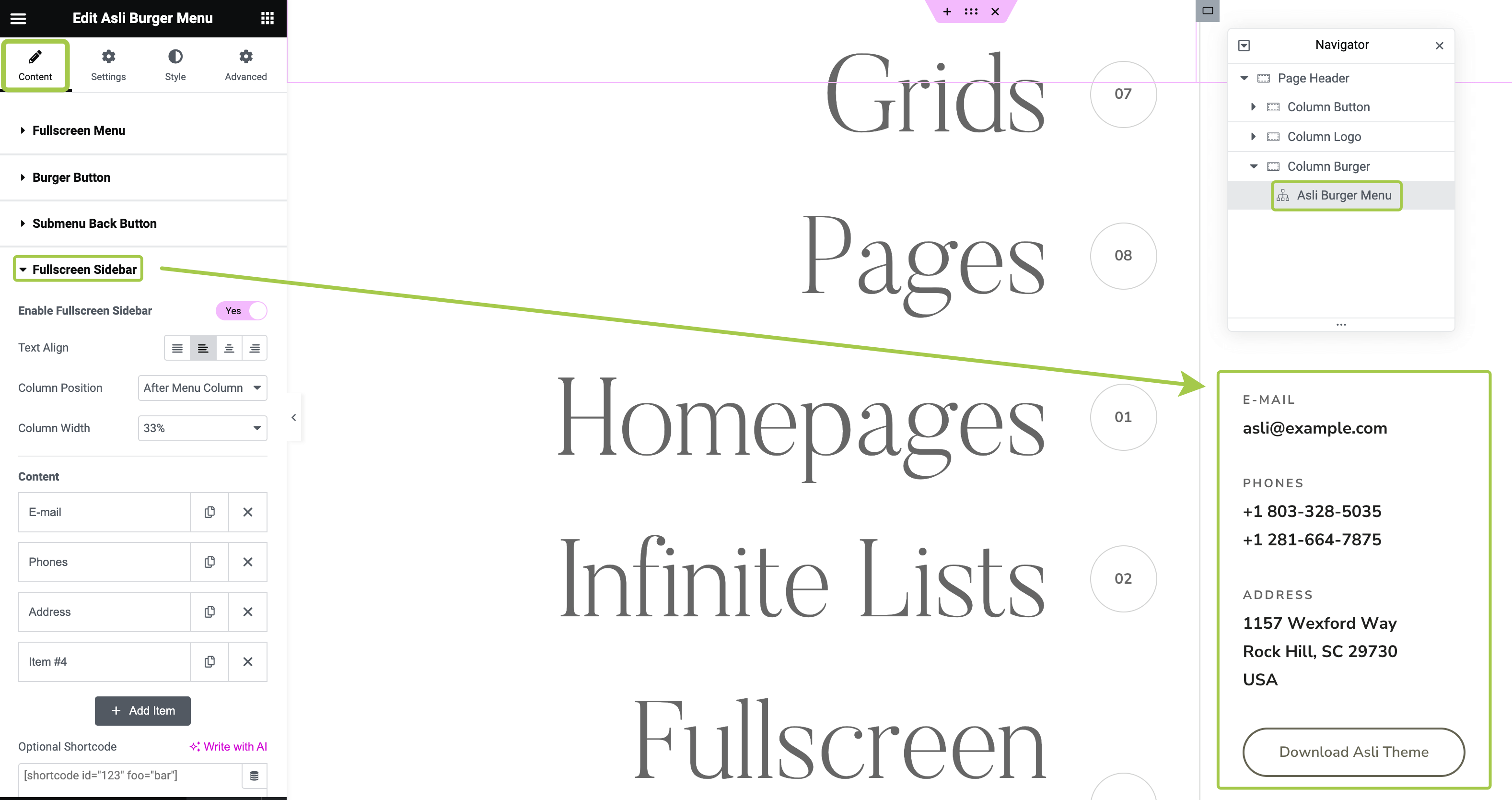
Open Navigator and select the Asli Burger Menu widget. Activate the Content tab and expand the Fullscreen Sidebar section. Here, you can adjust or disable the additional information that appears in the overlay menu.
How to Switch to Classic Menu Layout
Please refer to this article.