Appearance
Intuitive Custom Post Order
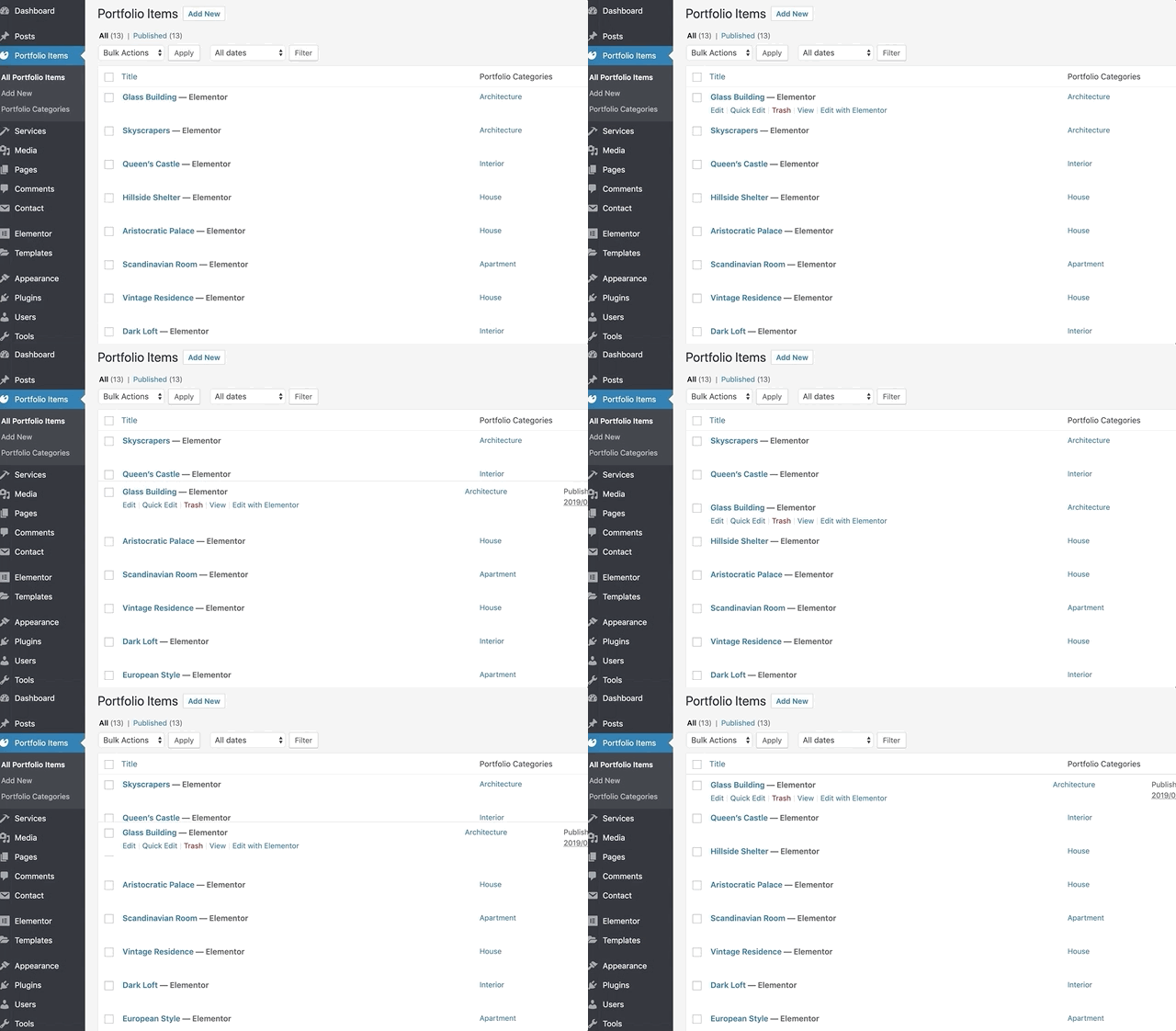
WordPress doesn’t provide an easy way to control post ordering. That’s why I recommend setting up the Intuitive Custom Post Order plugin, which enables drag-and-drop post ordering in the admin panel.
TIP
This plugin is recommended by the Asli theme, so you are likely to already have it installed. If not, simply search for it and install it from the WordPress Plugins directory in Plugins → Add Plugin.
You will need to perform a simple setup and choose which post types you want to make sortable.
▶️ Step 1.
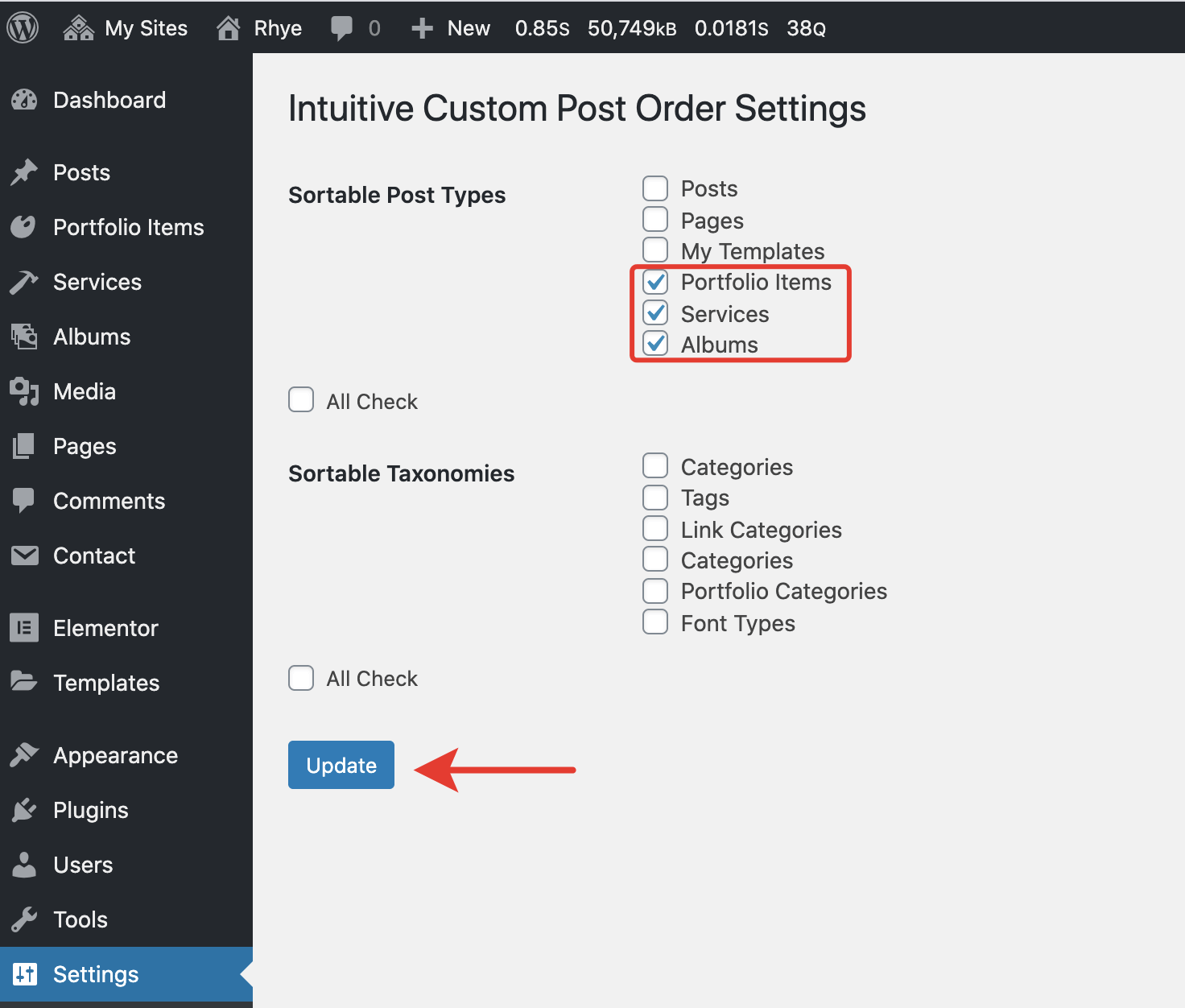
Set up the plugin and go to Settings → Intuitive CPO in the admin panel.

▶️ Step 2.
Select the post types you want to make sortable with drag-and-drop and click the Update button.
▶️ Step 3.
You can now drag and drop your posts. The ordering will be reflected on the frontend.