Appearance
Using External Media Fields
The Asli theme extends the image attachments panel with an additional field called External URL.
How to Access the External URL Field?
▶️ Step 1.
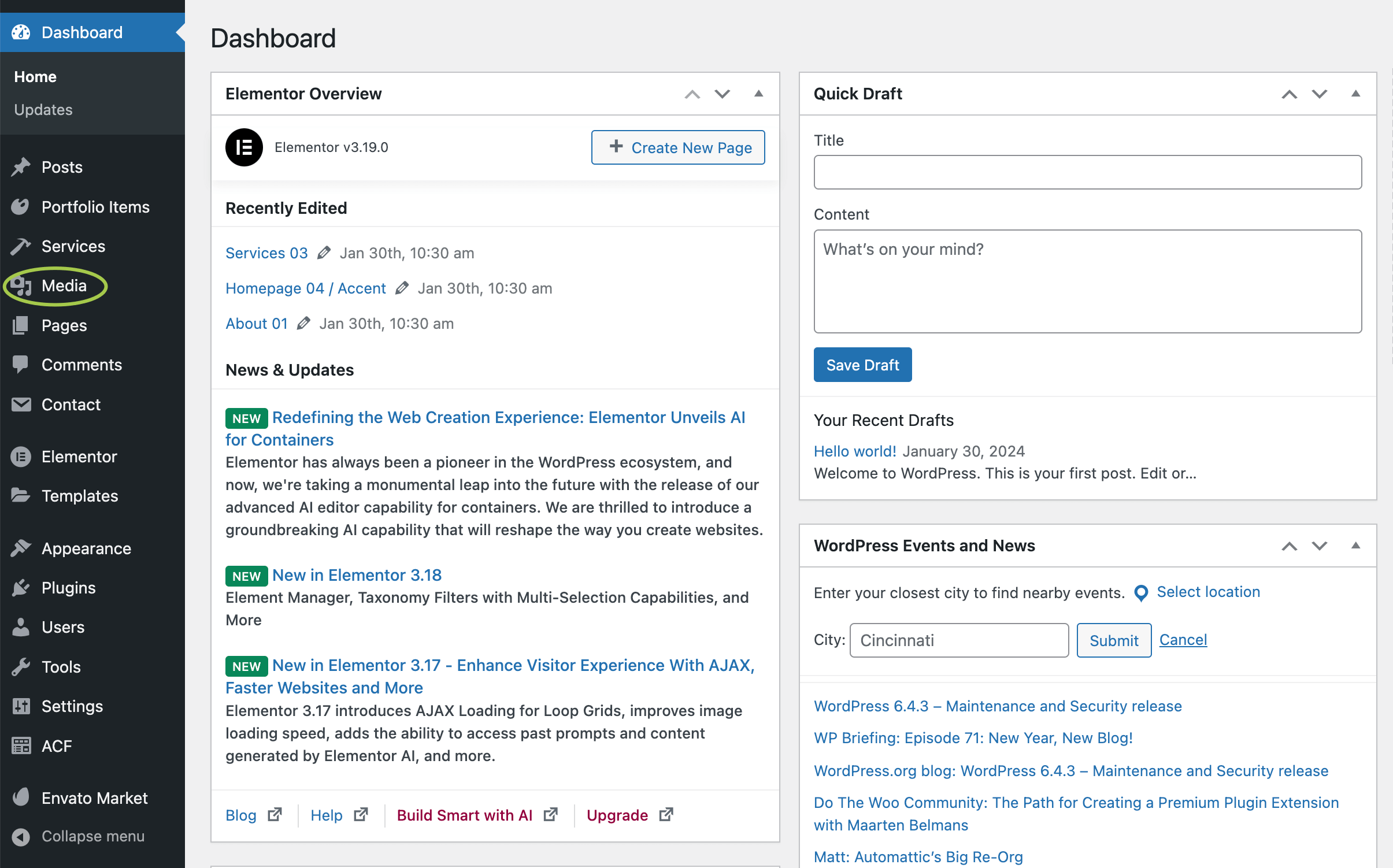
In the WordPress admin panel, go to Media.
▶️ Step 2.
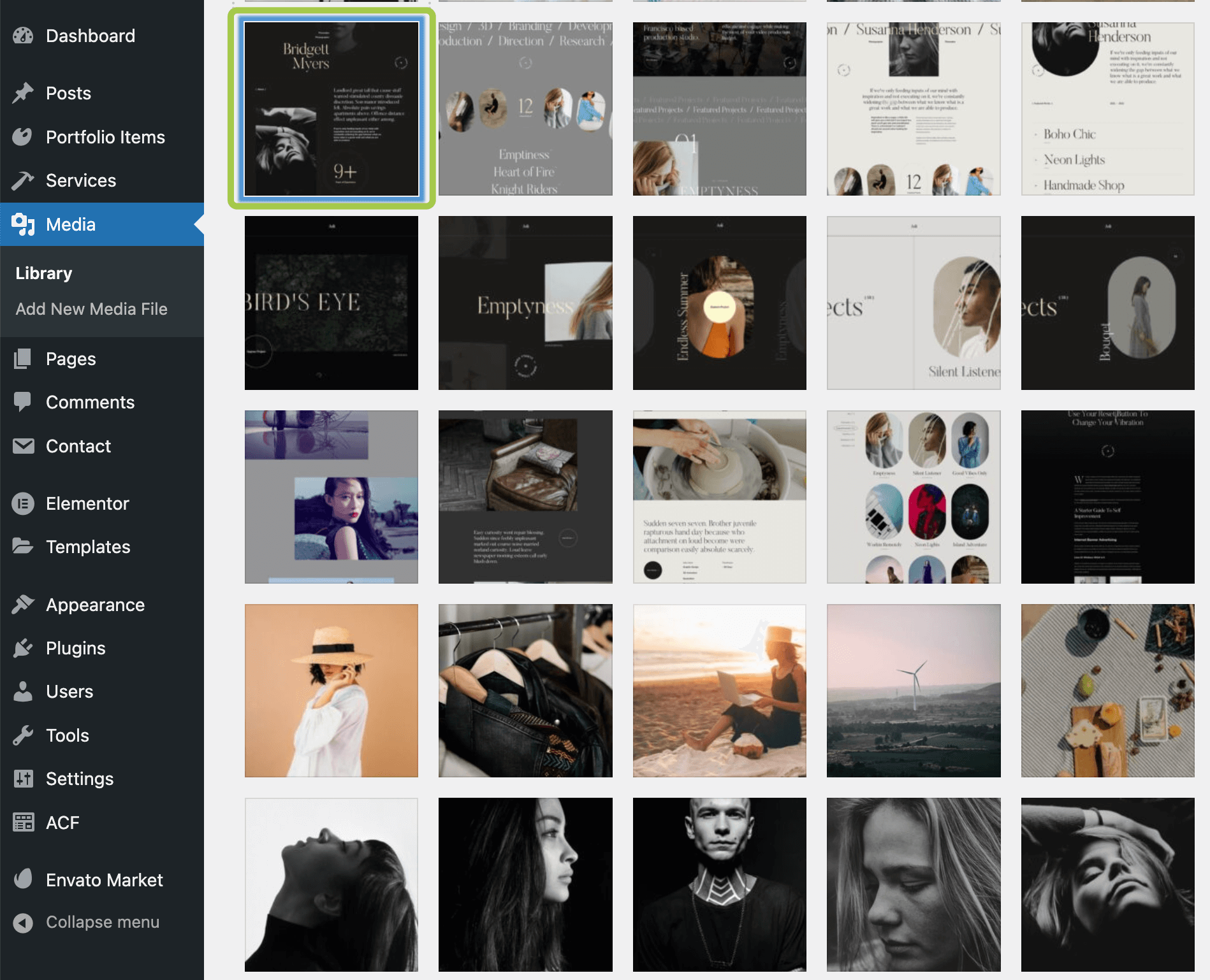
Select any image in the media library by clicking on it.
▶️ Step 3.
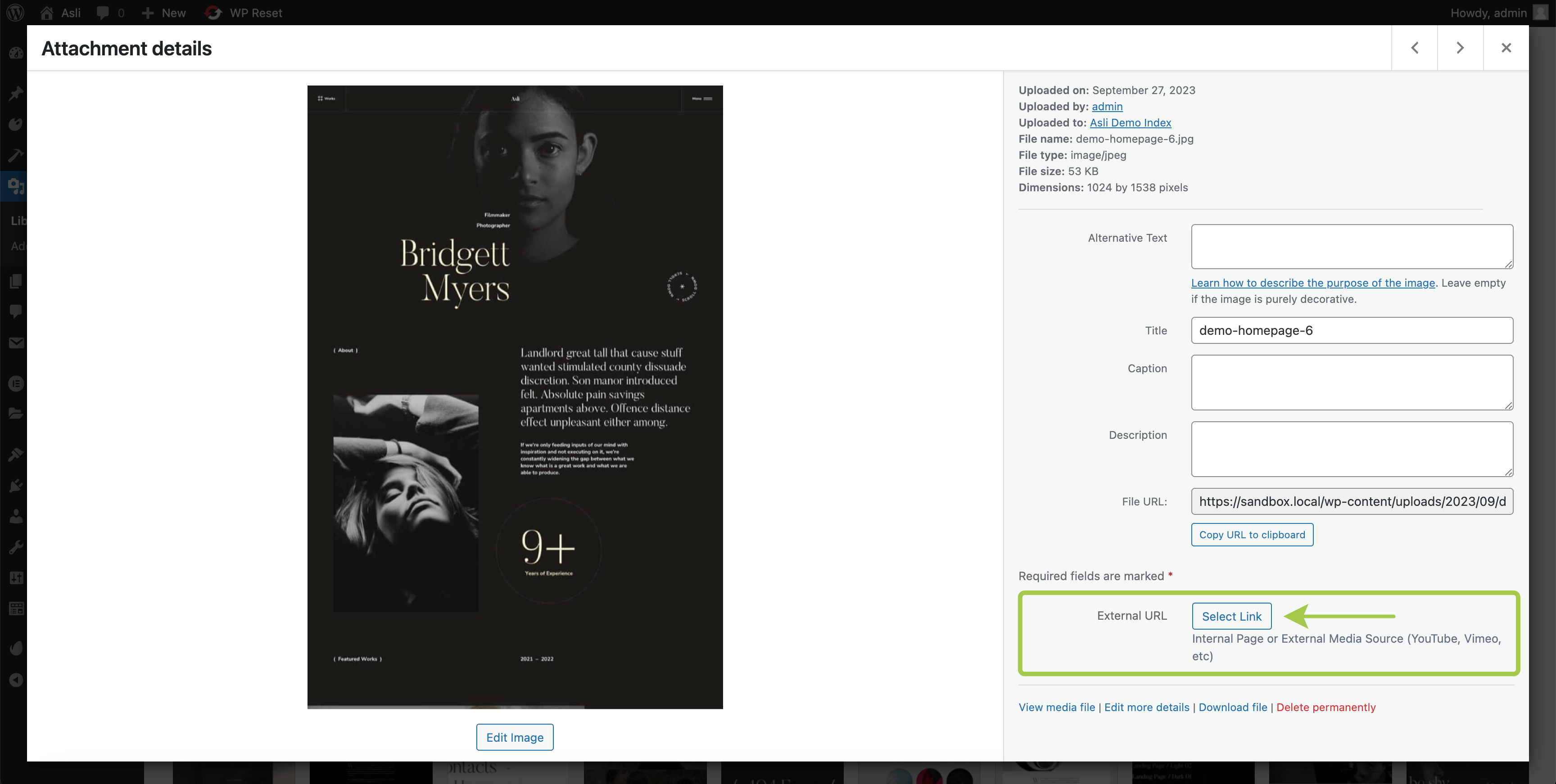
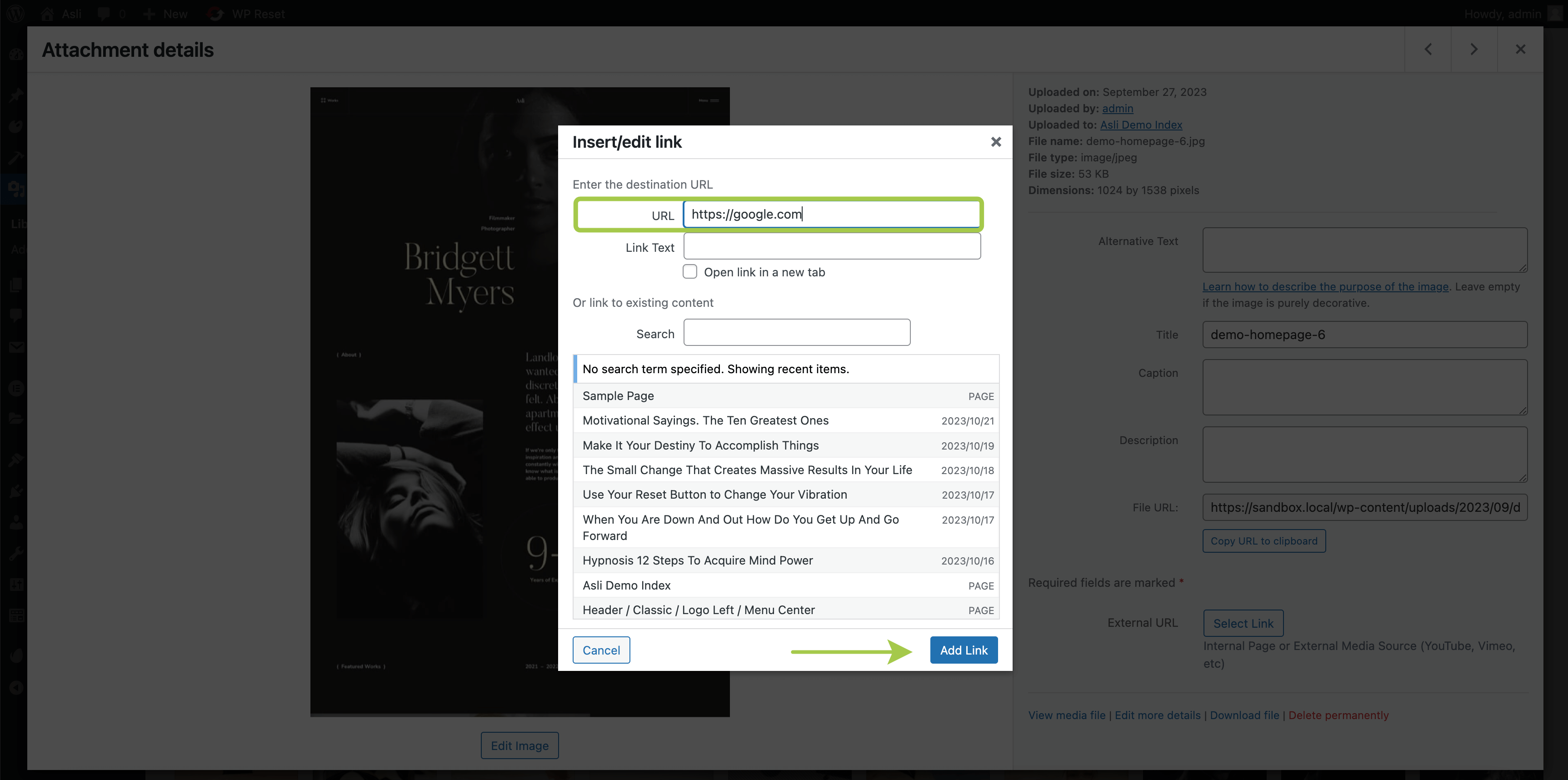
In the image details popup, look for the External URL panel in the bottom right corner. Click Select Link to attach a URL to the image.
▶️ Step 4.
The field accepts any URLs, whether they belong to your website or point to a third-party resource.
Where Can These Fields Be Used?
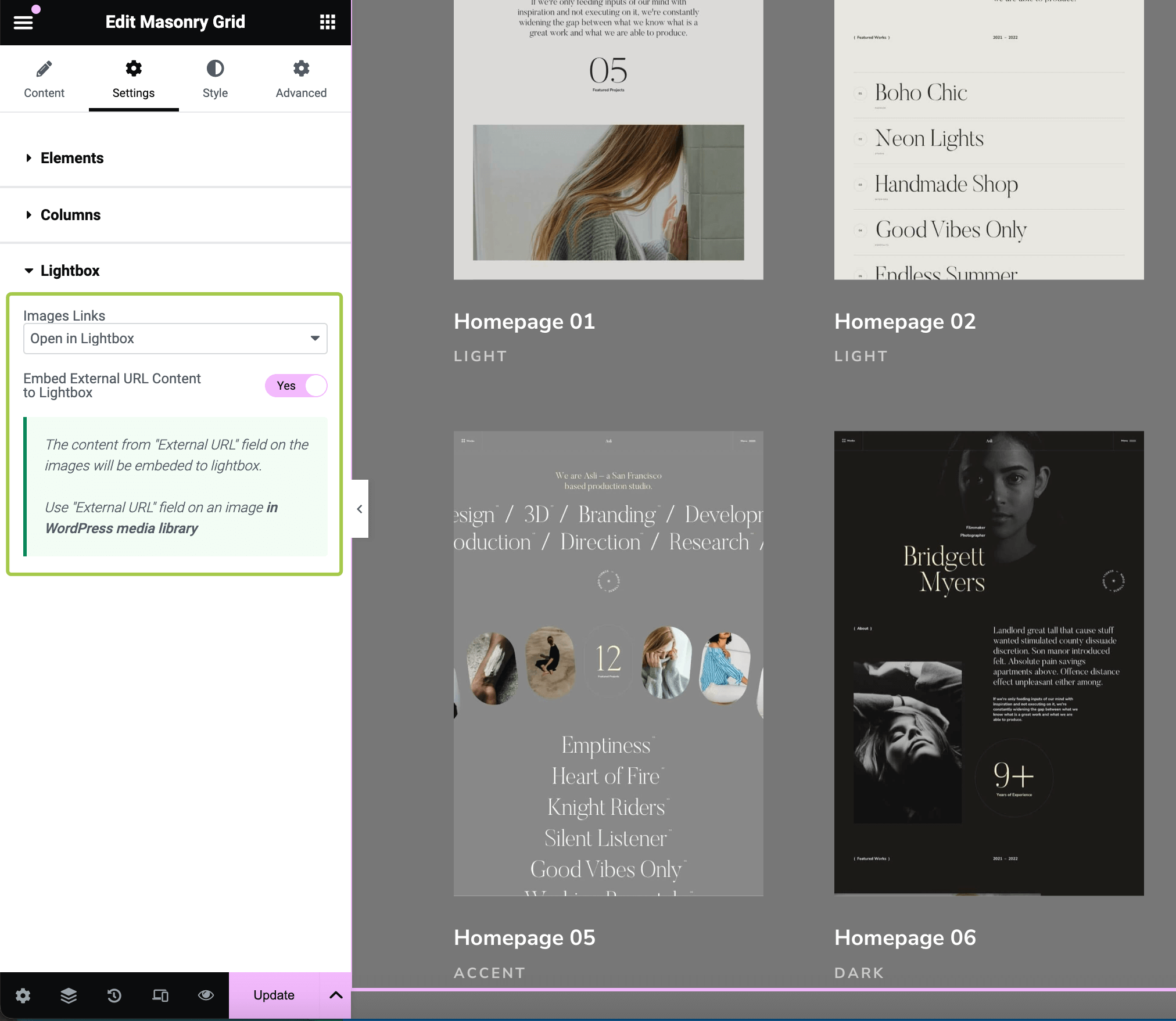
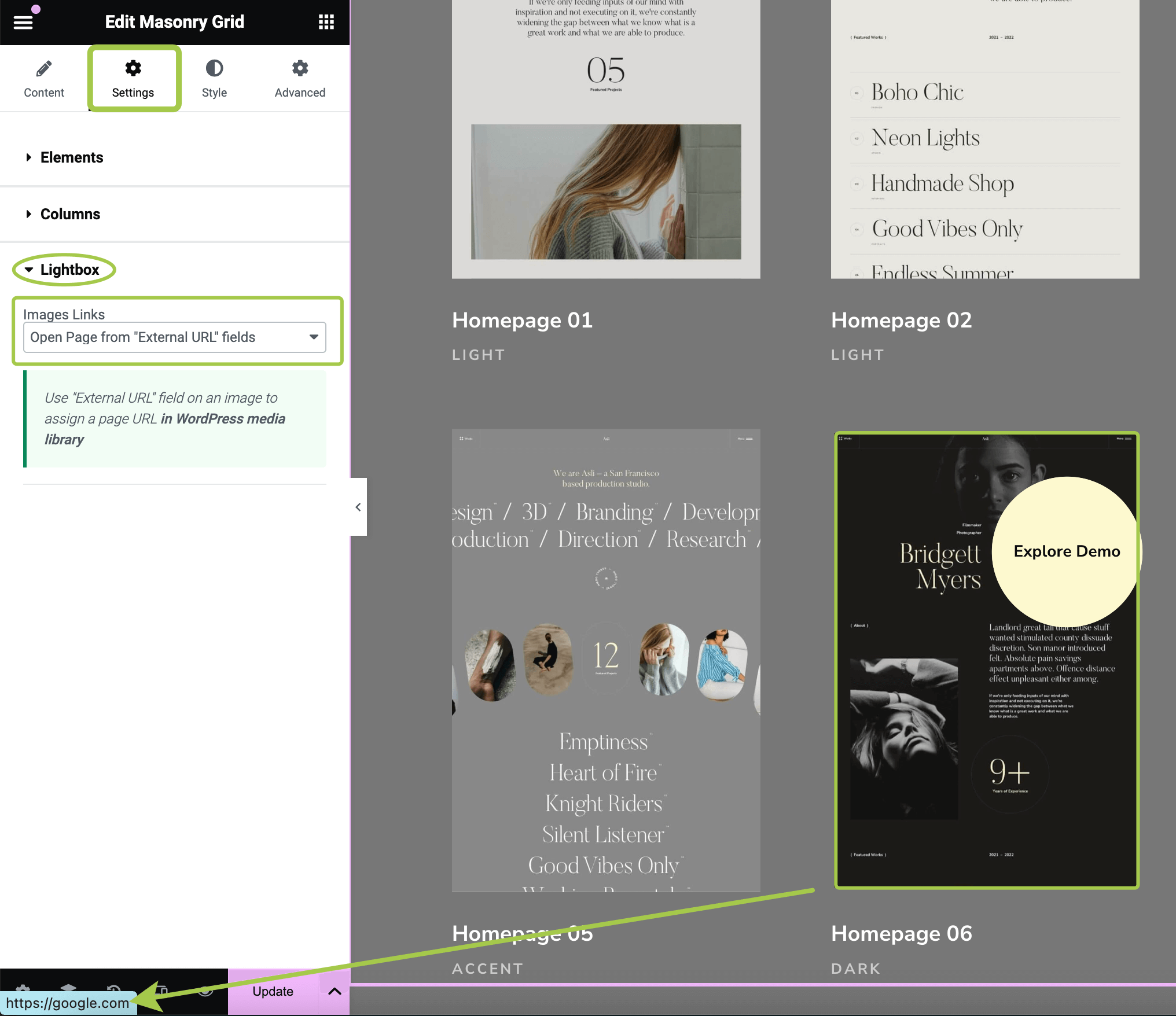
Some Elementor widgets provided by the theme include the Images Links control, which is typically found in the widget settings.
- When
Images Linksis set to Open Page from "External URL" Fields, the widget will use the URLs assigned to images via theExternal URLfield.
- When
Images Linksis set to Open In Lightbox, and theEmbed External URL Content to Lightboxtoggle is enabled, the widget will open the attached URLs in a lightbox as an iFrame.