Appearance
Uploading Site Logo
To upload your logo, go to Customize → Site Identity. You can use the default text logo (with or without a tagline) or upload your own brand image.
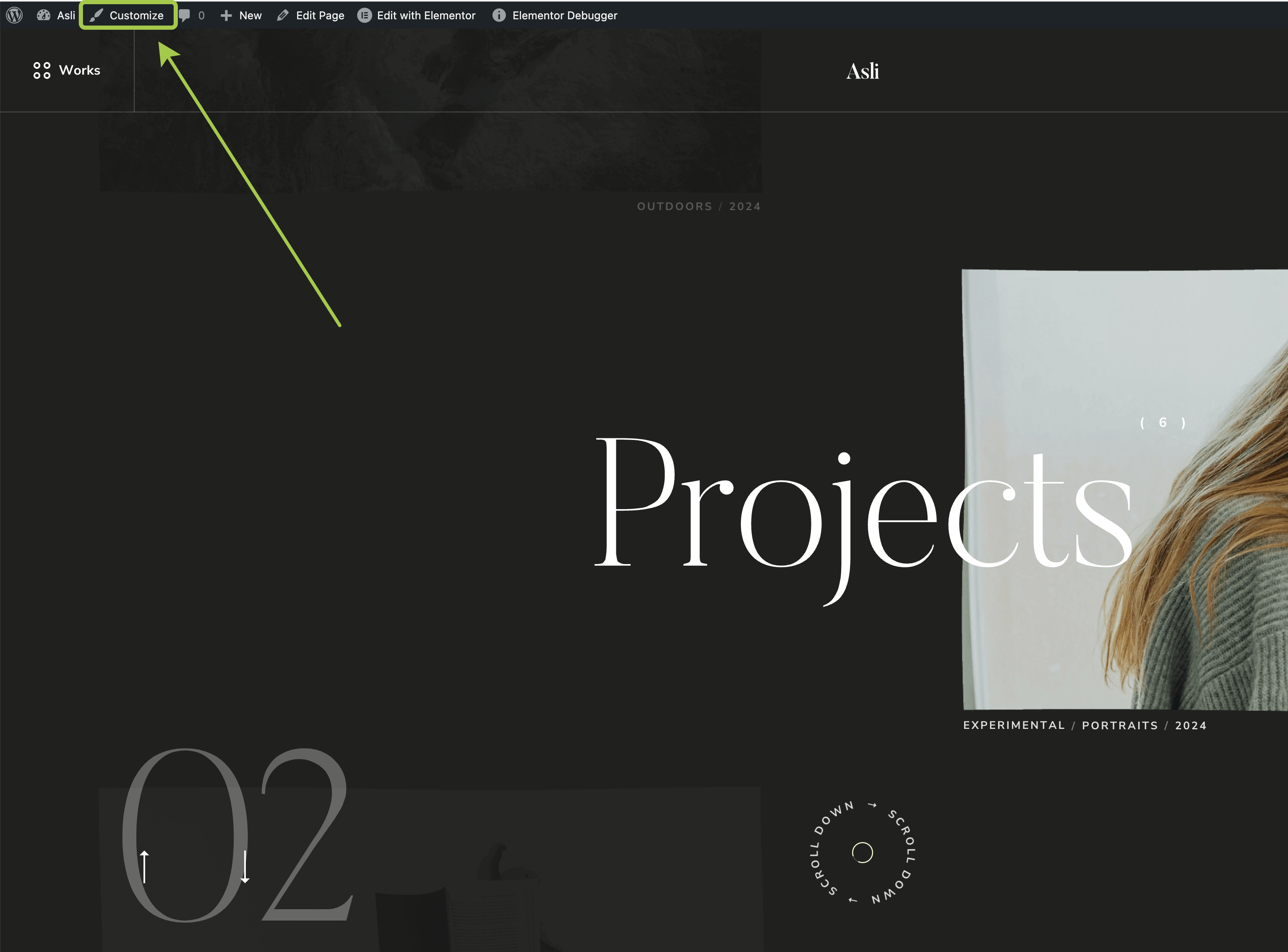
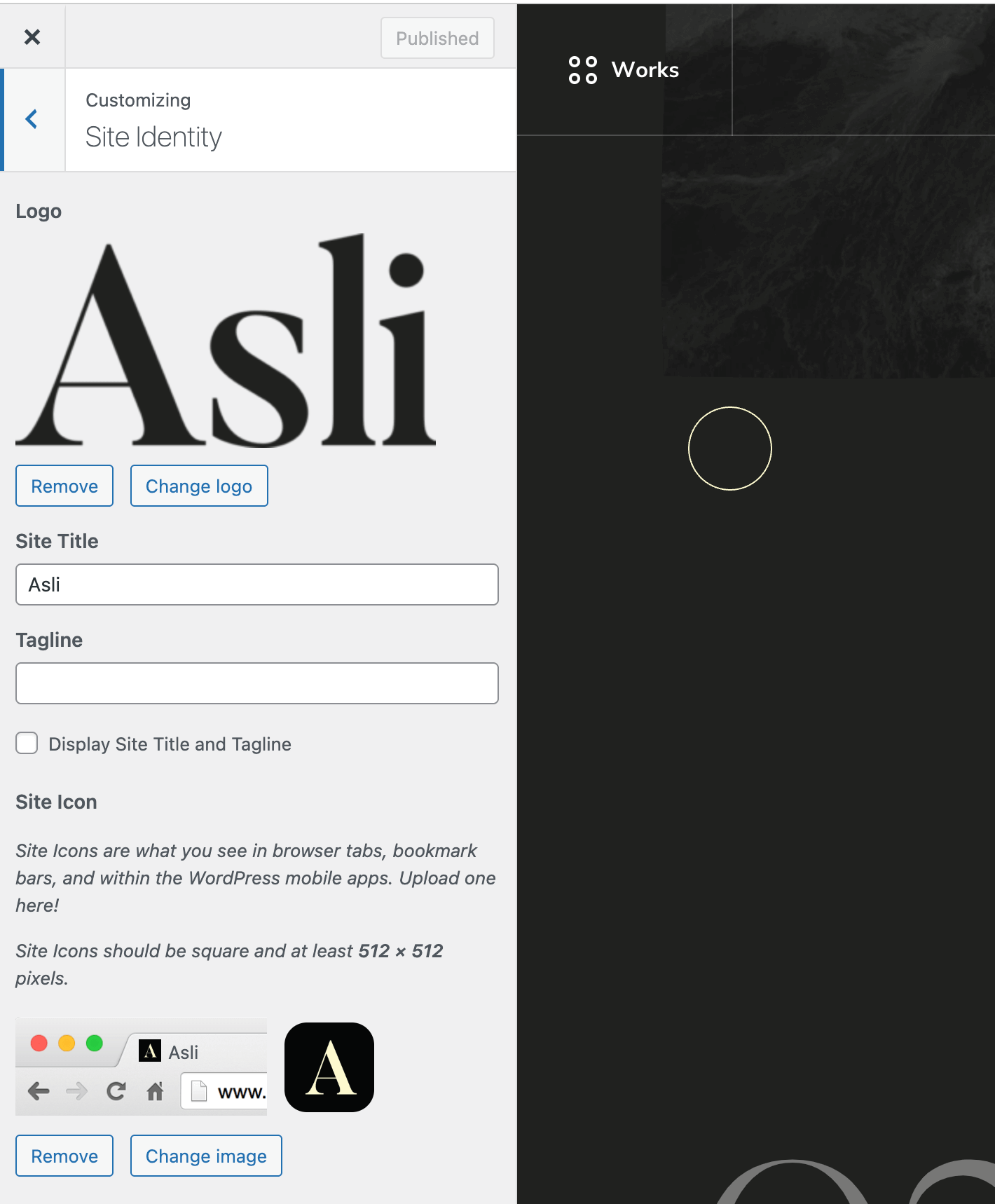
Change Logo and upload your logo to the WordPress media libraryUsing an SVG Logo
By default, WordPress does not allow SVG file uploads. If you try to upload an .svg file, you will see an error:
DANGER
"home.svg" has failed to upload.
Sorry, this file type is not permitted for security reasons.
To enable SVG uploads safely, install the Safe SVG plugin. No additional configuration is required—just install the plugin and upload your SVG logo as you would with other image formats.
Uploading a Secondary Logo Version
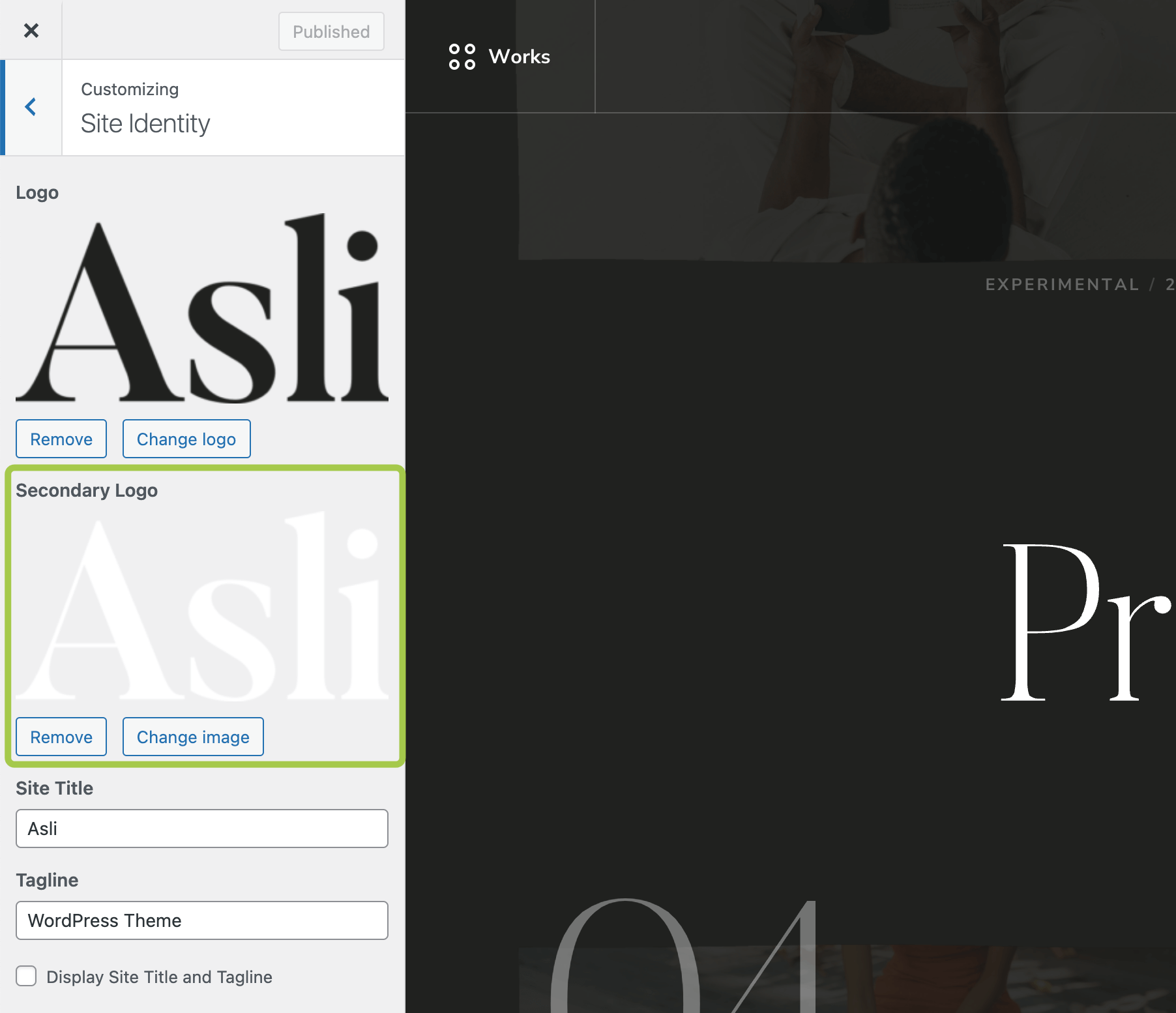
The theme supports a dual-version logo system to ensure proper contrast depending on where the logo appears:
- Primary Logo: Used on light backgrounds.
- Secondary Logo: Used on dark backgrounds or images.
Both versions can be uploaded in the Customize → Site Identity panel.
For more details on selecting which logo version appears in the header, refer to this article:
Header → Selecting Logo Version (Primary or Secondary)