Appearance
Changing Page Background Color
▶️ Step 1.
Open the page where you want to adjust the background and enter the Elementor editor by clicking Edit with Elementor in the admin bar.

▶️ Step 2.
Open the document settings panel by clicking the cog icon in the bottom left corner.

▶️ Step 3.
Go to the Style tab.
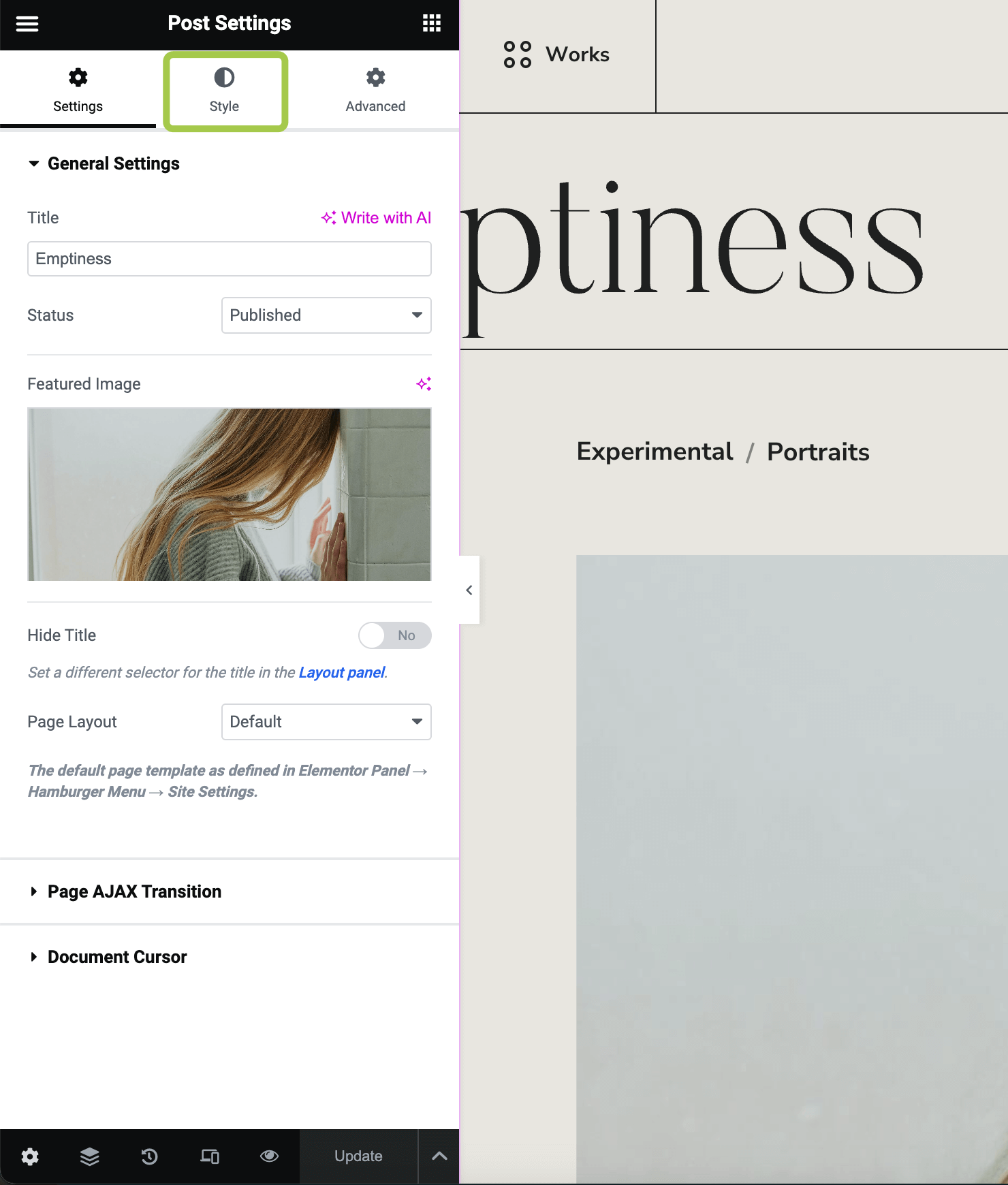
▶️ Step 4.
Adjust the page background here. You can select a pre-defined color from site settings or choose a custom one.
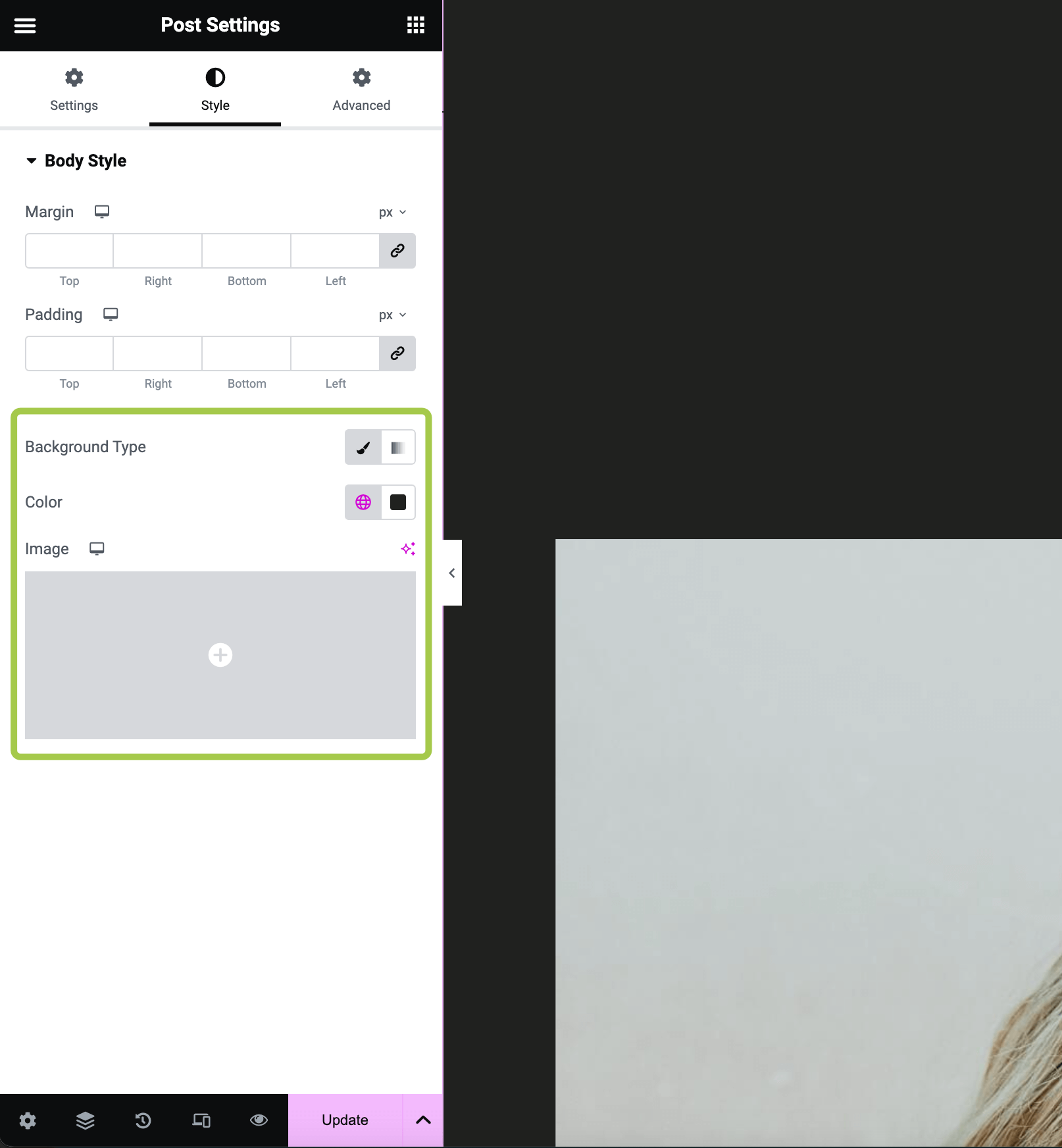
▶️ Step 5.
If you change the background color from light to dark (or vice versa), you may need to adjust widget colors to maintain appropriate contrast.

No automatic light/dark mode.
Neither Elementor nor the theme provides a dark mode for site appearance at this time.
All colors must be adjusted independently in accordance with Elementor's best practices.