Appearance
Uploading Custom Fonts
▶️ Step 1.
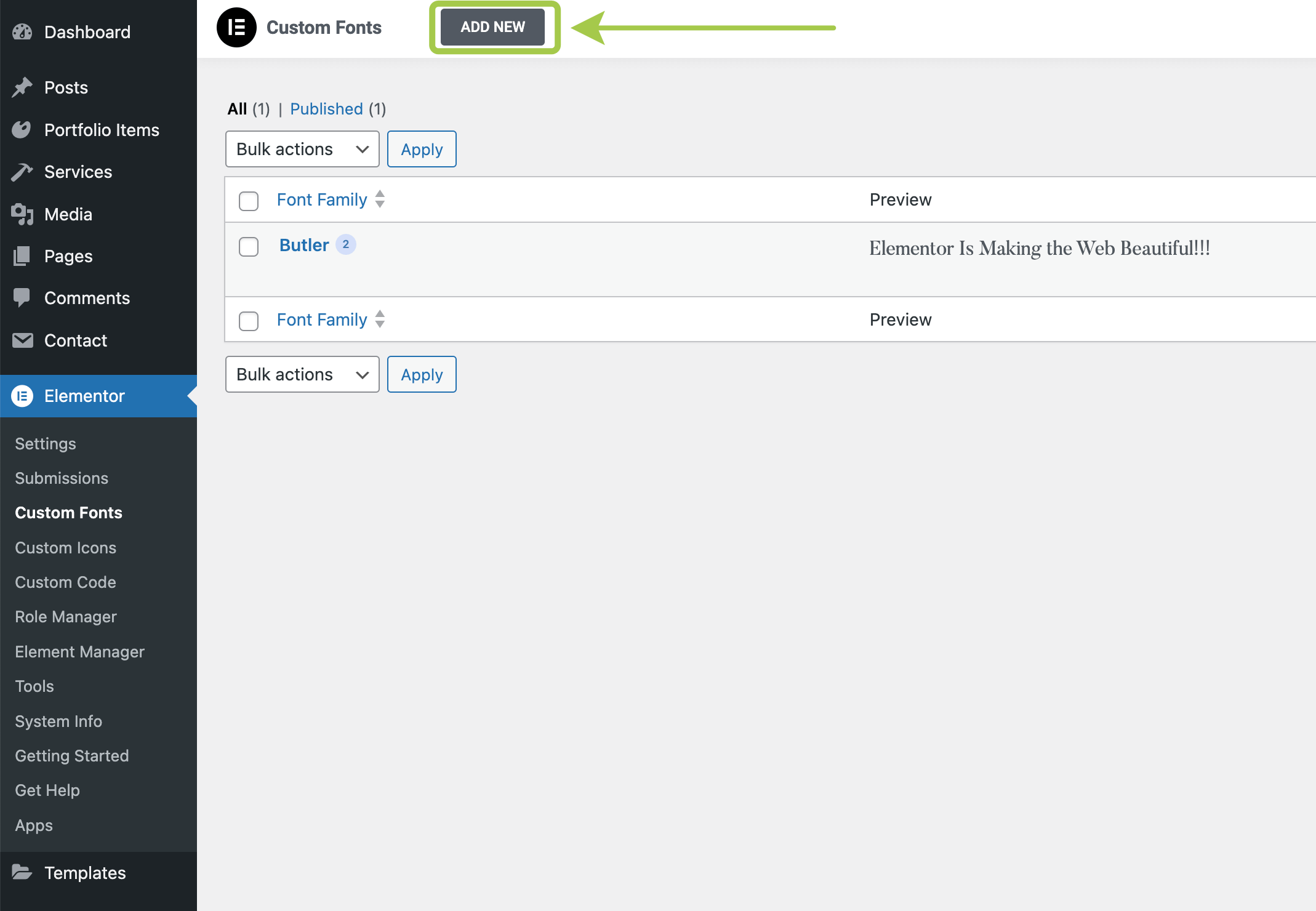
In the WordPress admin panel, go to the Elementor menu.

▶️ Step 2.
Select Custom Fonts.

▶️ Step 3.
Click the Add New button.
▶️ Step 4.
Name your custom font and click Add Font Variation.
Before uploading fonts to your website, ensure they are in a web-compatible format.
Your font package should include .woff or .woff2 files. If your fonts are in .ttf or .otf format, convert them to web-ready formats using Transfonter.

▶️ Step 5.
Click Publish to save your changes.

▶️ Step 6.
Your newly uploaded font will appear under the Custom Fonts section when customizing typography for any widget.
