Appearance
Lazy Images
Open Site Settings panel in Elementor using this guide Accessing Theme Options Panel and go to Asli / Theme Features panel.

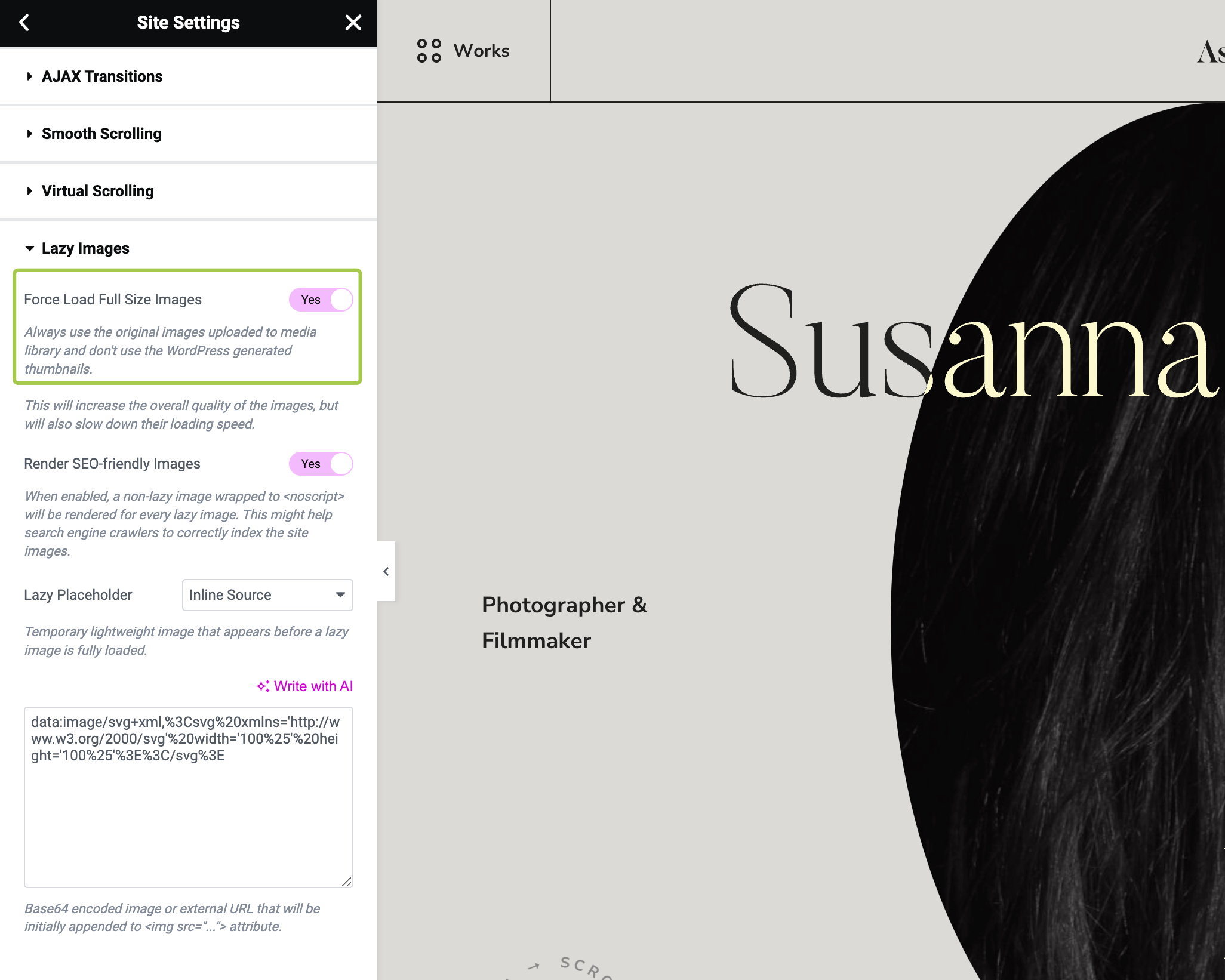
Then expand Lazy Images section.

How to Preserve the Original Images Quality?
Asli theme uses standard sets of thumbnails for an each image you upload to WordPress. Those are generated and compressed automatically – this process is not controlled by the theme. This is done to reduce loading time of the site images. However, it also slightly reduces quality because of the compression applied by WordPress.
If you'd like to have the original quality (as you uploaded) images across your website, enable Force Load Full Size Images toggle. Once enabled the theme will use the original images uploaded to the media library and won't use the WordPress-generated thumbnails.