Appearance
Masthead (Page Top Part with Title)
▶️ Step 1.
Visit the page where you want to customize the masthead and enter the Elementor editor by clicking Edit with Elementor in the admin bar.

▶️ Step 2.
Open Navigator and find the Masthead widget. In the left sidebar, you can adjust the appearance of the page masthead.

Changing Text Content and Image
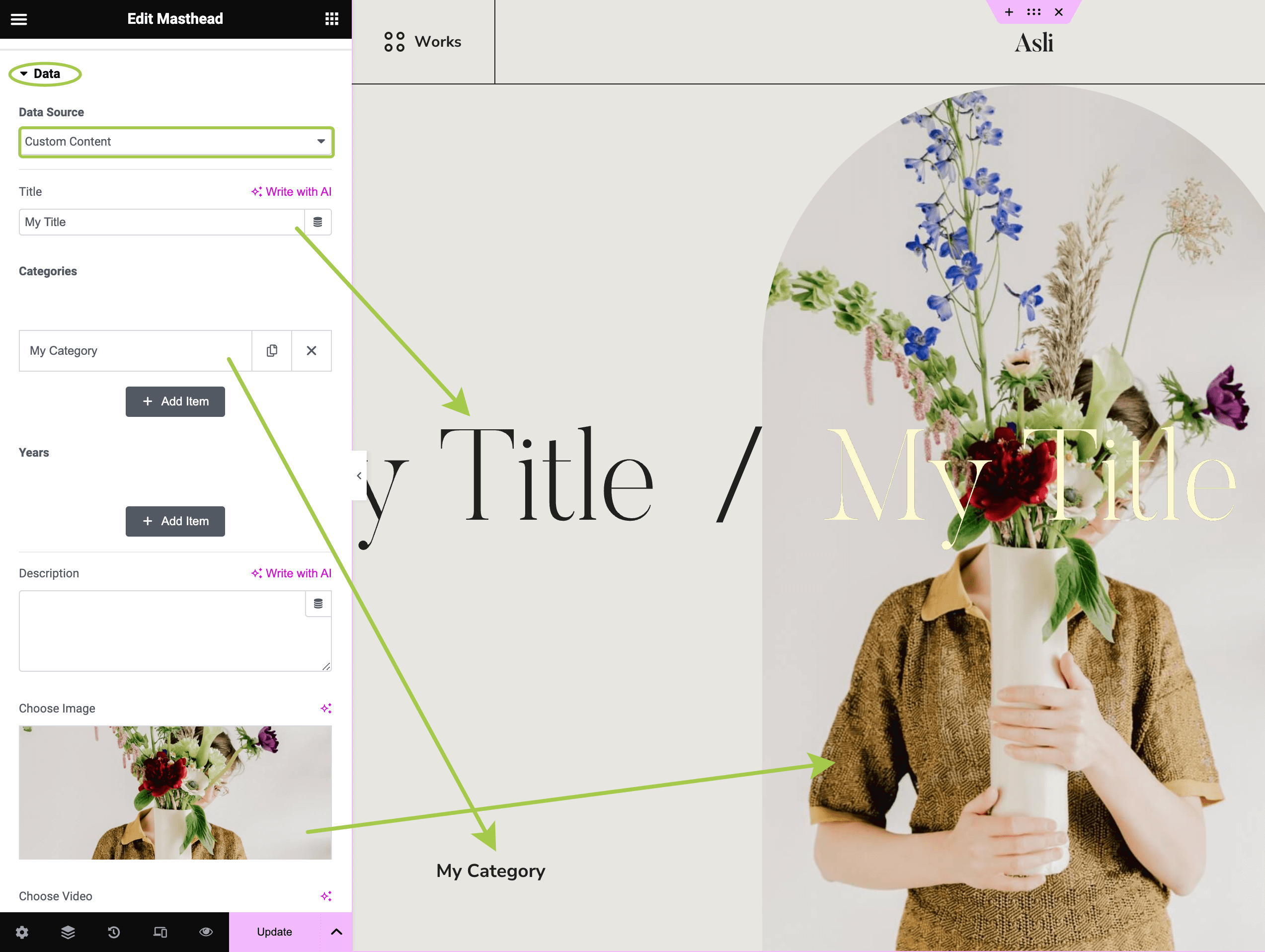
By default, the Masthead widget pulls data dynamically from the current page or post where it is placed. This is defined in the Data section, as shown below:

When Data Source is set to Current Post Data, you should edit the post data in the WordPress backend.

When Data Source is set to Custom Content, you can add text content, images, and videos directly in the Elementor panel. Custom content is not bound to any post.
Displaying Primary or Secondary Featured Image
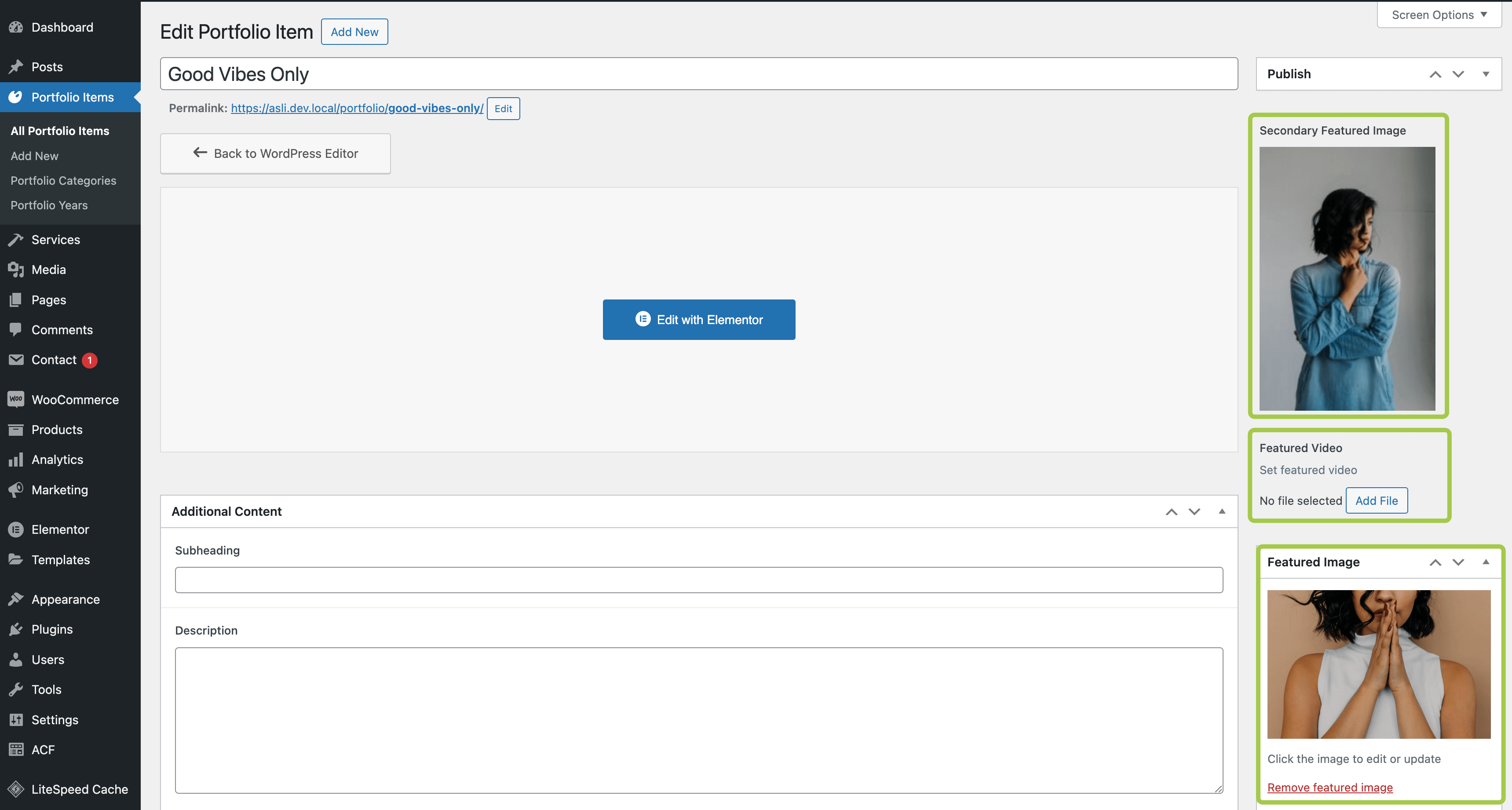
The Asli theme allows you to upload additional media content to pages and posts, such as a featured video and a secondary featured image.
This is how the extra fields appear in the admin panel:
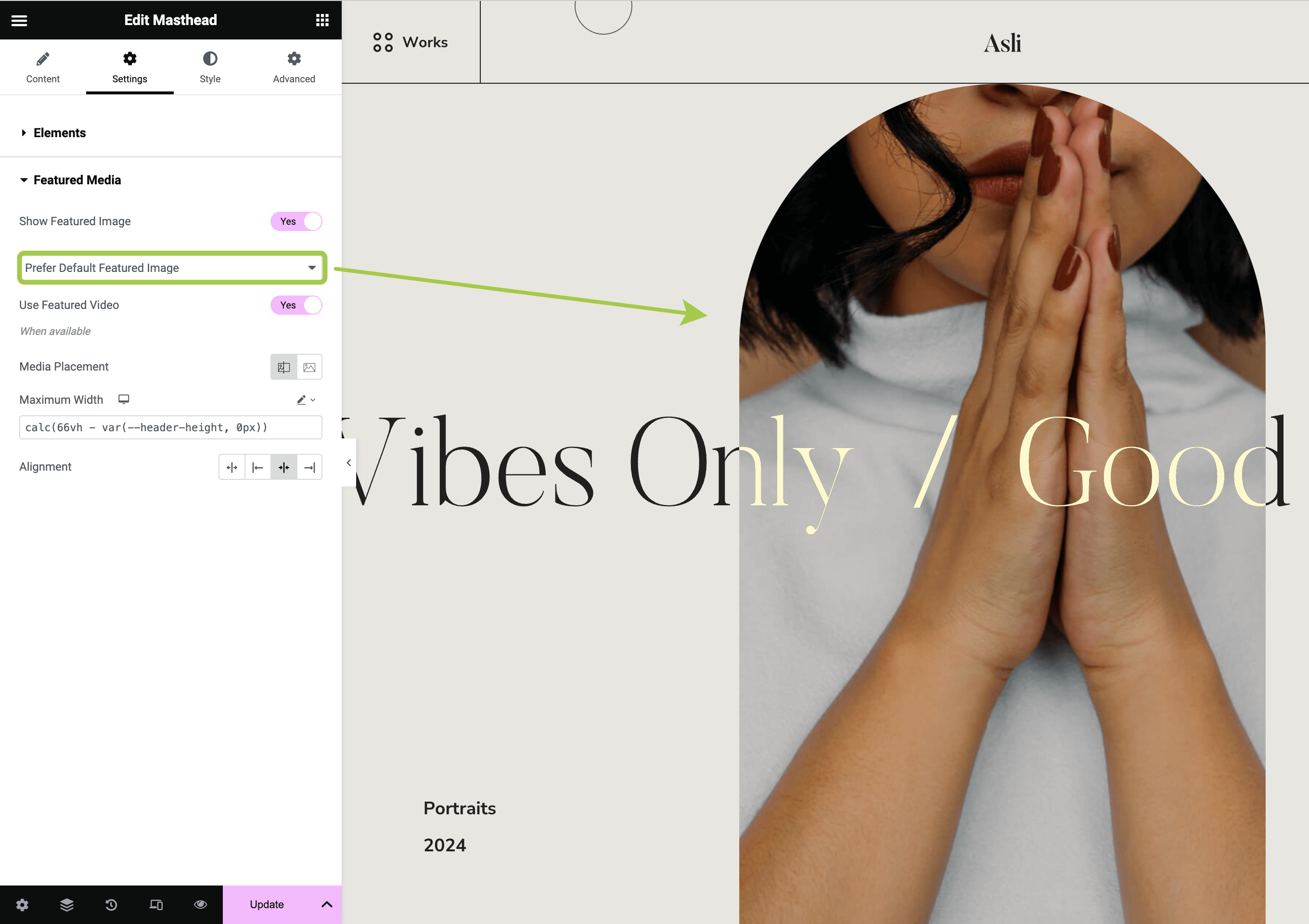
Now, let's return to the Masthead widget. In the left sidebar, activate the Settings tab and expand the Featured Media section. Here, you can choose which featured image to use and toggle the appearance of the featured video (if it was uploaded and assigned to the post).