Appearance
Editing Pages and Posts
In Asli, pages are created as in any other WordPress theme. The key difference is that after creating a page, you need to click the Edit with Elementor button to use the live page builder.
Let's go through the process step by step by creating a new portfolio item from scratch.
▶️ Step 1.
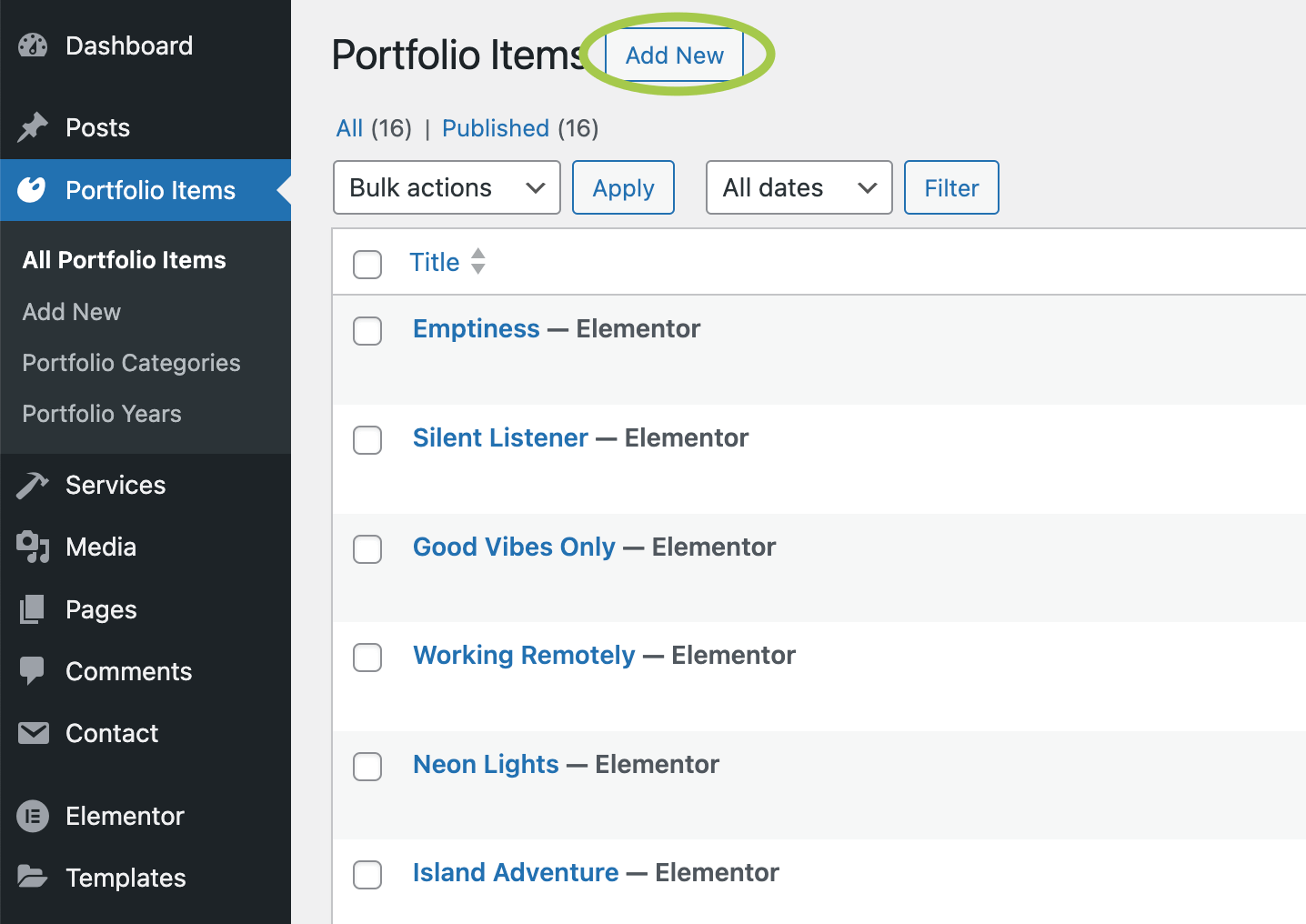
Go to Admin Panel → Portfolio Items and click Add New.
▶️ Step 2.
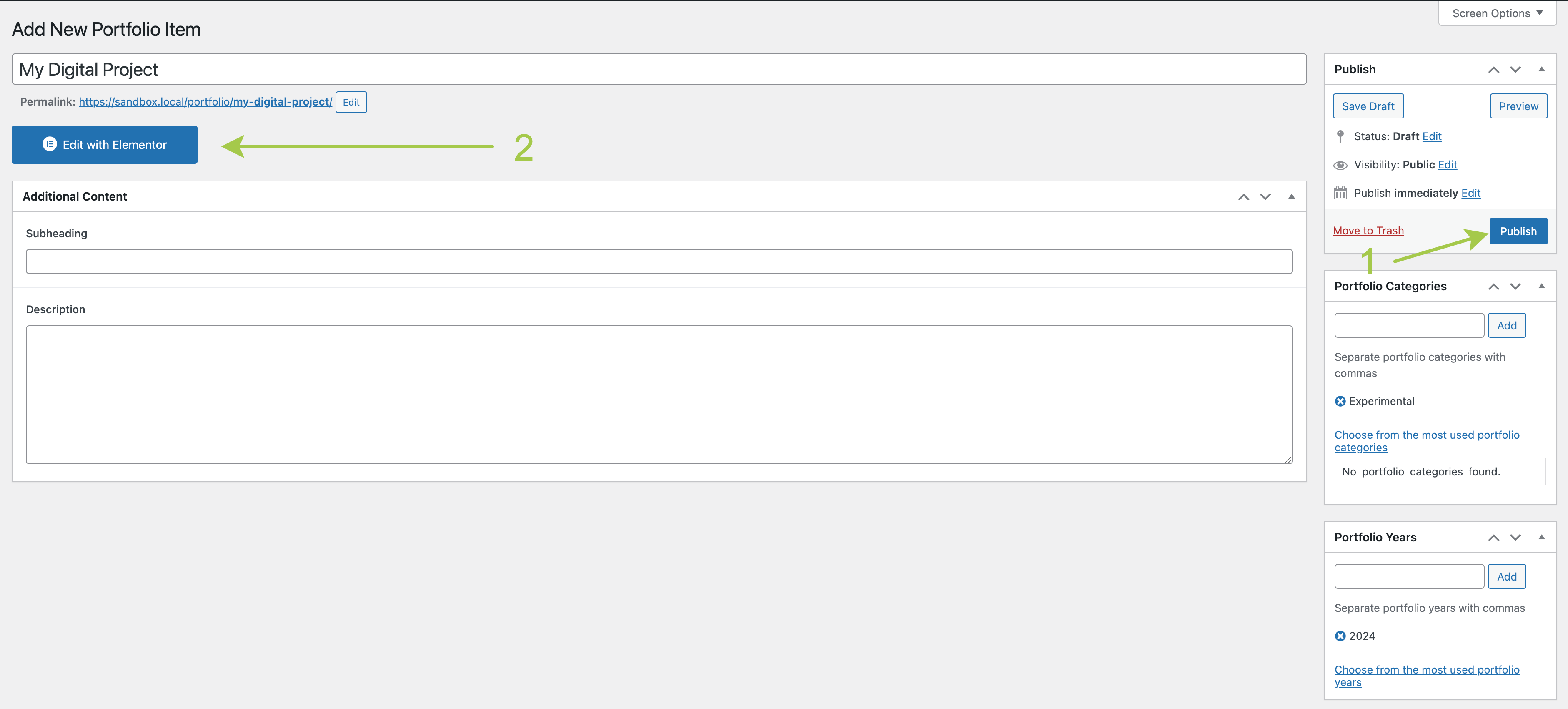
Fill in the page with initial content:
Title(required).Subheading(optional) – additional text appearing above the title.Description(optional) – additional text appearing below the title.Portfolio Categories(optional) – taxonomy.Portfolio Years(optional) – taxonomy.Secondary Featured Image(optional) – alternate featured image.Featured Video(optional) – self-hosted video background.Featured Image(optional but recommended).

Too low file size limit?
If you're struggling with uploading large media files due to a small file size limit, adjust these PHP directives in your hosting panel’s php.ini file:
properties
upload_max_filesize = 32M
post_max_size       = 32M
▶️ Step 3.
Click Publish. The post will be saved, and you can now use the page builder. Click the Edit with Elementor button.
▶️ Step 4.
Your new portfolio item is now saved in WordPress. You can start adding content!

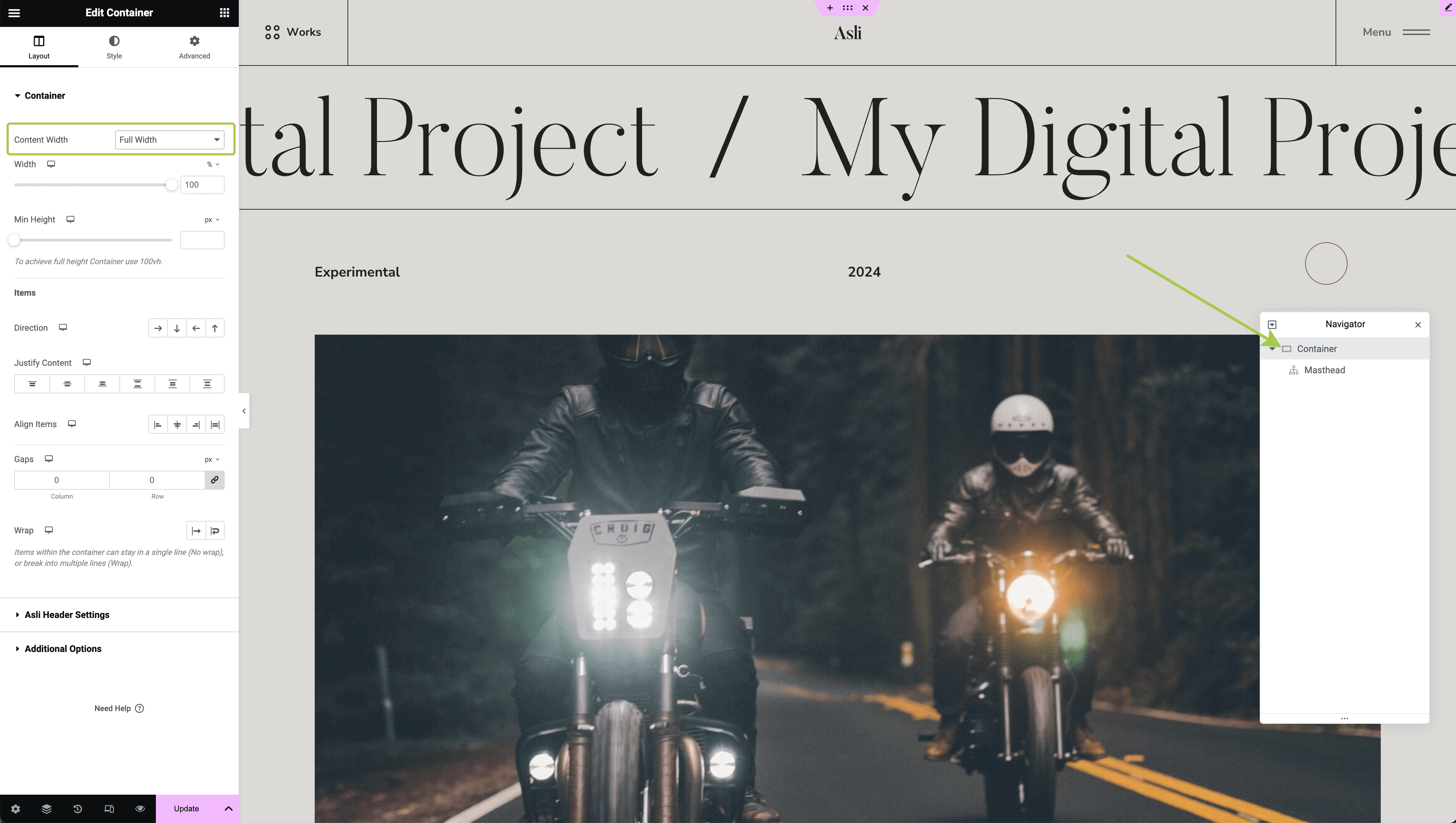
Before adding content, let’s make some styling adjustments. Search for the "Masthead" widget, then drag and drop it onto the page.

You should see your page title running as a text marquee.

To style the page background, go to Document Settings → Style → Body Style.

Open the Navigator (right-click anywhere on the page to open it) and select the parent Masthead container. Make it full width.
▶️ Step 5.
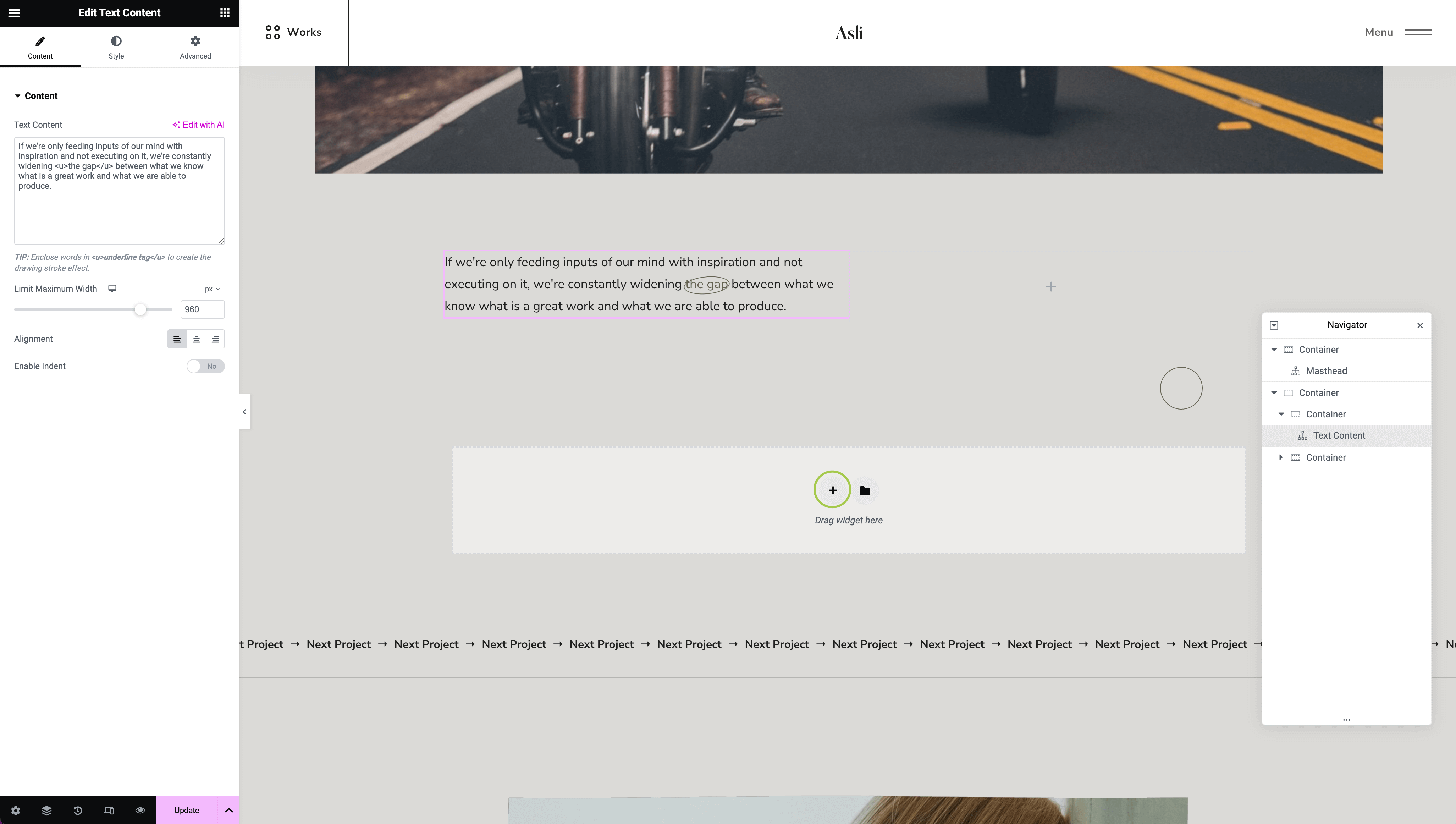
Scroll down and start composing your page using Elementor widgets from the left panel. Don't forget to save your changes periodically by clicking the Update button in the bottom left corner.
Displaying in Dynamic Widgets
Once you save a new portfolio item, it will automatically appear in widgets that fetch dynamic data.
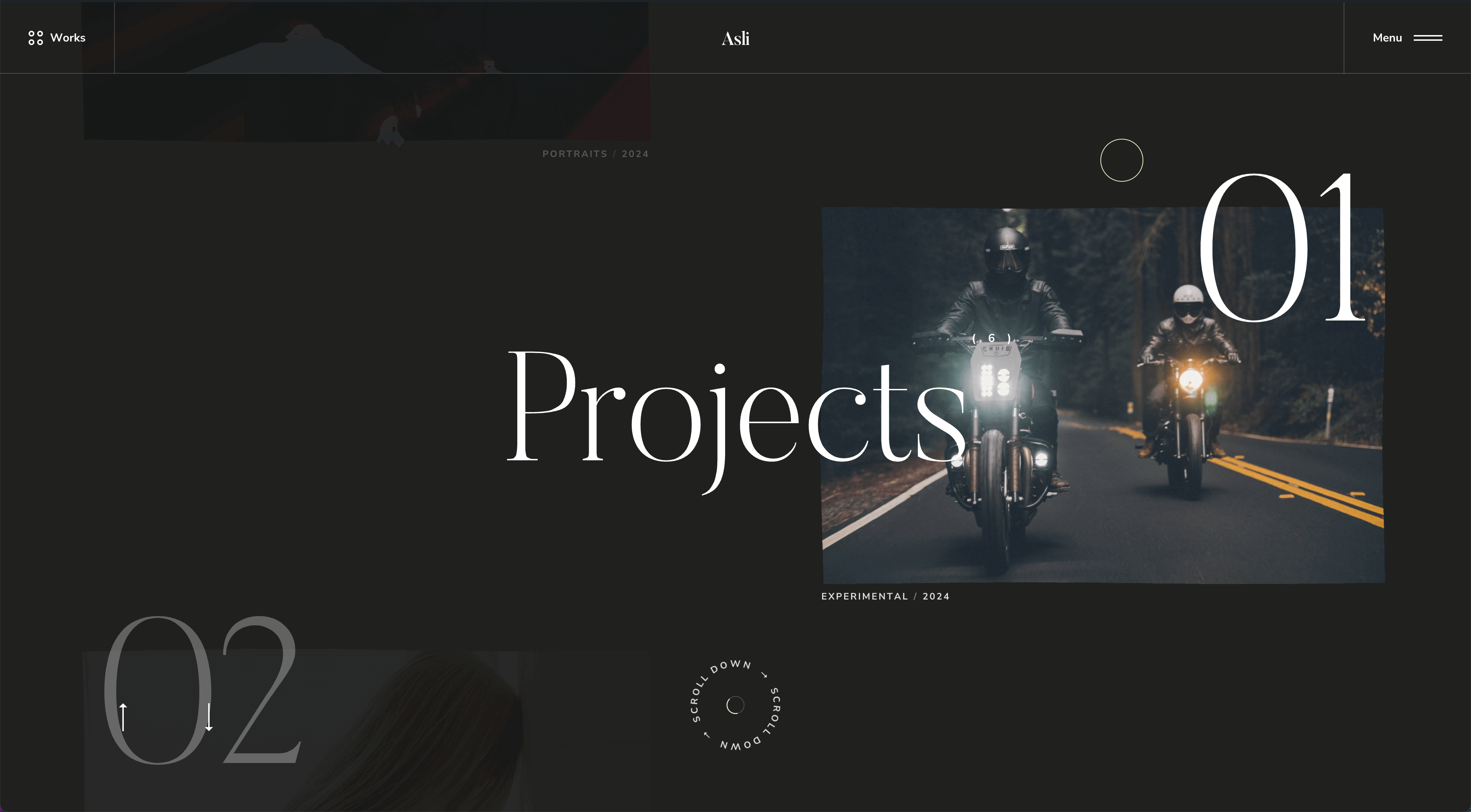
For example, in a fullscreen infinite list widget on the homepage, your new portfolio item will be displayed.
Managing Posts
To enhance your content editing experience, refer to these articles: