Appearance
Smooth Scrolling
Smooth scrolling replaces the browser's default instant scroll behavior with a fluid, animated scroll experience. Instead of jumping to content, the page glides smoothly — creating a more polished and modern feel for your website.
How to Access this Panel
Open Site Settings panel in Elementor using this guide Accessing Theme Options Panel and select Smooth Scrolling.
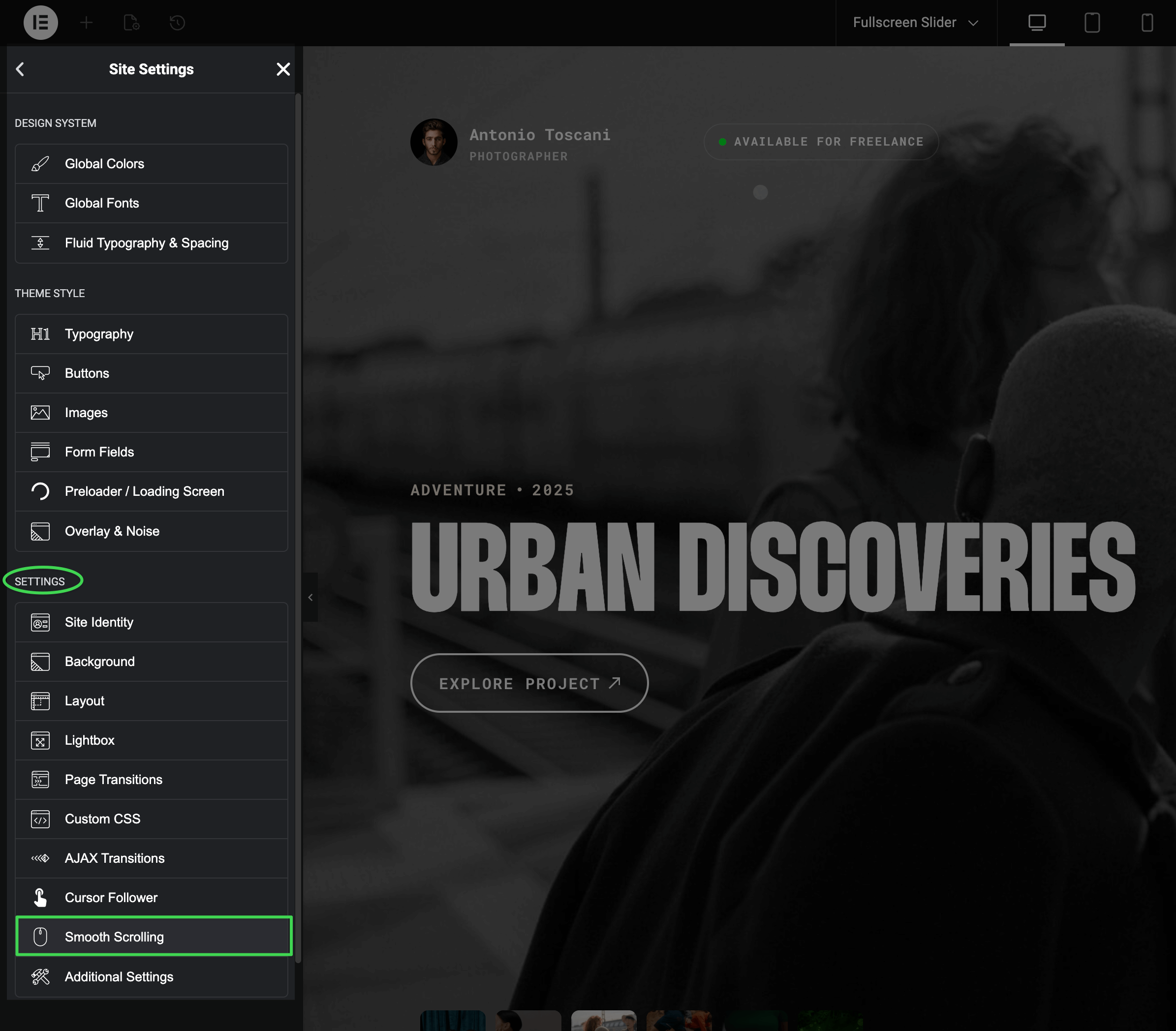
Enabling or Disabling
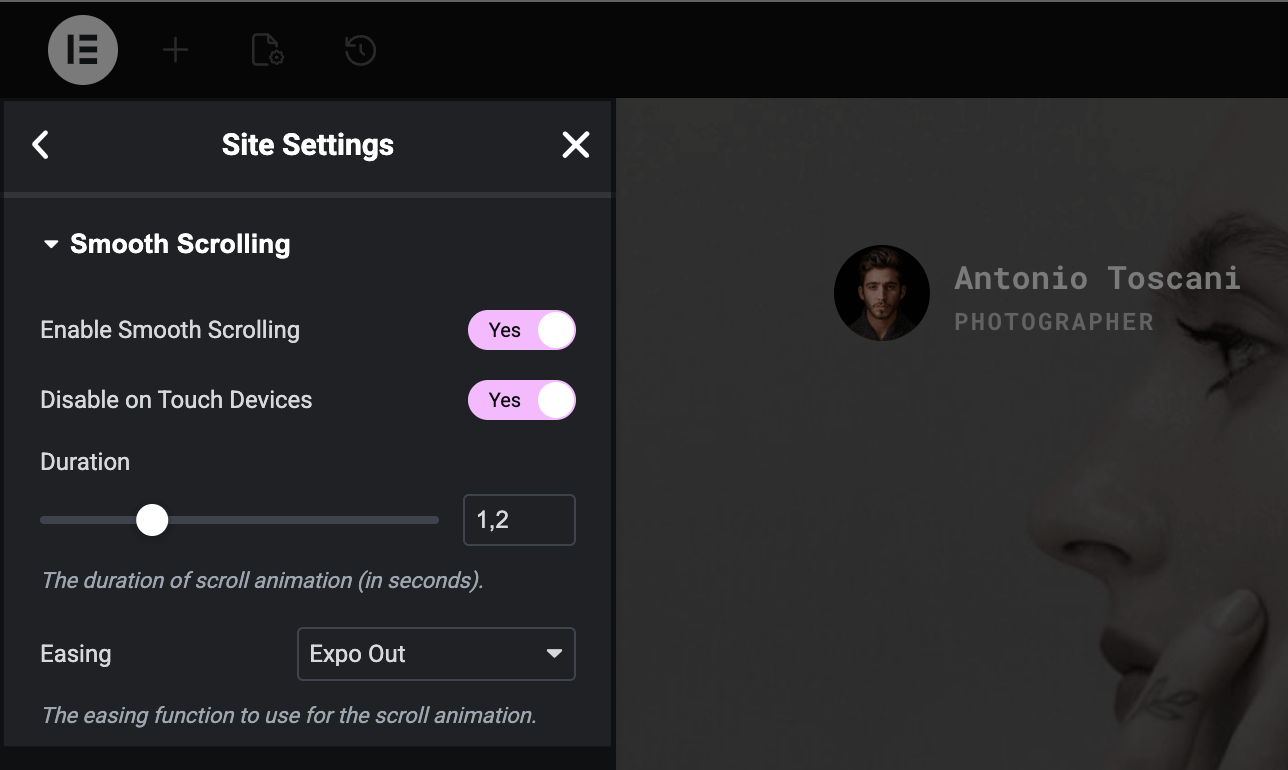
Toggle Enable Smooth Scrolling at the top of the panel to turn the effect on or off site-wide.
Why doesn't it work on mobile?
By default, smooth scrolling is disabled on touch devices. Phones and tablets have their own native momentum scrolling that feels natural to users — overriding it can make your site feel unresponsive. The Disable on Touch Devices toggle controls this behavior.
Adjusting the Feel
Fine-tune the scrolling behavior to match your site's personality:
- Duration — how long the scroll animation takes (in seconds). Higher values feel more relaxed, lower values feel snappier. Default is 1.2 seconds.
- Easing — the animation curve. "Expo Out" (default) starts fast and slows down smoothly. "Linear" maintains constant speed throughout.
Finding the Right Balance
The default settings work well for most sites. If your site has long pages with lots of content, try increasing the duration slightly. For snappier, more dynamic sites, decrease it.