Appearance
Translating Theme
The Trigger theme is fully translatable into other languages.
For easy string translation, I recommend installing the free Loco Translate plugin, which allows you to translate your theme directly from the WordPress admin panel.
Building a multilingual site?
If you need to serve your site in multiple languages with a language switcher — so visitors can switch between languages — see Multilingual Plugins instead.
Preparing for Translation
WARNING
Before translating, ensure that the folder 📁 wp-content/languages/loco/themes exists and is writable by the web server.
If WordPress automatic updates are enabled, the 📁 wp-content/languages folder likely already exists.
Translation Dashboard
If you haven't already installed and activated Loco Translate, please do so now.
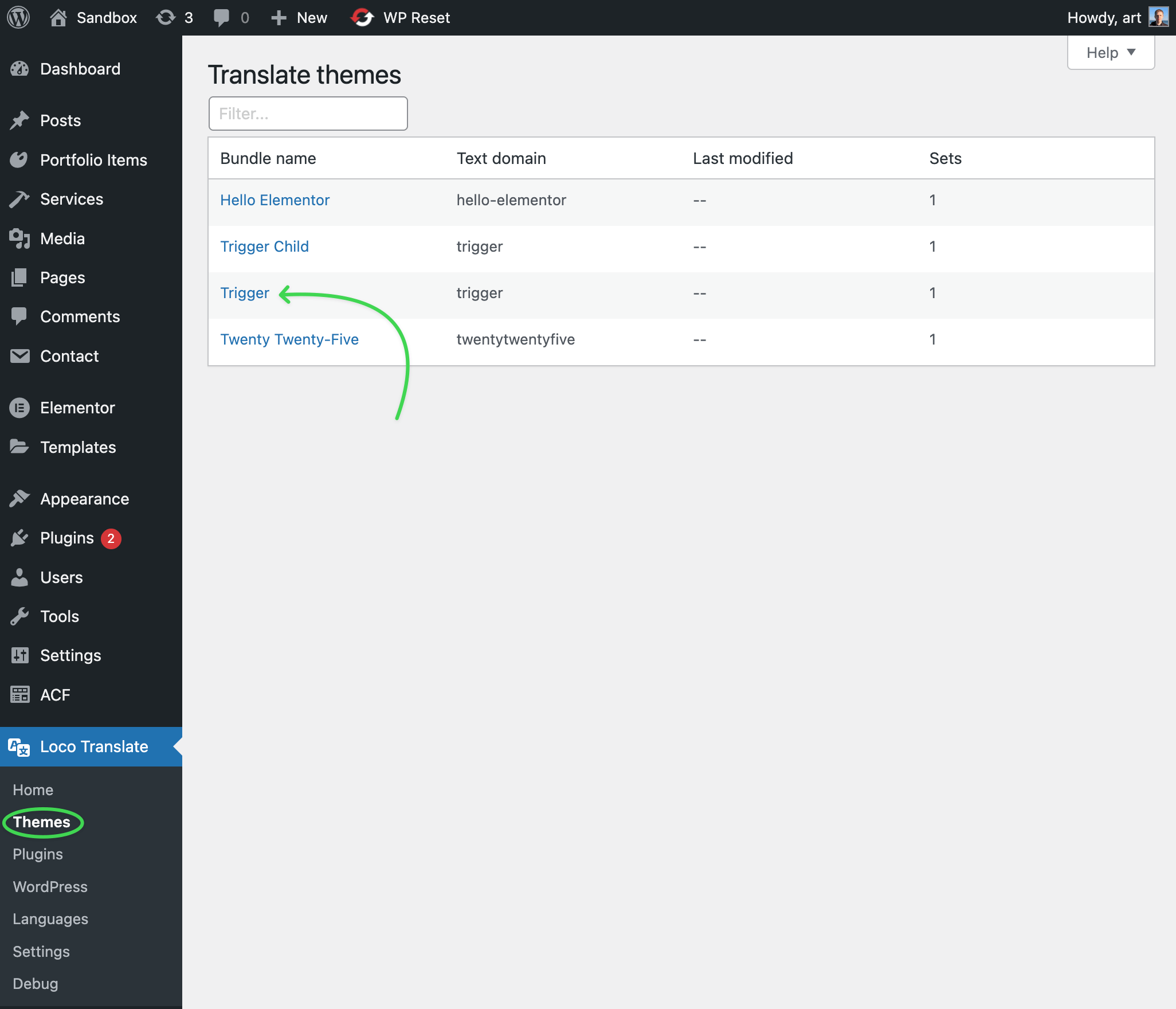
Go to Loco Translate → Themes in the WordPress admin panel. You will see a list of available themes. Find Trigger in the list and click on it.
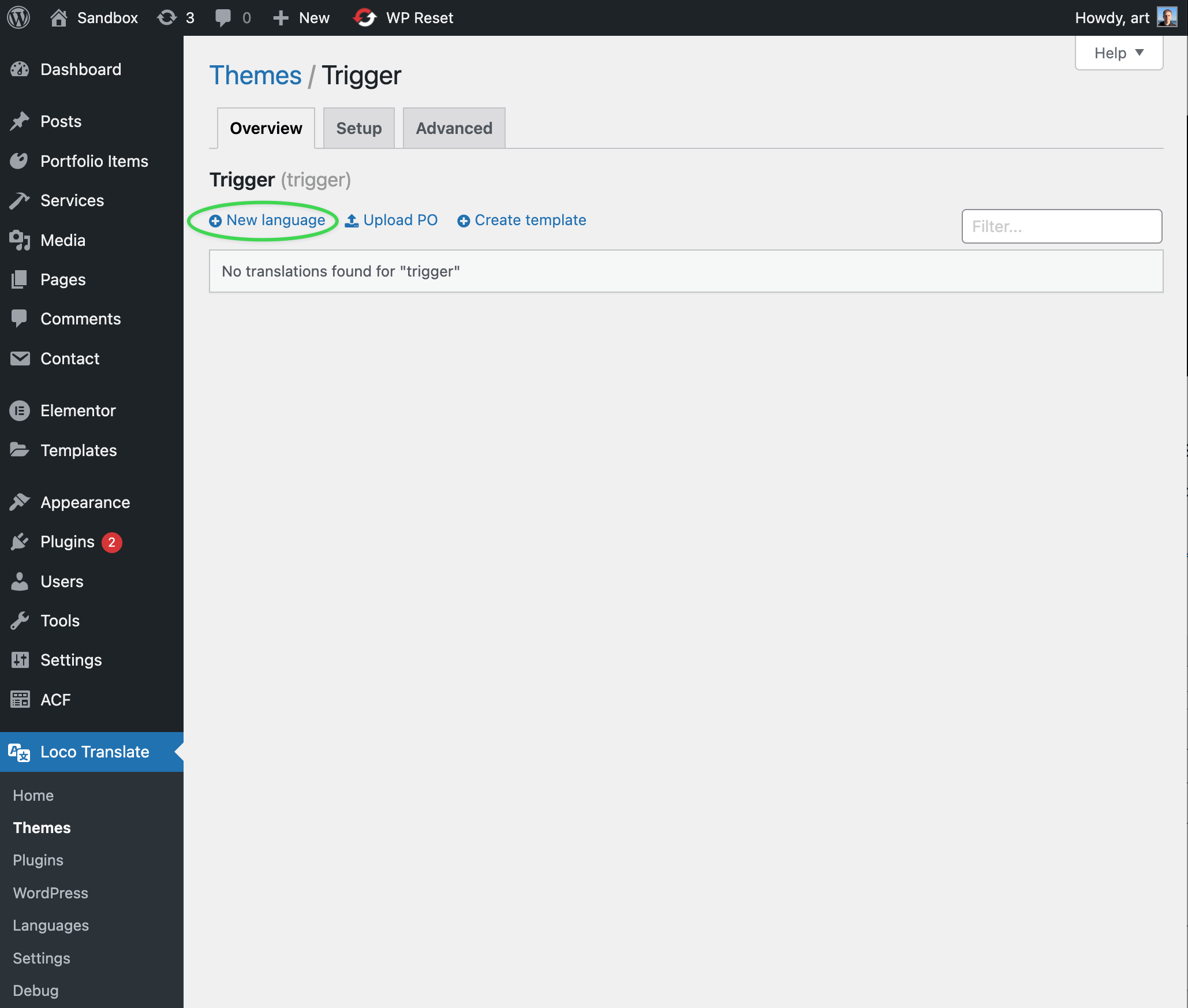
New languageAdding a New Language
To start translating the theme into another language, click New language. You will be directed to a new screen where you can choose the desired language.
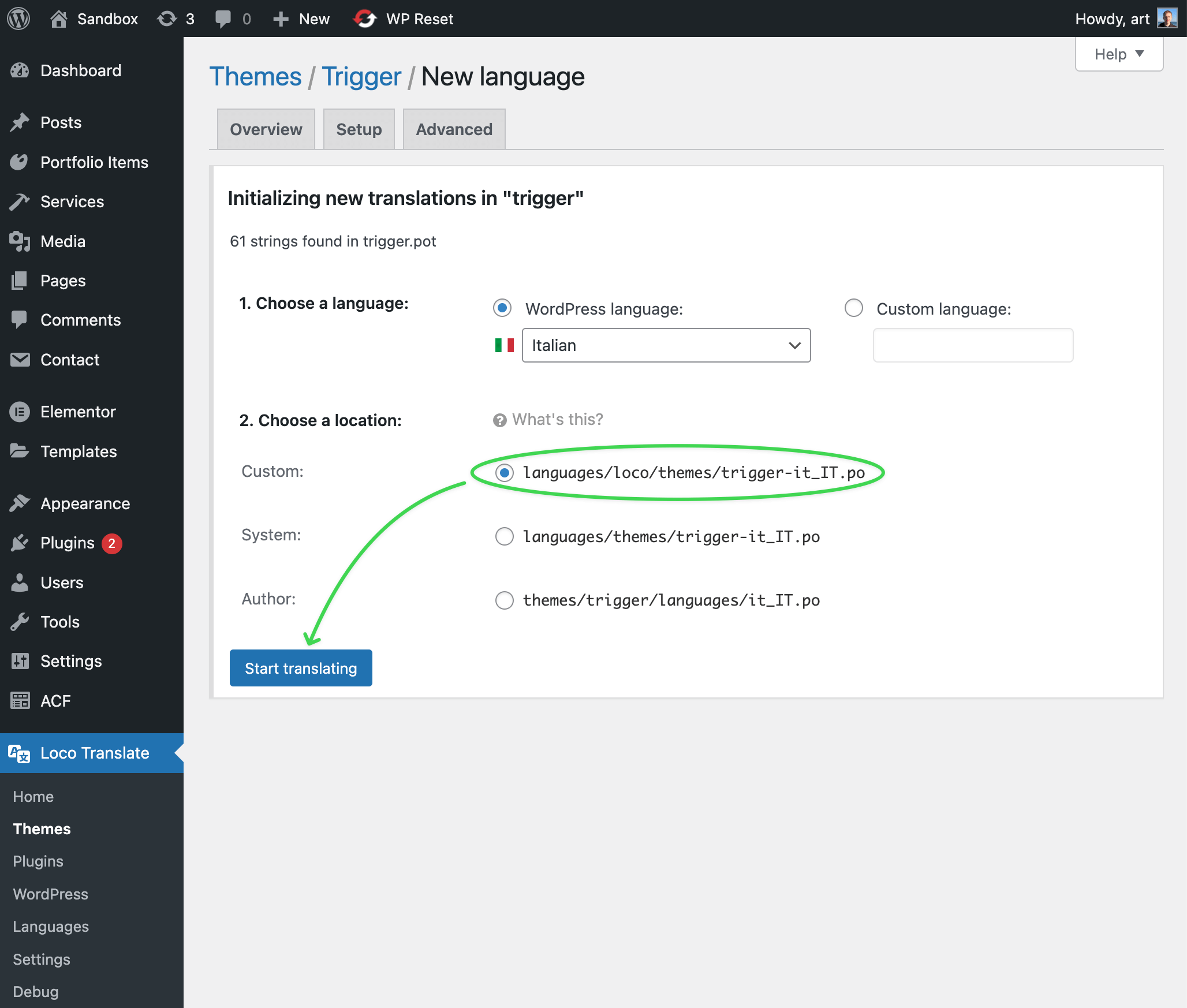
Select a language from the dropdown list. For example, selecting German will set the language code to de.
Select System as the save location. This stores the file in wp-content/languages/themes/ — outside the theme folder, so it survives theme updates. It also works for all locales, including English-to-English overrides where the Custom location won't be loaded.
About the "may be overwritten" notice
Loco shows this notice for any file saved to the System folder. In practice it only applies to themes distributed through wordpress.org — WordPress downloads official language packs there for those. Trigger is a commercial theme not listed on wordpress.org, so WordPress will never push a competing translation file there. The warning is safe to ignore.
On the editor screen, you will see all translatable theme strings. Untranslated strings appear in bold blue.
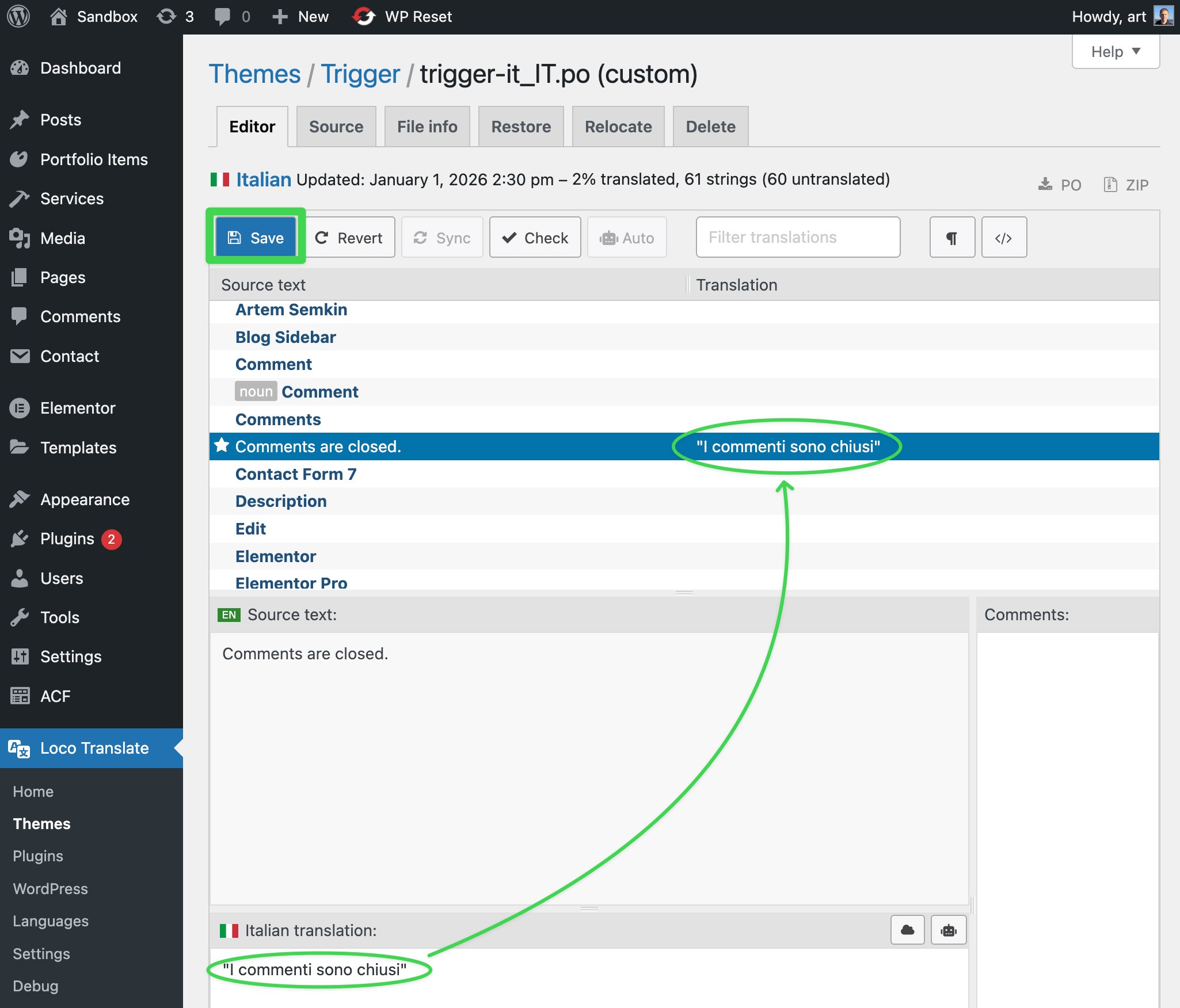
Save once doneRenaming Post Type Labels
Labels like "All Years" and "All Categories" come from the Trigger Core Plugin, not the theme. Translate them via Loco Translate → Plugins → <ThemeName /> Core. See Customizing Post Type & Taxonomy Labels.