Appearance
Site Background & Noise Effect
Trigger lets you customize the site background and includes a subtle grain/noise texture overlay for added visual depth.
Changing the Background Color
How to Access this Panel
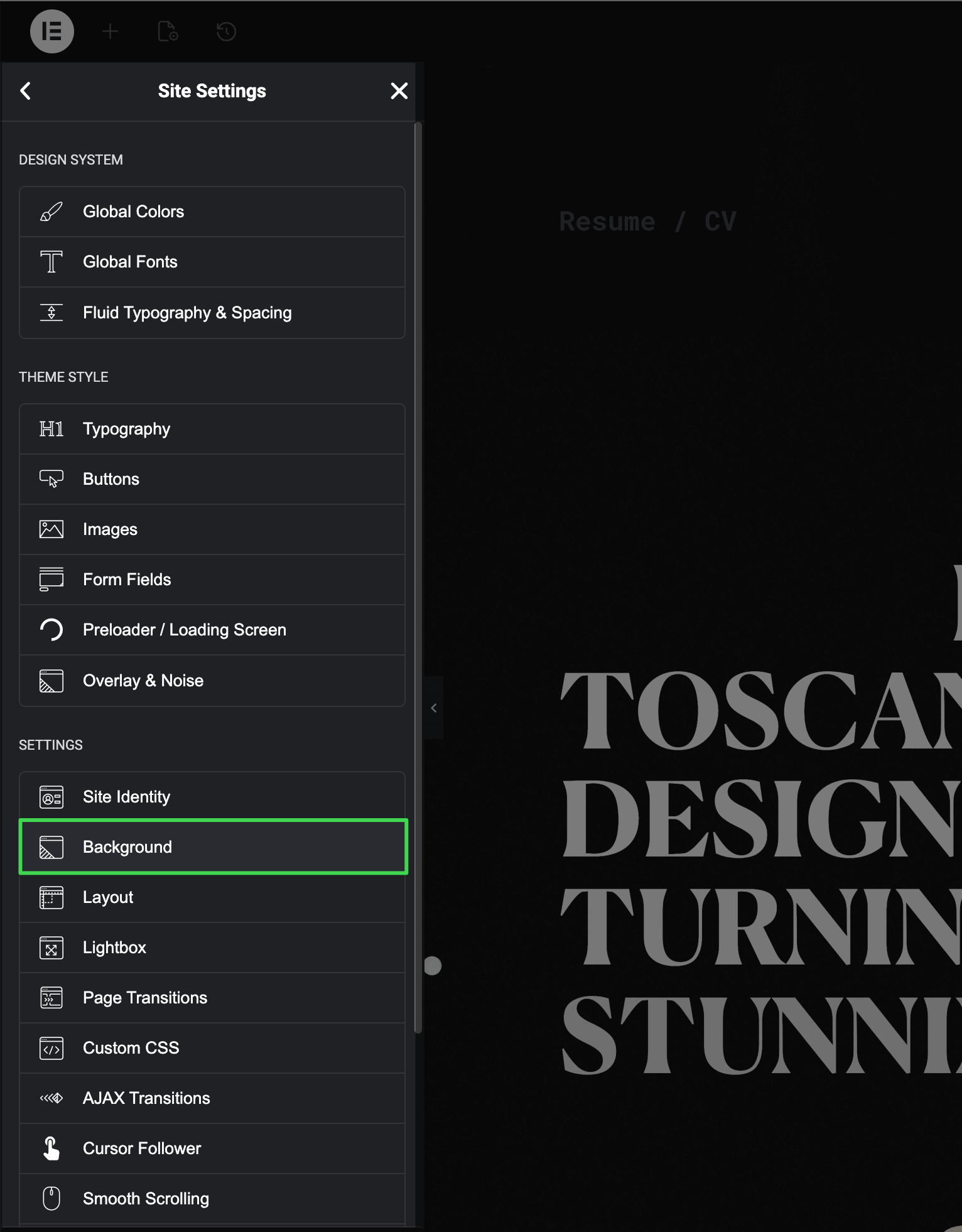
Open Site Settings panel in Elementor using this guide Accessing Theme Options Panel and select Background.
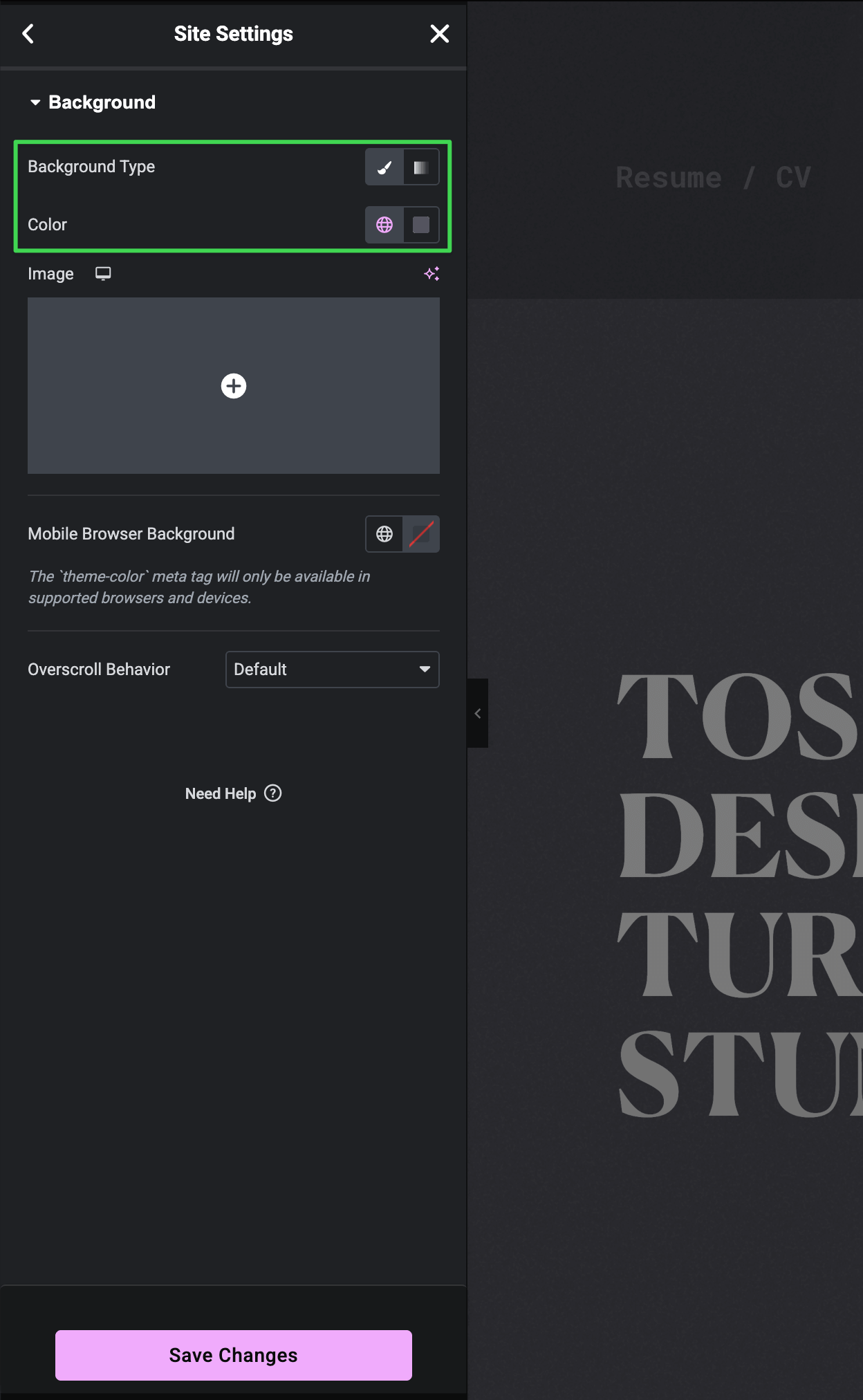
Background Controls
Set your desired background type, color, or image. This applies to all pages site-wide.
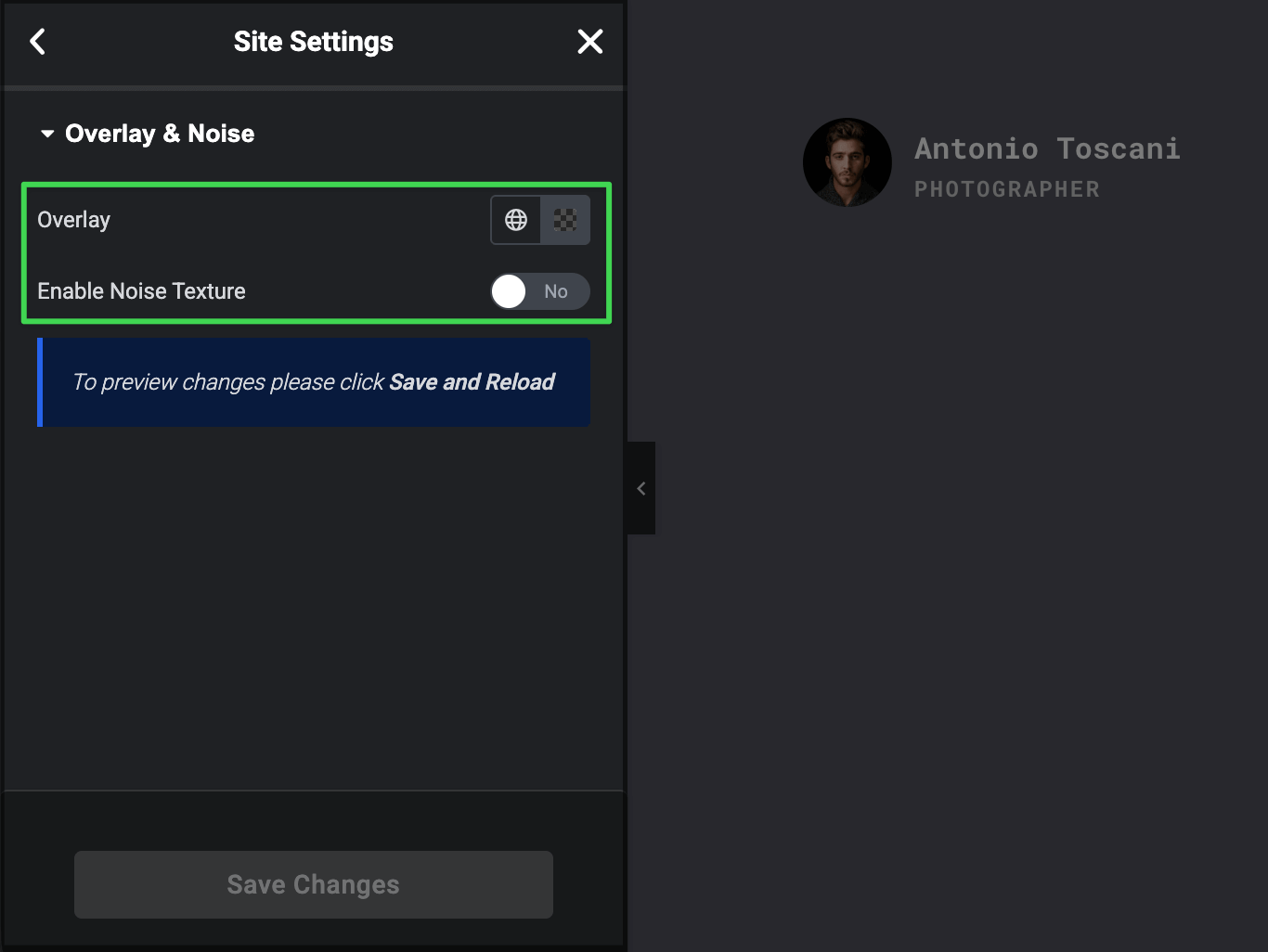
Overlay & Noise Settings
This panel controls two features: the dark backdrop for popups and the grain texture effect.
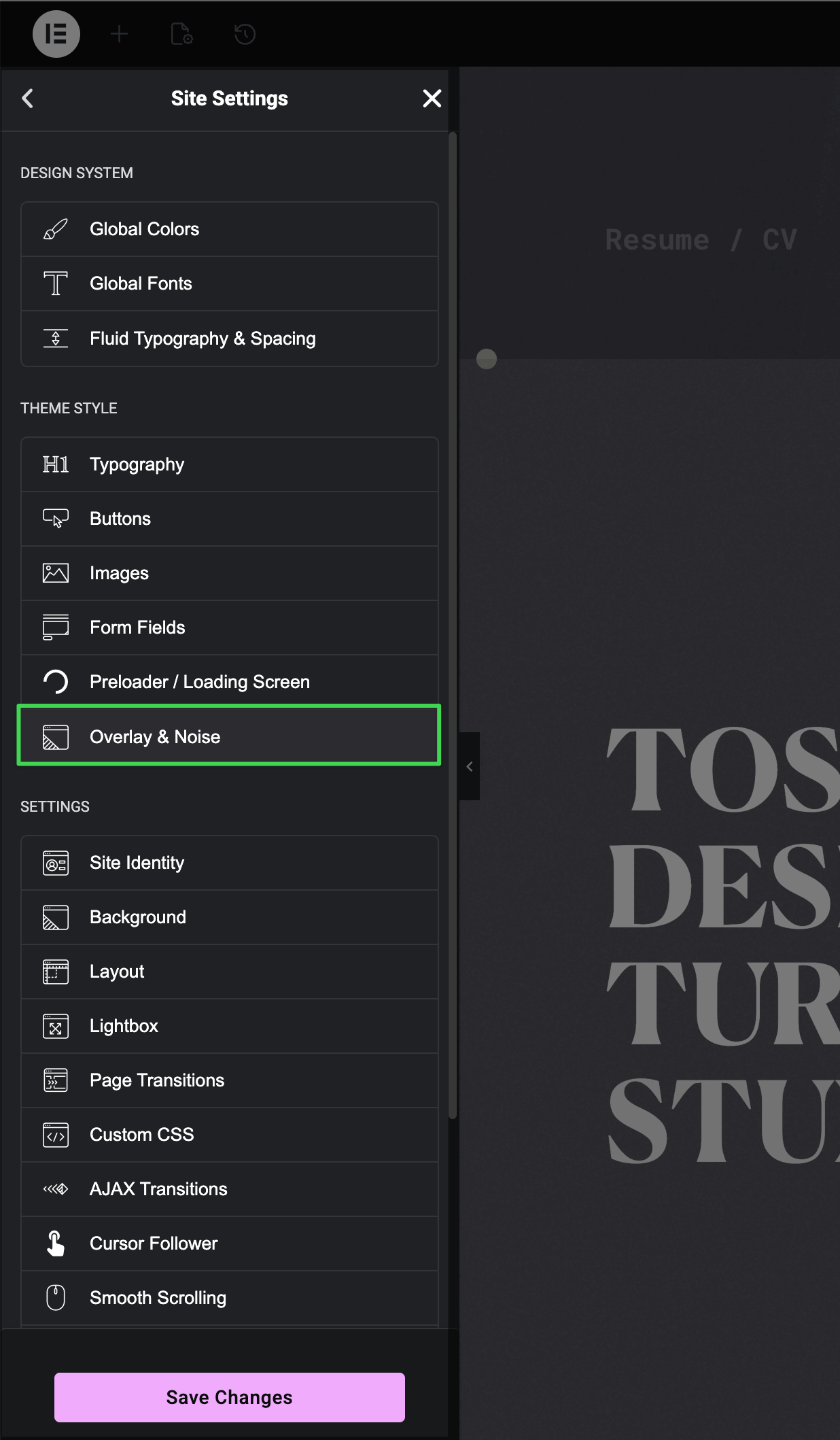
How to Access this Panel
In Site Settings, navigate to Overlay & Noise.
Available Controls
- Overlay — Set the color for the dark backdrop that appears behind the burger menu, dropdowns, and the Status widget
- Enable Noise Texture — Toggle off to disable the grain effect (also known as film grain or noise texture), or keep it on for the textured look