Appearance
Editing Pages and Posts
In Trigger, pages are created as in any other WordPress theme. The key difference is that after creating a page, you need to click the Edit with Elementor button to use the live page builder. Let's go through the process step by step by creating a new portfolio item from scratch.
Custom Post Types
The theme includes Portfolio Items and Services post types. To customize these, see Custom Post Types.
▶️ Step 1.
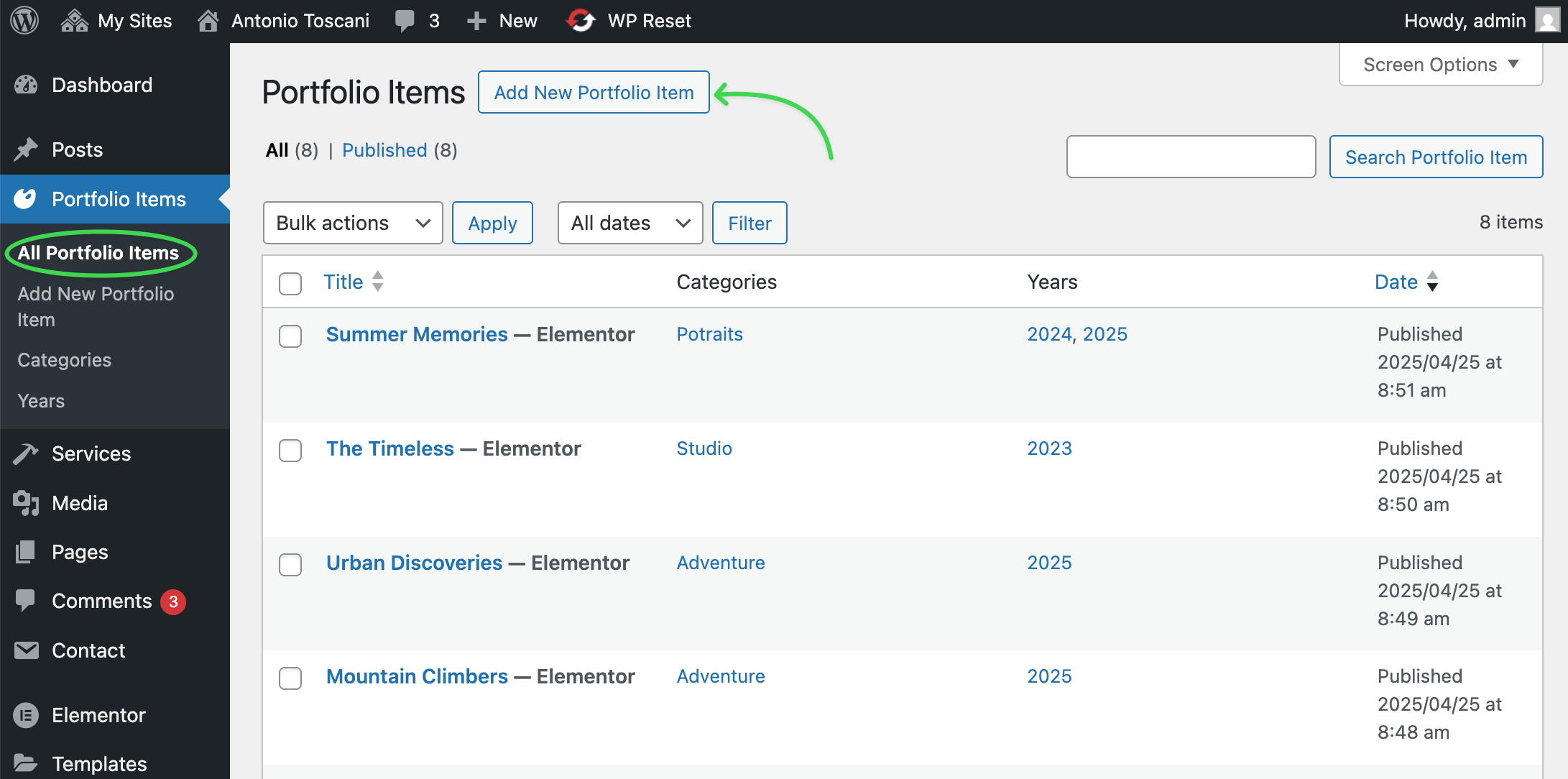
Go to Admin Panel → Portfolio Items and click Add New.
▶️ Step 2.
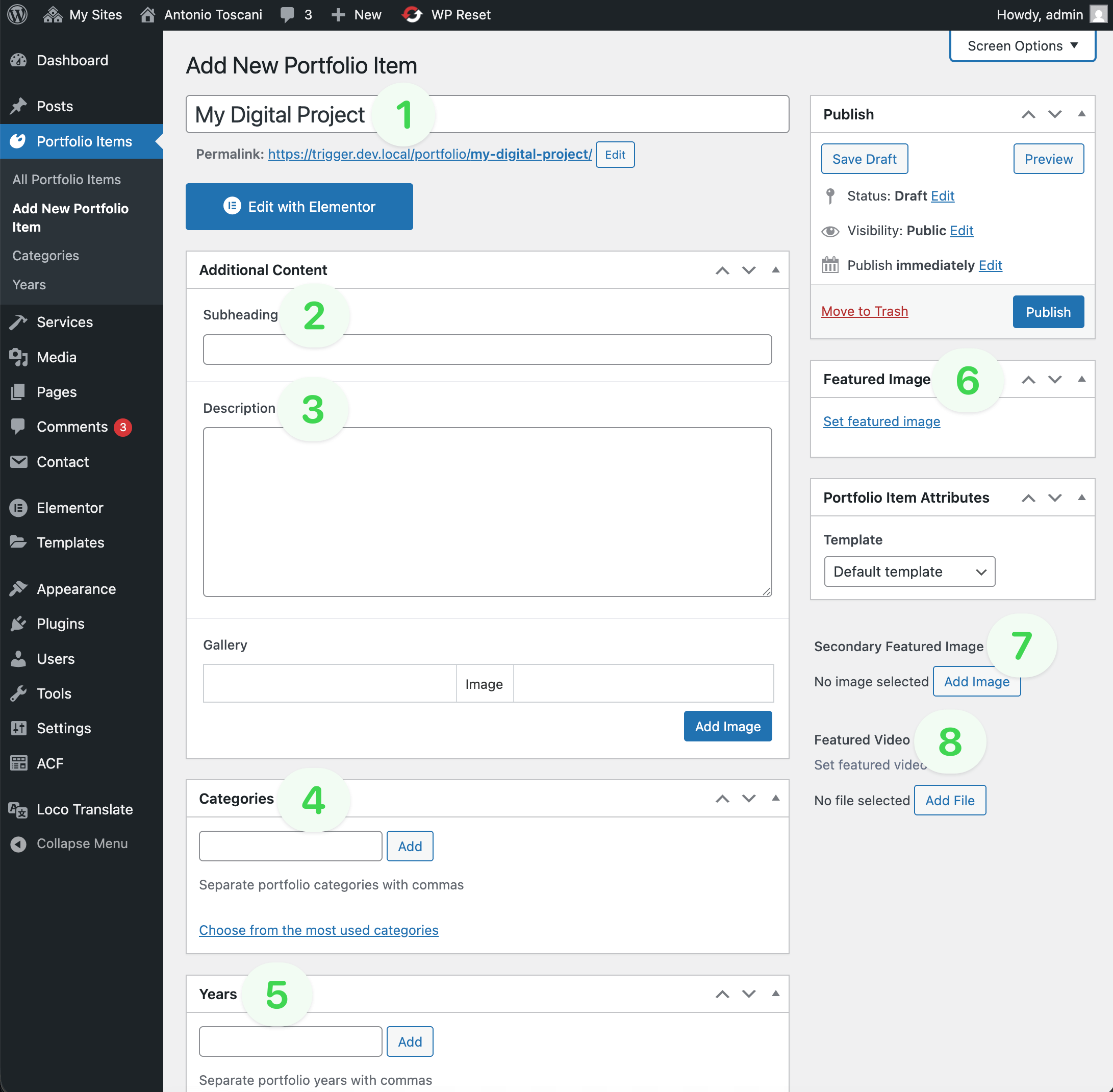
Fill in the page with initial content:
Title(required).Subheading(optional) – additional text appearing above the title.Description(optional) – additional text appearing below the title.Portfolio Categories(optional) – taxonomy.Portfolio Years(optional) – taxonomy.Featured Image(optional but recommended) – main post thumbnail.Secondary Featured Image(optional) – alternate featured image.Featured Video(optional) – self-hosted video background.
Too low file size limit?
If you're struggling with uploading large media files due to a small file size limit, adjust these PHP directives in your hosting panel’s php.ini file:
properties
upload_max_filesize = 32M
post_max_size       = 32M
▶️ Step 3.
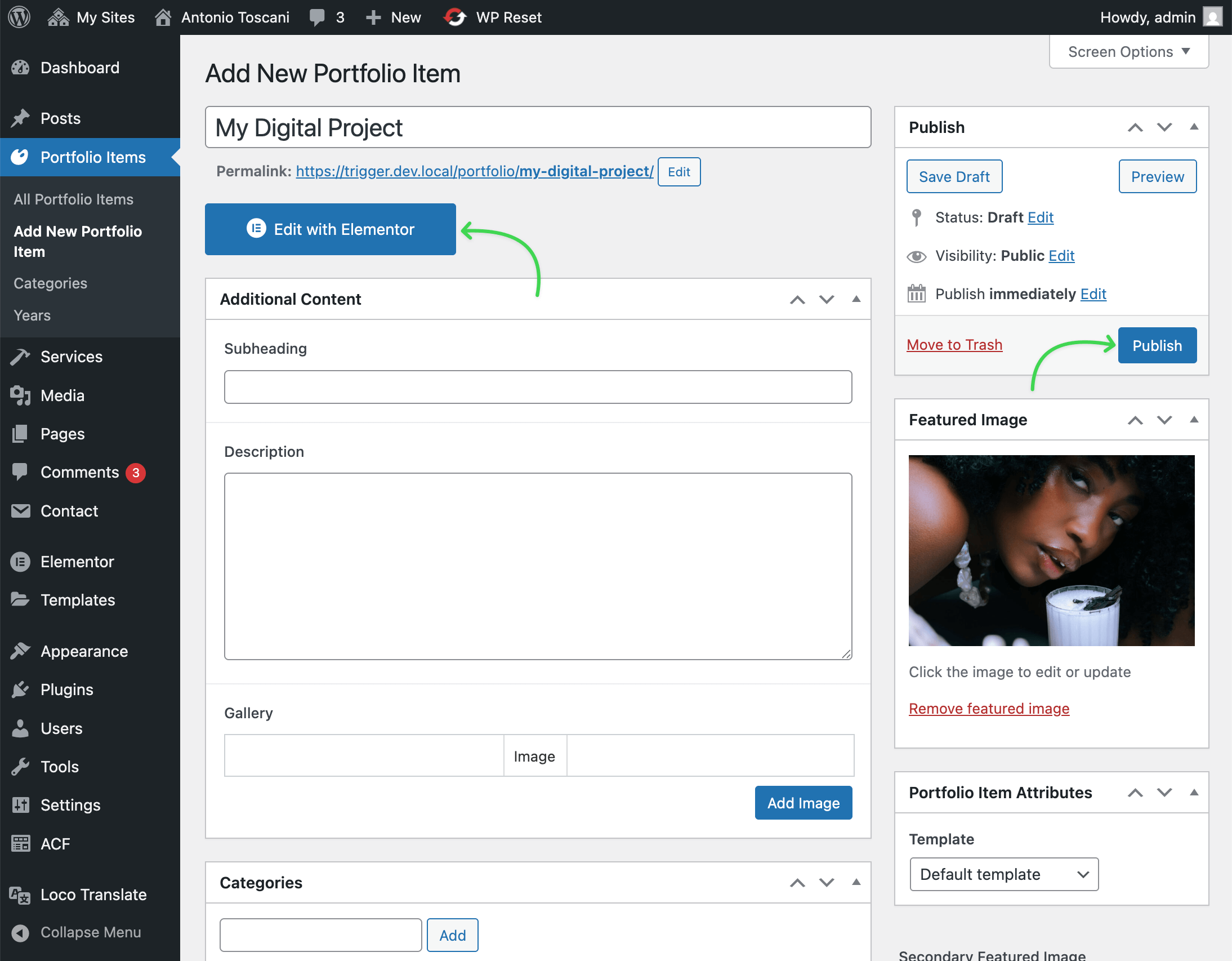
Click Publish. The post will be saved, and you can now use the page builder. Click the Edit with Elementor button.
Displaying in Dynamic Widgets
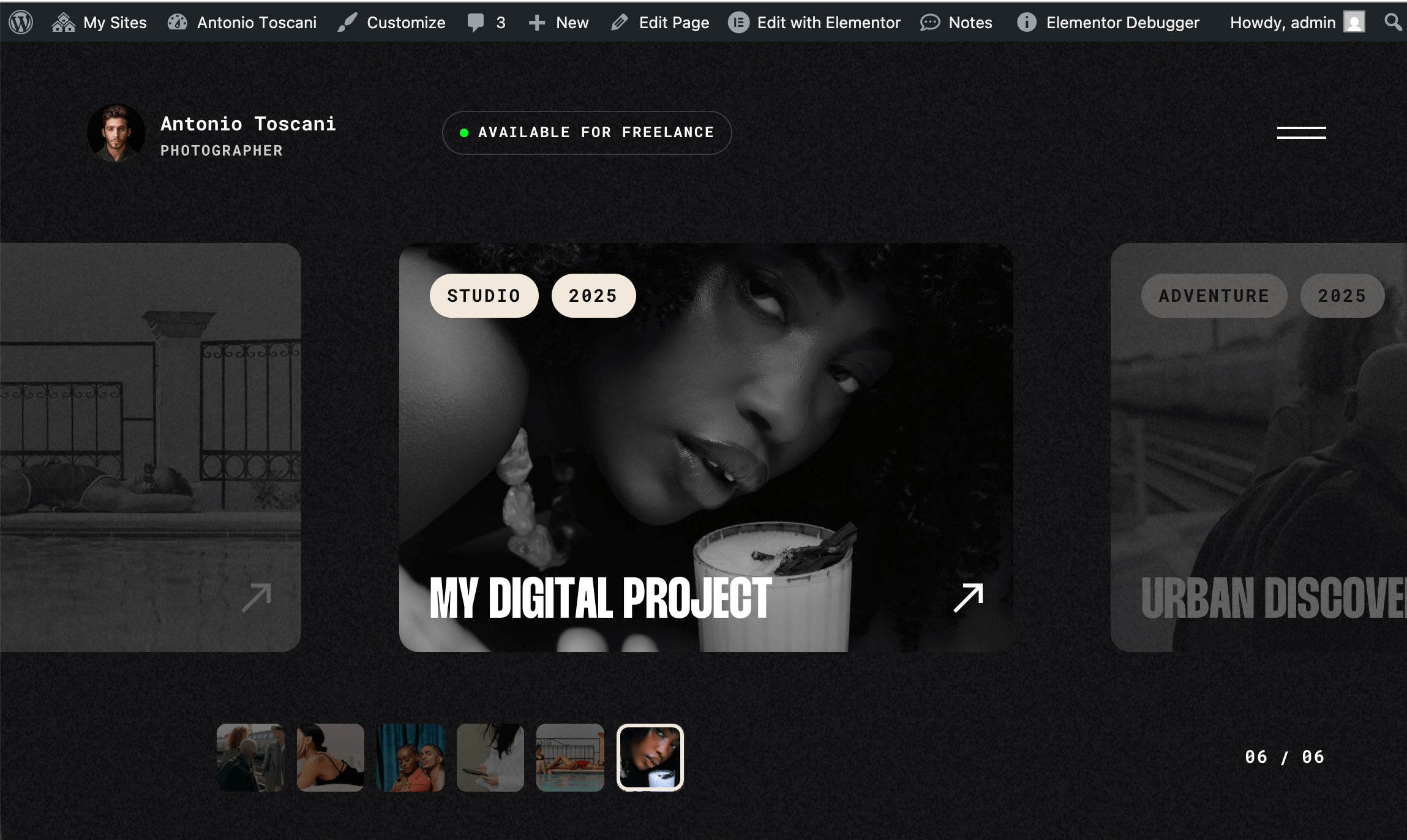
Once you save a new portfolio item, it will automatically appear in widgets that fetch dynamic data on your site.
Managing Posts
To enhance your content editing experience, refer to these articles: