Appearance
Dynamic vs Custom Content
Many Trigger widgets can display content in two ways:
- Dynamic Posts — content is pulled automatically from WordPress posts (portfolio items, blog posts, etc.)
- Custom Content — you define slides, items, or text manually in the widget settings
Understanding this distinction helps you know where to edit when customizing your site.
Dynamic Posts (Default)
When a widget uses Dynamic Posts, it queries WordPress and displays posts based on your settings (post type, category, number of items, etc.).
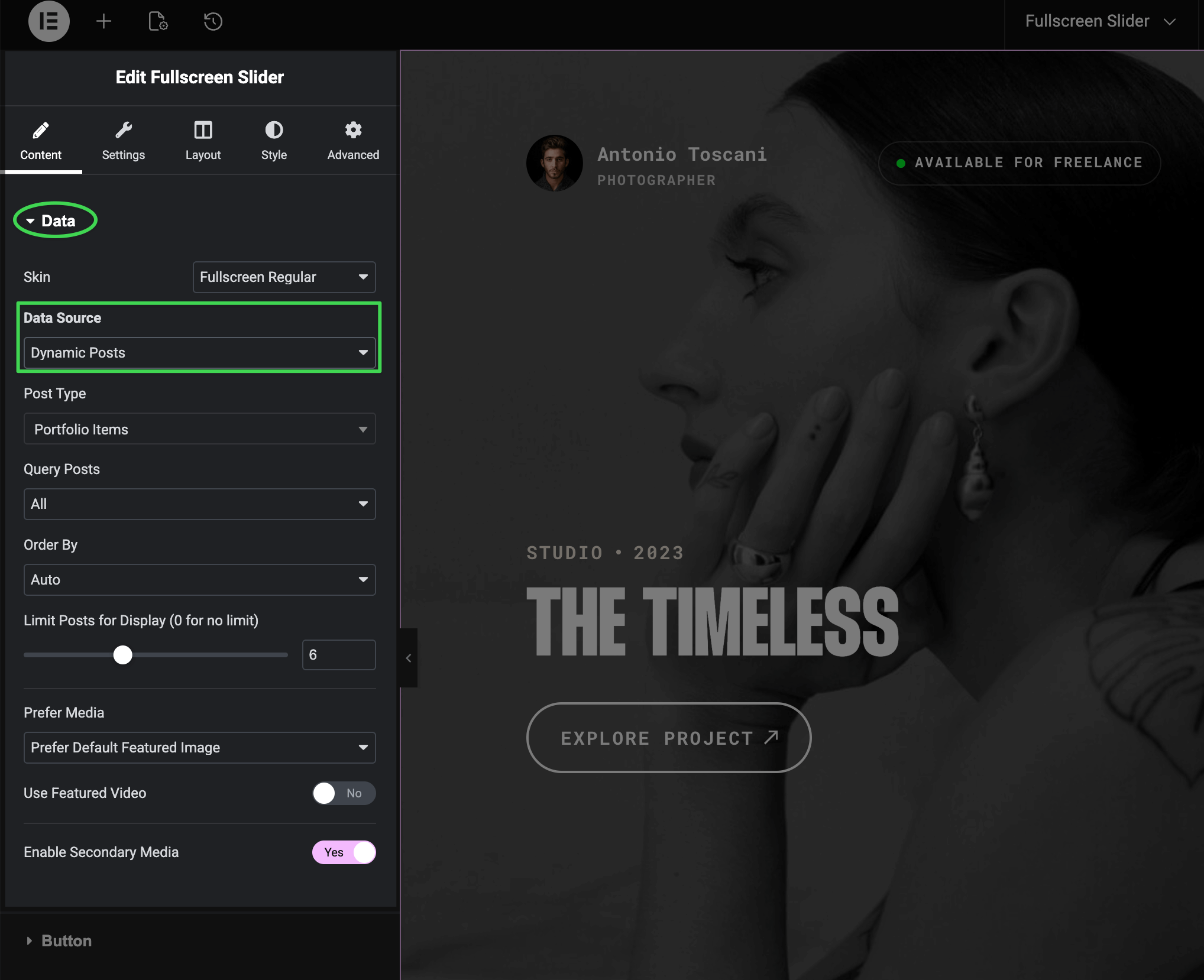
Key point: To change the content (titles, images, descriptions), you edit the posts themselves in WordPress — not the widget.
Where to Edit Post Content
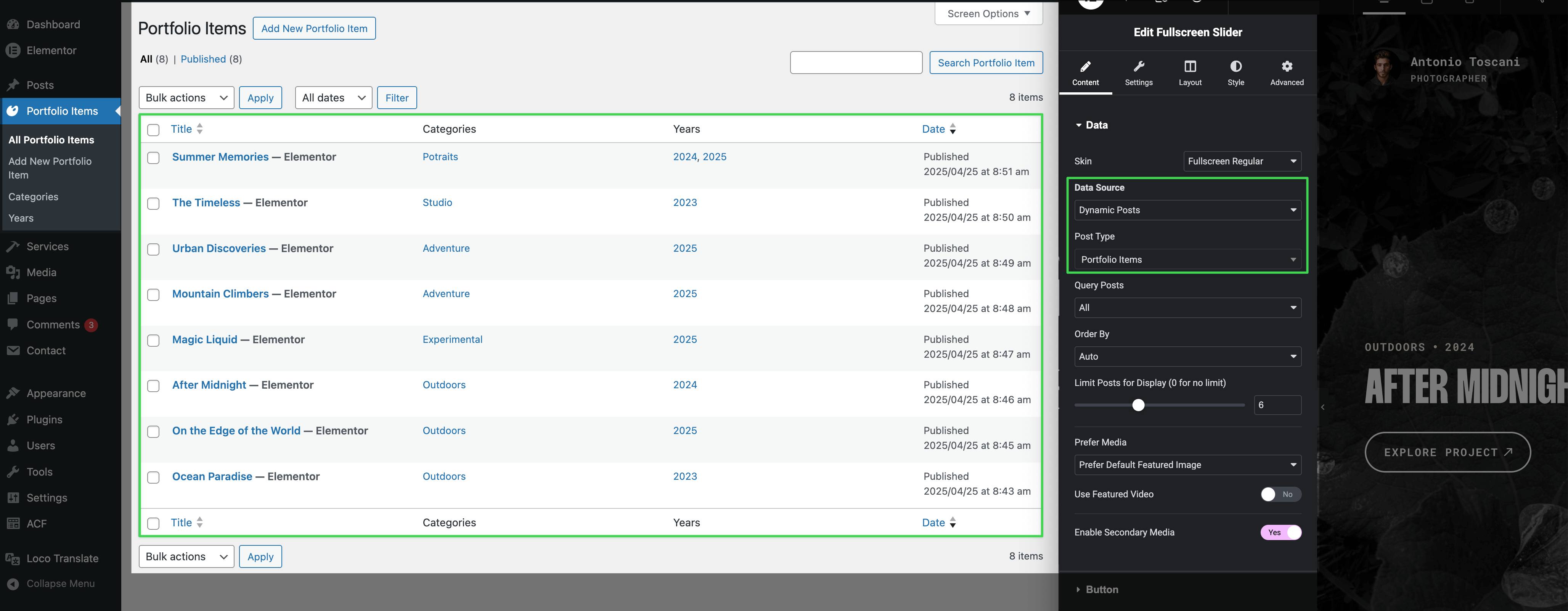
- Go to Portfolio Items, Posts, or the relevant post type in WordPress admin
- Edit the post you want to change
- Update the title, featured image, excerpt, or custom fields
- Save — the widget automatically reflects your changes
Custom Content
When you need content that isn't tied to any WordPress post — like custom slides with external links, promotional banners, or landing page sections — switch to Custom Content mode.
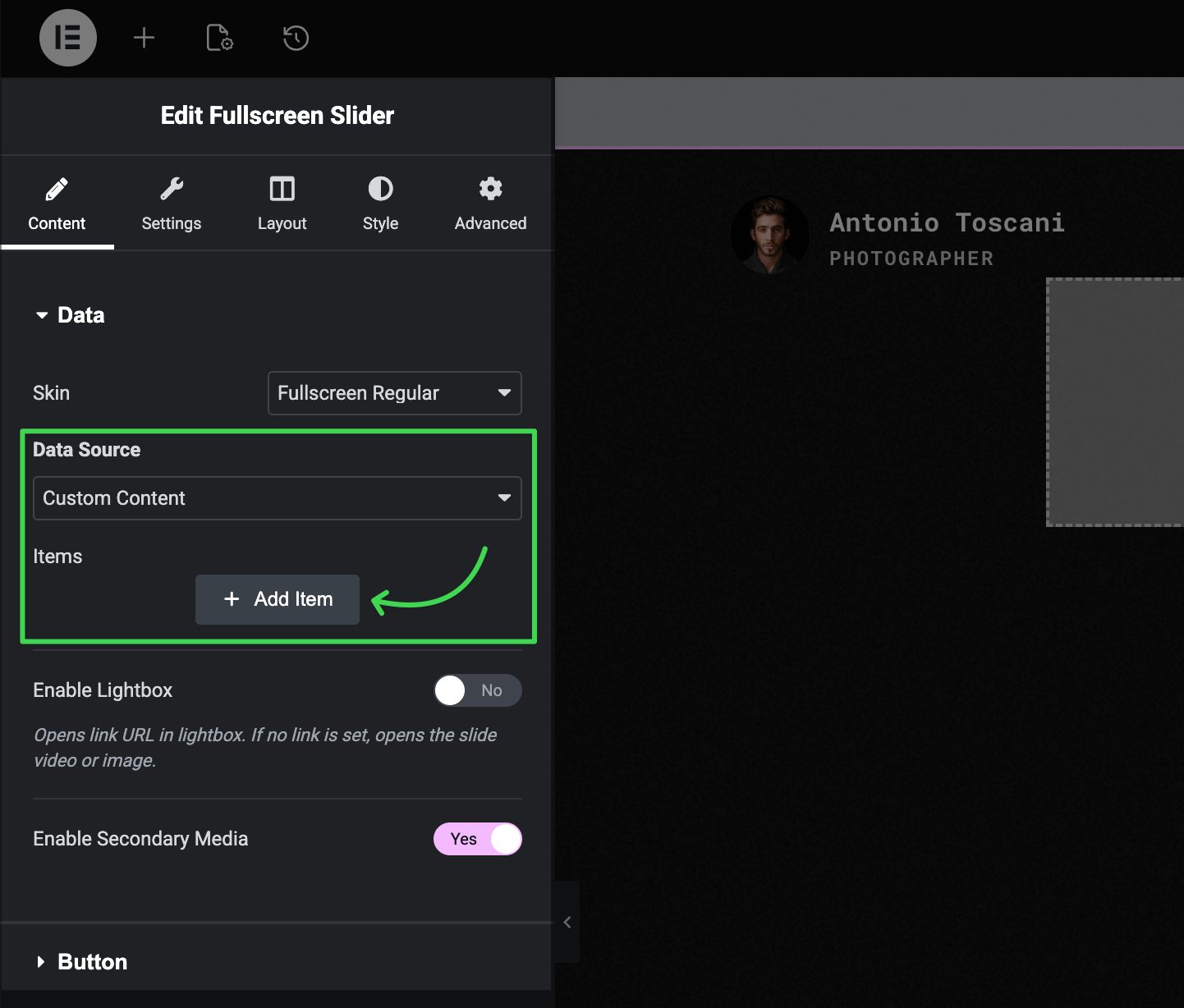
In Custom Content mode, you define each item directly in the widget:
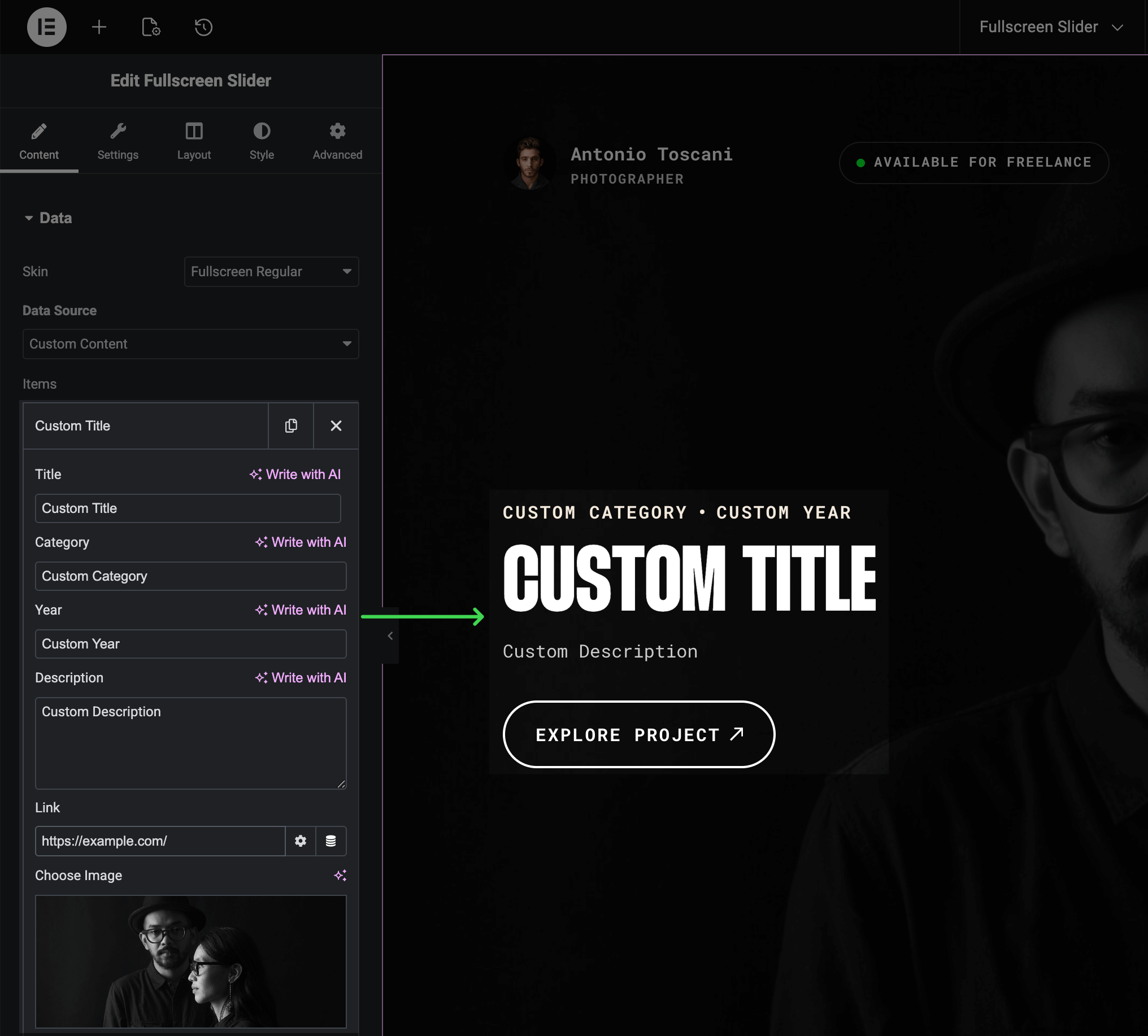
- Custom titles and descriptions
- Custom images and videos
- Custom links (including external URLs)
- Full control over each item independently
Look for the Data Source setting in the widget's Content tab to switch between modes.