Appearance
Customizing Theme Colors
Trigger uses Elementor's Global Colors system for consistent color management across your entire site.
How to Access this Panel
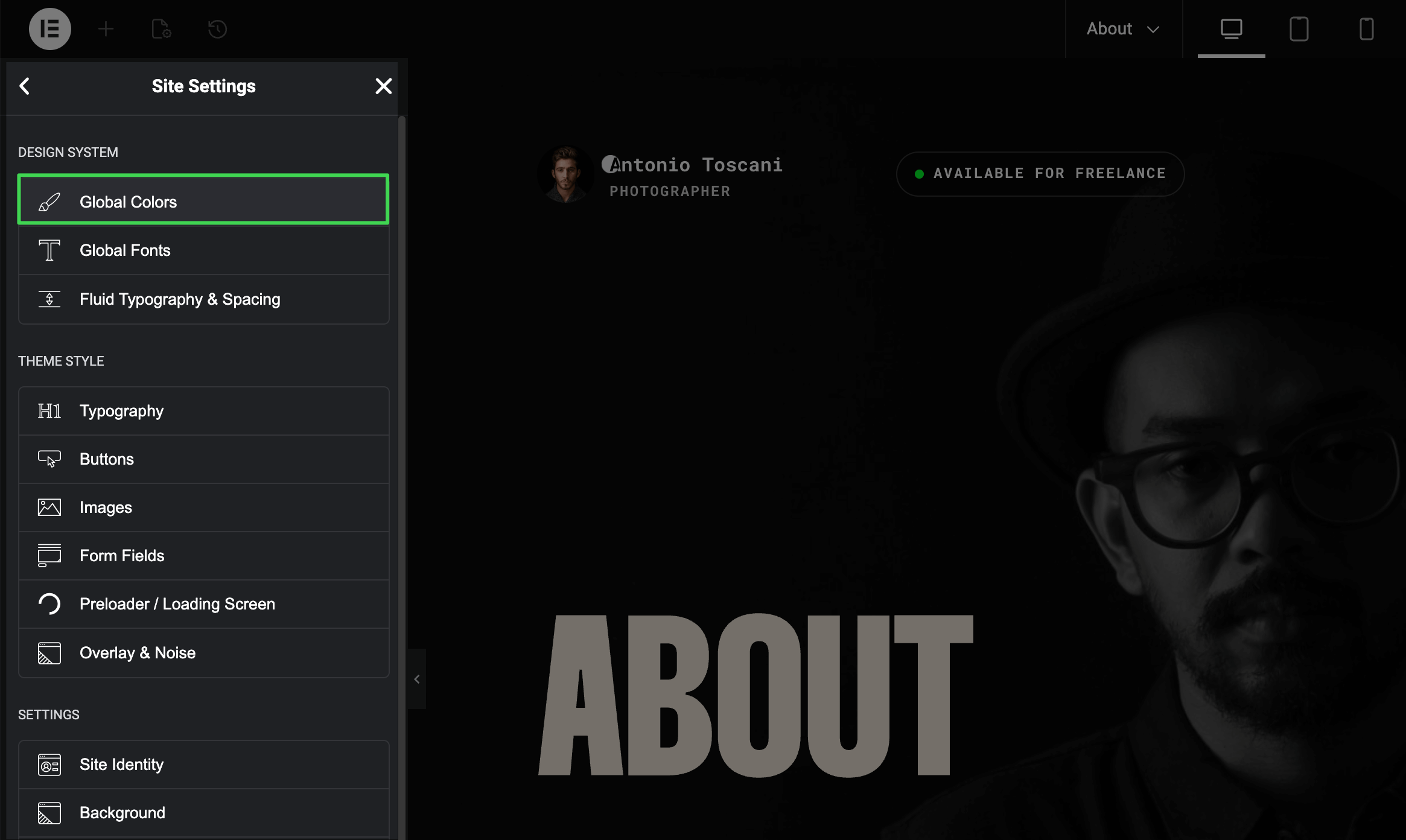
Open Site Settings panel in Elementor using this guide Accessing Theme Options Panel and select Global Colors.
Editing Color Presets
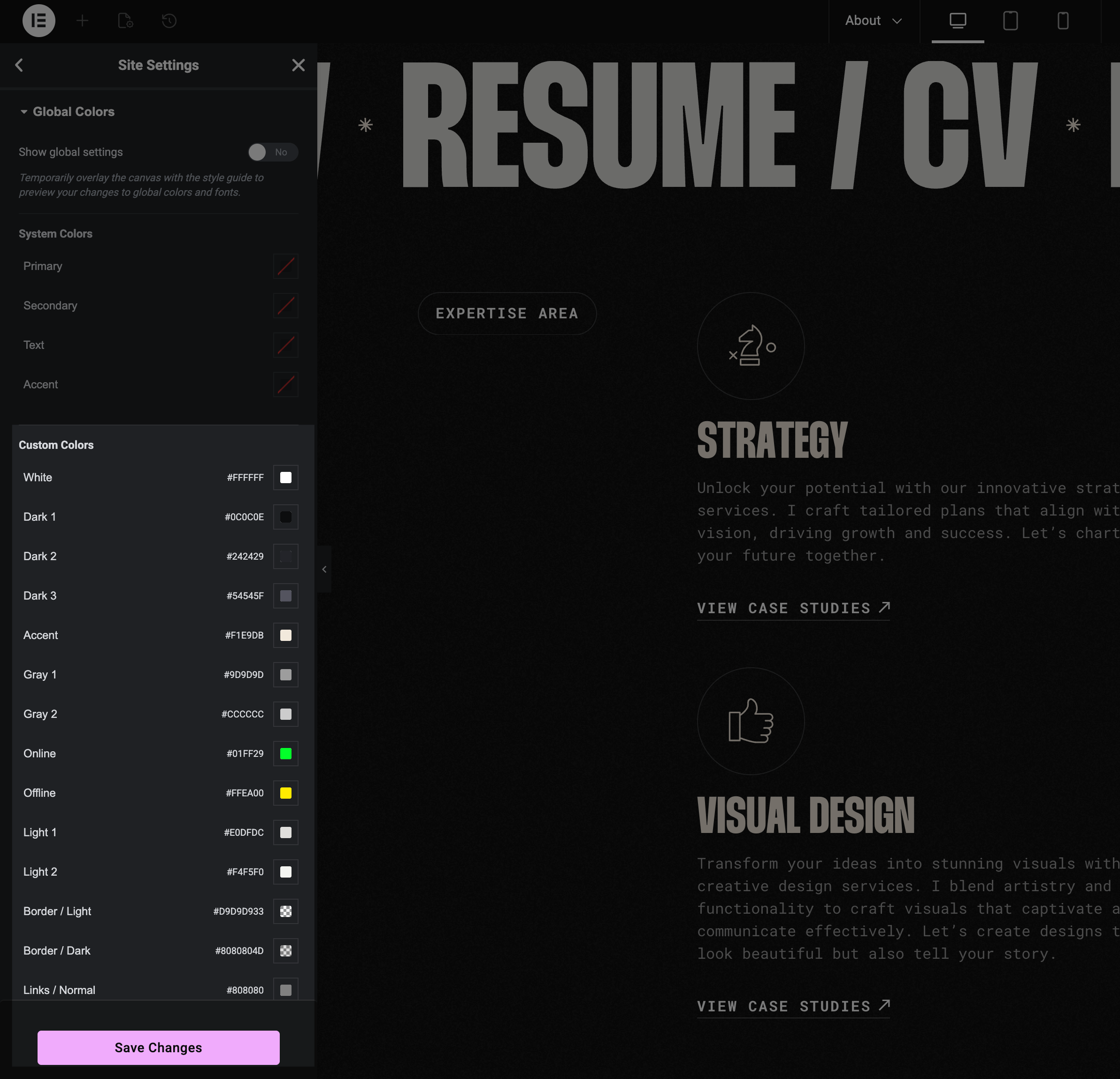
The theme includes pre-configured color presets imported with the demo content. You can:
- Edit existing presets — Click any color swatch to modify it
- Add new colors — Scroll down and click "Add Color" to create custom presets
Changes apply instantly across all elements using that color preset.
Consistent Design
Using Global Colors ensures your site stays consistent. Update a color preset once, and it changes everywhere that preset is used.
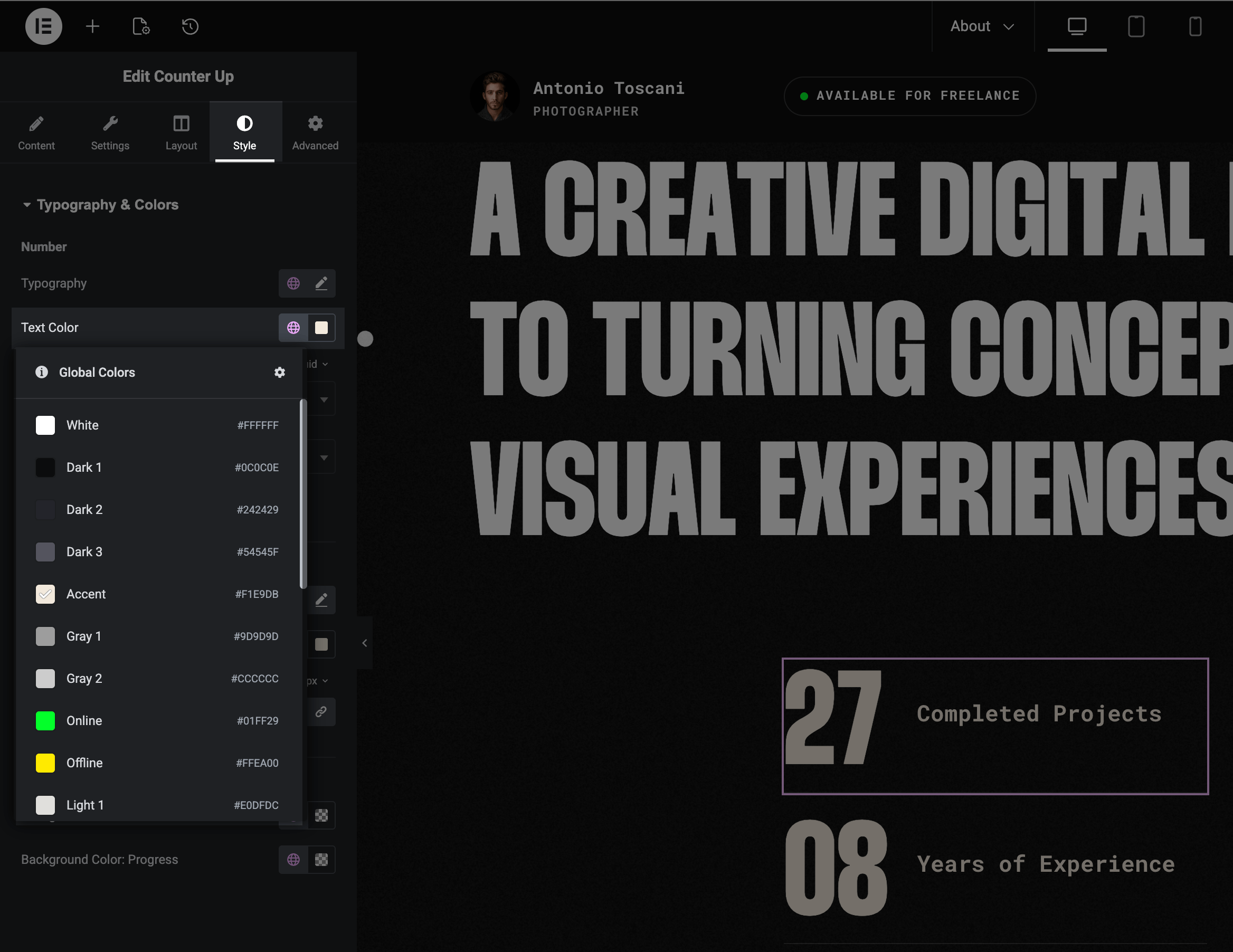
Using Colors in Widgets
When styling any element, click the globe icon next to a color picker. You can either select a Global Color preset or pick a custom color directly — both options are available in the same dropdown.