Appearance
Using a Child Theme
A child theme allows you to modify your site's appearance while preserving the core functionality of the parent theme.
What is a Parent Theme?
A parent theme is a fully functional WordPress theme that includes all required template files and assets. All themes — except child themes — are considered parent themes.
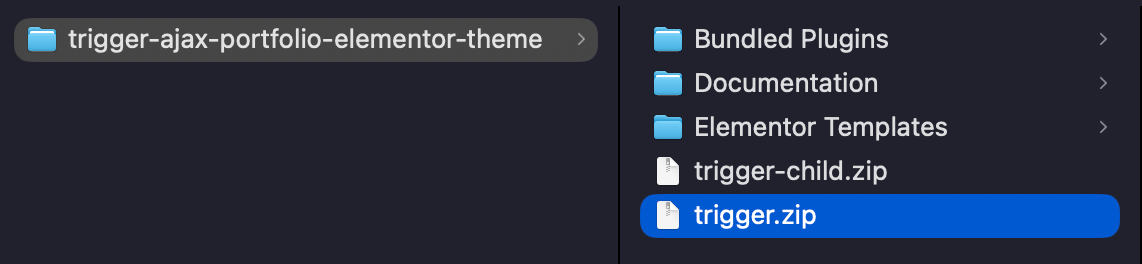
In your download package, 📄 trigger.zip is the parent Trigger theme.
What is a Child Theme?
A child theme inherits all styles and functionality from the parent theme while allowing you to customize aspects of it. This ensures that your modifications remain separate from the parent theme’s files, preventing them from being lost during updates.
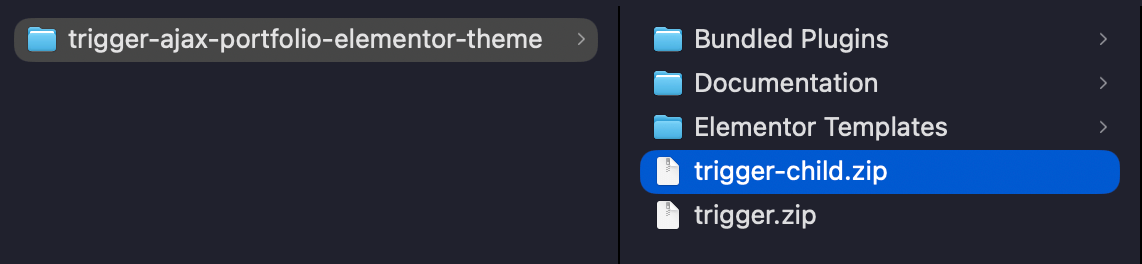
In your download package, 📄 trigger-child.zip is the child Trigger theme.
Benefits of Using a Child Theme
Child themes allow you to:
- Keep modifications separate from the parent theme.
- Apply updates to the parent theme without losing customizations.
- Save development time by reusing the tested structure of the parent theme.
- Learn about WordPress theme development.
WARNING
Customizing a child theme is recommended for advanced WordPress users. If you're unfamiliar with coding, modifying a child theme could cause issues or site crashes.
Setting Up a Child Theme
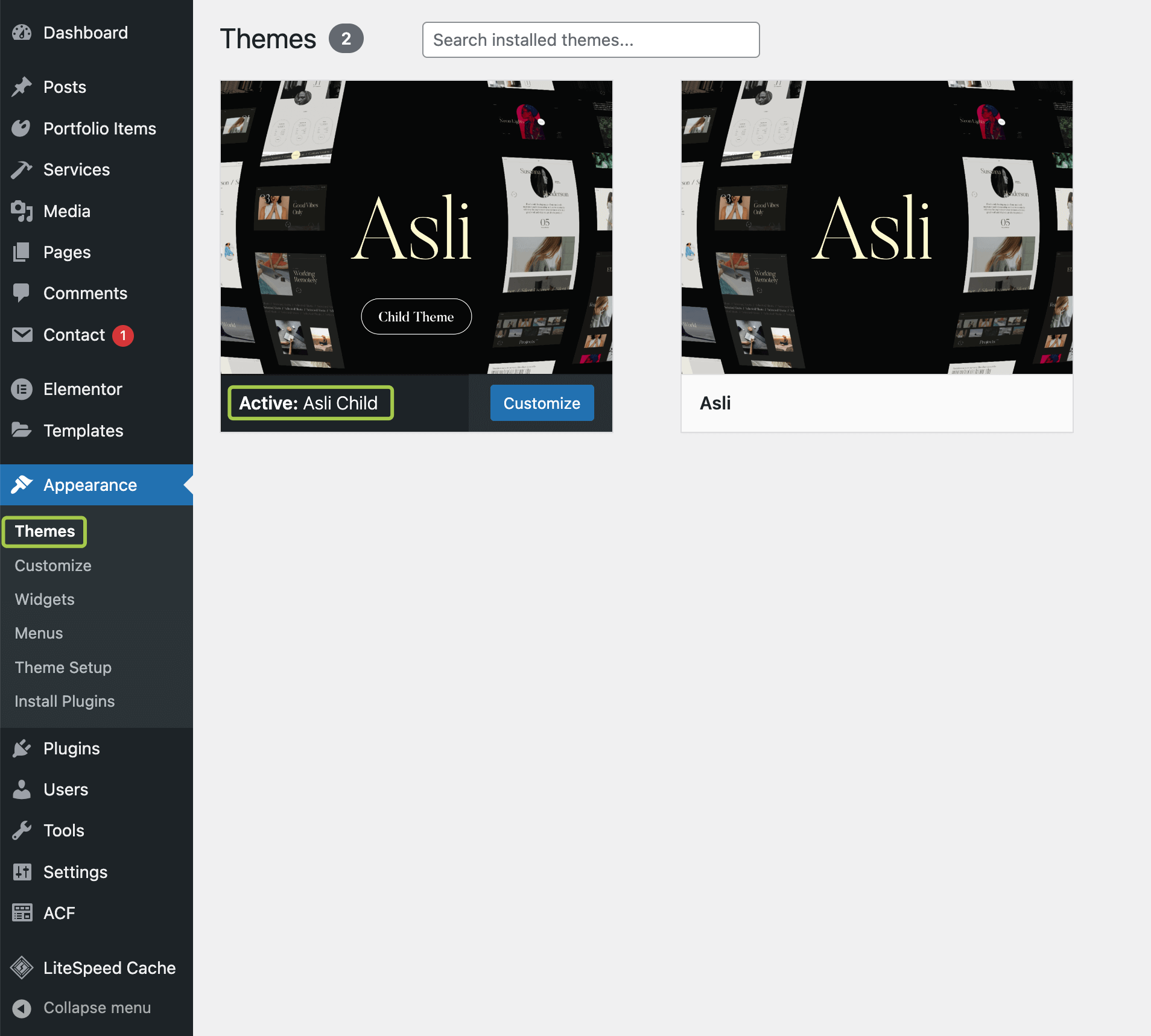
If you followed the Wizard Theme Setup, the child theme is likely already installed. If not, extract 📄 trigger-child.zip from your download package and install it like a regular WordPress theme.
Customizing PHP Files in a Child Theme
To override a .php file, copy it from wp-content/themes/trigger/ and paste it into wp-content/themes/trigger-child/, ensuring the full directory structure remains intact.
Example 1: Overriding the Header Template
- Copy
📄 wp-content/themes/trigger/header.php - Paste it into
📄 wp-content/themes/trigger-child/header.php - Edit the
📄 header.phpfile in the child theme.
Example 2: Overriding the 404 Page Template
- Copy
📄 wp-content/themes/trigger/404.php - Paste it into
📄 wp-content/themes/trigger-child/404.php - Edit
📄 404.phpin the child theme to customize the 404 error page.
Example 3: Overriding ACF Custom Fields
- Copy
📄 wp-content/themes/trigger/inc/config-plugins/acf/fields.php - Create the following directory in the child theme:
wp-content/themes/trigger-child/inc/config-plugins/acf - Paste the copied file into
📄 wp-content/themes/trigger-child/inc/config-plugins/acf/fields.php - Edit
📄 fields.phpin the child theme.