Appearance
Bottom Projects Navigation
The Posts Navigation widget displays a "Next Project" link at the bottom of portfolio items and posts. When users scroll to the bottom, they can continue to the next item in the sequence.
How to Access this Panel
The widget is part of the Portfolio Item template in Theme Builder:
- Go to Elementor → Theme Builder → Single Post
- Edit the Portfolio Item template
- Find the Posts Navigation widget at the bottom
For more on accessing templates, see Editing Site Templates.
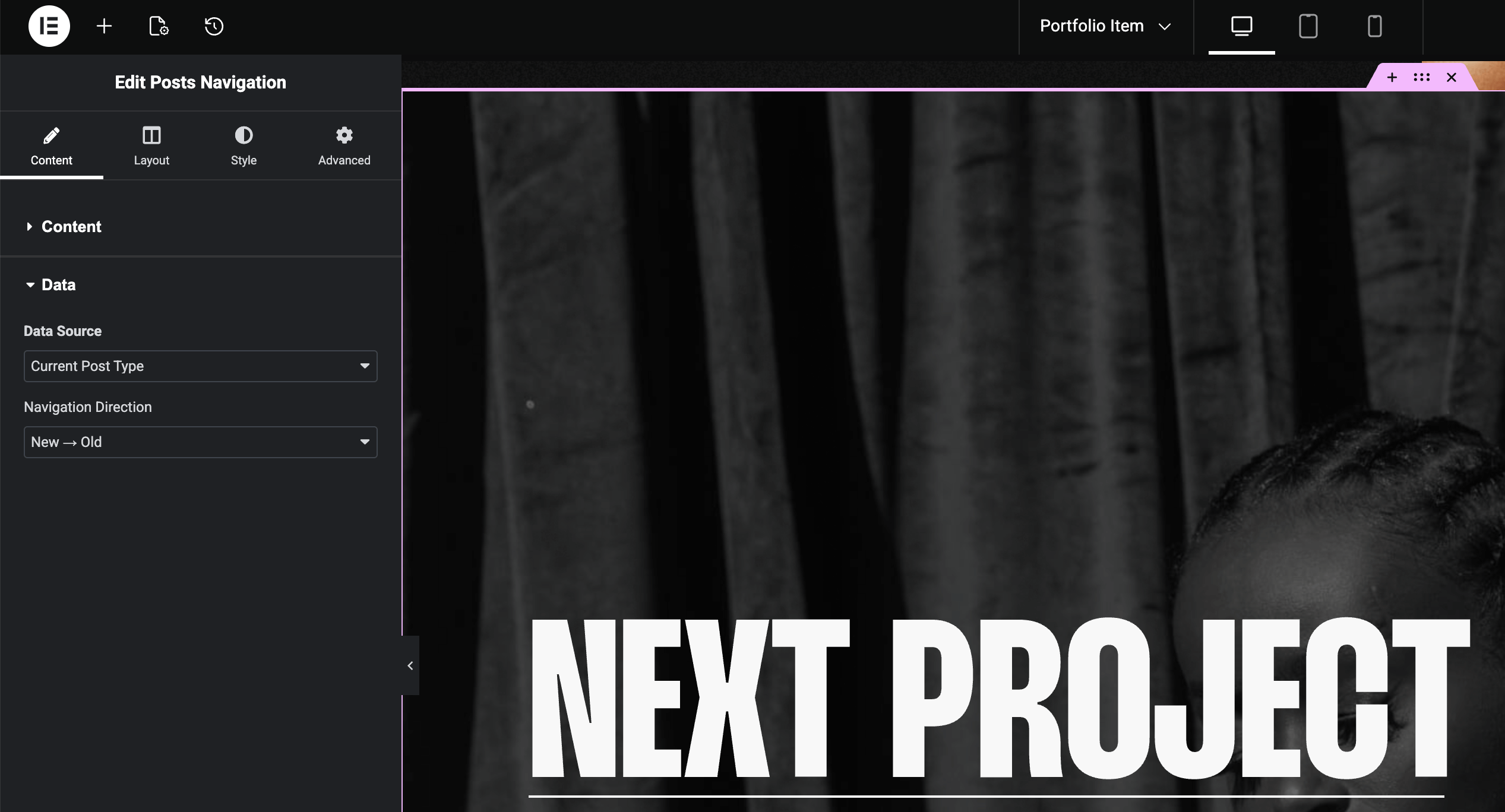
Navigation Direction & Post Order
In the Content tab → Data section, Navigation Direction controls the order:
- New → Old — newest posts appear first
- Old → New — oldest posts appear first
To rearrange the actual order of posts, use drag-and-drop in WordPress admin. See Intuitive Custom Post Order for setup.
Using a Regular Footer Instead
By default, the site footer is hidden on portfolio items — the Posts Navigation widget serves as the page ending. If you prefer a regular footer:
- Remove the Posts Navigation widget from the template
- Update the footer's display conditions to include Portfolio Items
See Footer for details on display conditions.