Appearance
Uploading Custom Icons
Elementor allows you to upload custom icon sets for use in Icon widgets, buttons, and other elements throughout your site.
How to Upload Icons
Go to Elementor → Custom Elements → Icons in WordPress admin. Upload your icon font package by dragging and dropping or clicking to browse.
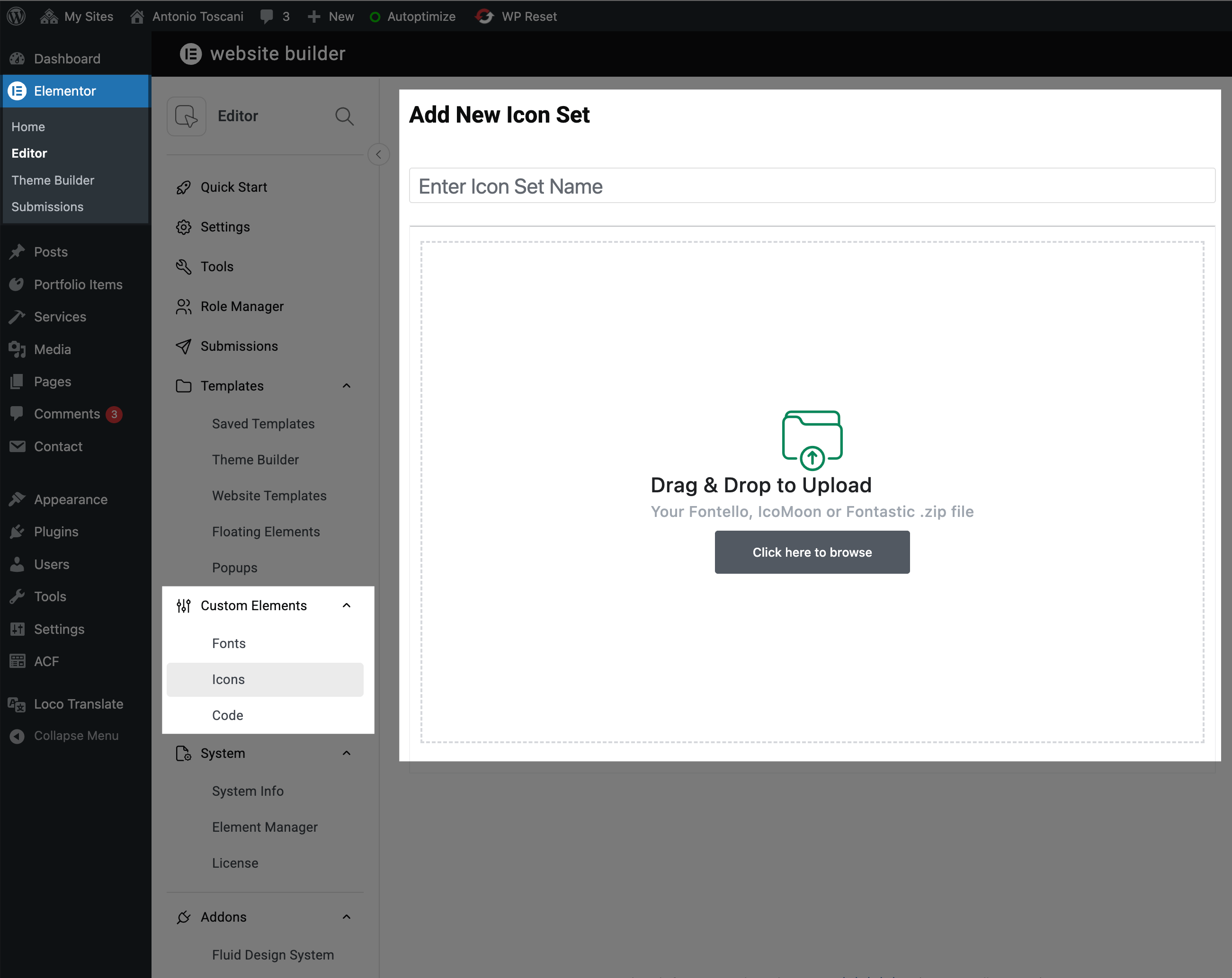
Your icons will appear in the icon picker across all Elementor widgets once uploaded.
Where to Get Icon Fonts
- IcoMoon — Create custom icon fonts from SVGs
- Fontello — Open source icon font generator
- Fontastic — Another icon font builder
Official Guides
For detailed instructions, refer to Elementor's documentation:
- Custom Icons — Upload icon font libraries
- How to Add SVG Files — Enable and use SVG uploads
SVG Icons
For individual icons, you can also upload SVG files directly to the Media Library and use them in Image or Icon widgets.