Appearance
Blog & Single Post
The blog consists of two templates in Theme Builder:
- Archive — the blog listing page showing all posts
- Single Post — the individual post layout
How to Access these Panels
- Go to Elementor → Theme Builder
- Select Archive for the blog listing or Single Post for individual posts
For more on accessing templates, see Editing Site Templates.
Blog Archive
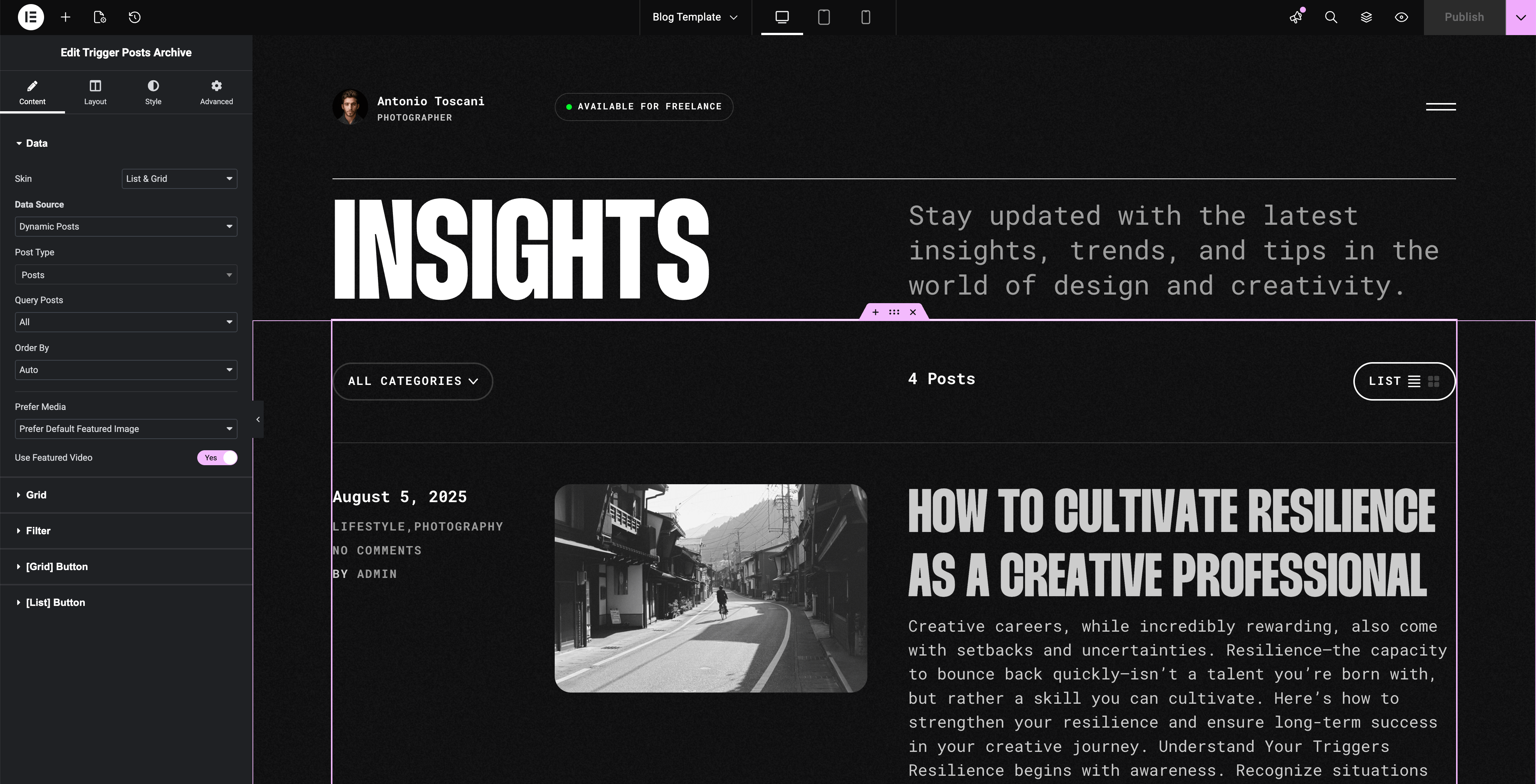
The Archive template uses the Posts Archive widget to display your posts.
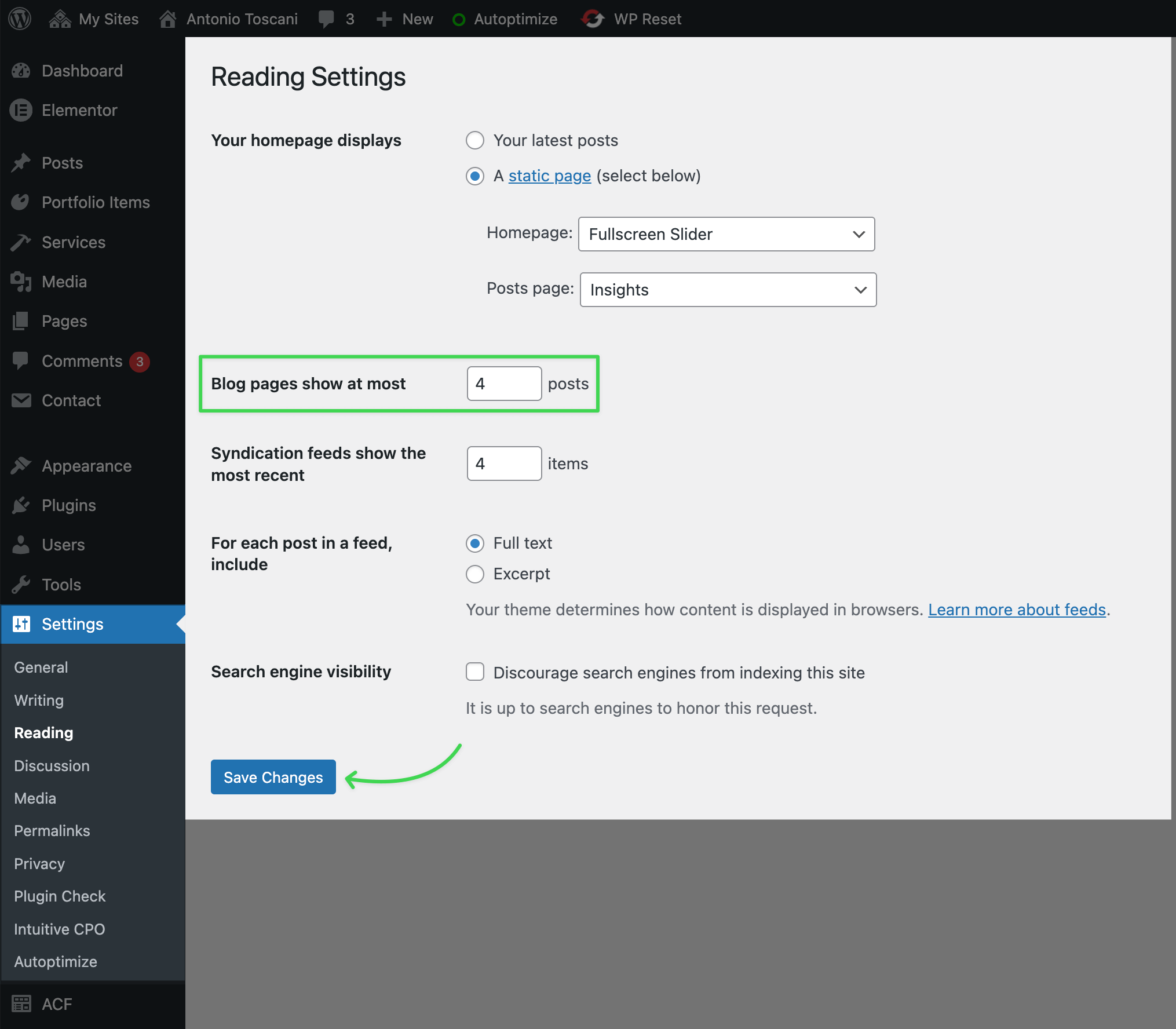
The number of posts per page is controlled in Settings → Reading → Blog pages show at most.
Single Post
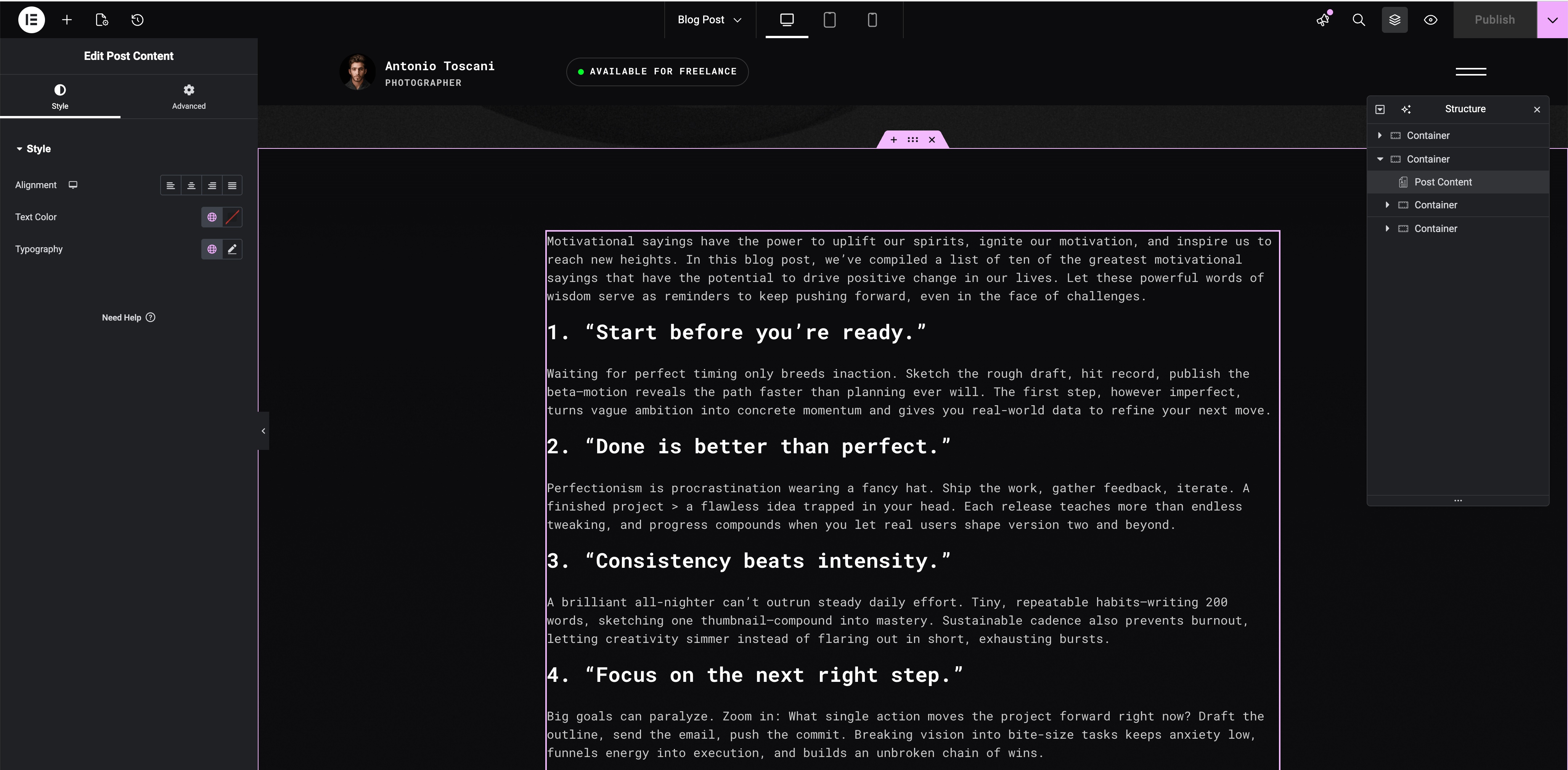
The Single Post template controls the layout for all blog posts. The template is fully editable — adjust the post content width, typography, and what information appears.
For customizing the post title and featured image area, see Masthead.