Appearance
404 Not Found Page
The 404 page displays when visitors reach a URL that doesn't exist on your site.
How to Access this Panel
- Go to Elementor → Theme Builder → Error 404
- Edit the 404 template
For more on accessing templates, see Editing Site Templates.
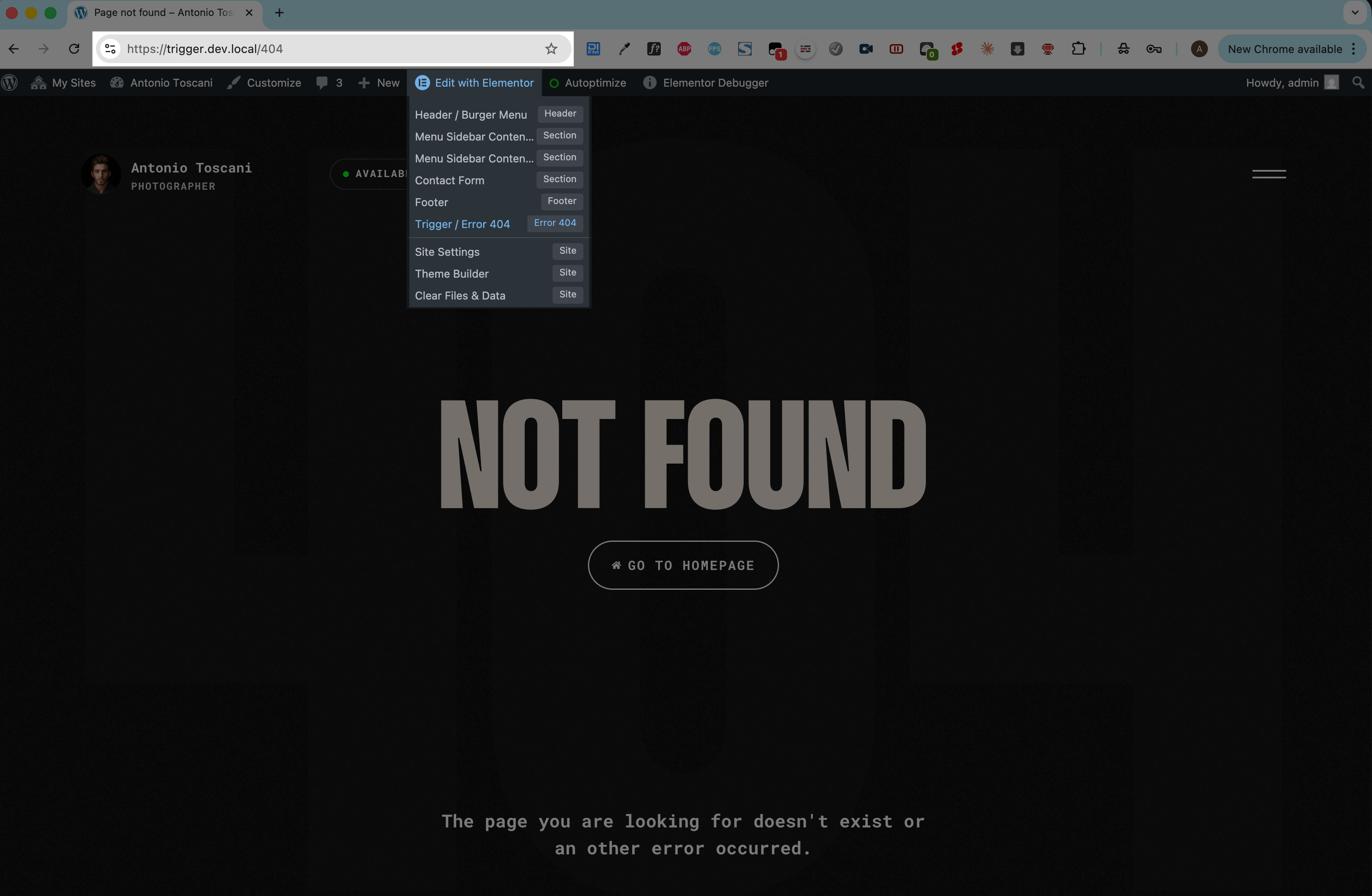
The template is fully editable in Elementor — customize the message, add a search form, or link back to your homepage.
How to Test
Visit a non-existent URL on your site (e.g., yoursite.com/404) to preview the template.