# Wizard Setup
After the first theme activation, you should see a simple wizard that will help you with the initial theme setup. Just follow all the steps by clicking the Next button. After going through all the steps, you will be ready to use your brand new website.
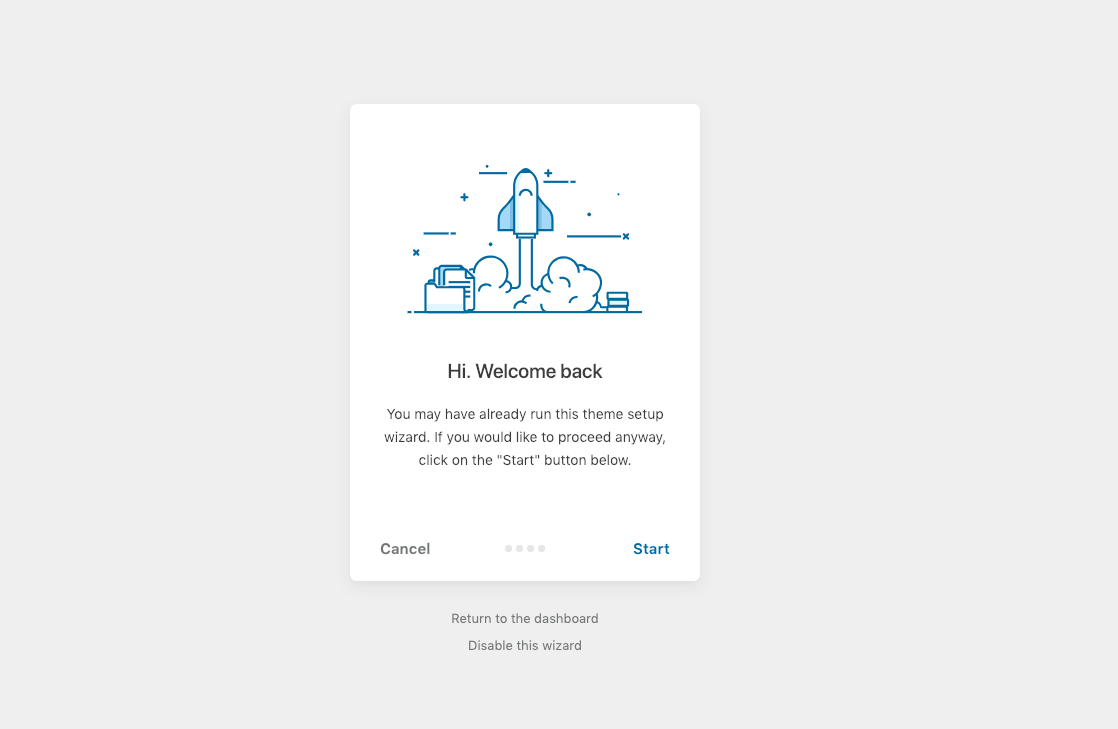
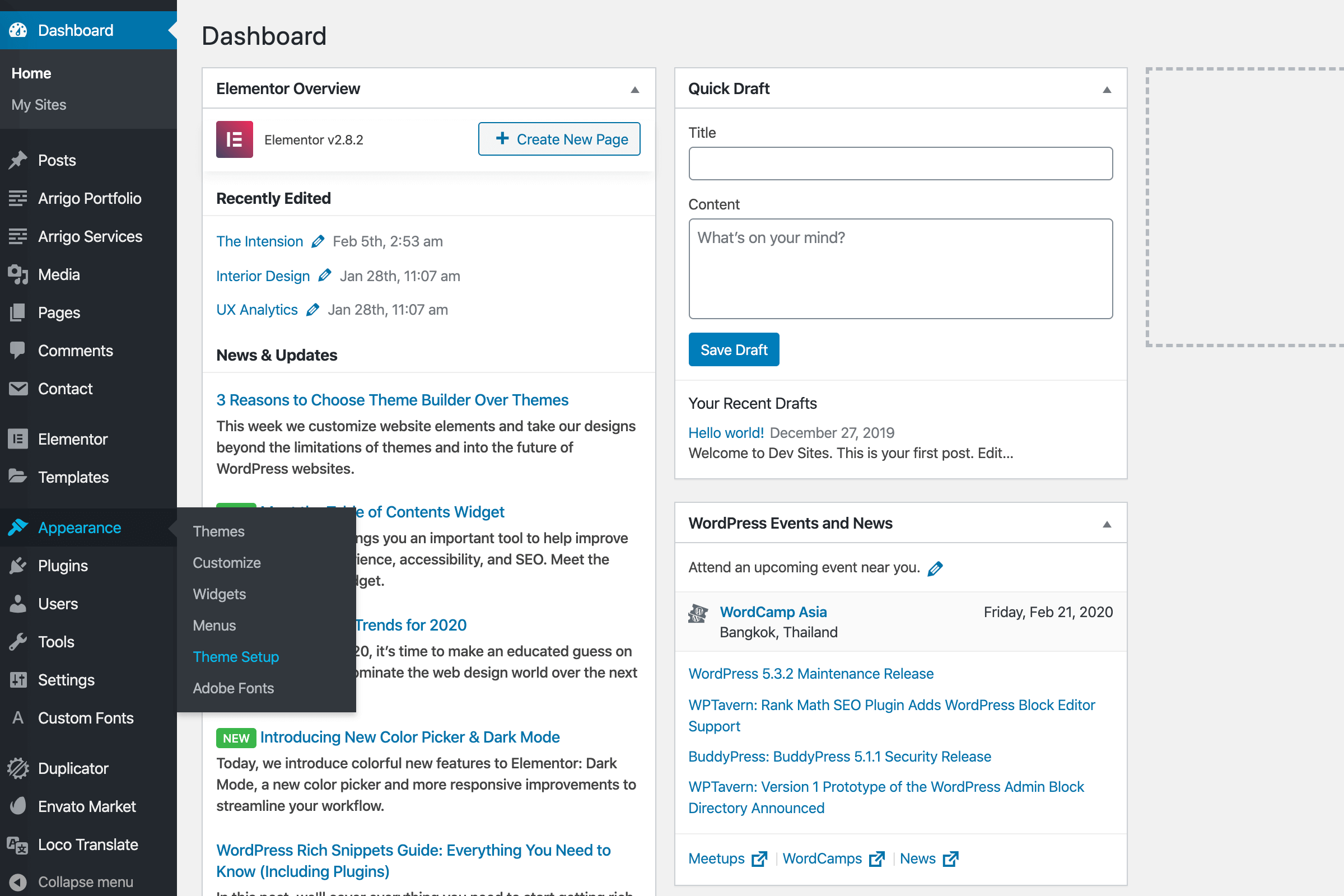
If you don’t see this wizard or have any issues with it, don’t worry. We will go through the classic manual installation and demo import using One Click Demo Import (opens new window) in the next articles.
Demo import fails or takes too long?
90% of problems with demo import are due to low PHP configuration limits on your server hosting. To check your current PHP environment, please refer to the Troubleshooting article.