# Getting Started
The theme is seamlessly integrated with the standard WordPress Customizer. It’s a useful panel that you can find when exploring your website frontend while being logged in as an administrator. All the theme visual options like typography, colors, logo, etc., are located in the WordPress Customizer. Let’s see how to access it.
# ▶️️️️️ Step 1.
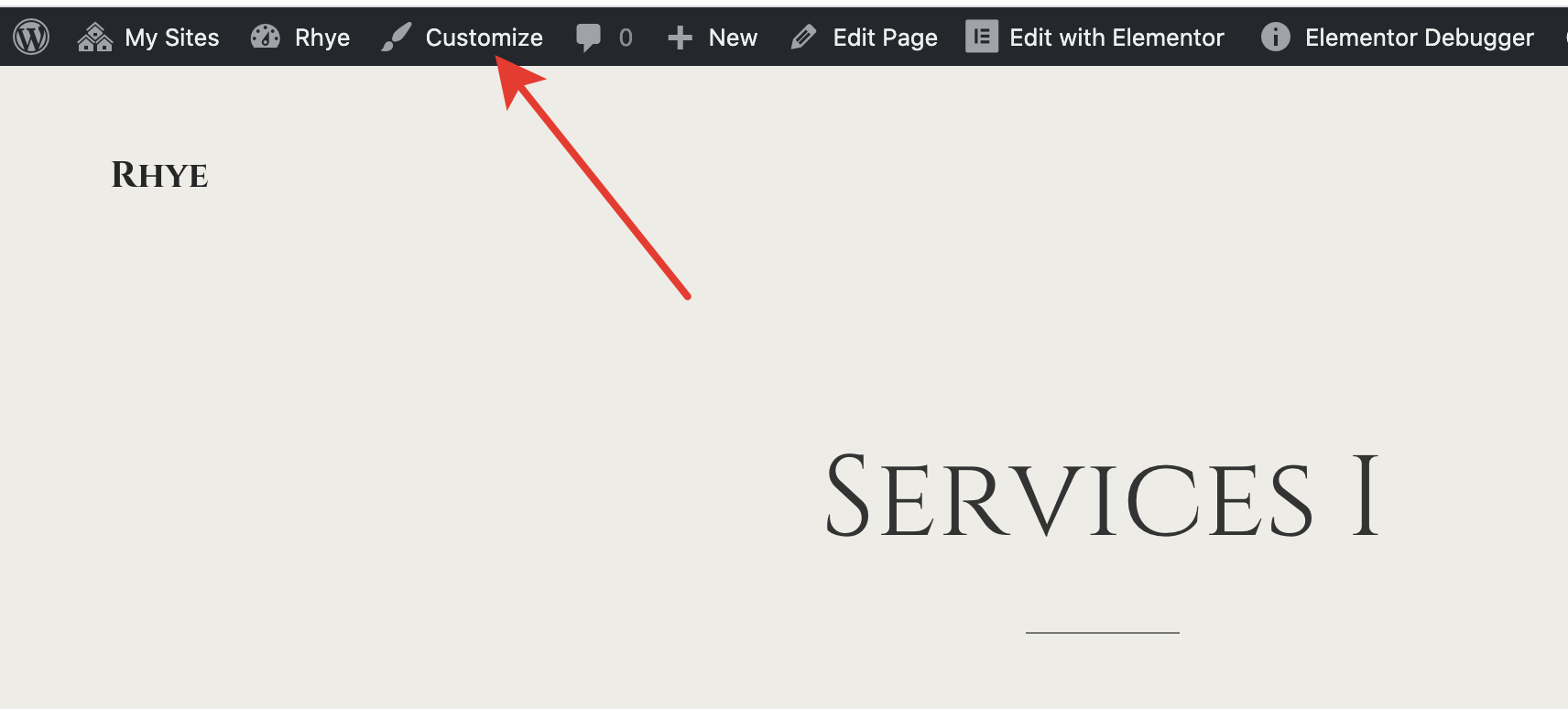
While logged in to WordPress as an administrator, go to your site front-end and click Customize.
# ▶️️️️️ Step 2.
You should see a panel on the left side and some handles that you can use for fast widget editing.
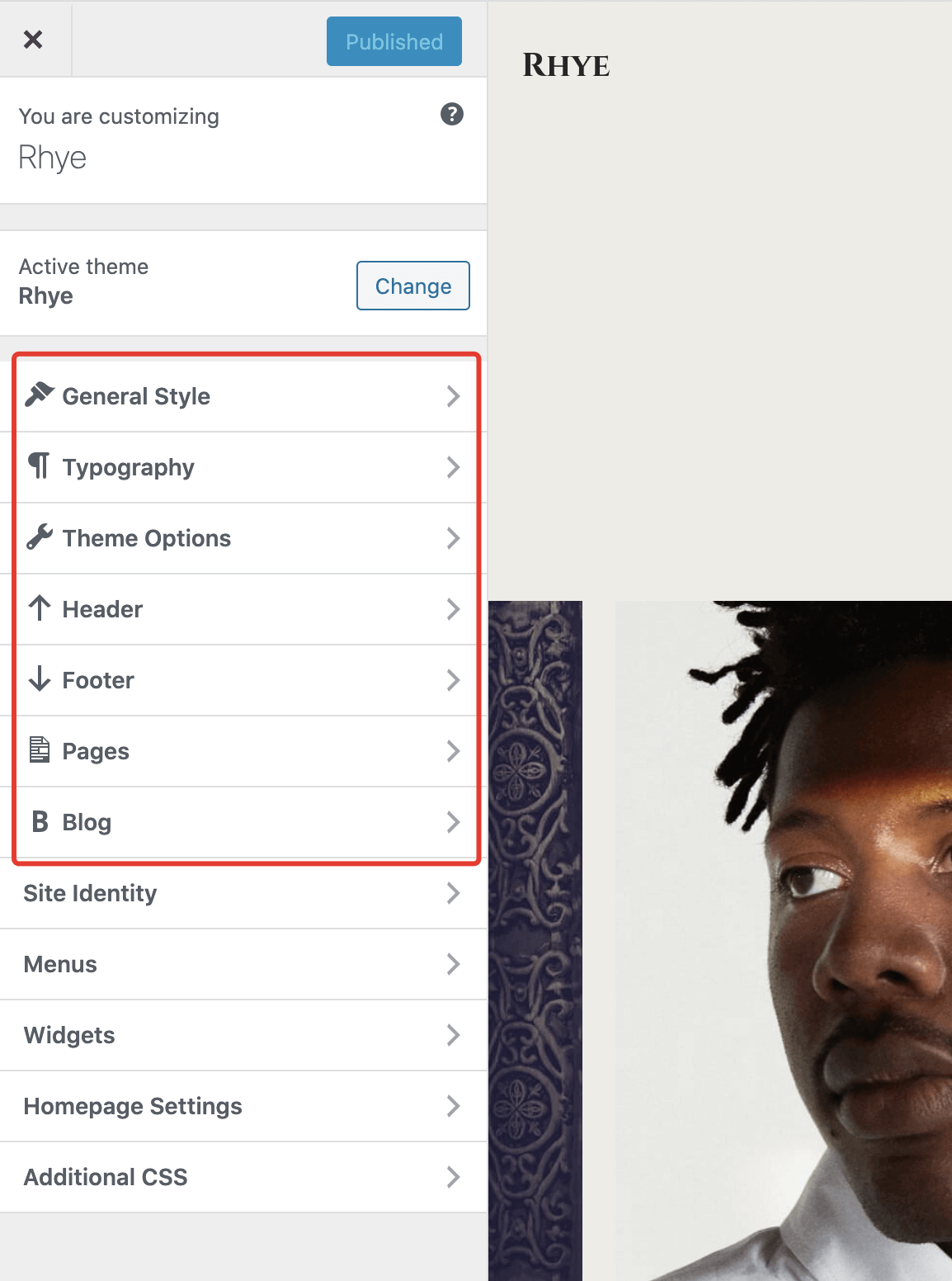
There are many more options in the customizer that the theme supports. Just explore and play around with all these options. You can preview any changes in real-time before saving.
Missing extra panels in Customizer?
If you don’t see the additional theme panels like in the screenshot above, please check if you have the Kirki Plugin (opens new window) installed and activated. It’s required by the theme and is responsible for extending the WordPress Customizer panel.
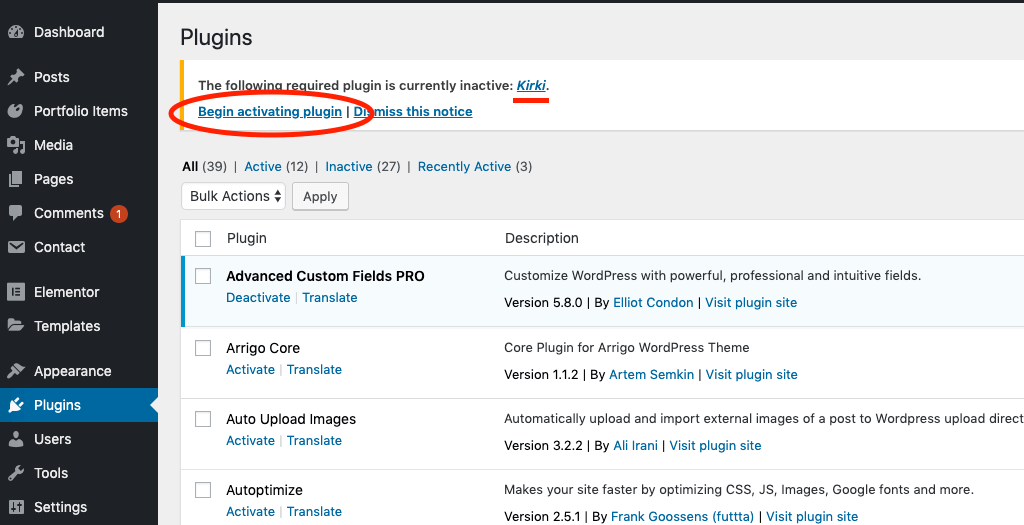
Begin activating plugin and activate the Kirki plugin.