# Extended Document Options
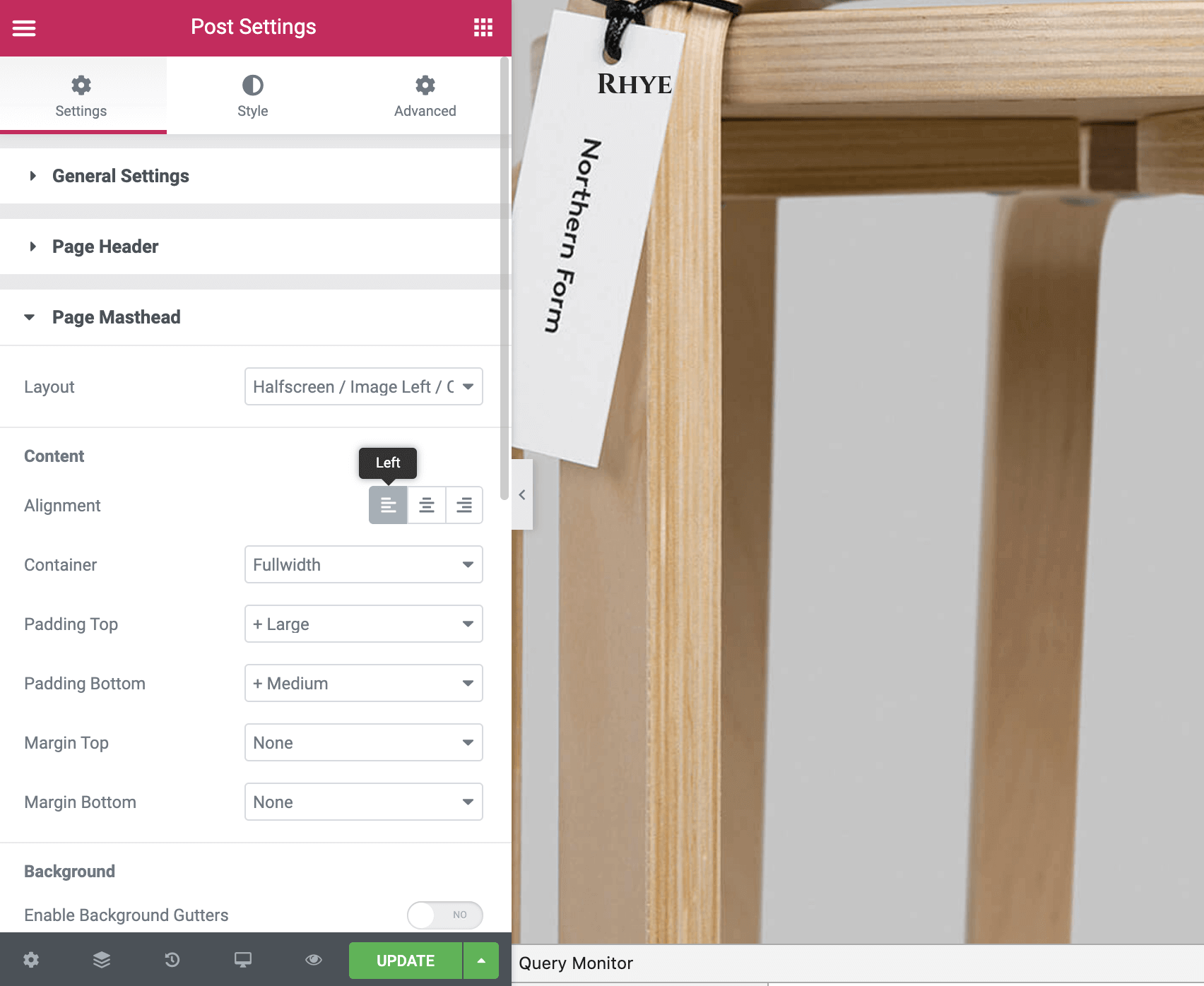
As you may have seen throughout the demo, there are pages with different masthead layouts, page headers, and page footers. These settings can be adjusted per individual page.
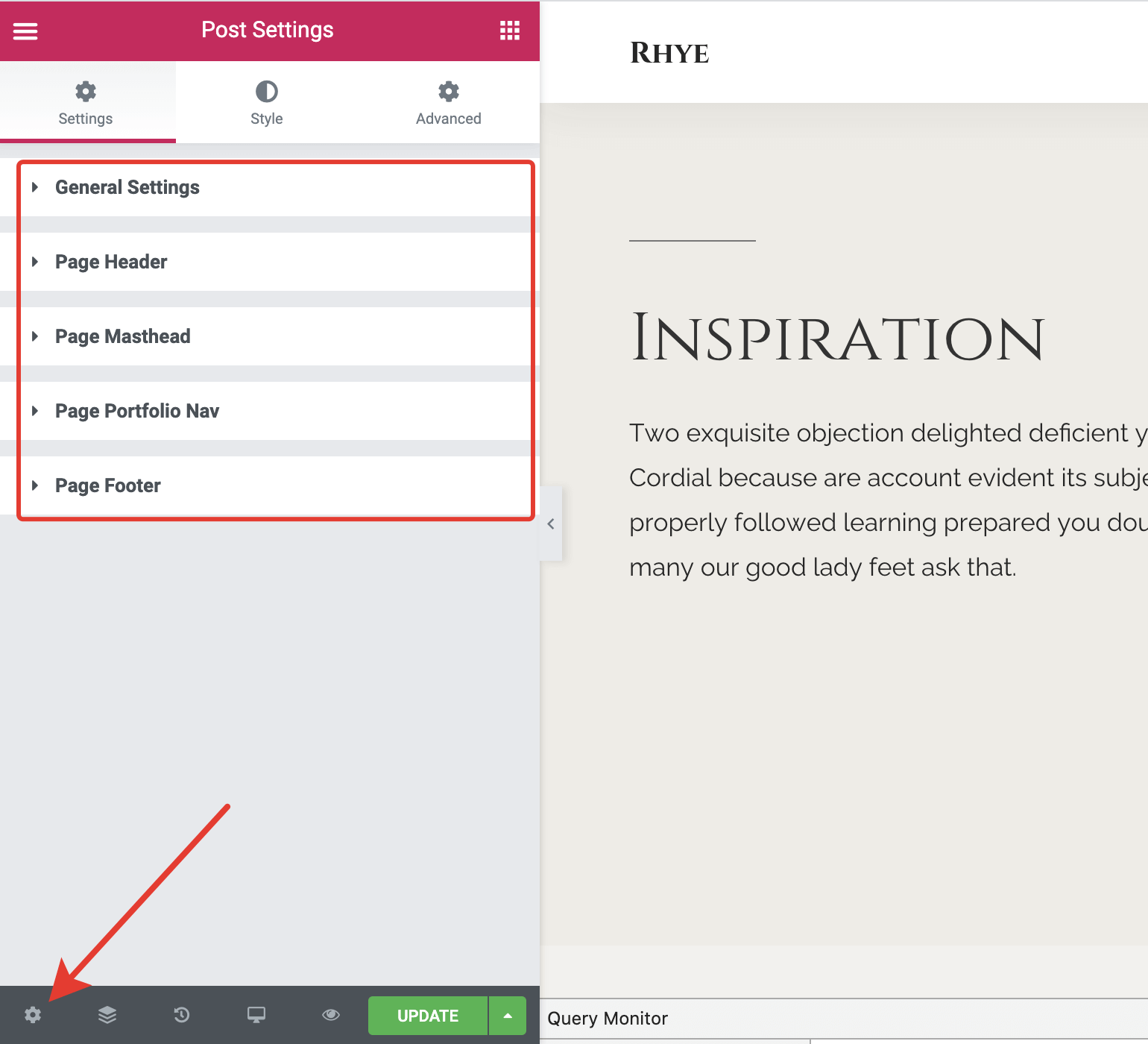
While in Edit with Elementor mode, click on the Cogs icon at the very bottom left. Here you will find the available document options under the Settings tab, grouped into four sections:
- General Settings
- Page Header
- Page Masthead
- Page Portfolio Nav (applicable only for the
Portfolio Itemspost type) - Page Footer
# Overrides
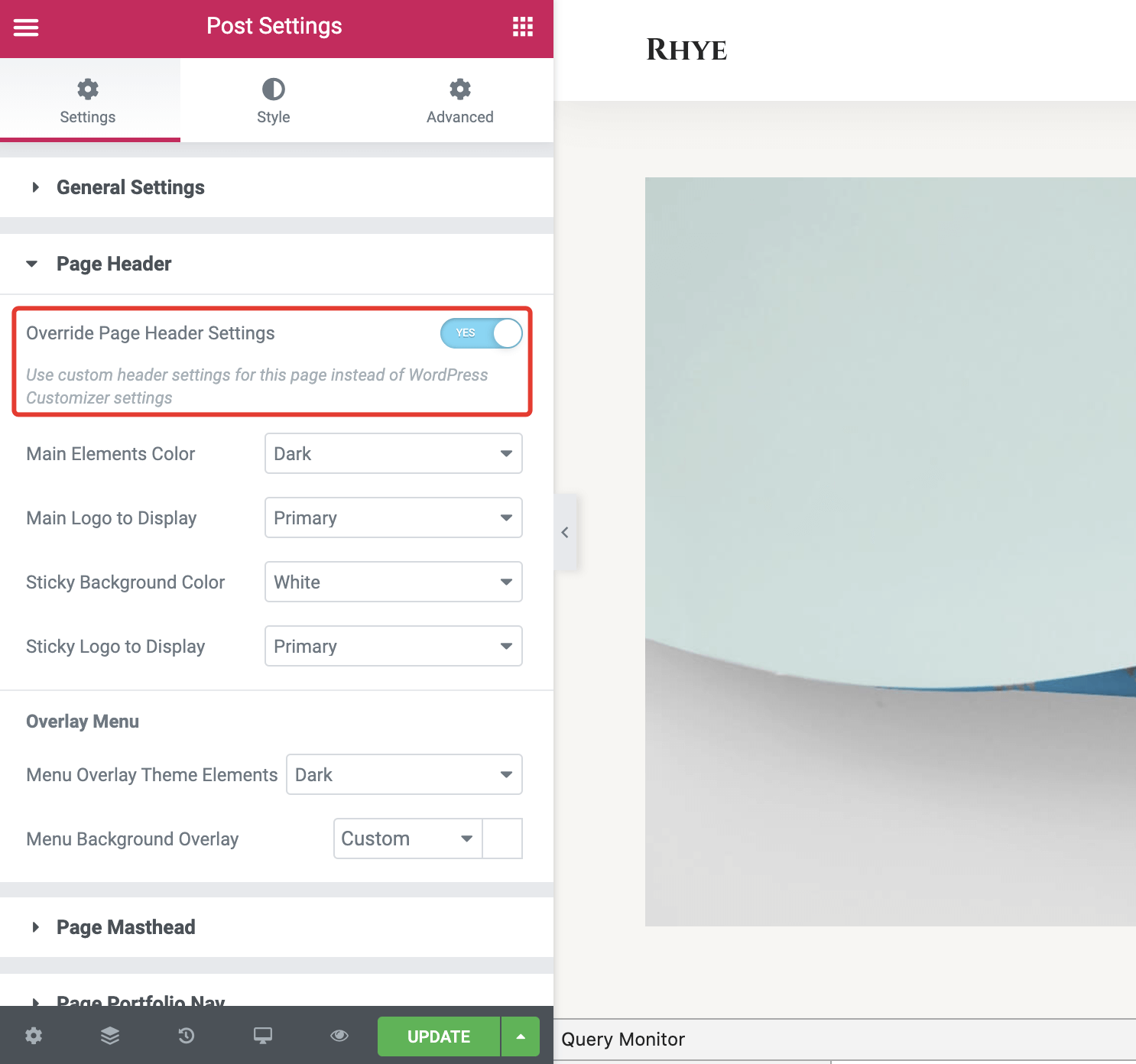
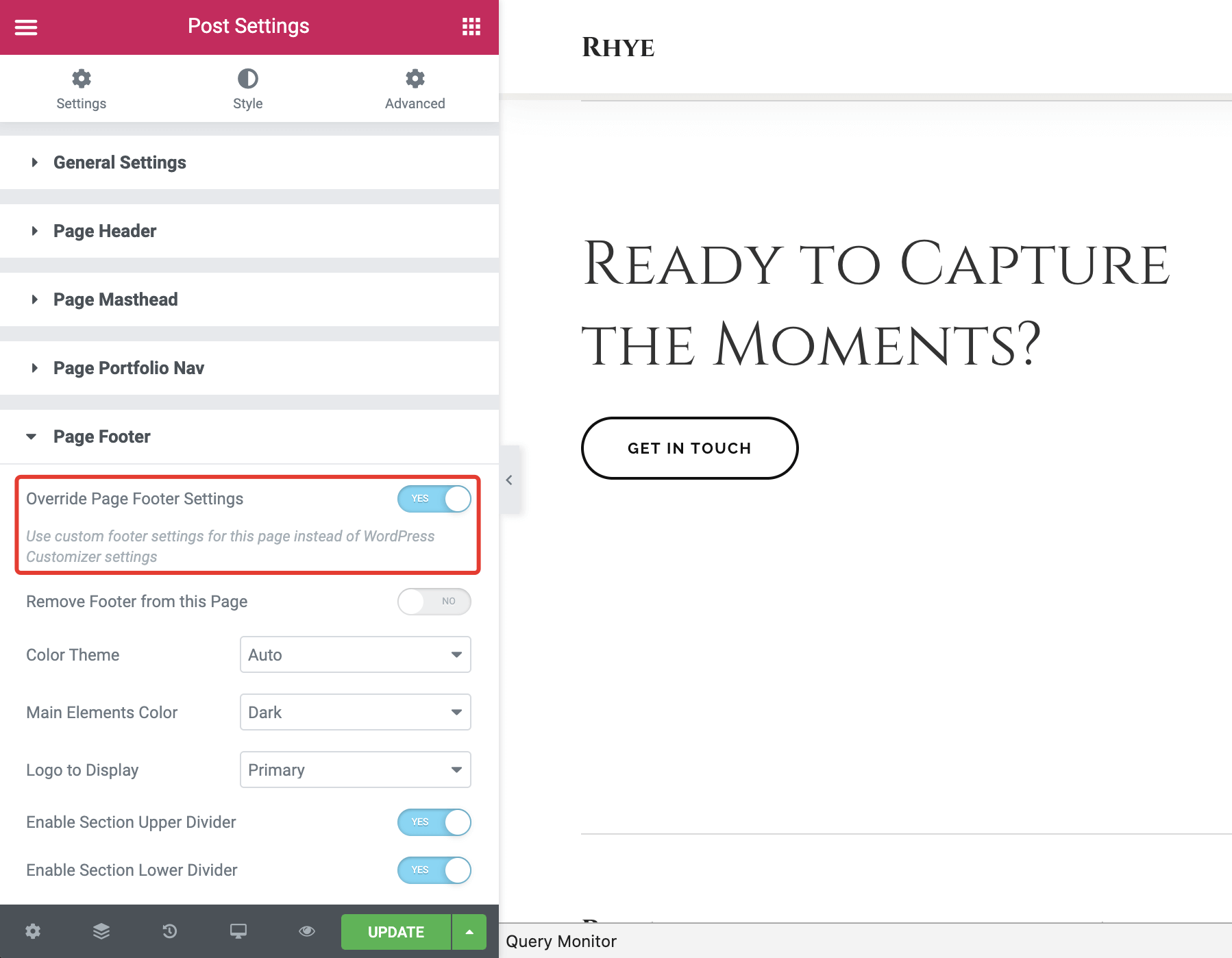
Page header and footer styles can be overridden per page. For example, you can change the footer color for a specific page, aside from others which normally inherit styling from the WordPress Customizer. This may be useful because the theme contains pages with different section color themes.
Styling options from Customizer are not working?
If you've changed the header color from the WordPress Customizer but it doesn't apply to a page, it's highly likely that the page header style has been overridden for that particular page. Please check the Page Header and Page Footer sections from the Document Options in the Elementor page.