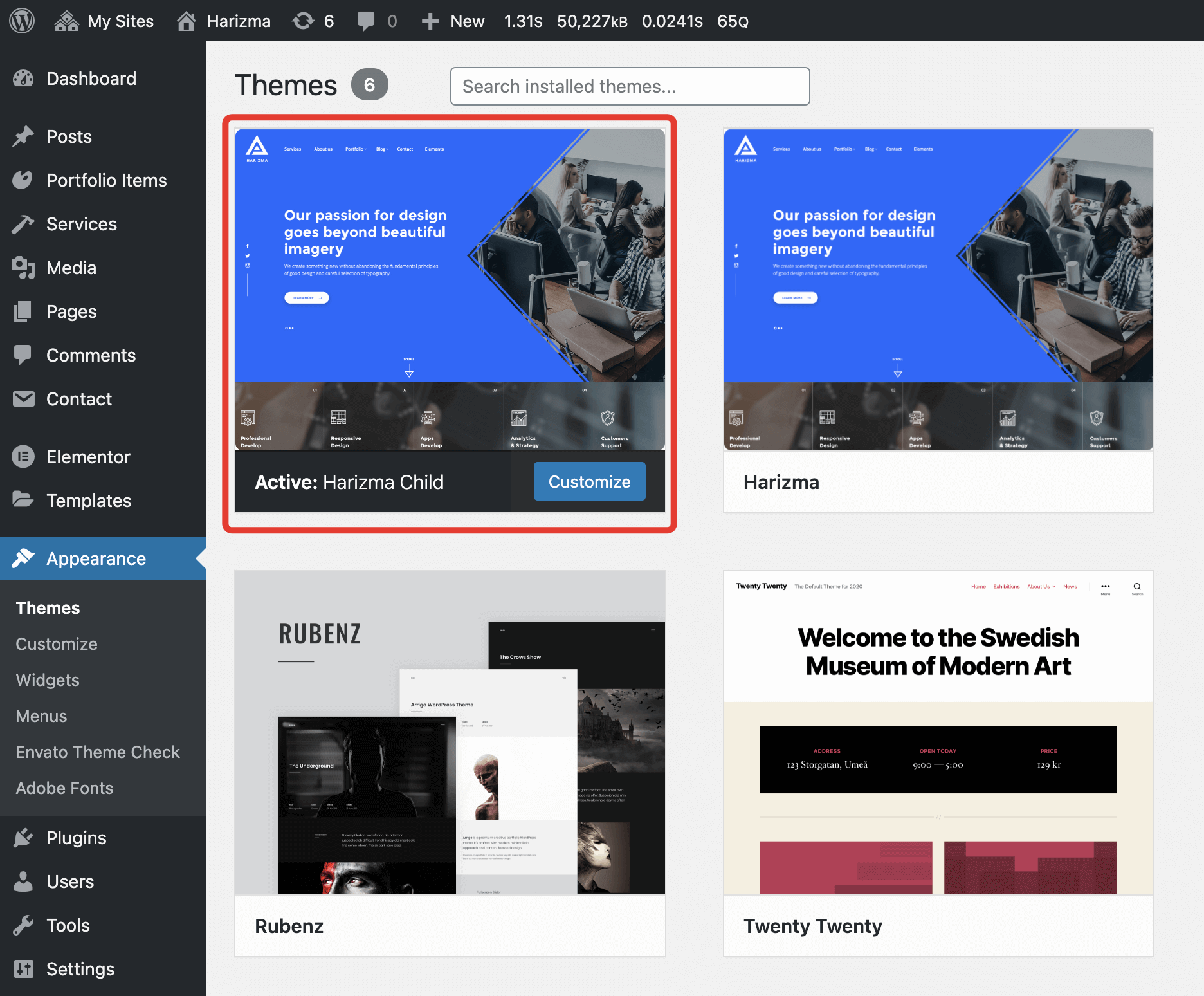
# Using Child Theme
A child theme allows you to change small aspects of your site’s appearance while preserving your theme’s look and functionality.
# What is a Parent Theme?
A parent theme is a complete theme that includes all of the required WordPress template files and assets for the theme to work. All themes – excluding child themes – are considered parent themes.
In your download package 📄harizma.zip is the parent Harizma theme.
# What is a Child Theme?
A child theme inherits the look and feel of the parent theme and all of its functions but can be used to modify any part of the theme. This way, customizations are kept separate from the parent theme’s files. Using a child theme lets you upgrade the parent theme without affecting the customizations you’ve made to your site.
In your download package 📄harizma-child.zip is a child theme based on the Harizma parent theme.
# How can Child Themes be useful?
Child themes:
- make your modifications portable and replicable;
- keep customization separate from parent theme functions;
- allow parent themes to be updated without destroying your modifications;
- allow you to take advantage of the effort and testing put into the parent theme;
- save on development time since you are not recreating the wheel; and
- are a great way to start learning about theme development.
WARNING
Child theme customizations are recommended only for advanced WordPress users. When customizing a child theme, please make sure you’re 100% confident in what you’re doing; otherwise, your website may malfunction or even crash.
# Setup Child Theme
If you went through the Wizard Theme Setup, you’re likely to already have the child theme installed and activated. If you skipped child theme installation, just get the file 📄harizma-child.zip from your download package and install it as a normal WordPress theme.