# Editing Footer
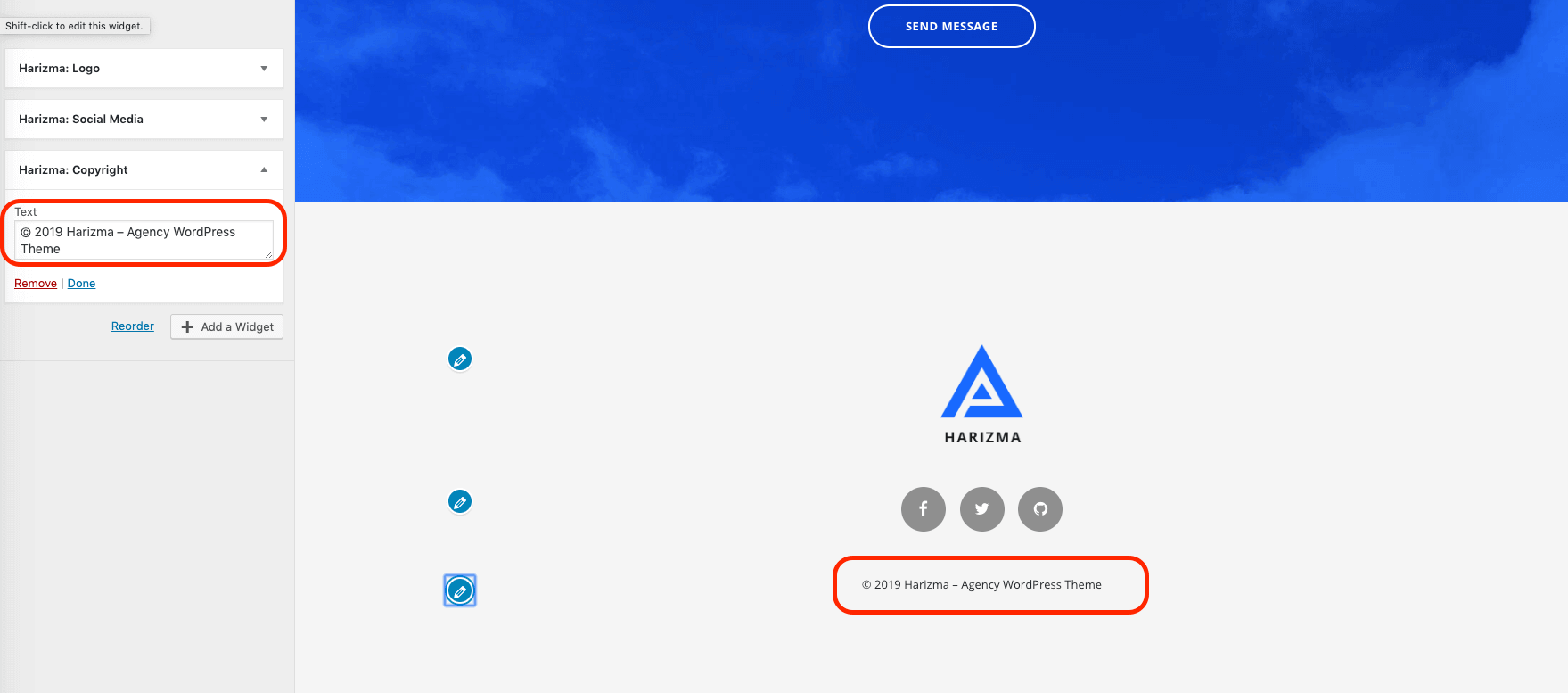
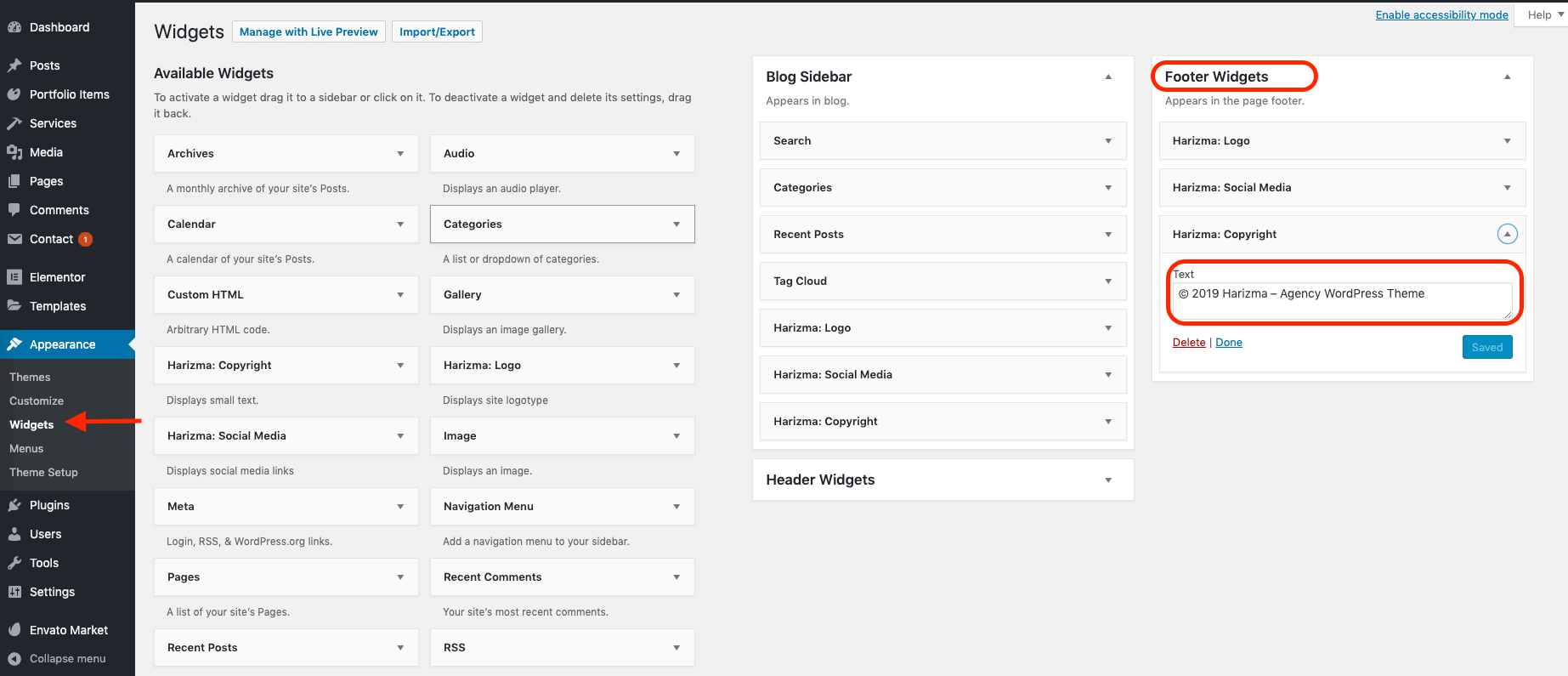
The footer is a widgetized area in the Harizma theme. To edit the footer, such as copyright information or social media links, you need to edit your widgets.
To start, open the Customizer -> Widgets panel. You can also edit widgets from the back-end admin panel. The advantage of the customizer is that you can preview all your changes live.
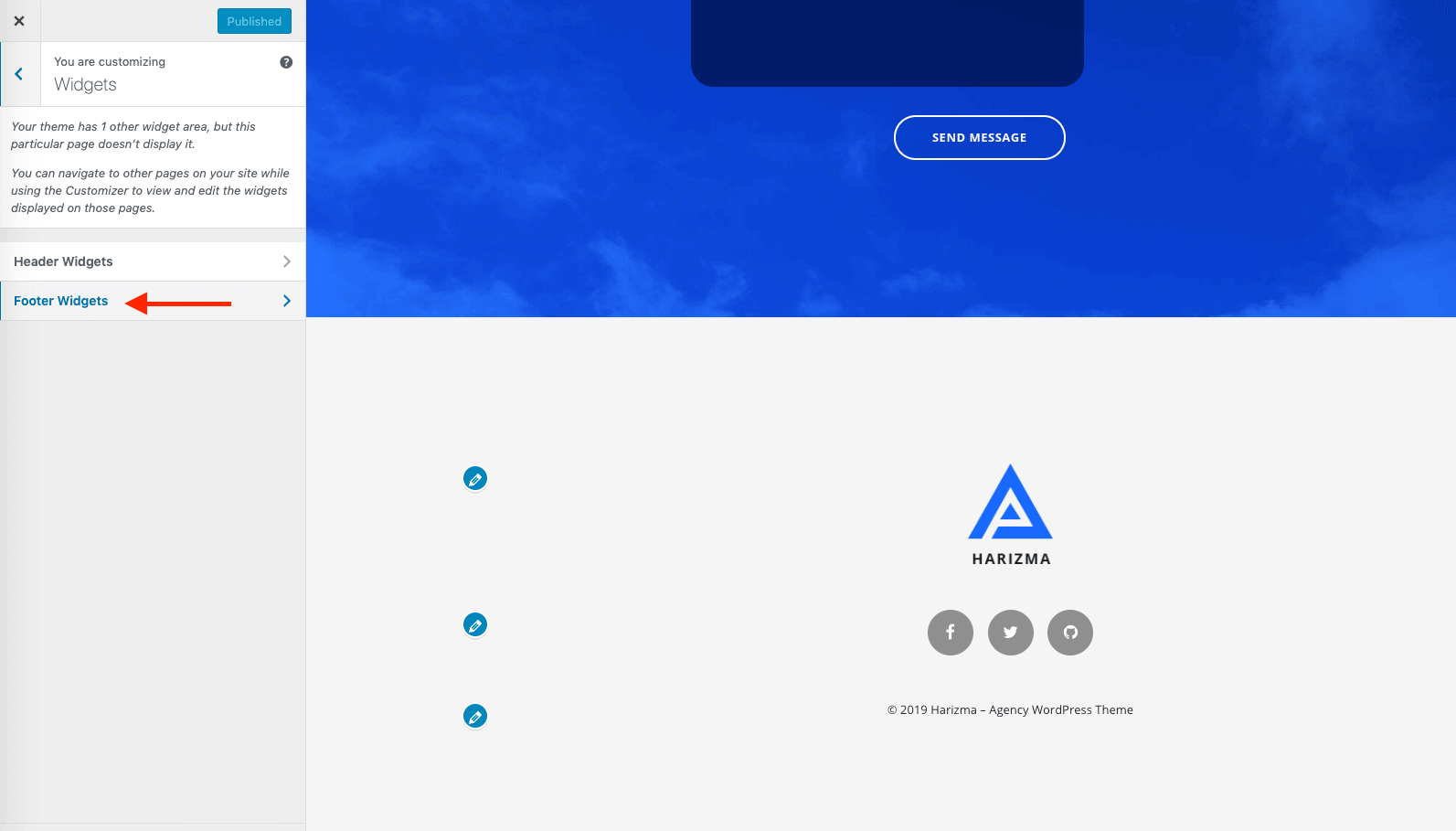
Footer Widgets panel