# Pages Templates
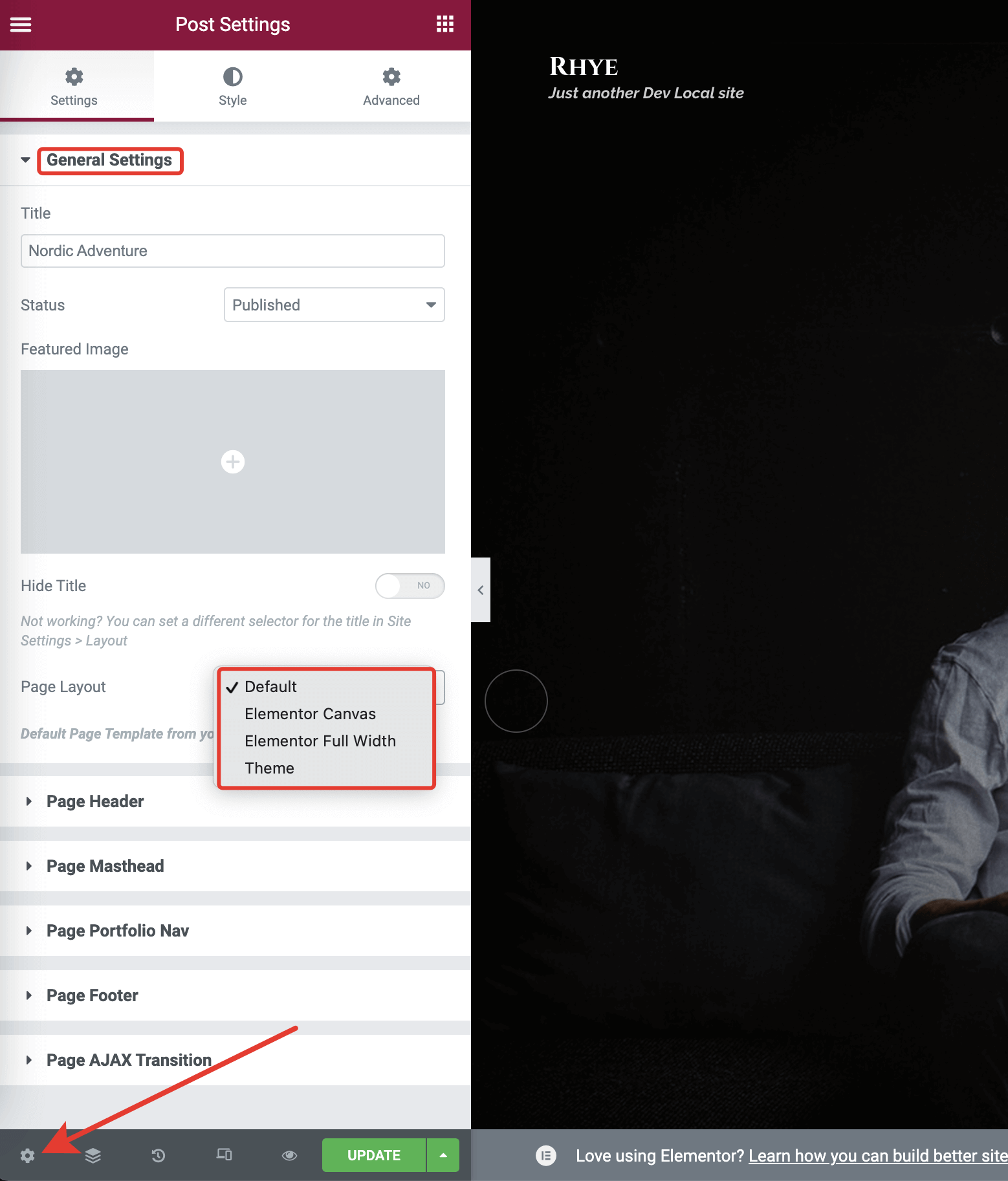
Elementor offers a set of three useful templates for pages, allowing you to customize the layout for specific pages. For example, you can easily remove the page masthead while keeping the header, content, and footer using the Full Width template.
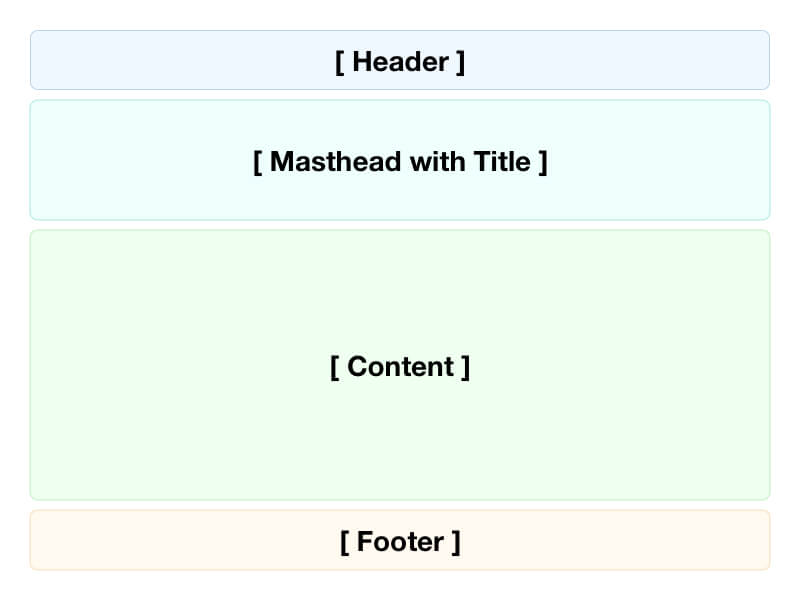
# Default
This template uses the default theme layout, including the Header, Masthead, Footer, Content, and Sidebar (in blog).
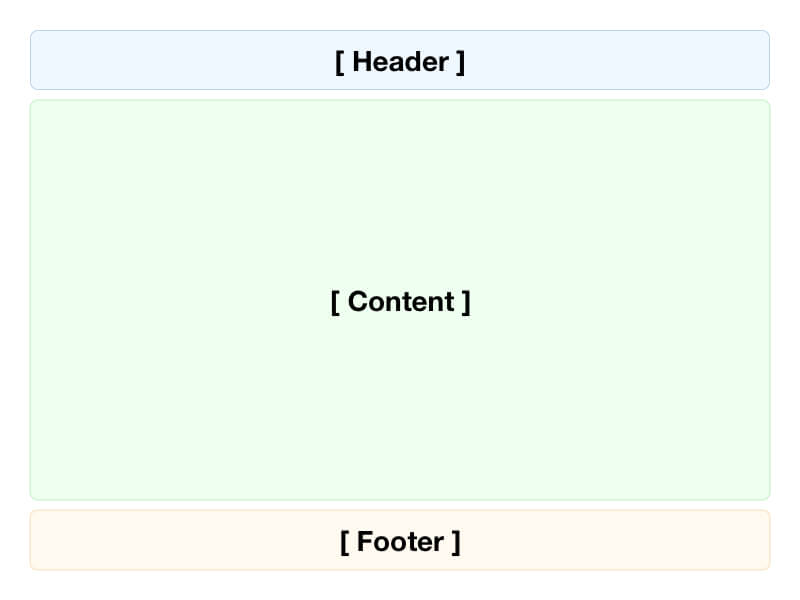
# Elementor Full Width
This template displays the Elementor-created content, including the Header and Footer. It doesn't display the Masthead and Title.
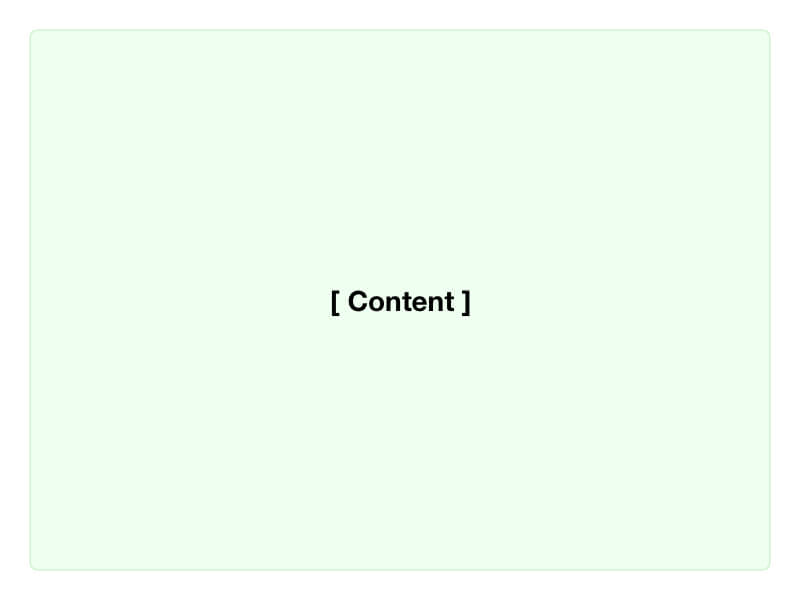
# Elementor Canvas
This template displays only the Elementor-created content. It doesn't inherit any current theme parts.
Note
Only posts that use the Default Template will have the Single Post Template applied to them, even if they otherwise meet the Display Conditions criteria. Posts that use the Canvas or Full Width template (or any template other than Default) will not have the Single Post Template applied to them.