# Audio Background
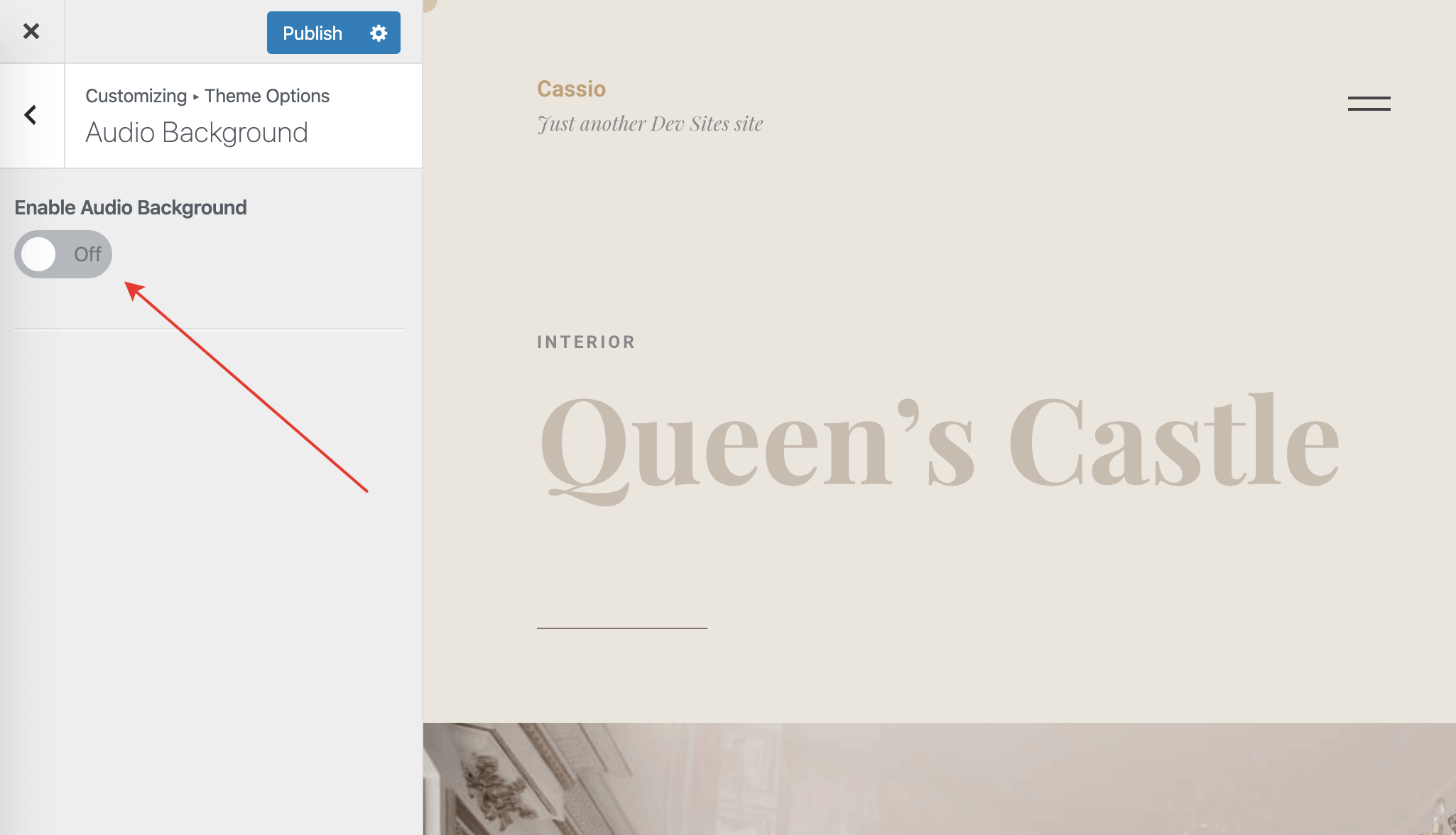
The theme supports an audio background feature that enables continuous playback of *.mp3, *.wav, or *.ogg files while browsing the website. To enable audio backgrounds, go to Customizer → Theme Options → Audio Background and toggle the appropriate switch control.
# Website Global Audio
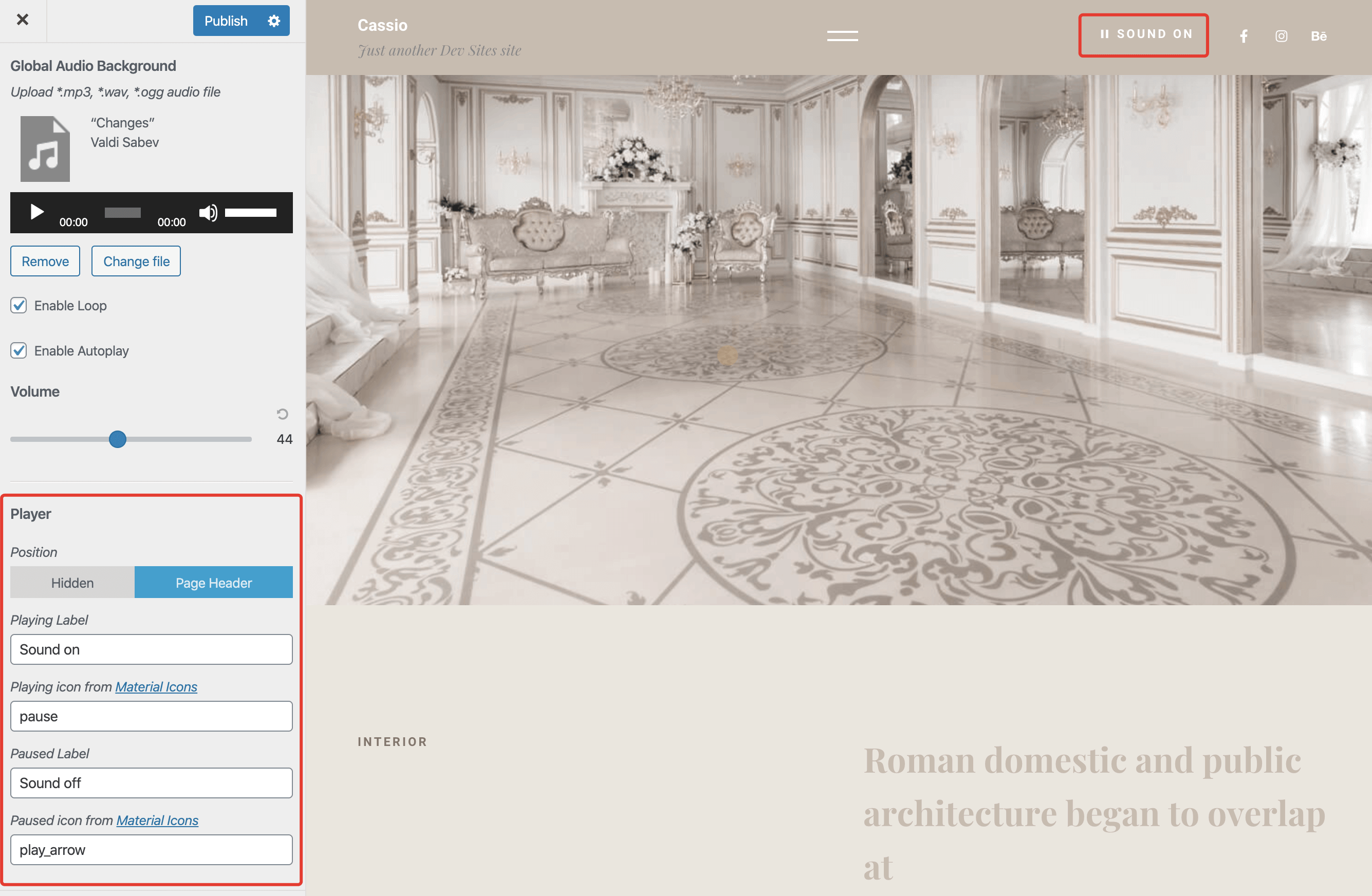
You may upload a music file that will play continuously while a visitor navigates your website. A simple audio player will appear in the page header, allowing users to play or pause the background music.
Autoplay Browser Policy
Depending on the browser, the autoplay feature may or may not work. Some modern browsers require users to interact with the document first before playing any media content.
# Individual Pages Audio
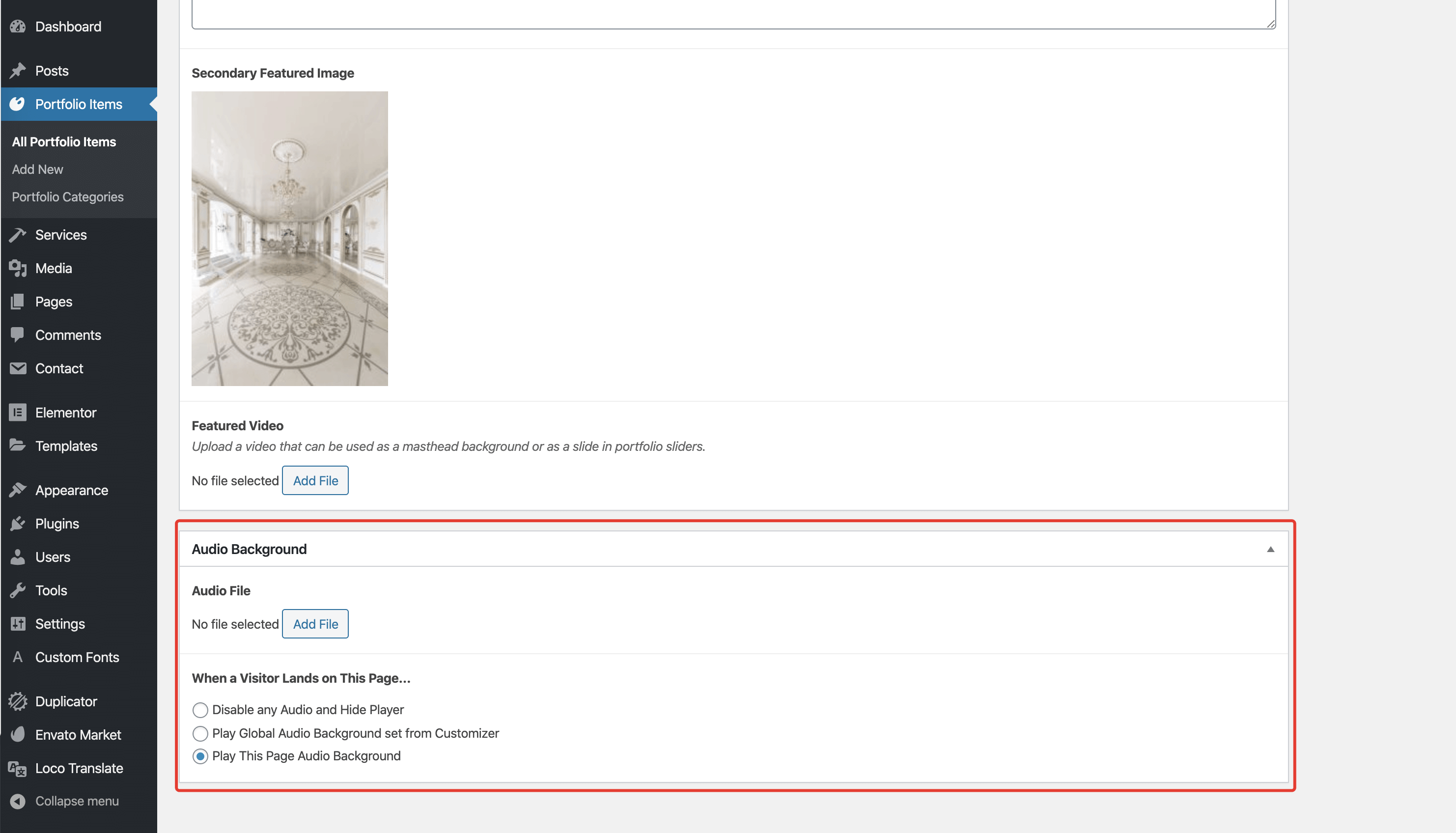
It is also possible to assign an individual audio track to a page. While editing a page from the admin panel, scroll down to find the Audio Background control group. Ensure that audio backgrounds are enabled first in Customizer → Theme Options → Audio Background; otherwise, it won't work even if you upload a correct file.
AJAX Compatibility
Audio backgrounds are fully AJAX compatible, meaning all transitions between pages are handled as follows:
- If the next page's track is different from the current page's track, the player will slowly fade out the current track and start playing the next track.
- If the next page's track is the same as the current page's track, the playback won't be interrupted.