# Extended Document Options
As you may have seen throughout the demo, there are pages with different preloader animations, menu styling, layouts, etc. Initially, all those settings are available to customize from the WordPress Customizer.
While in Edit with Elementor mode, click on the Cogs icon at the bottom left. Here you will find the available document options under the Settings tab, grouped into two sections:
- General Settings
- Page Header
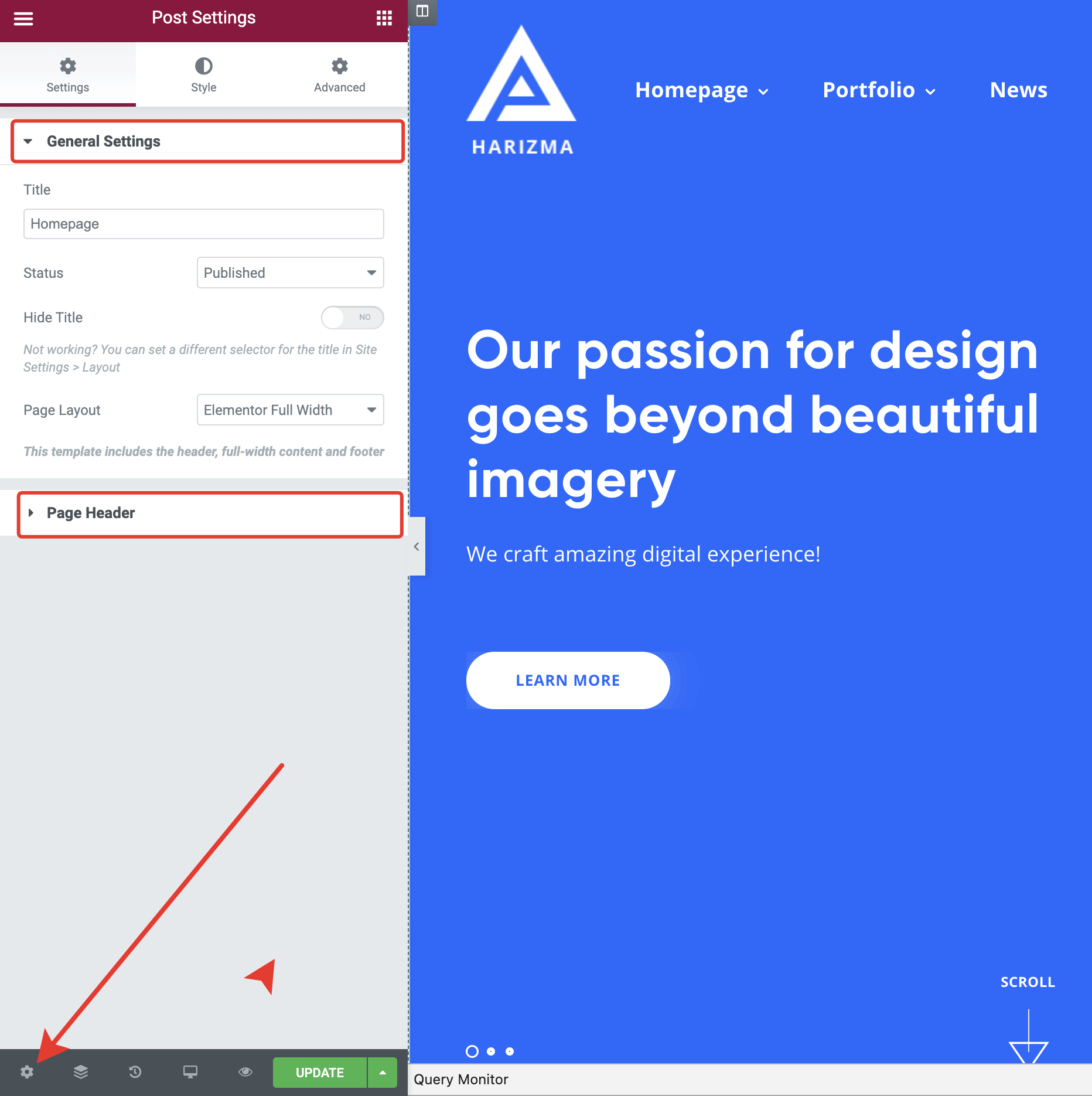
For example, you can set a custom header for the current page.
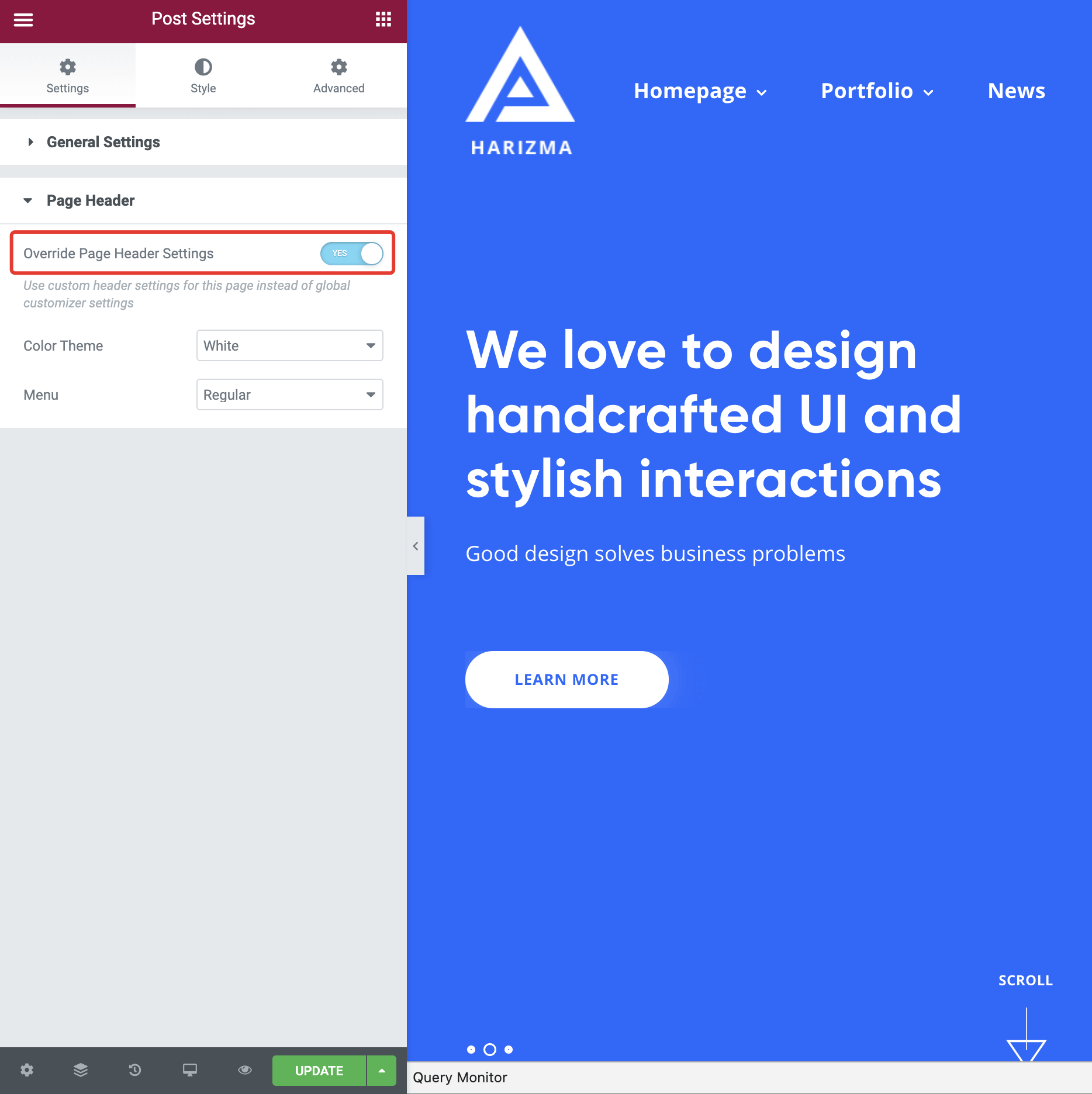
For a particular page, the theme will override the settings you've set in the Customizer with the settings you've set in the Elementor document options.