# Custom Theme Widgets
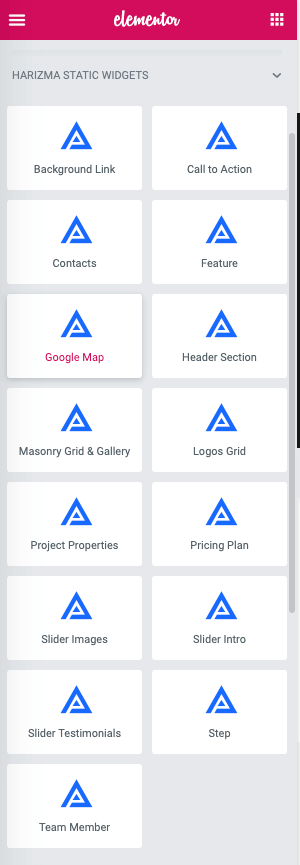
Harizma comes with custom, carefully crafted widgets that you can easily use during page building. If you scroll down the widgets panel, you will see the Harizma widgets section. But before using them, let me explain what Static and Dynamic widgets are.
# Static Widgets
In Static Widgets, the content is created directly on the page through the live page builder. The data is editable from the left panel or directly on the page.
# Dynamic Widgets
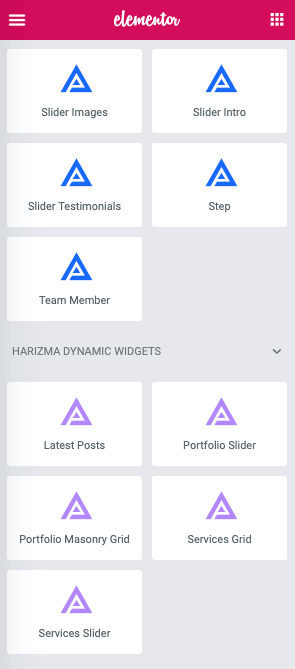
In Dynamic Widgets, the content is pulled dynamically from existing posts/pages. The data is not editable from Elementor. You need to edit your content through the admin panel to reflect changes on the pages.
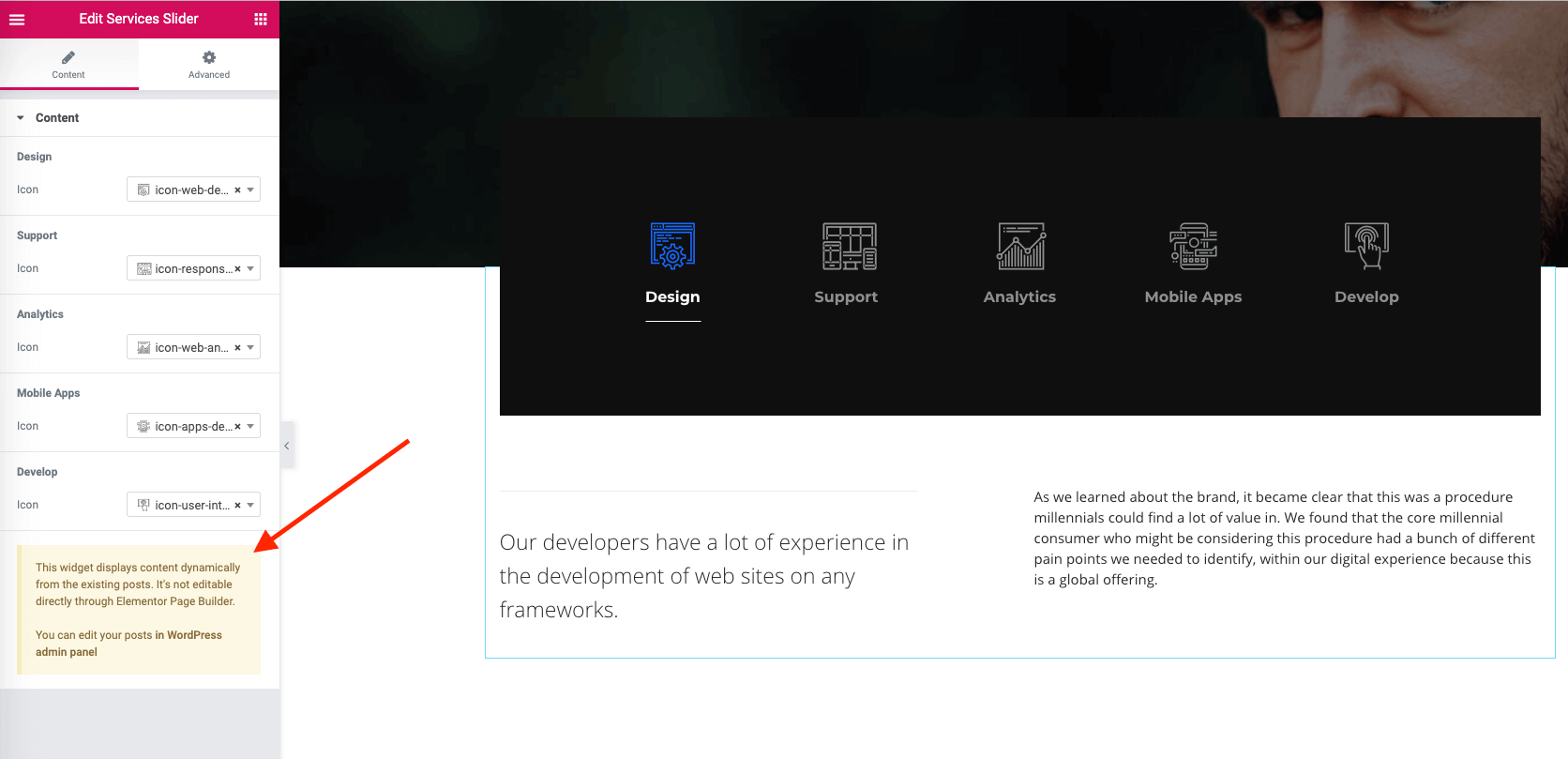
Consider the following example: the Services Slider widget pulls content dynamically from the theme Service custom post type. Here, you can only select an icon for each service. However, you can’t edit the heading and the description. To do this, you need to go into
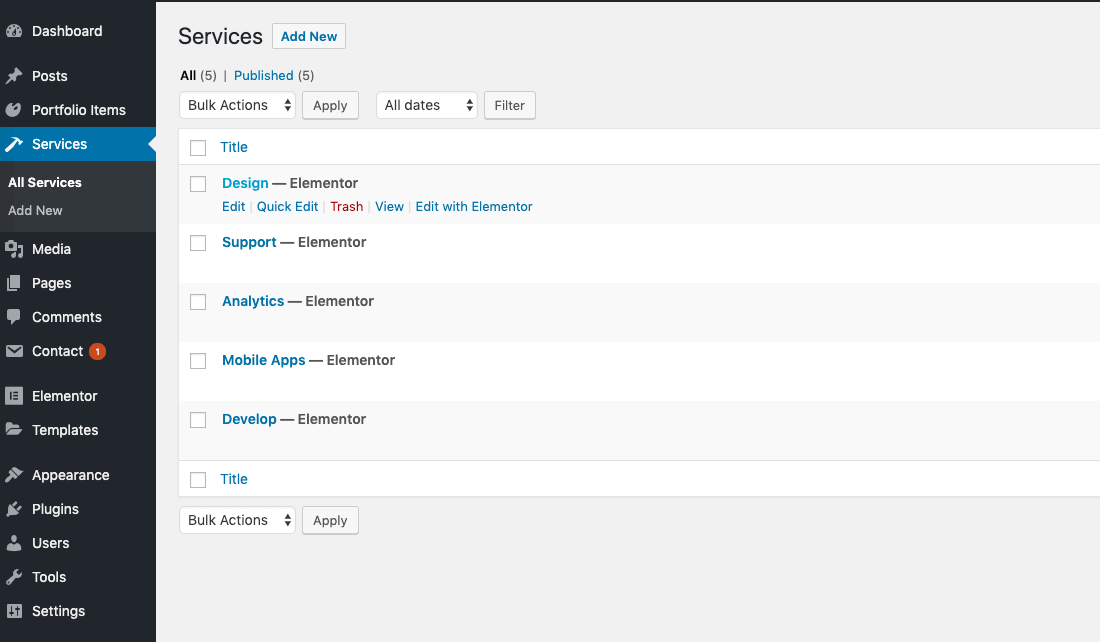
To edit the service items, you need to go into Admin Panel → Services.
# Summary
- When you want to place simple content that is not tied to any Custom Post Type (doesn’t have a separate page in the admin panel) like a Content block, Team member, Slider Images, Google Map, etc., look for it in
Static Widgets. - When you want to display existing data on the page, like
Portfolio ItemsorServices, which means you have already created pages or posts for that content, useDynamic Widgets.