# Uploading Site Logo
To upload your logo, go to Customizer → Site Identity. You are free to use the standard text logo version (with or without tagline) or upload your own brand image.
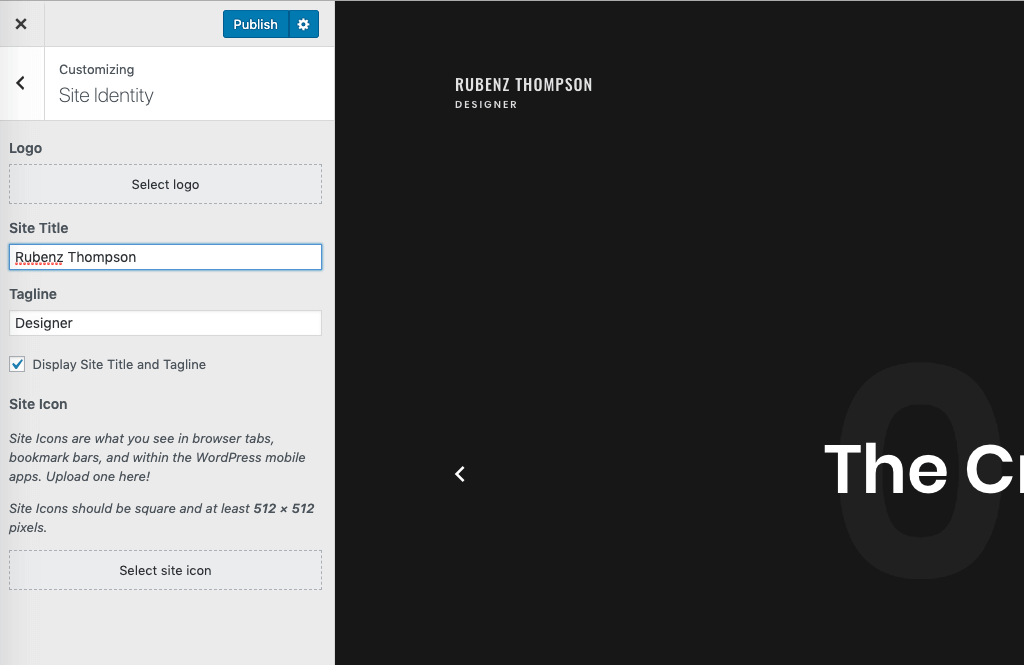
Select Logo and upload your logo to the WordPress media libraryOnce the logo is uploaded, you will have some more options available.
# Responsive Height
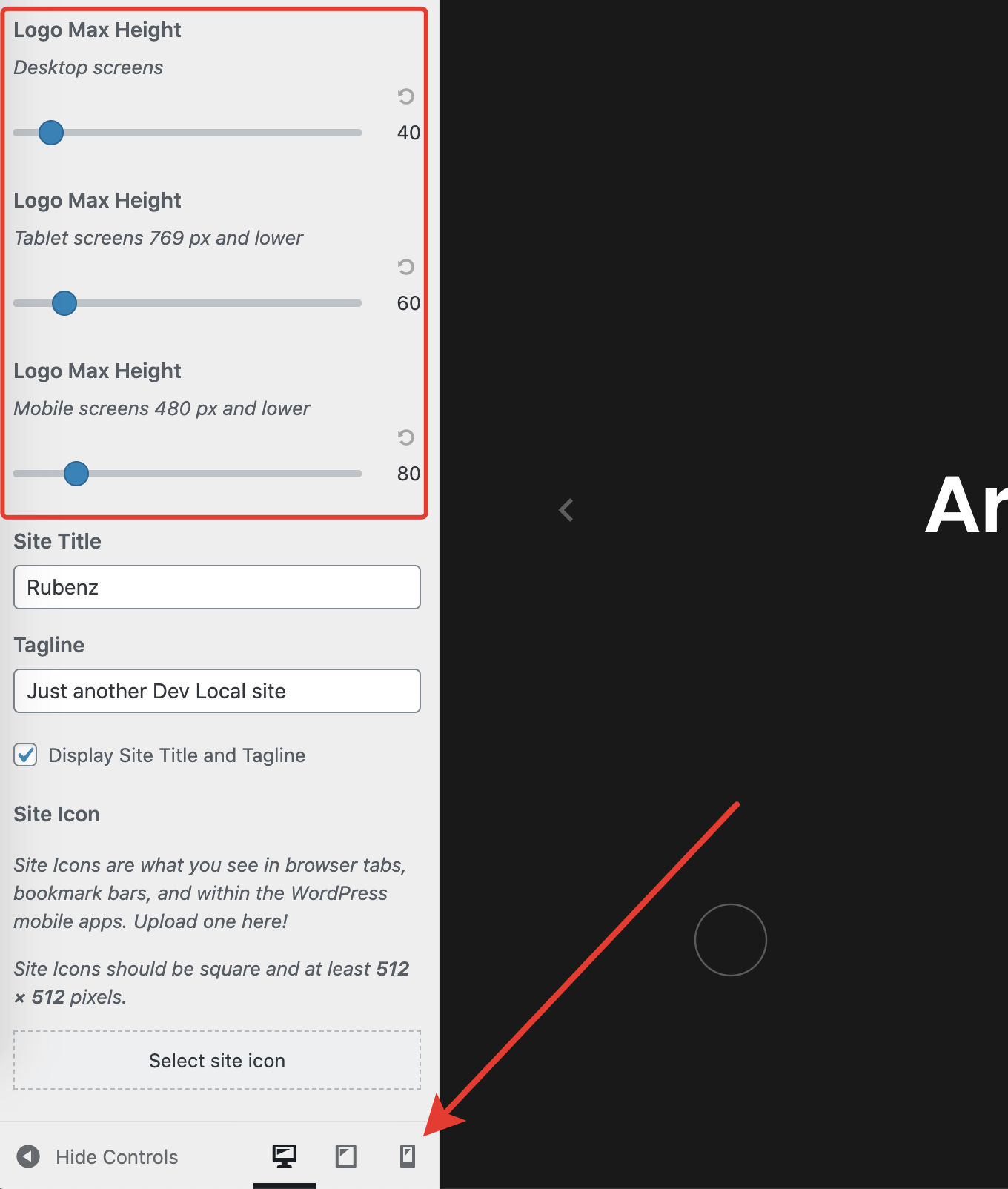
Some WordPress themes restrict you to use specific logo dimensions. This may result in a "too small" or "too big" look for some logo brands. Rubenz has special options for tailoring logo height for different screen sizes, which can be really handy.
For example, you can have a fairly large logo on desktop screens, but you may want to make your logo smaller on mobile devices where there is less room for big elements. Using the sliders, you can adjust your logo's look on 3 screen sizes – desktops, tablets, and mobiles.
# Uploading SVG Logo
WordPress doesn't allow uploading SVG files to the media library. If you try to upload any .svg file, you will get an error like this:
WARNING
"home.svg" has failed to upload.
Sorry, this file type is not permitted for security reasons.
There is a handy plugin Safe SVG (opens new window) that enables SVG uploads and makes it safe. There is no need for additional configuration. Simply install this plugin and upload your SVG logo like you did with raster images.