# Using External Media Fields
The Kinsey theme extends the images attachments panel with an additional field named External URL.
To access that field interface, navigate to the WordPress admin panel and open the Media page.
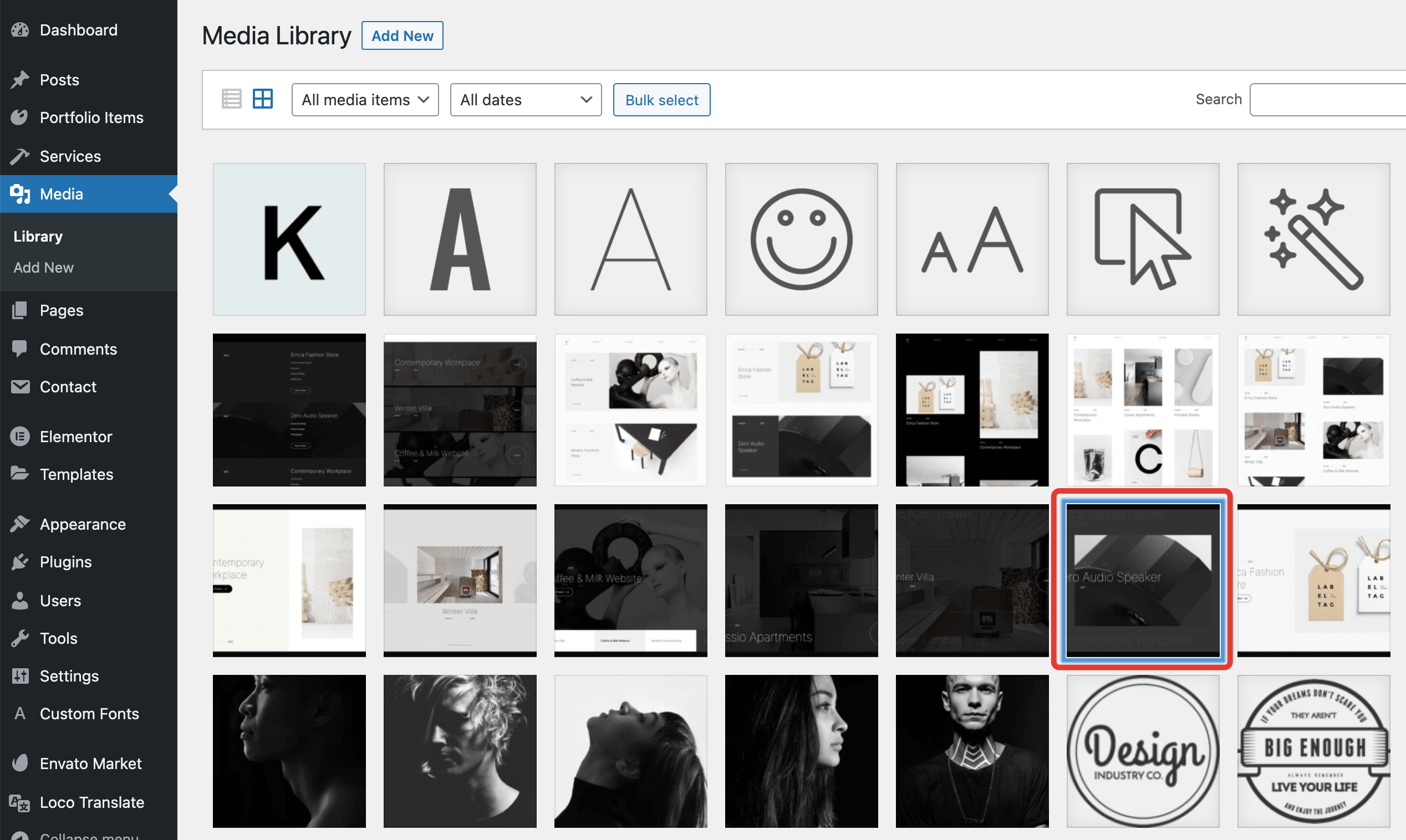
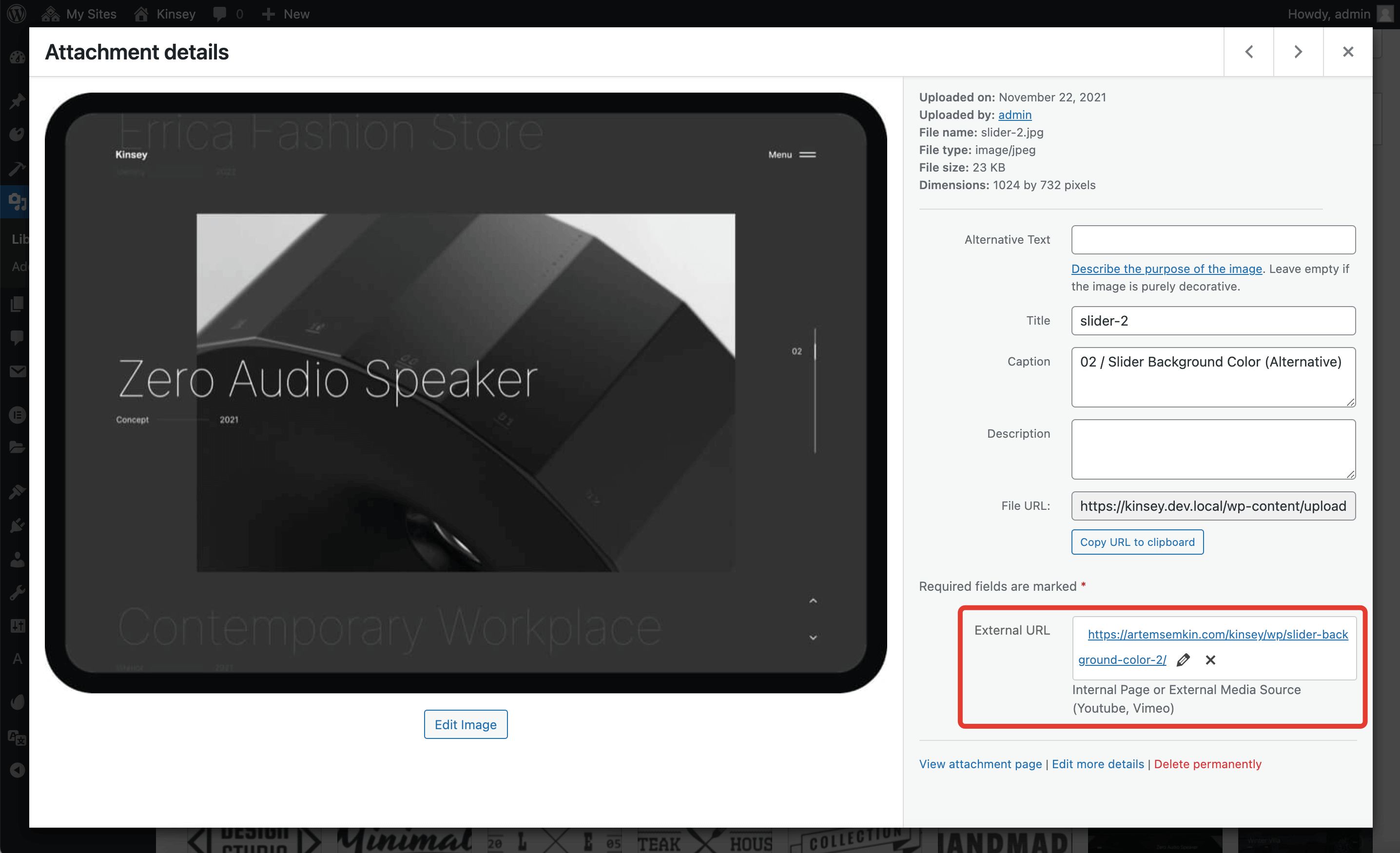
External URL panel in the bottom right corner.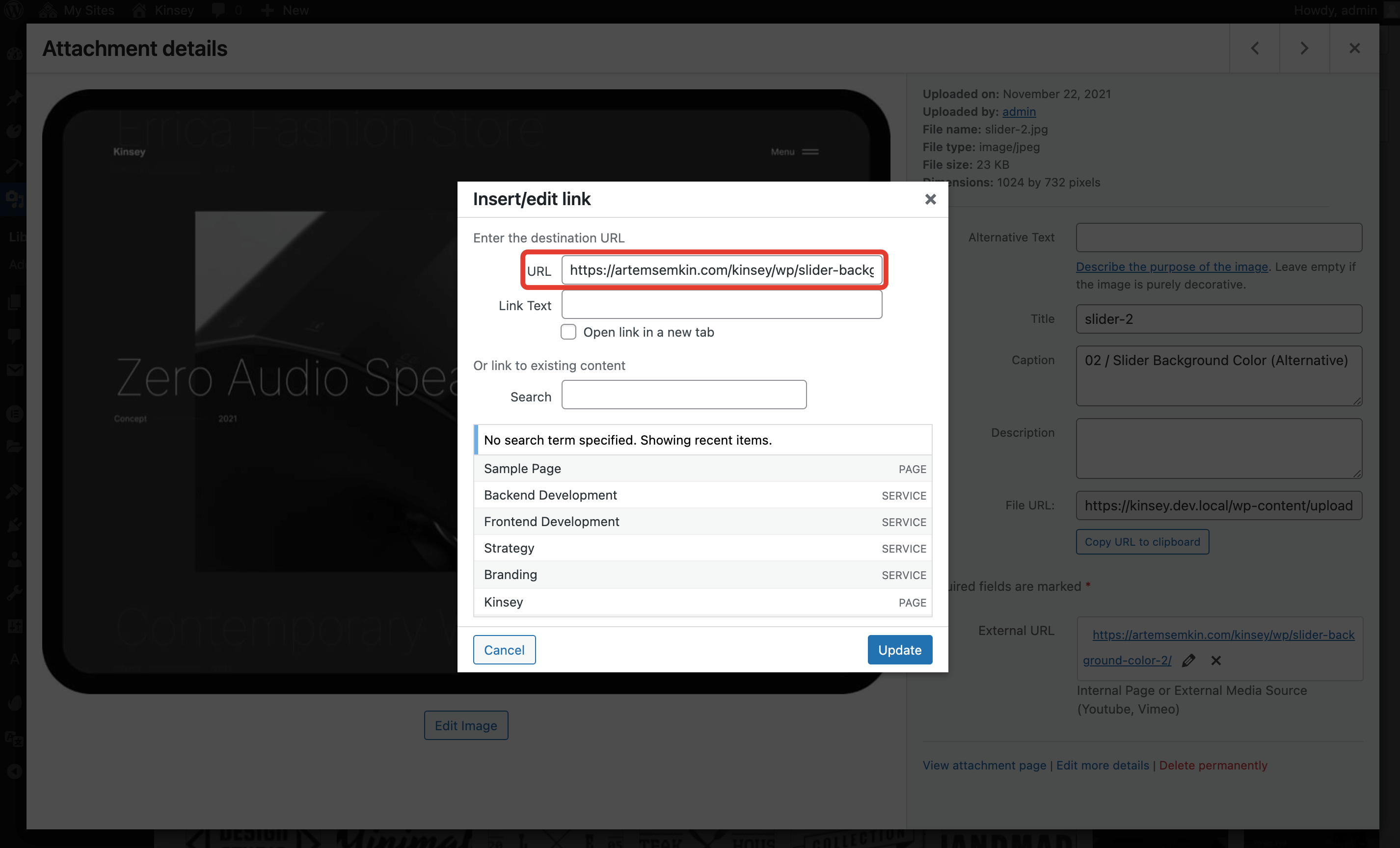
Here are the use cases for that field.
# Populating Masonry Grid with Custom Links
By default, the theme's Masonry Grid Elementor widget opens a lightbox with the full-size images. You can change this behavior under the Settings tab in the widget options.
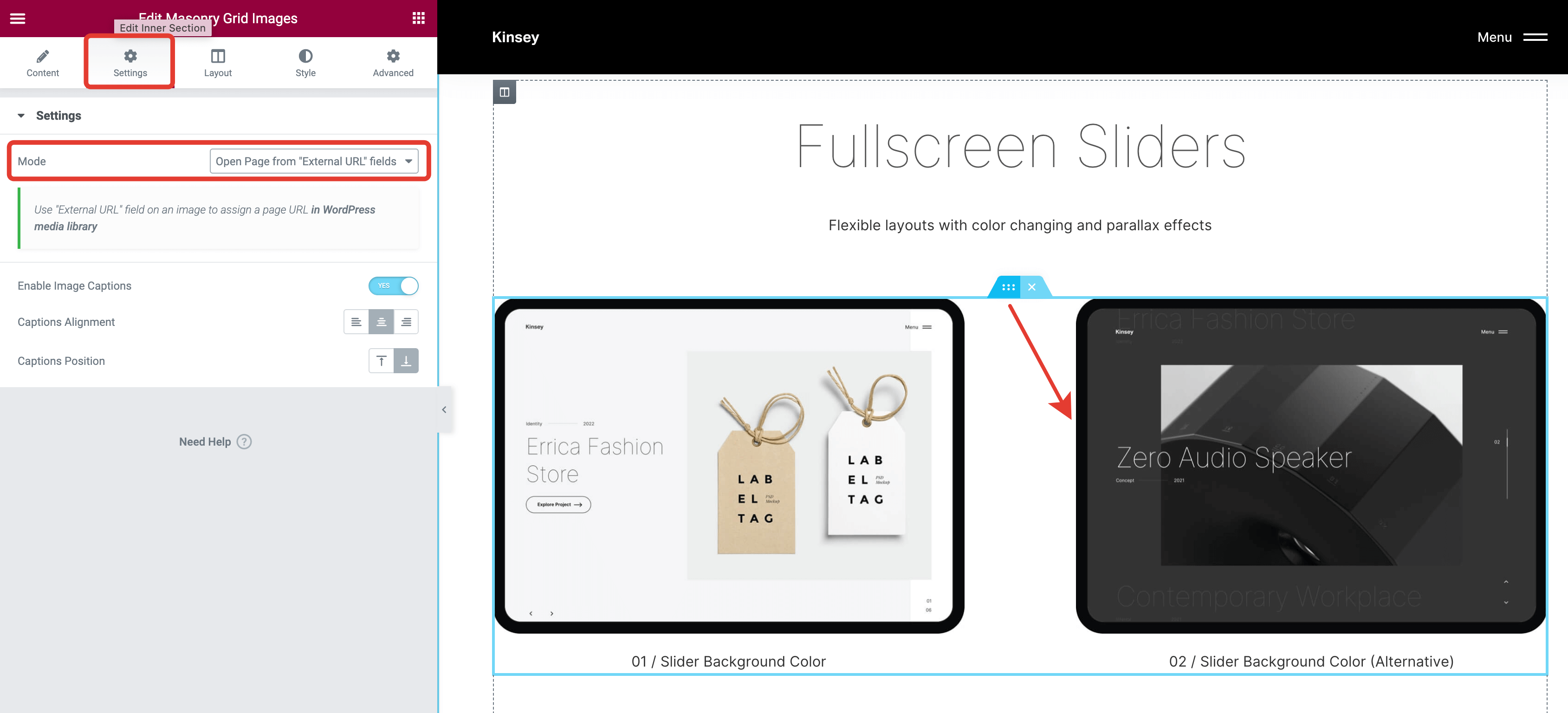
Now, clicking on that image will open a page with the URL you've specified in the External URL field of that image. Make sure to adjust the Open link in new tab checkbox if needed.
# Adding Embedded Content to Lightbox
All non-video external URLs are considered as iFrames. These can also be embedded into the lightbox.
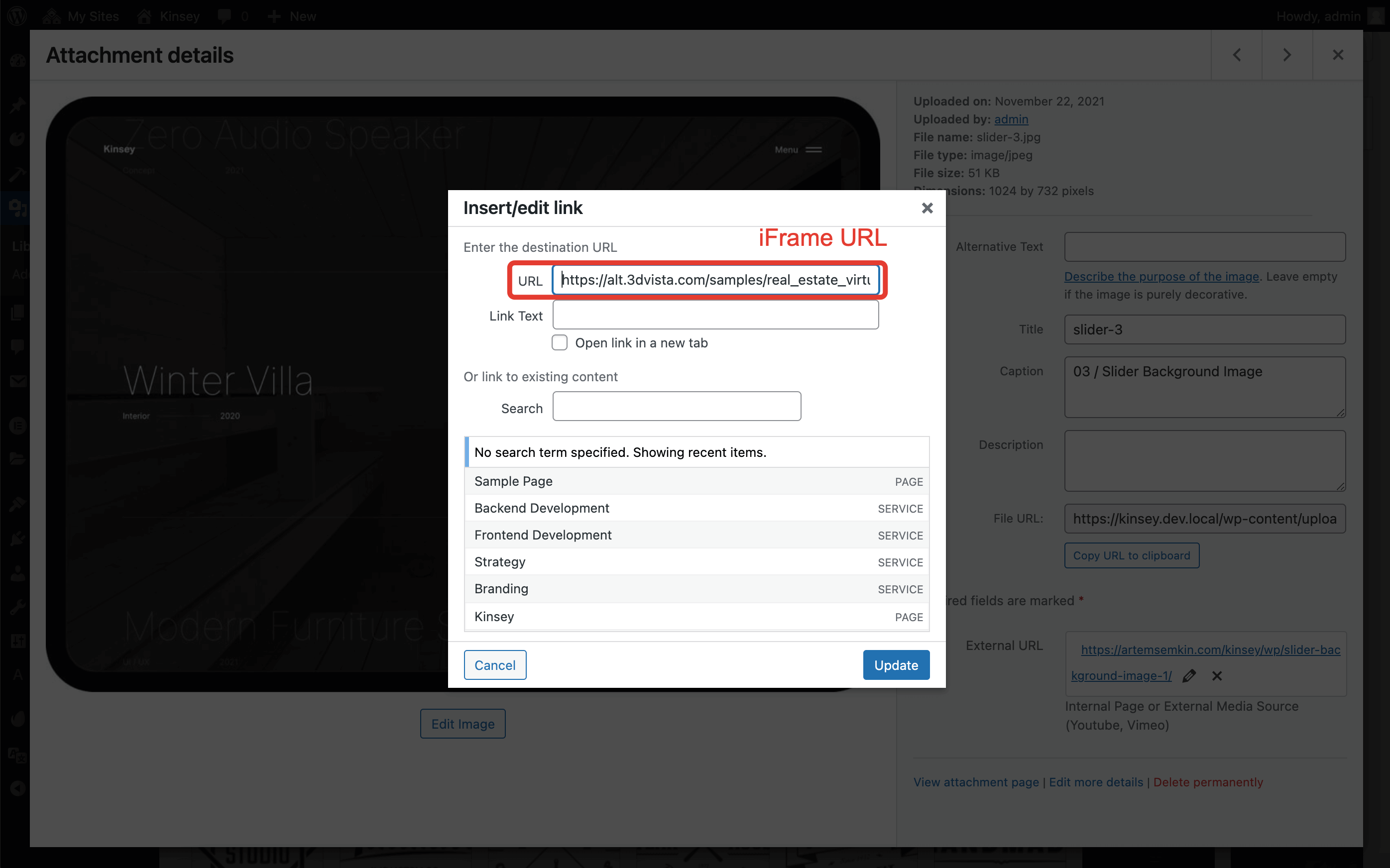
External URL of an image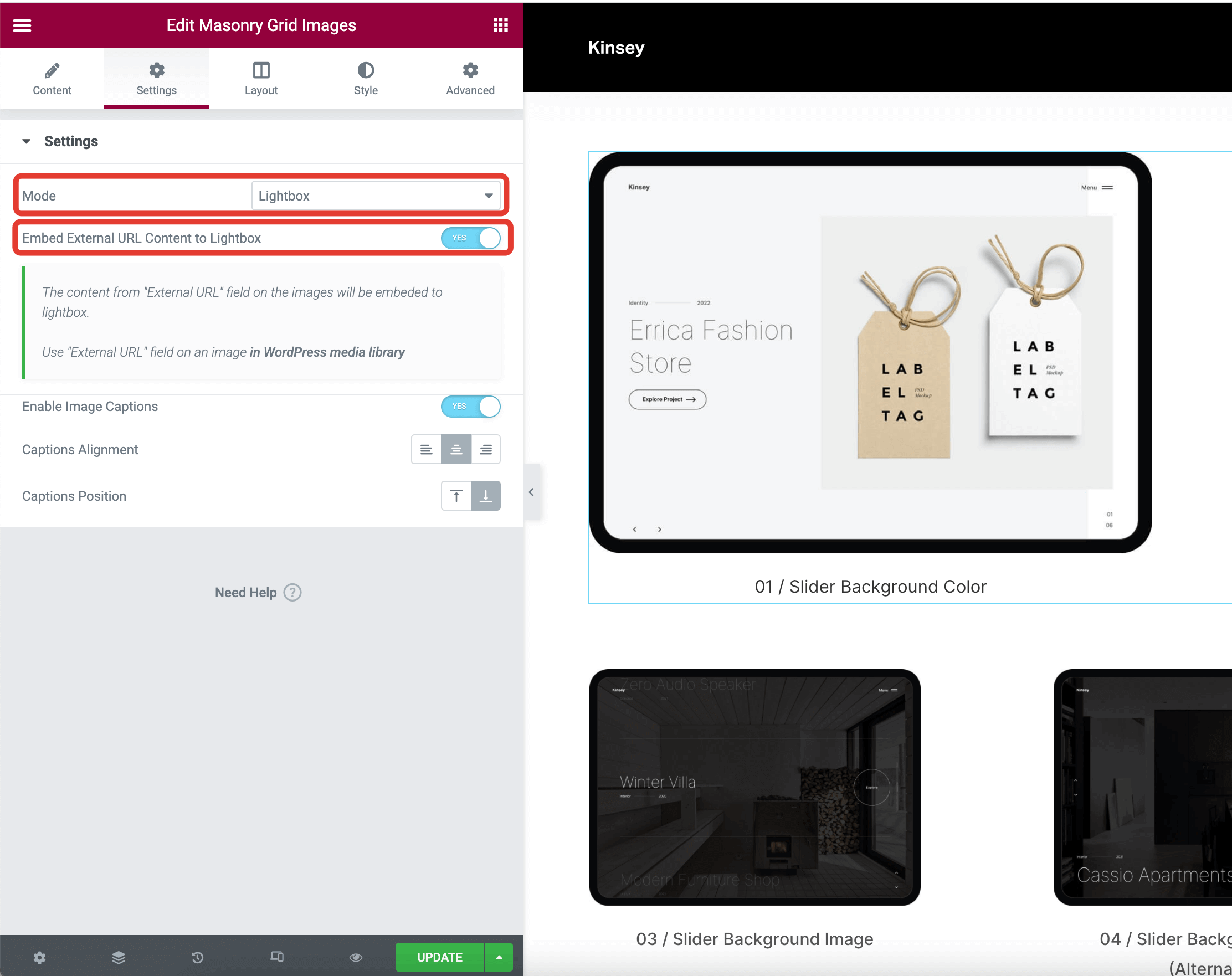
Mode -> Lightbox and turn on the Embed External URL Content to Lightbox toggle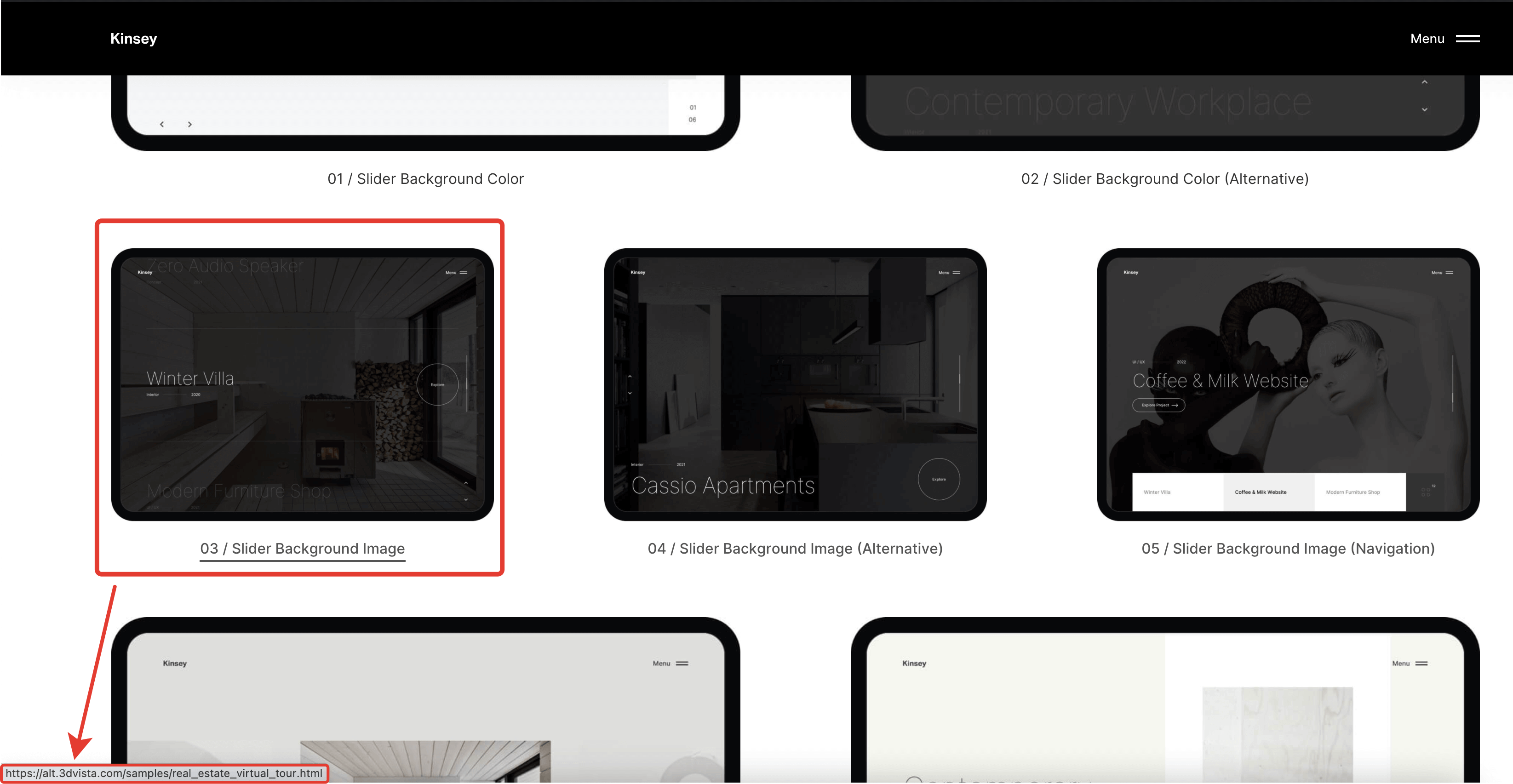
External URL field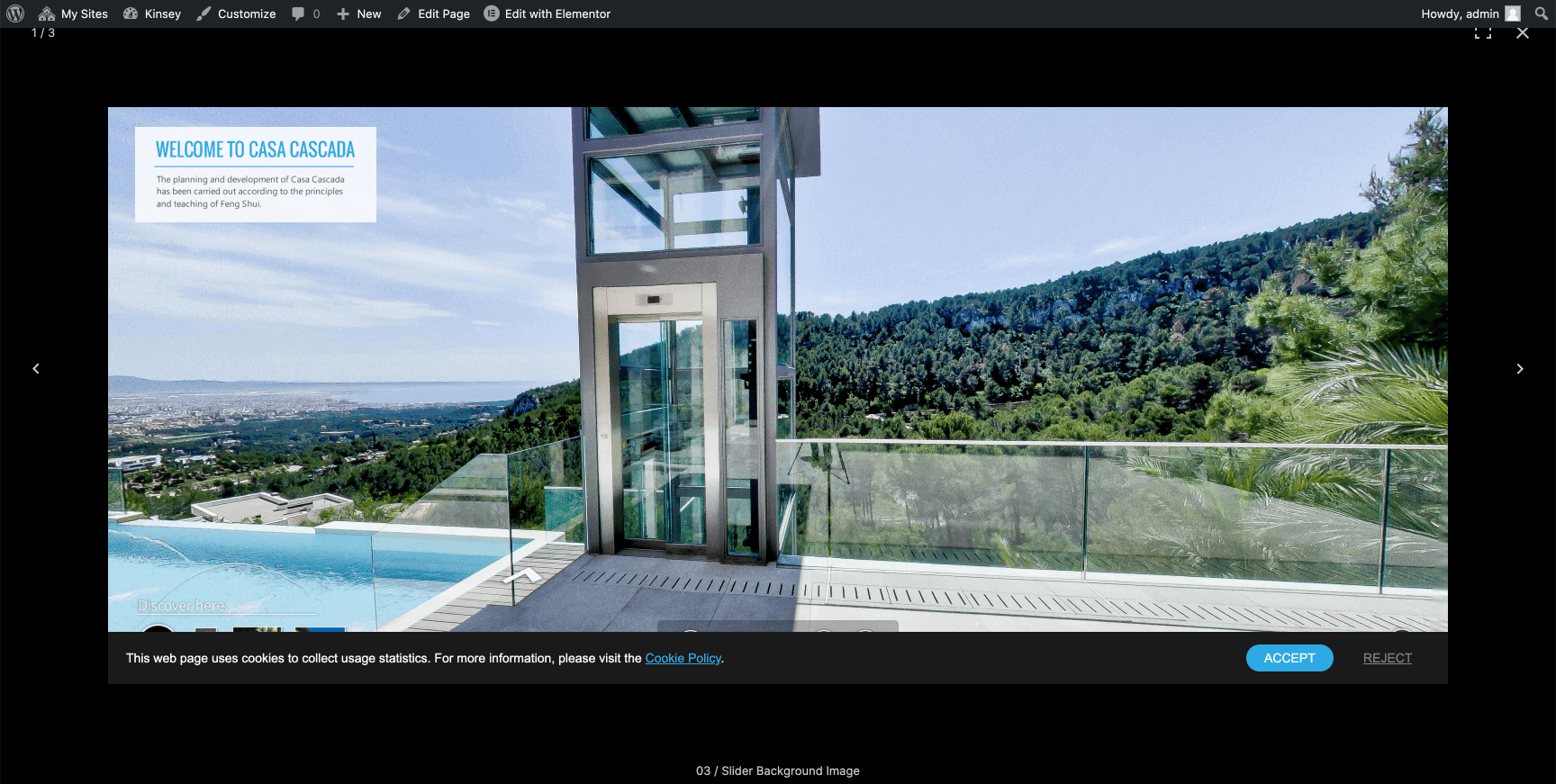
URL from the above example: https://alt.3dvista.com/samples/real_estate_virtual_tour.html
TIP
Make sure that the resource you'd like to embed does allow itself to be displayed in an iFrame. If it doesn't, you'll get an error in the JavaScript console.