Appearance
Editing Footer
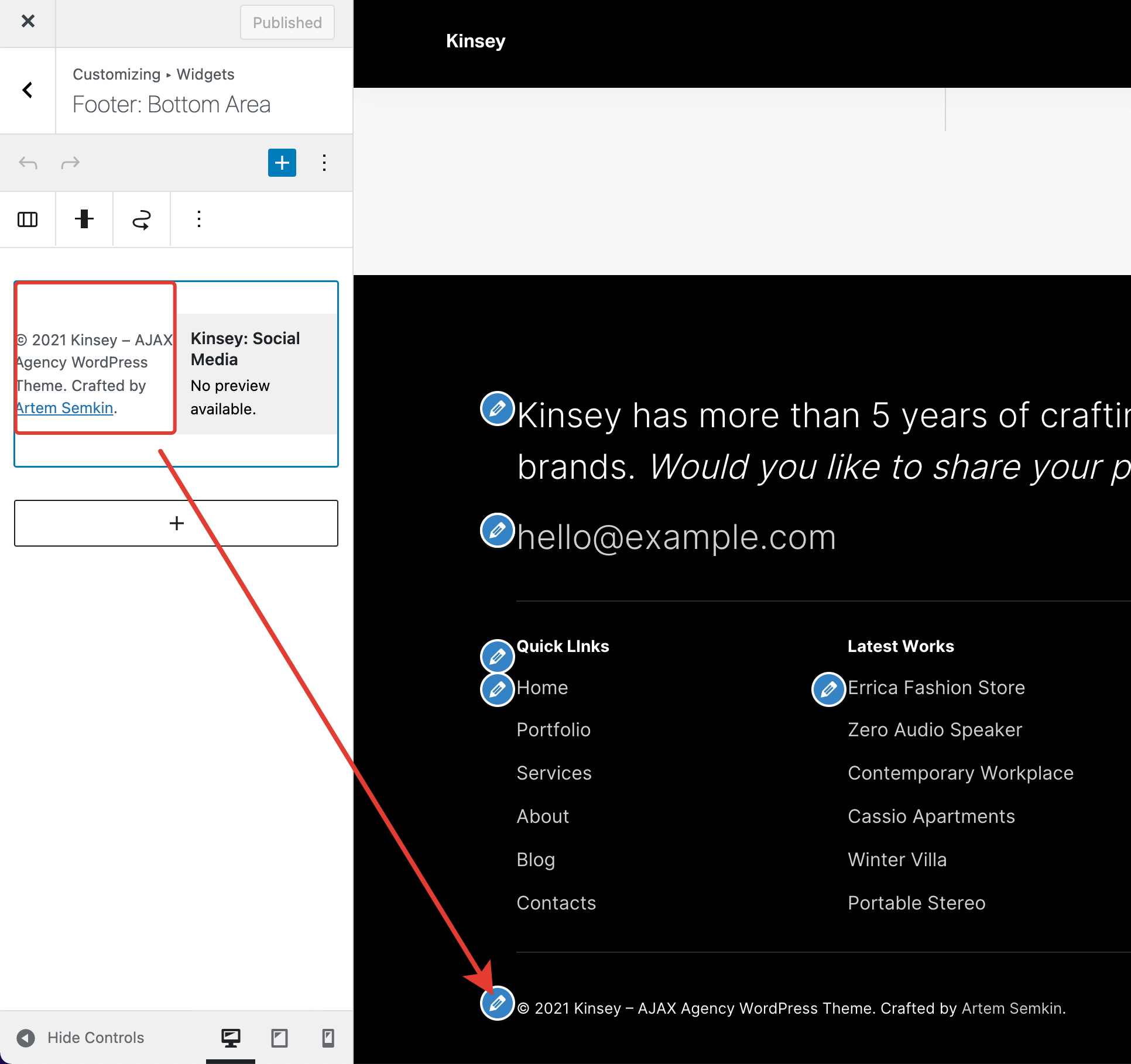
The footer is a widgetized area in the Kinsey theme. For example, to edit copyright info or social media links, you need to edit your widgets.
Configuring Layout
There are 3 registered widget areas:
- Footer: Top Area
- Footer: Middle Area
- Footer: Bottom Area
WordPress 5.8.0 introduced the Block-based Widgets Editor, which enables a Gutenberg-like editor for the widgets. Each widget area may contain multiple widgets organized by block columns.

Editing Widgets
In the WordPress Customizer, click on the pen handles to edit your widgets. The appropriate panel will open automatically.
Color Theme & Options
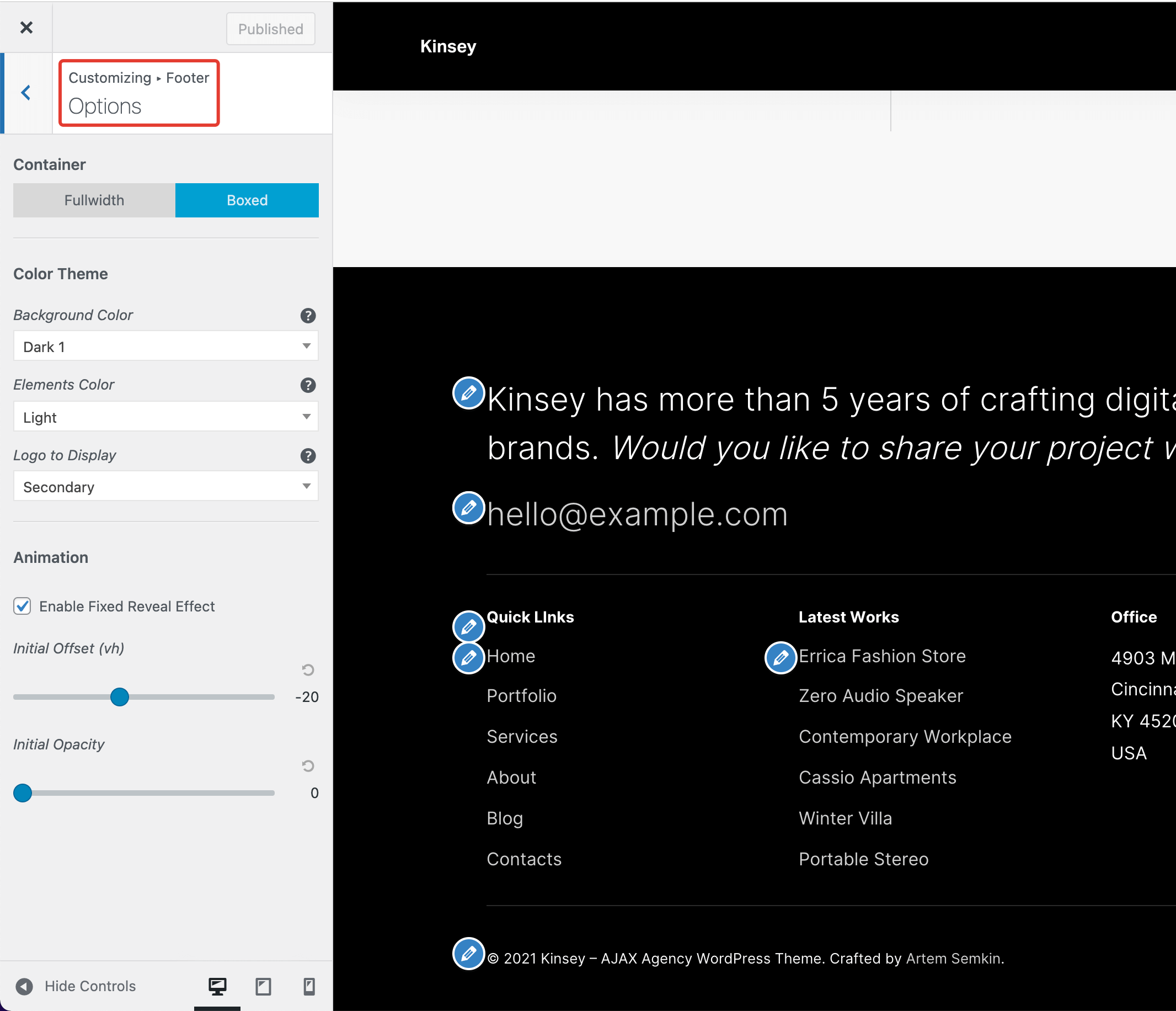
The color theme, container width, and reveal effect can be adjusted from the Customizer -> Footer -> Options panel.