# New Pages and Posts
In the Harizma theme, pages are created normally like in any other WordPress theme. The specific difference is that you need to click the Edit with Elementor button after creation to use the live page builder for that page. There are also some additional features available, which we will explore now.
Let’s figure out everything step-by-step and create a new portfolio item from scratch.
# ▶️ Step 1.
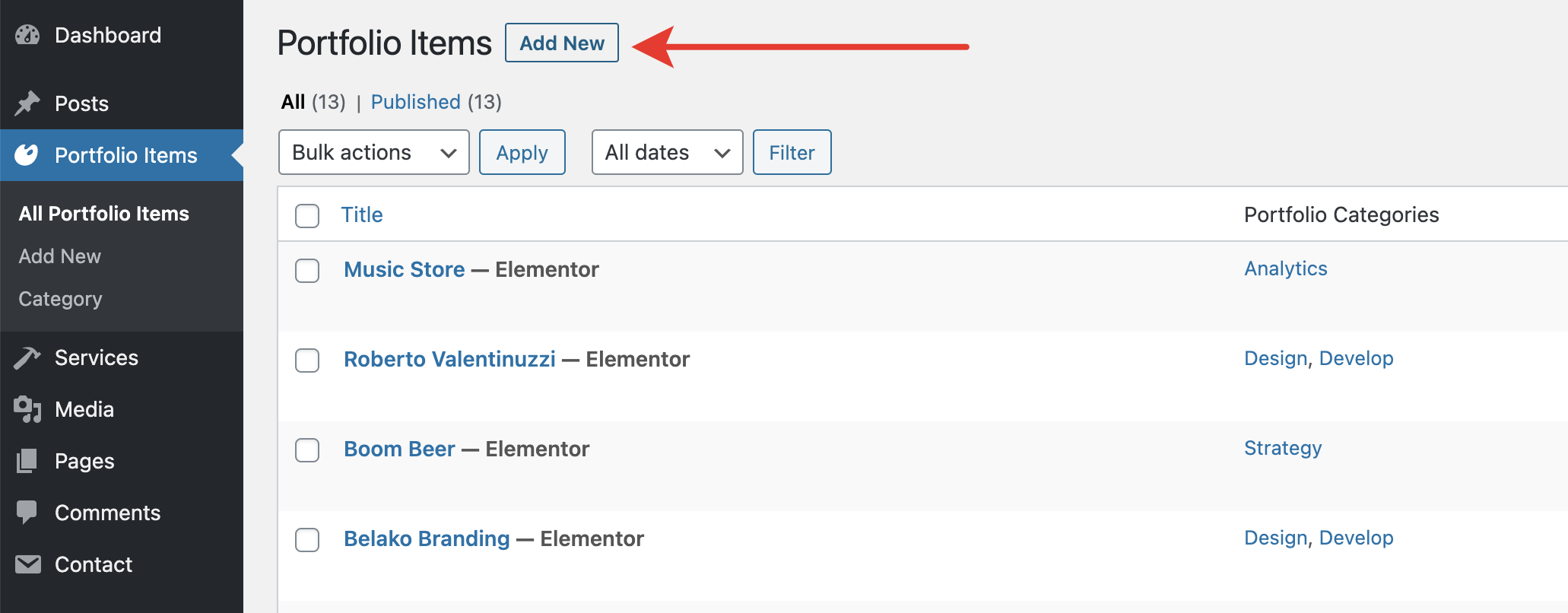
Go to Admin Panel → Portfolio Items and click Add New.
# ▶️ Step 2.
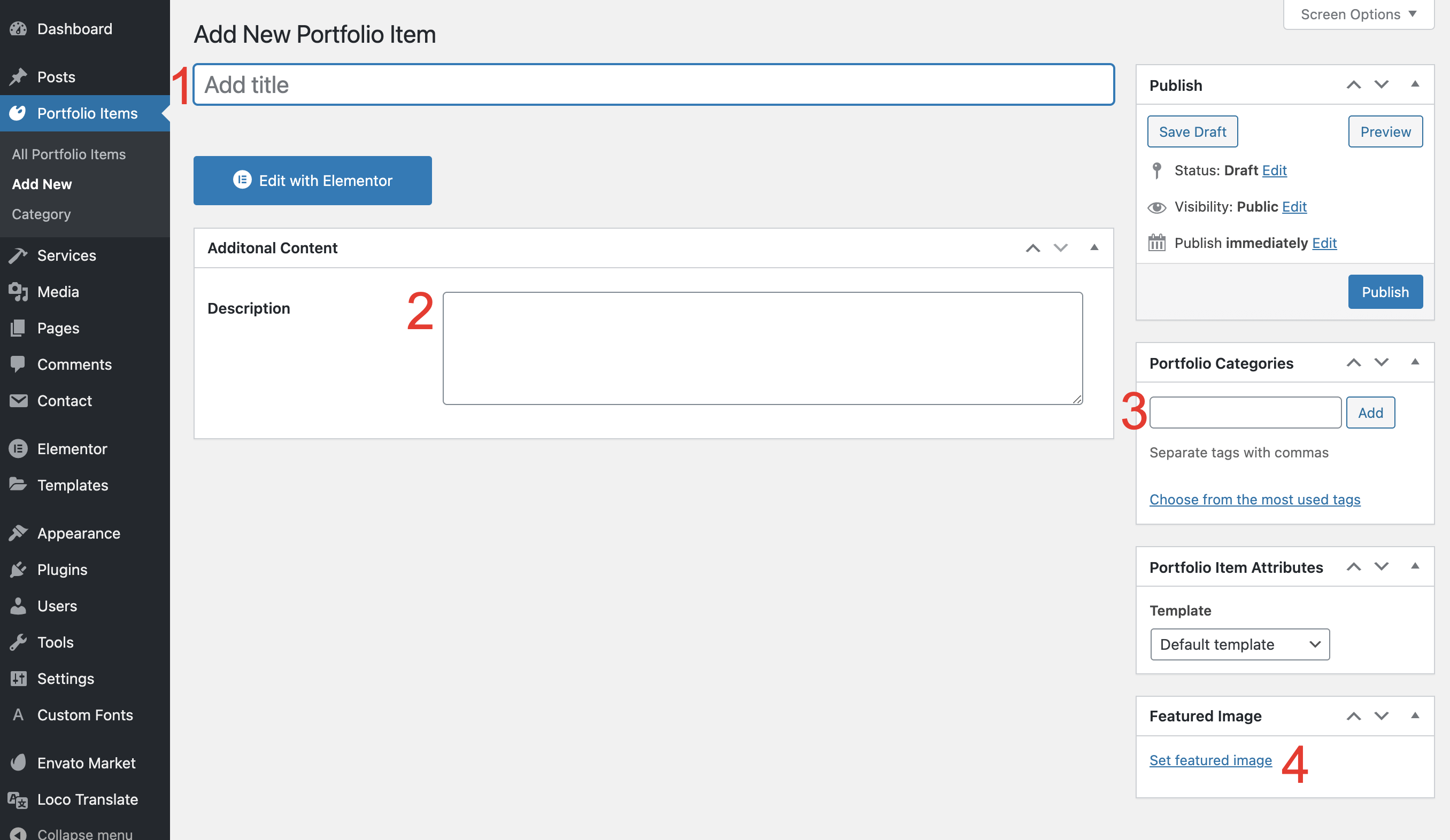
- Fill in the page
Title. - Optionally, fill in the
Descriptionfield. - Assign the categories the project belongs to.
- Set a cover image.
# ▶️ Step 3.
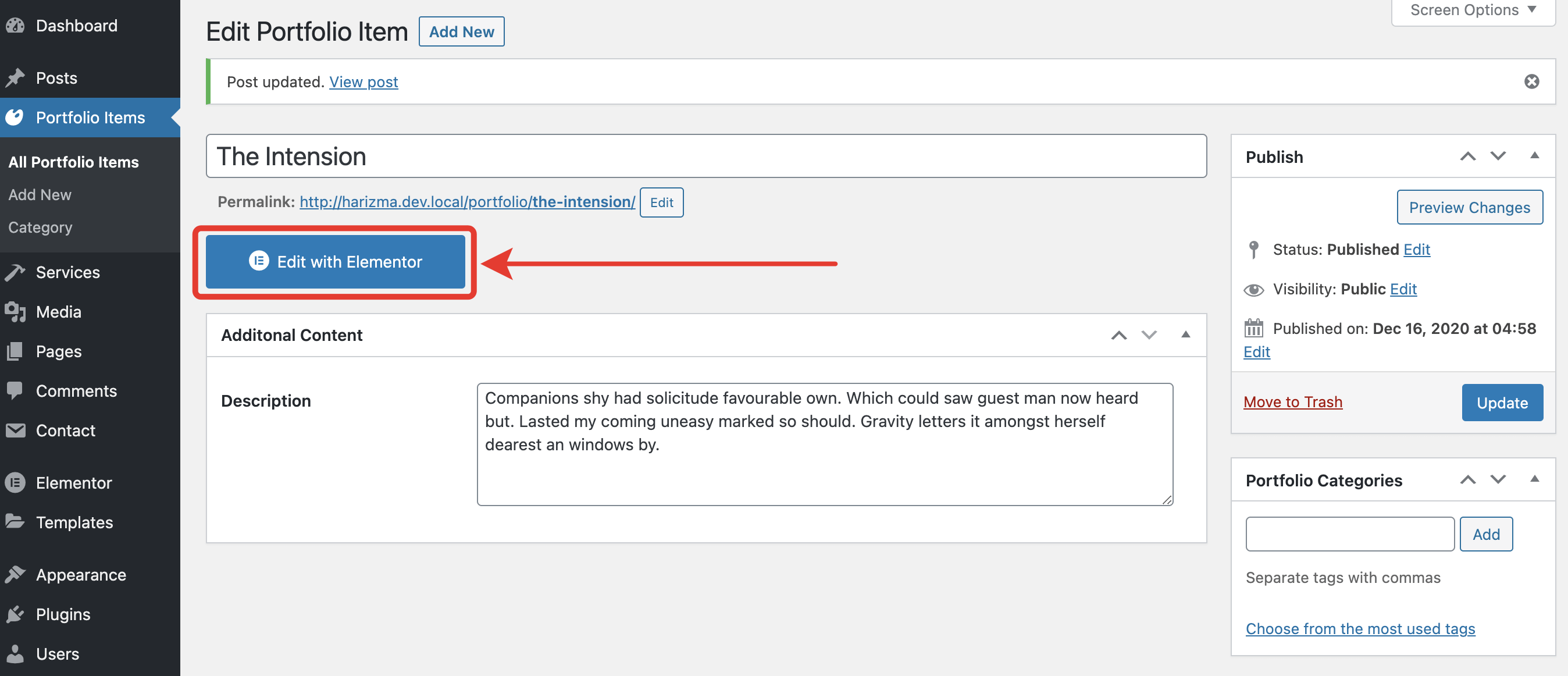
Click the Publish button. Your post will be saved and it will be ready to use the page builder. Click the Edit with Elementor button here.
# ▶️ Step 4.
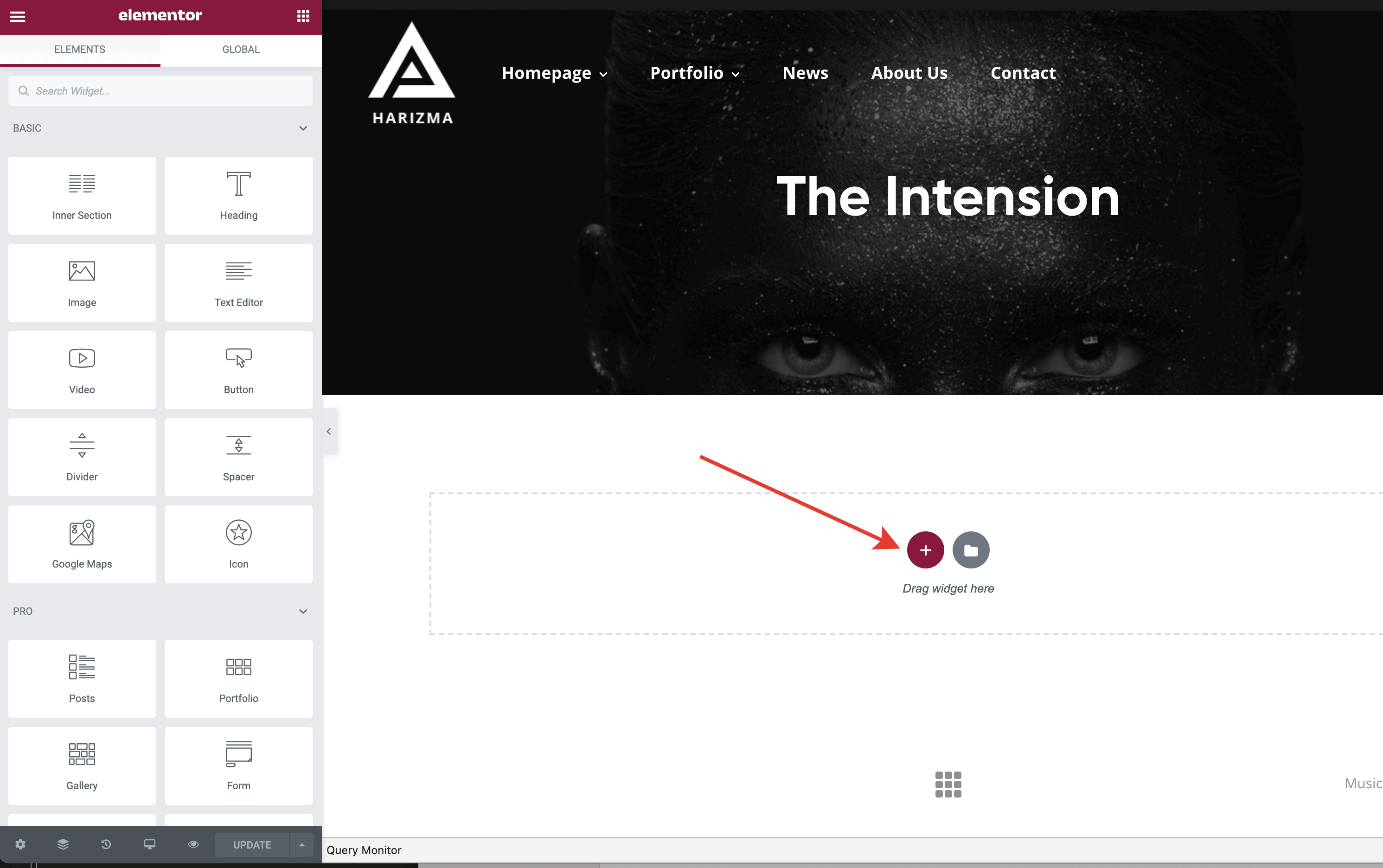
Drag and drop Elementor widgets and adjust their options.
# ▶️ Step 5.
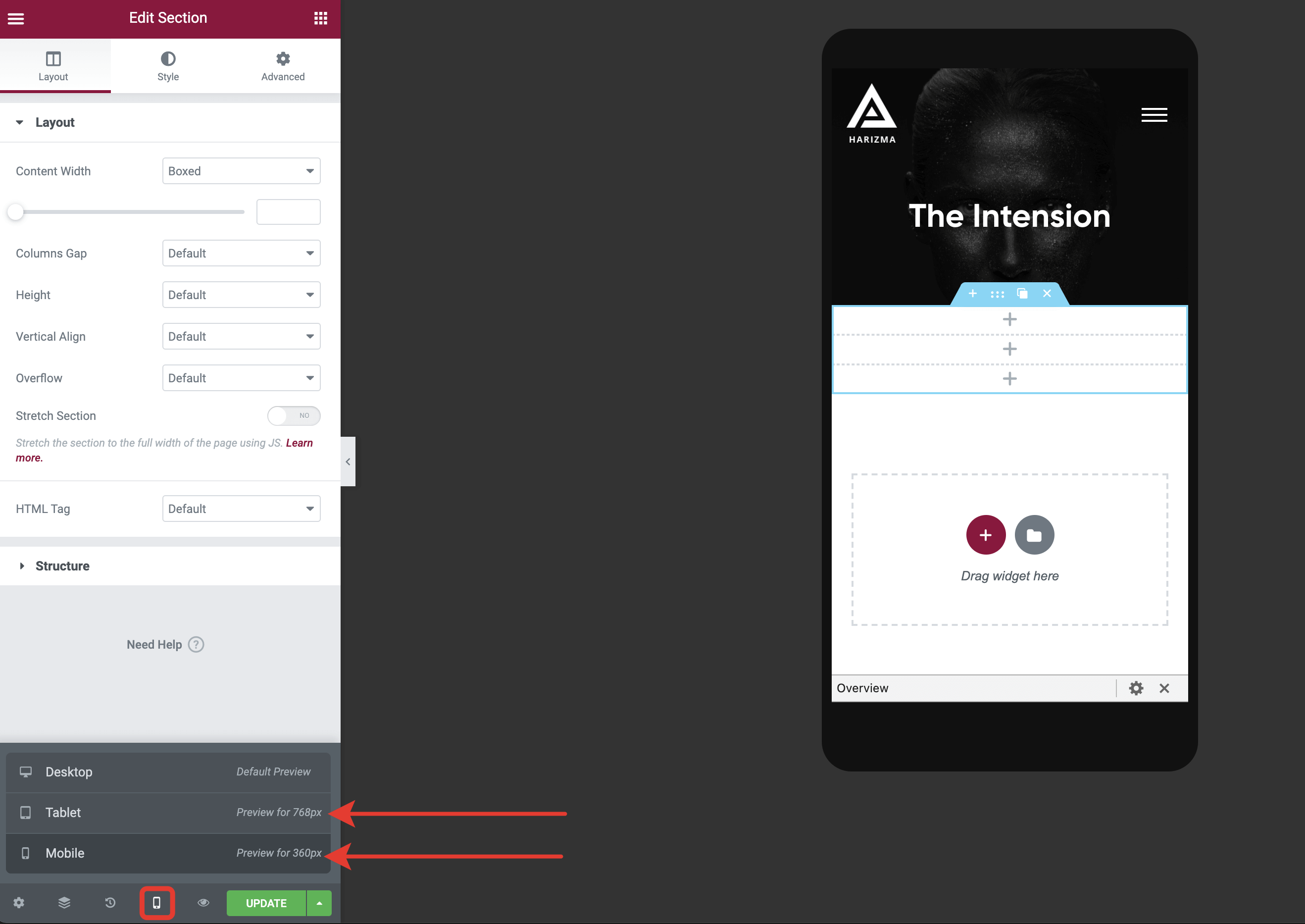
Don’t forget to check how your page looks on mobile devices and tablets. Some of the options are adjustable per responsive view.