# Theme Installation
There are two ways to install WordPress themes – using the WordPress admin panel or using FTP upload. The first method is probably the simplest installation method for most users. Let’s figure it out.
# Installing via WordPress Panel
Follow the steps below to install the theme through the WordPress admin panel:
# ▶️ Step 1.
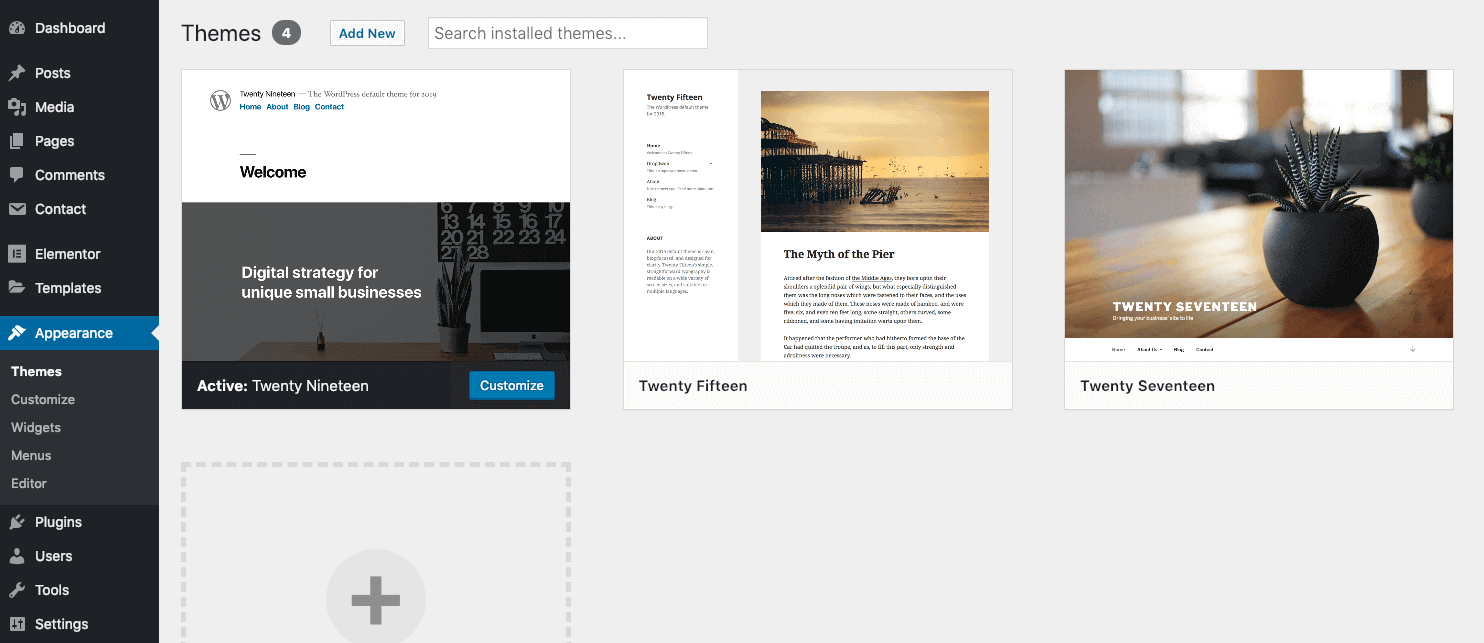
Navigate to Appearance → Themes and click Add New Theme.
# ▶️ Step 2.
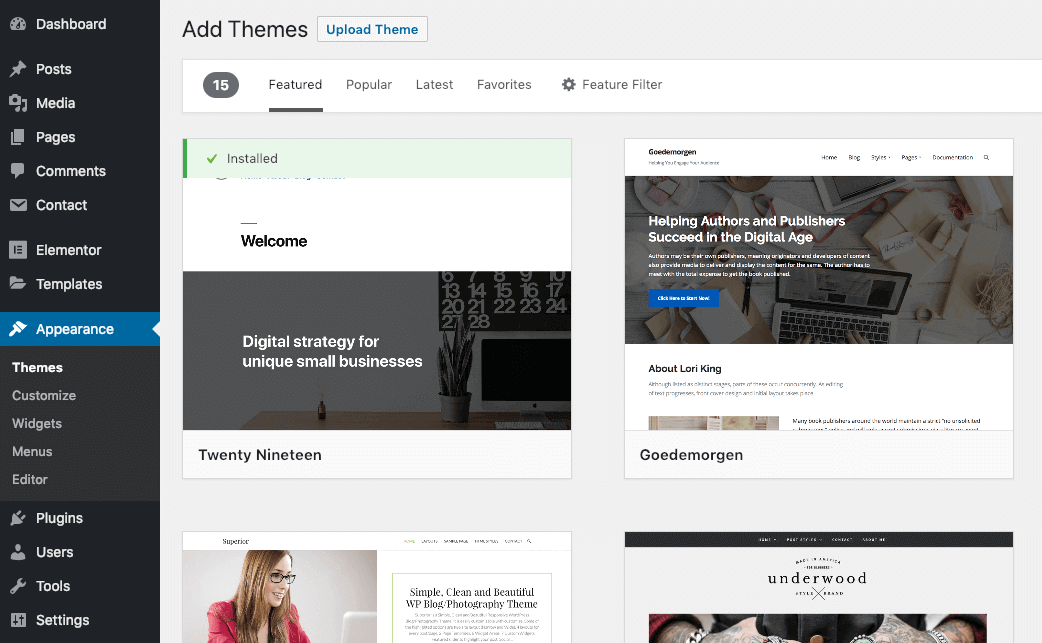
Click Upload Theme.
# ▶️ Step 3.
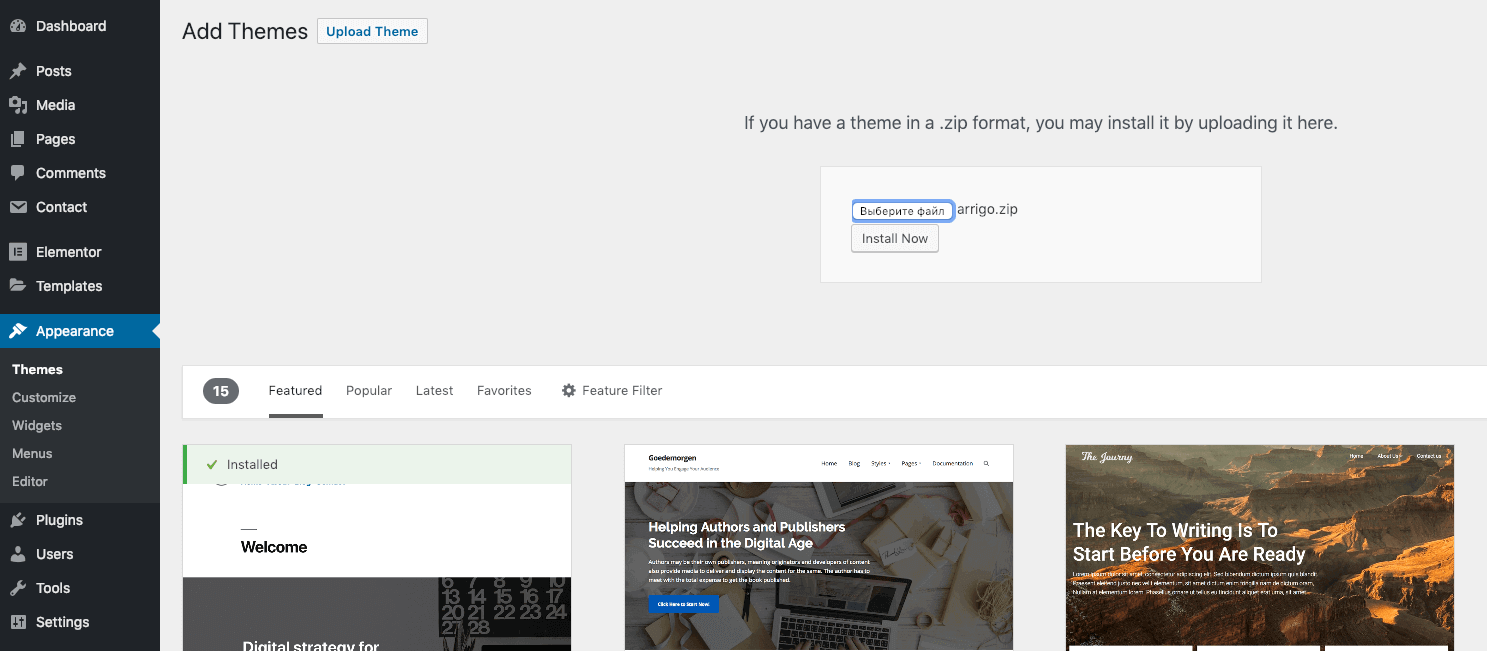
Select your downloaded theme file arrigo.zip and click Install now.
# Installing via FTP Upload
If you would like to install the theme via FTP, follow the steps below:
# ▶️ Step 1.
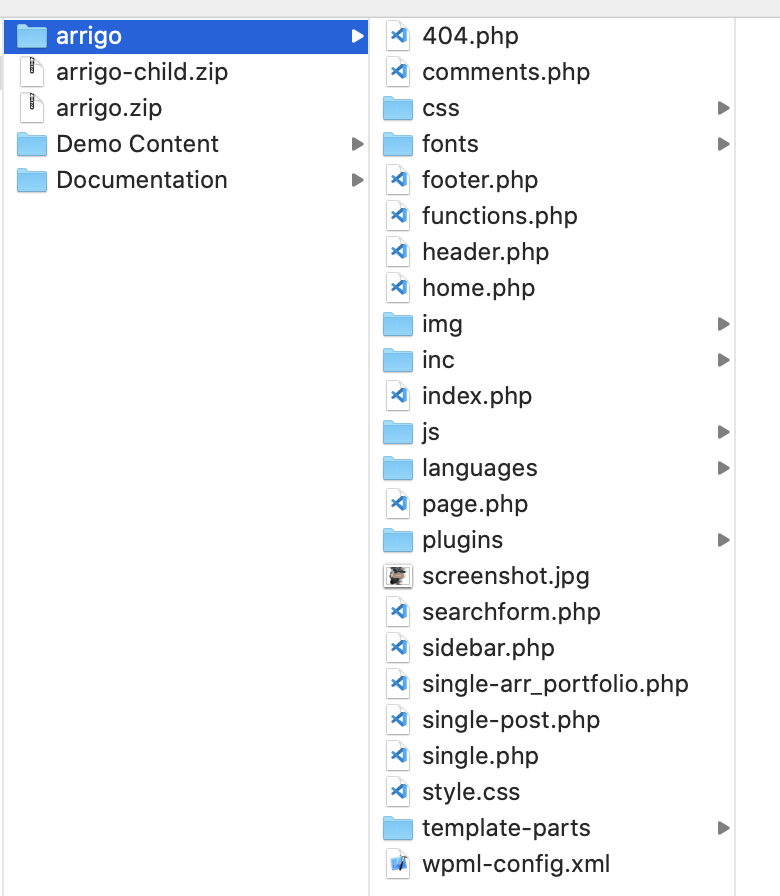
Extract the arrigo.zip file that you’ve downloaded previously. You should get a folder named arrigo with the following files and folders.
# ▶️ Step 2.
Using any FTP client (I recommend the free Cyberduck (opens new window)), log in to the server where your WordPress website is hosted.
# ▶️ Step 3.
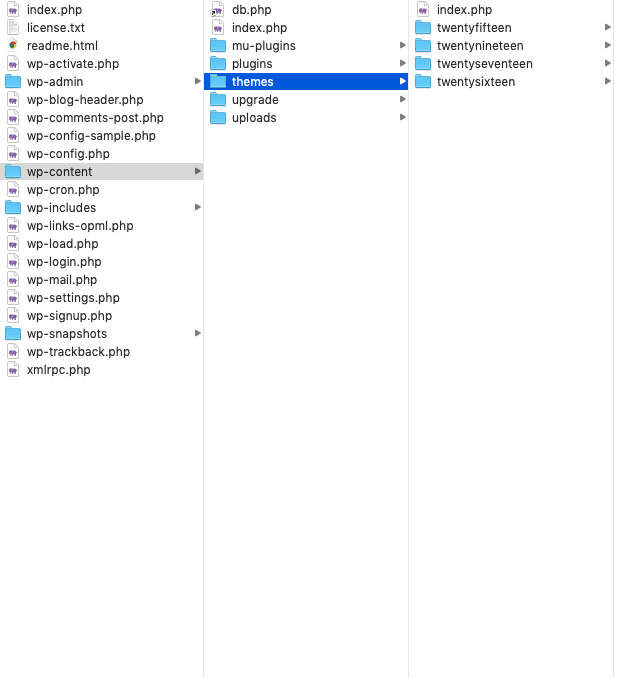
Using the FTP client, navigate to the wp-content/themes/ folder under your WordPress website’s root directory.
# ▶️ Step 4.
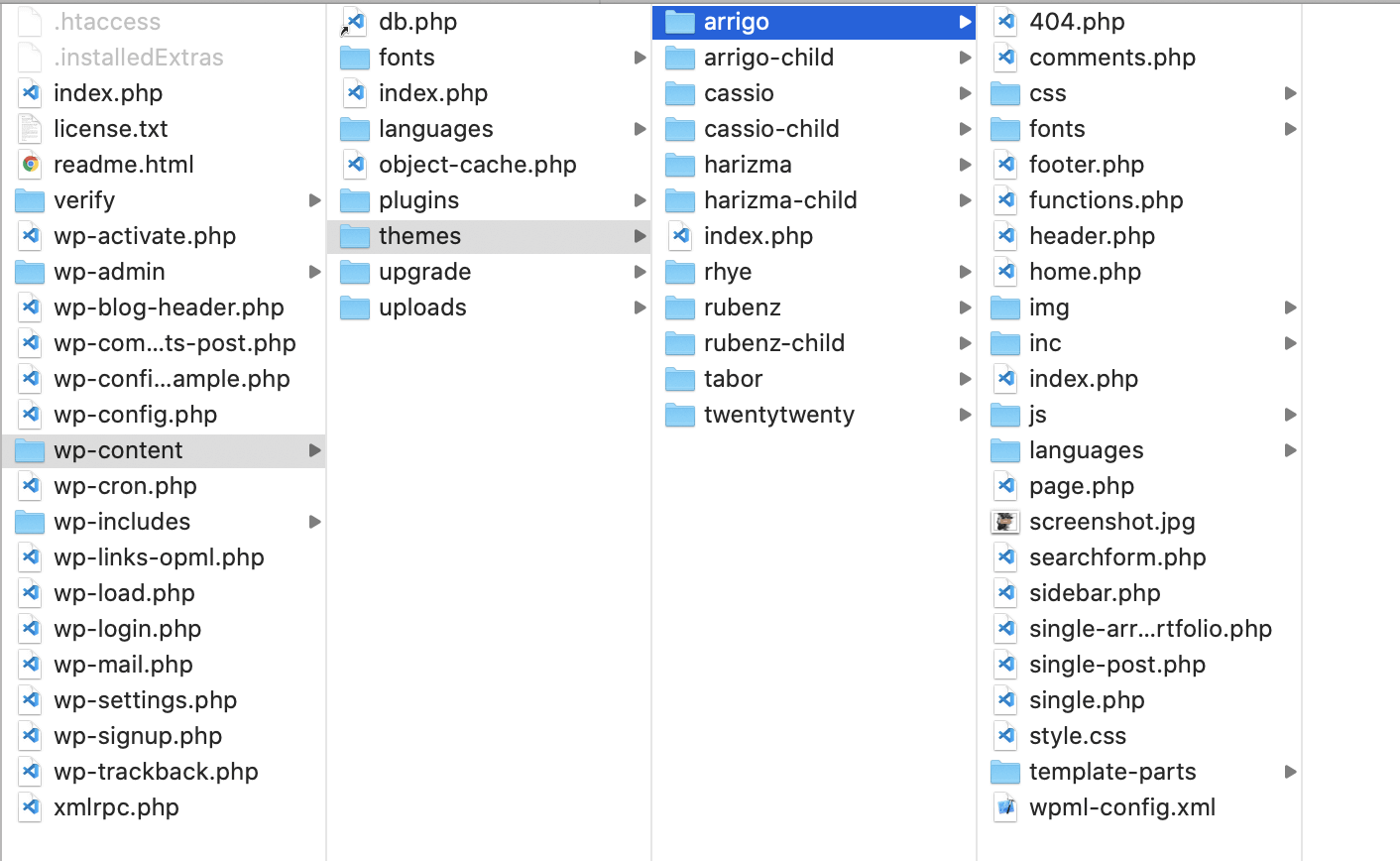
Upload the folder you extracted in the first step into wp-content/themes/.
# Theme Activation
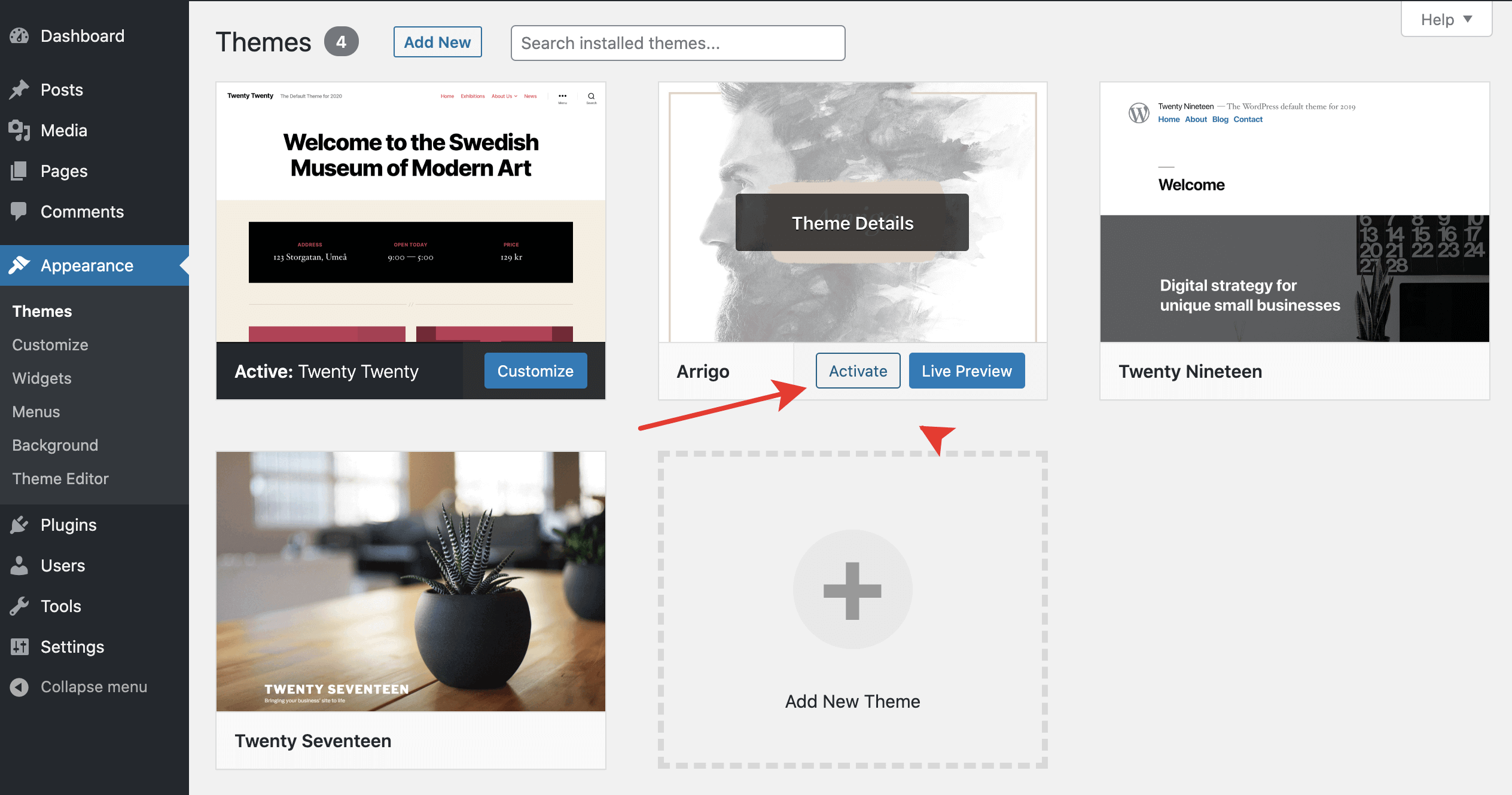
Once the installation is complete, your brand new theme is ready to use. Let’s activate it. To do so, go to Appearance → Themes.